
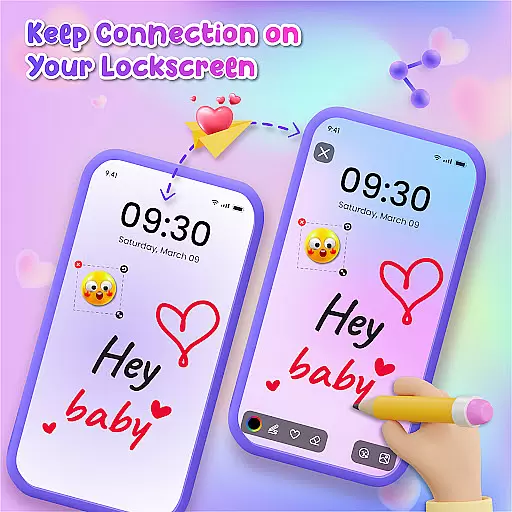
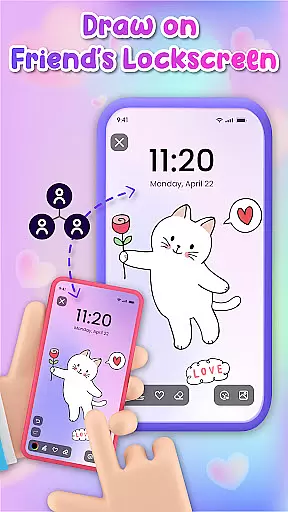
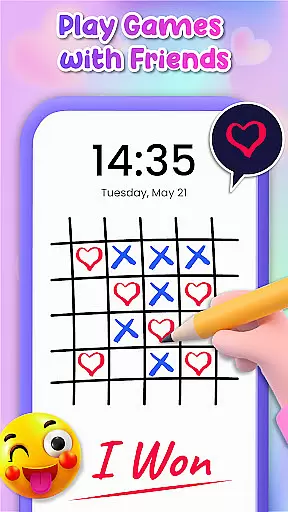
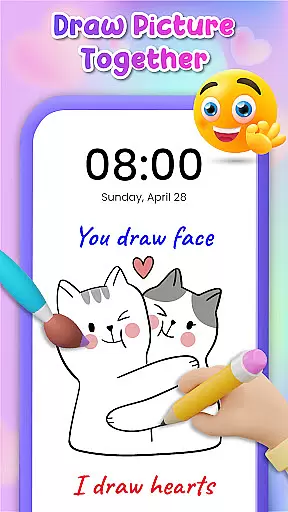
Lockscreen Drawing is a unique personalization app that transforms your phone's lock screen into an interactive canvas. This innovative application allows users to draw directly on their lock screens, share creations in real-time, and collaborate with friends through live lock screen interactions.
The app offers multiple drawing options including lock screen doodling, widget access, and an in-app canvas feature. With over 100 stickers and 20 themed backgrounds, it provides extensive creative possibilities while enabling users to express themselves through personalized artwork.
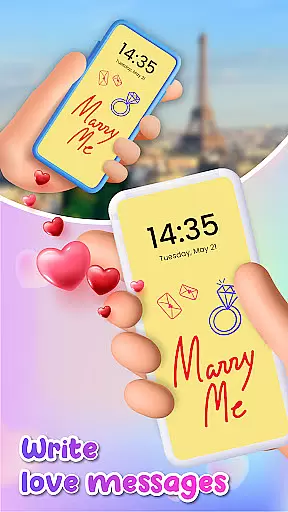
This application is particularly valuable for couples and close friends who want to surprise each other with custom drawings or messages on their lock screens, making it an excellent tool for creative expression and relationship building.
Lockscreen Drawing stands out with its comprehensive set of creative tools and collaborative features. The app's signature functionality is its live lock screen collaboration, where users can create artwork together in real-time across different devices.
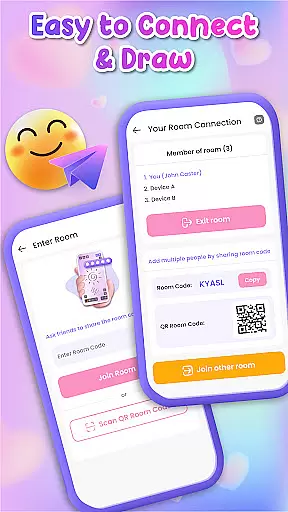
Additional notable features include a convenient widget for quick access to friends' latest creations, an extensive library of backgrounds and stickers, and multiple connection methods using QR codes or special links. The app also supports saving and sharing completed artworks.
These features work together to create a dynamic and engaging user experience that encourages creativity while maintaining strong social connections through digital art sharing.
Lockscreen Drawing offers a rich array of customization options that allow users to transform their lock screens into personalized canvases. With over 100 unique stickers and more than 20 themed backgrounds, the app provides endless possibilities for creative expression.
The ability to choose from various backgrounds, including personal photos or pre-designed themes, ensures that every user can find the perfect setting for their artwork. This feature not only enhances visual appeal but also allows individuals to reflect their personality through their lock screen designs.
Moreover, the inclusion of numerous stickers adds an extra layer of personalization. Users can incorporate these elements into their drawings, making each creation distinctively theirs. Such extensive customization empowers users to craft one-of-a-kind pieces that resonate with their individual style.
By offering such diverse customization features, Lockscreen Drawing stands out in the Personalisation category. It enables users to create lock screens that are not just functional but also deeply personal and engaging.
Theme compatibility is a crucial aspect of Lockscreen Drawing, ensuring that all customizations and artistic creations blend seamlessly with the device's existing aesthetics. The app supports a wide range of themes, allowing users to maintain visual consistency across their devices while enjoying personalized content.
Users can select from various pre-designed themes within the app or match their creations to their deviceu2019s current theme. This flexibility ensures that no matter what theme a user prefers, their lock screen drawings will always look harmonious and well-integrated.
In addition to supporting different themes, Lockscreen Drawing provides tools like widgets that display friends' latest doodles. These widgets are designed to be visually compatible with any chosen theme, maintaining a cohesive appearance on the home screen.
Ultimately, this high level of theme compatibility enhances user experience by providing both customization freedom and aesthetic continuity. By prioritizing this feature, Lockscreen Drawing ensures that personalization does not come at the expense of visual coherence, making it a top choice for those seeking versatile yet integrated design options.
User-friendly interface
Real-time collaboration
Extensive customization
Variety of backgrounds
Free sticker collection
Limited advanced tools
Occasional glitches
High battery usage
Storage requirements
Learning curve

A light in the dark, a unique style and an andless cutomization!
 4.30
4.30
Ninja Turtles Cowabunga SE watch face for Wear OS
4.50
A launcher for Samsung Good Lock and Good Guardians modules without ads
4.70
Gun Chase - Let the chase begin.
4.80
More than 3000+ themes and 9000+ wallpapers for everybody!
4.10
Customizable screen pets that play, climb, and keep you company.
4.50
App Icon Changer & Shortcut Creator. Customize your icons without any watermarks
4.30
Adorable pets roam and play right on your phone screen!
3.30
300+ Beautifully crafted widgets inspired by OneUI.
4.60
Customizable Glass widgets. Over 360+ stunning widgets and more!
4.70
Bring adorable pets to life on your screen. Playful, interactive and full of fun
4.60
Over 28,000 high quality icons to bring color & homogeneity to your phone.
4.60
300+ widgets inspired by Material You and Material 3 expressive design.
4.60
Romantic Kiss Stickers App. Start romantic messaging now!
4.30
Unique Fonts, typefaces and stylish text. Fonts for Instagram, Whatsapp & others
4.20
Magic fluids wallpaper 4D: Relax with stunning fluid simulation wallpaper app
4.20 4.10
4.10 3.50
3.50
Custom edge gestures for volume control, brightness, apps, and shortcuts.
4.4


User Reviews