
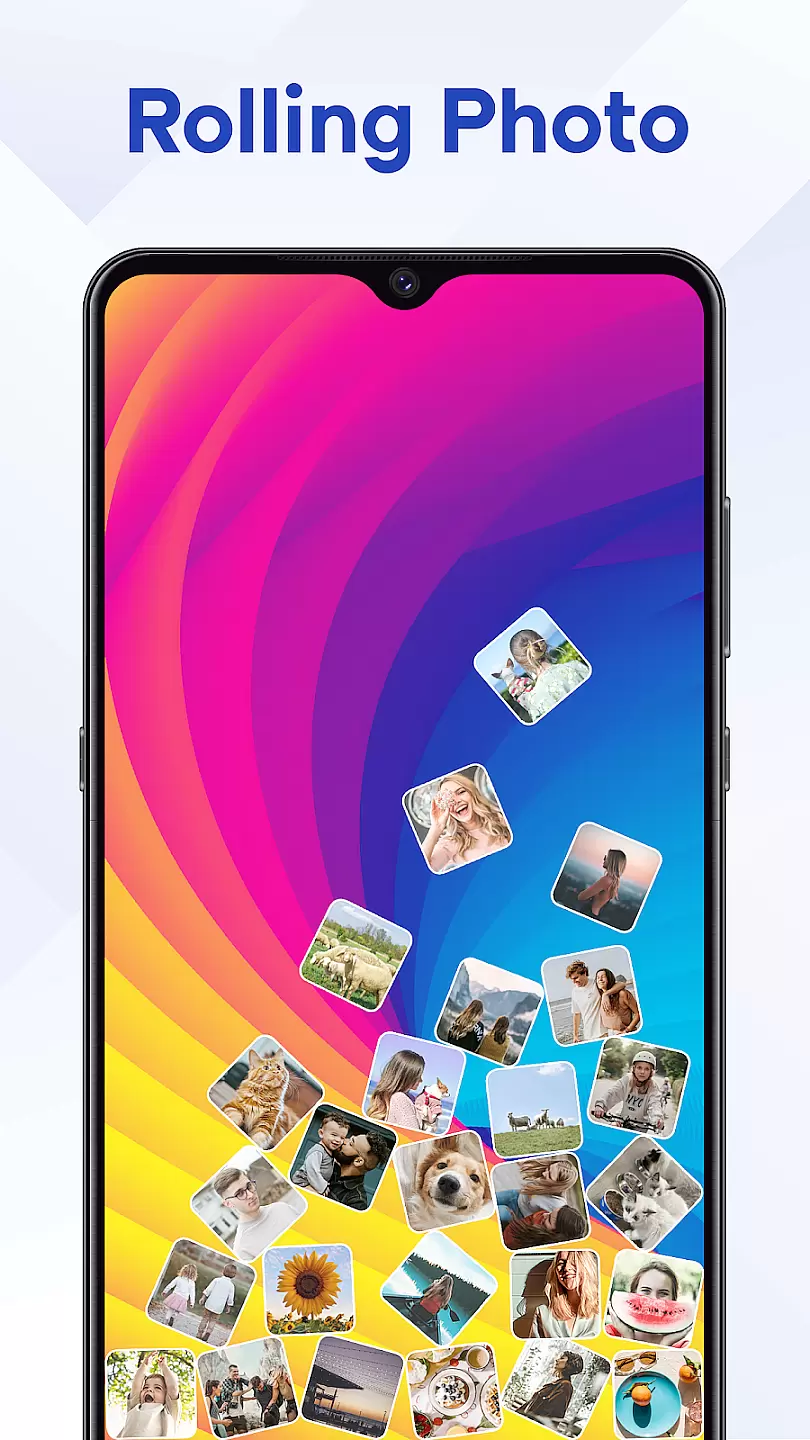
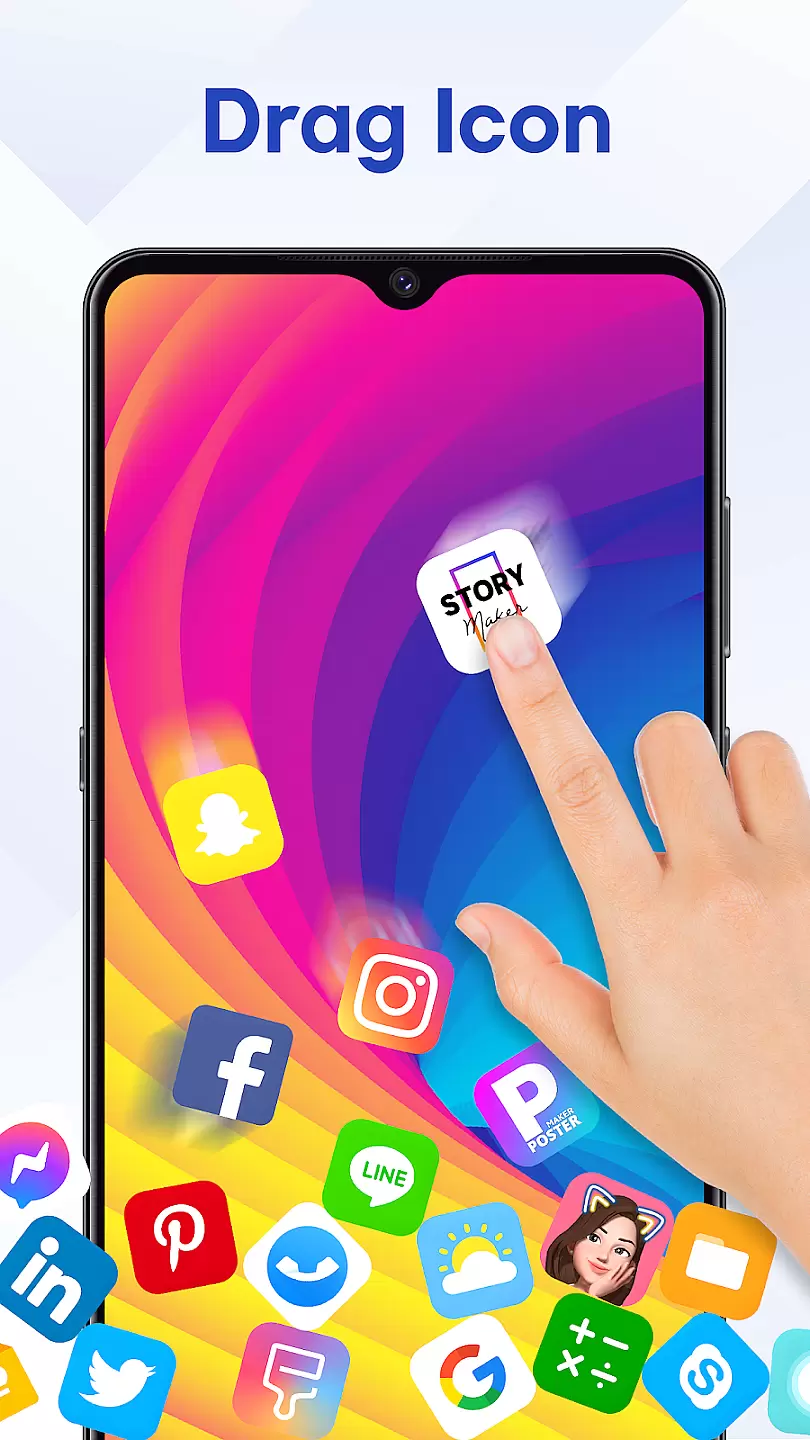
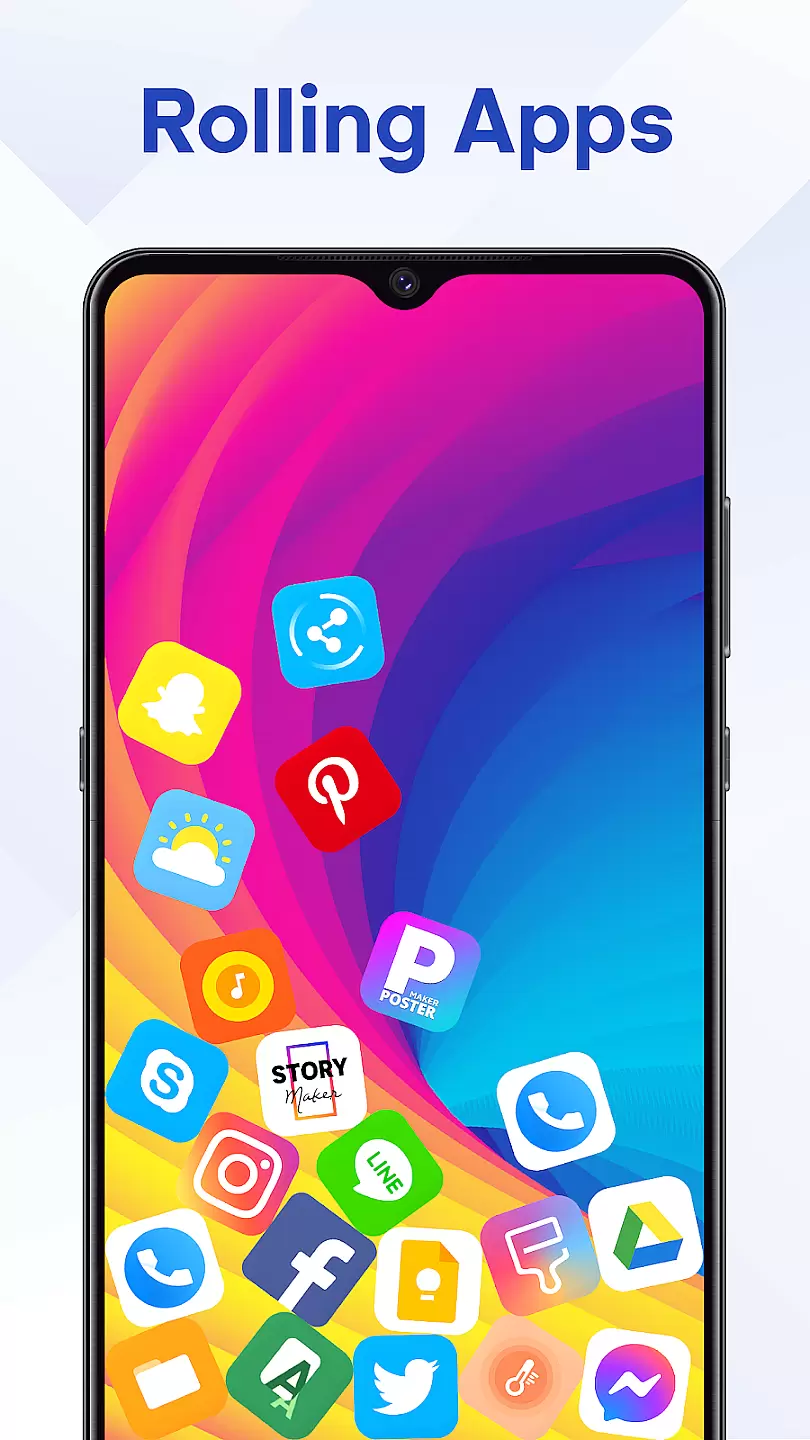
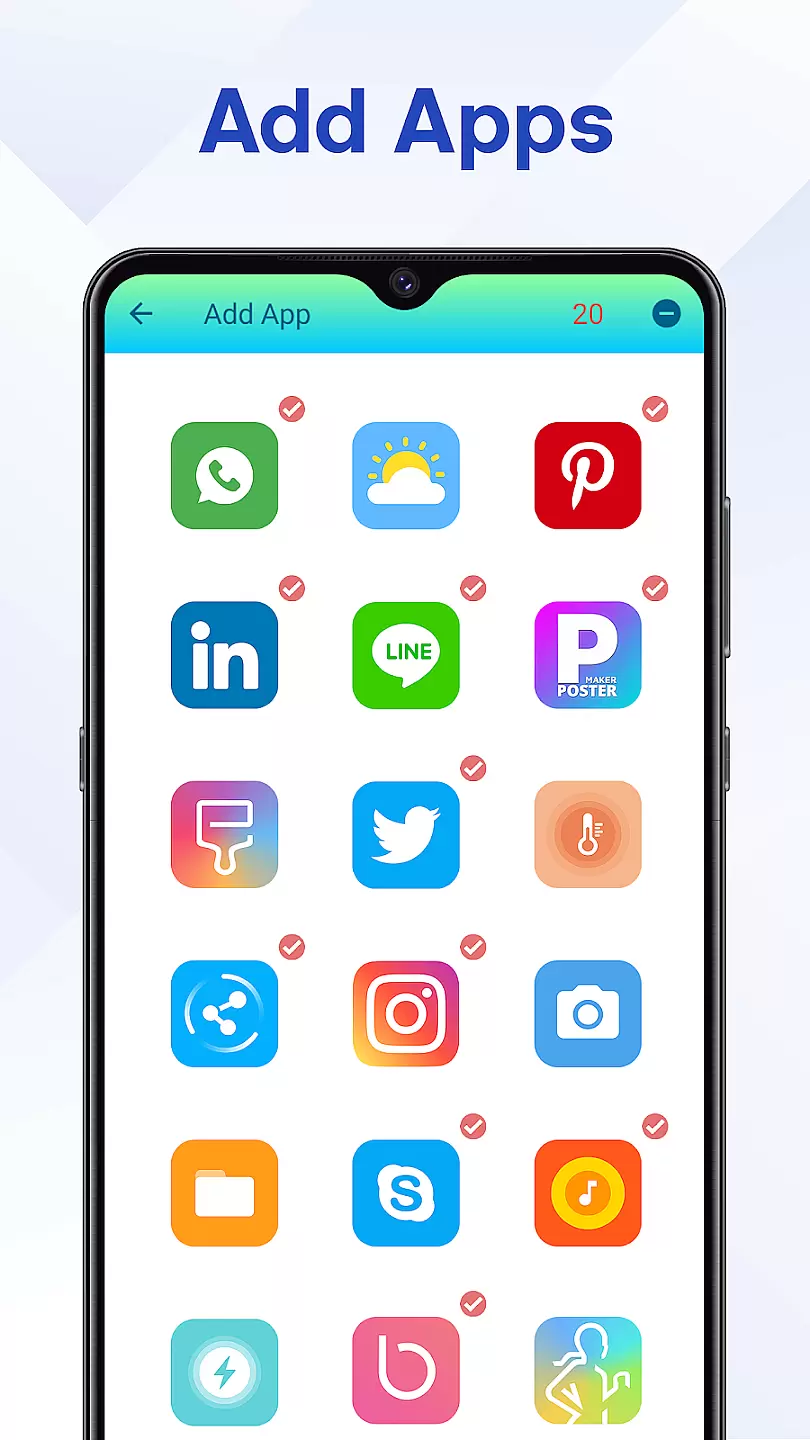
Rolling Icon: 3D Wallpaper is a personalization app that brings your smartphone's home screen to life with dynamic 3D effects. The app allows users to create visually stunning, animated icons and backgrounds that respond to touch and device movement.
With support for both Android and iOS devices, this app offers an immersive experience that transforms static wallpapers into interactive works of art. Whether you're looking to impress friends or simply enjoy a more engaging user interface, Rolling Icon delivers professional-grade 3D effects that are easy to customize and use.
The app features an intuitive design system that lets users choose from hundreds of pre-made 3D icon sets and wallpaper patterns. Users can also create their own designs using the built-in 3D editor, which supports advanced features like lighting effects, texture mapping, and motion controls.
Rolling Icon stands out with its real-time rendering engine that ensures smooth animations even on older devices. The app also includes automatic theme matching, icon pack support, and cloud backup functionality, making it easy to maintain consistent personalization across multiple devices.
Rolling Icon: 3D Wallpaper offers a wide array of customization options that allow users to personalize their device's appearance with ease.
This application provides an extensive selection of 3D wallpapers, icon packs, and themes, ensuring that every user can find something that resonates with their personal style. The variety ranges from dynamic icons that bring your home screen to life, to static designs that offer a sleek and sophisticated look.
Users benefit from the ability to mix and match different elements, creating a unique interface that reflects their individuality. Whether you prefer vibrant colors or minimalist designs, this app caters to all tastes and preferences.
The true value of such diverse customization lies in enhancing user satisfaction and engagement, making daily interactions with your device more enjoyable and visually appealing.
Theme compatibility is a crucial aspect of Rolling Icon: 3D Wallpaper, ensuring that all visual elements work seamlessly across various devices and operating systems.
This app guarantees that each theme, wallpaper, or icon pack is optimized for compatibility, providing a consistent experience whether you're using an Android phone or tablet. This means no cropped images or misaligned icons, regardless of screen size or resolution.
By prioritizing compatibility, the app ensures that users enjoy high-quality visuals without any technical glitches. This dedication to seamless integration enhances the overall aesthetic appeal and functionality of your device's interface.
Ultimately, the commitment to theme compatibility not only improves usability but also expands creative possibilities, allowing users to fully express themselves without limitations.
Stunning 3D effects
Easy customization
Wide device support
Cloud integration
Regular updates
High battery usage
Limited free options
Occasional glitches
Steep learning curve
Large file size

3D, live, and moving wallpapers & themes in 4K and HD for your device.
 4.50
4.50
Transform your phone with Launcher iOS 26 - Smooth & elegant iOS experience
4.50
Ultimate widget creator. Design custom widgets for a truly unique home screen!
3.90
Wallpaper HD 4K Live - Thousands of high-quality Anime backgrounds for you.
4.80
Ultimate Gallery Lock App - Hide Pictures, Videos and Lock Apps Instantly!
4.60
⭐ OneUI inspired Fluffy Icon Pack – Soft. Stylish. Standout. ⭐
4.5
200+ Material Inspired Widgets
4.50
Emoji Maker app - Design custom emojis and effortlessly blend them with Mixer
3.80
Fast SMS & group chat - use GIFs and emojis from your home screen launcher.
4.50
Enjoy a variety of amazing live wallpapers and colorful EDGE lighting borders!
4.80
Glass style colourful icons with a One UI look and feel
4.60
Add cute Shimeji pets to screen, interact with them and relax with cute motions
4.60
Color phone with cool effects for call screen, flash alert & ringtones music
4.50
Launcher OS™ Pro without ads help make your phone simple and pretty
4.30
Your home screen, just the way you like it.
4.30
Adult video chat, dating, making friends, random matching
4.20
Unleash Your Creativity and Connect with Loved Ones with Lockscreen Drawing!
4.20
Realistic animated snow on your wrist, with 10 images landscapes to choose from
4.00
Transform your phone with stunning video wallpapers and a unique, personal touch
3.80


User Reviews