
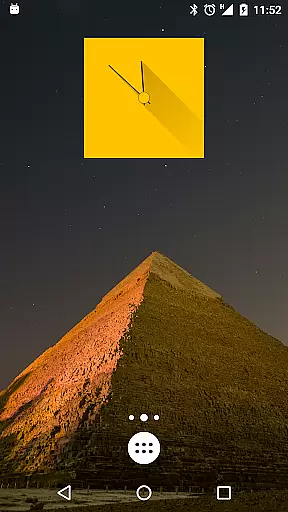
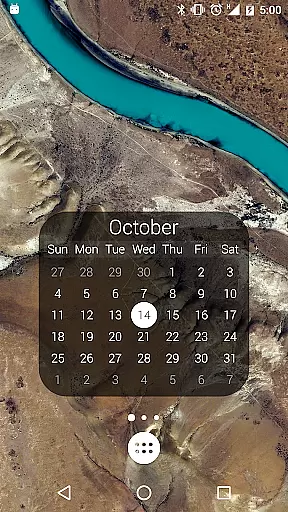
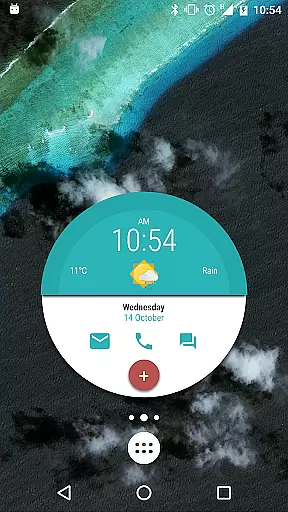
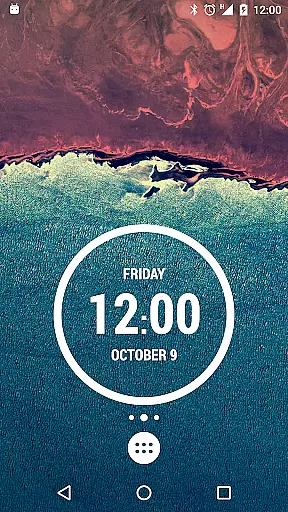
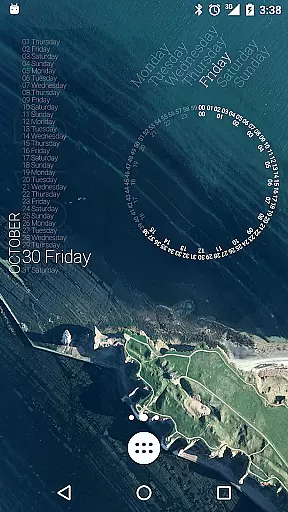
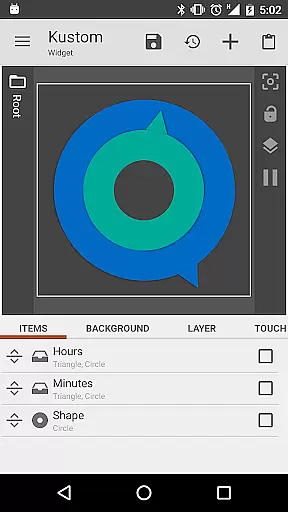
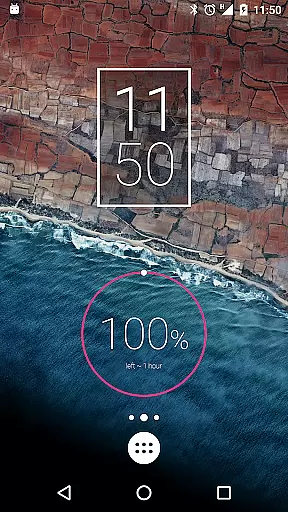
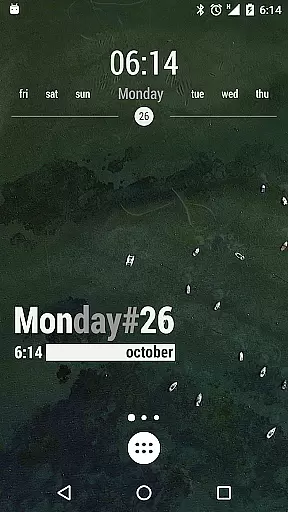
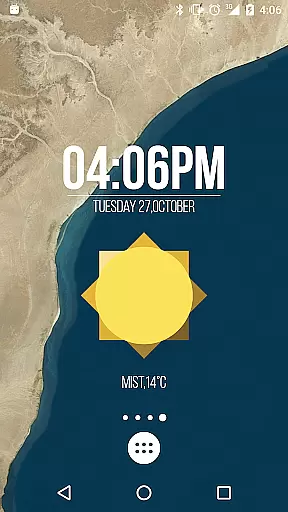
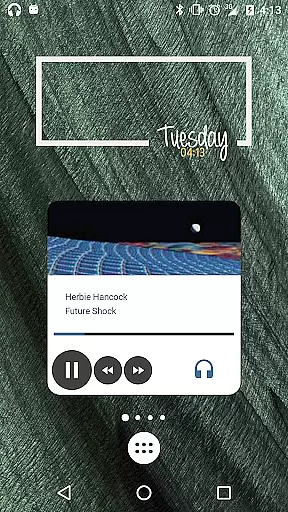
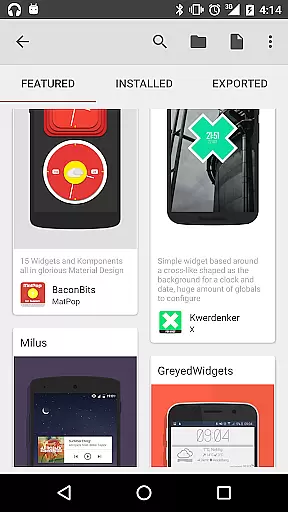
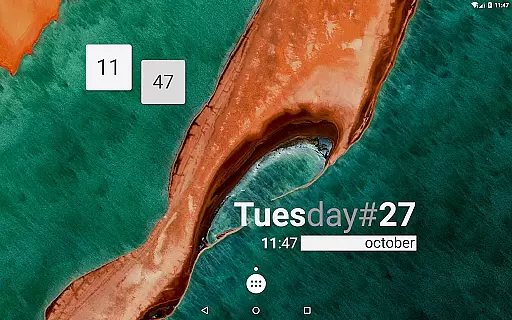
KWGT Kustom Widget Maker is the ultimate tool for Android users seeking to personalize their home screens. This powerful widget maker allows you to design custom widgets that display any data you need, exactly how you want it.
With its WYSIWYG editor, KWGT gives you total control over your widget's layout, including text, shapes, images, and interactive elements. Whether you're creating aesthetic photo widgets or sophisticated system monitors, KWGT provides all the tools necessary to unleash your creativity.
This app is perfect for power users who demand advanced functionality. You can use complex logic, dynamic data sources, and Tasker integration to create truly unique and functional widgets.
KWGT stands out with its comprehensive feature set designed for complete customization. The app includes a full suite of design tools such as custom fonts, color filters, and layer effects, allowing you to create professional-looking widgets.
One of KWGT's key strengths is its ability to display vast amounts of data. From weather information and battery estimates to Wi-Fi status and location data, you can build widgets that show exactly what you need.
The app also offers advanced features like HTTP content downloading, RSS parsing, and Tasker integration, making it a powerful tool for automation enthusiasts. With KWGT Pro, you can unlock even more capabilities, including SD card imports and ad-free usage.
Customization is at the heart of KWGT Kustom Widget Maker, offering users an extensive array of options to tailor their Android home screens. With its powerful WYSIWYG editor, users can manipulate every aspect of their widgets' appearance and functionality.
The level of customization KWGT provides is vast, allowing for total text control with custom fonts, colors, sizes, and effects such as 3D transformations and shadows. Users are not limited to text; they can incorporate shapes, images, and Scalable Vector Graphics (SVG), layering objects with gradients and color filters to craft visually stunning designs.
This app stands out by enabling interactive widgets where any element can be assigned touch actions or hotspots. This means that a single tap on your custom creation can launch apps, toggle settings, or trigger specific actions, making your home screen not only personalized but also highly functional.
KWGT Kustom Widget Maker excels in theme compatibility, ensuring that the widgets you design will seamlessly integrate with your device's aesthetic. Whether you're aiming for a minimalist look or something more elaborate, KWGT supports a cohesive visual experience across your Android interface.
With the ability to create photo widgets, weather displays, clocks, and system monitors, KWGT ensures that all elements adhere to a consistent theme. The app allows for sophisticated personalization, including personalized music players that display song information and album art, which aligns perfectly with your overall design scheme.
Furthermore, KWGT's advanced features cater to power users who wish to employ complex logic and dynamic data within their widgets while maintaining theme integrity. By accessing a plethora of data points and using programming capabilities, users can build widgets that are both informative and thematically unified with the rest of their home screen setup.
Highly customizable
Versatile widget options
Powerful automation features
Active community support
Regular updates
Steep learning curve
Requires KWGT Pro
Complex interface
Limited free features
Resource intensive

Customizable Glass widgets. Over 360+ stunning widgets and more!
 4.70
4.70
Adult video chat, dating, making friends, random matching
4.20
A launcher for Samsung Good Lock and Good Guardians modules without ads
4.70
Turn your lock screen into fun with smile live wallpapers & animated wallpapers!
2.50
The definitive Icon pack maker and editor
4.30
Icons made of colorful linear lines
4.60
Stylish Pink Cute Hippo keyboard with 10000+ customized keyboard themes!
4.60
Create unique, fun emojis with Funny Emoji Maker! Unlimited creativity!
4.00
Transform your phone with stylish zipper lock themes and 4D live wallpaper
4.10
Sparkle your screen with Glitter Wallpapers For Girls and Cute Backgrounds!
4.80
Enjoy a variety of amazing live wallpapers and colorful EDGE lighting borders!
4.80
Want to make your phone more special than ever?
4.60 4.50
4.50
Art & Emoji Keyboard with Cool Fonts, Cute Themes and Custom Designs.
4.40
Transform your device in a game console
4.40 4.10
4.10
Design your screen with unique, vibrant clocks
3.80 3.50
3.50
Struggling to find apps? Use this app to locate and open any app on your phone!
2.20


User Reviews