
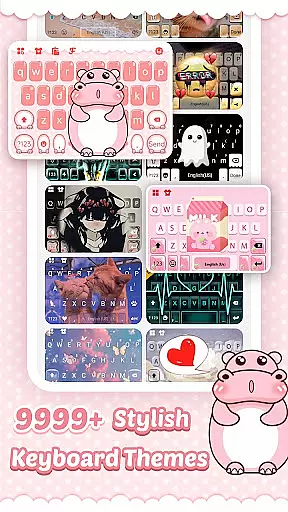
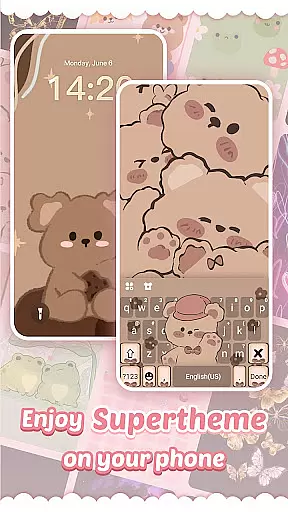
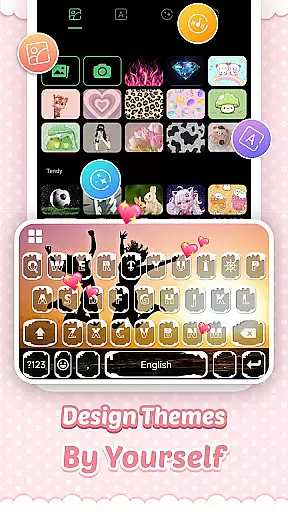
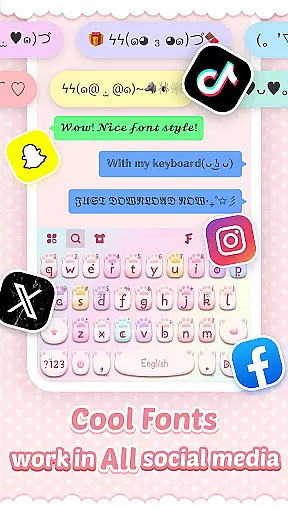
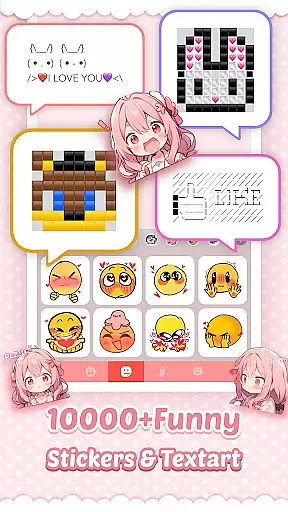
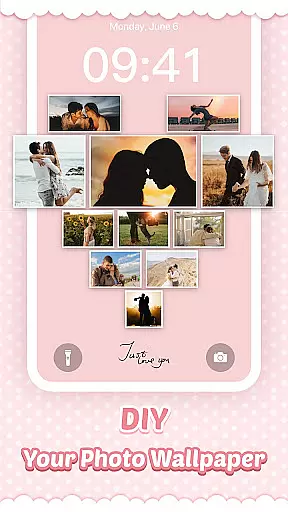
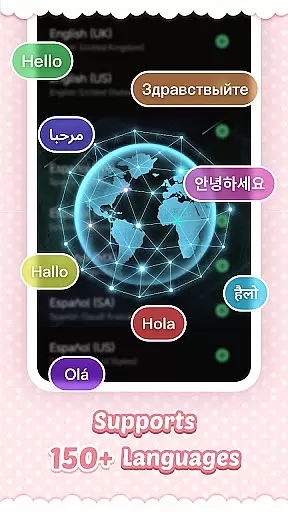
Pink Cute Hippo Theme is a delightful personalization app that transforms your Android keyboard into a vibrant and stylish interface. This app offers an array of customization options including unique keyboard backgrounds, creative fonts, and an extensive collection of emojis and stickers.
With support for over 150 languages, it ensures global accessibility, making communication fun and expressive. The app's smart typing features like contextual prediction and cloud-based suggestions enhance typing efficiency while maintaining the joy of personalized expression.
The Pink Cute Hippo Theme stands out with its comprehensive feature set tailored for personalization enthusiasts. Users can enjoy a fully customizable keyboard experience by selecting from various HD wallpapers, choosing between different fonts, and accessing a rich library of emojis and kaomoji.
Advanced functionalities such as swipe typing, clipboard management, and auto-correction ensure a seamless and fast typing process. Moreover, regular updates bring new themes weekly, keeping the user's keyboard fresh and engaging.
Customization is at the heart of Pink Cute Hippo Keyboard, allowing users to tailor their typing experience like never before. With a plethora of themes, fonts, emojis, and stickers, this keyboard transforms the mundane task of typing into an enjoyable and personalized activity.
The app offers stylish keyboard backgrounds that can turn any plain keyboard into a vibrant canvas of self-expression. Users can choose from a wide array of hot and creative fonts, enabling them to type fancy texts across all social media platforms with ease and flair.
Moreover, Pink Cute Hippo Keyboard provides the latest trending emojis, GIFs, emoticons, and stickers, ensuring that users have a vast selection of expressive tools at their fingertips. The inclusion of cute text faces and kaomoji adds an extra layer of fun to messaging, making every conversation more engaging and delightful.
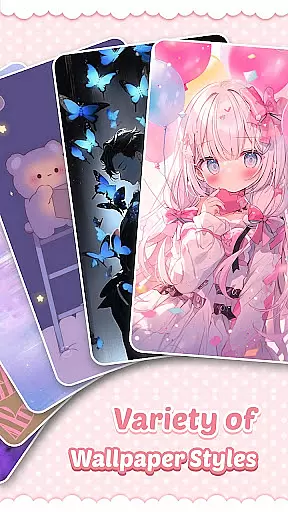
Pink Cute Hippo Keyboard stands out in theme compatibility, offering users an extensive range of free and stylish HD wallpapers to decorate their phone backgrounds. Whether you're into 3D, cool, cute, romantic, cartoon, or anime themes, there's something for everyone in the Store.
The app updates NEW themes frequentlyu2014five times a weeku2014ensuring that users always have fresh and exciting options to explore. This commitment to regular updates keeps the content dynamic and engaging, encouraging users to return to the Store often.
Applying a new theme is straightforward: download the desired theme, click the APPLY button or the preview picture, and enjoy the instant transformation. The app ensures seamless integration of themes, maintaining visual consistency across different devices and screen sizes.
User-friendly interface
Extensive language support
Vibrant theme options
Smart typing features
Regular theme updates
Limited iOS compatibility
Occasional ads
Premium content costs
Heavy on storage
Privacy concerns

Unique Android Launcher
 4.60
4.60
Ultimate widget creator. Design custom widgets for a truly unique home screen!
3.90
Wallpaper HD 4K Live - Thousands of high-quality Anime backgrounds for you.
4.80
100+ Stylish Fonts, Emojis, Symbols keyboard for Instagram & TikTok!
4.80
Turn text & photos into stunning AI videos, art, and creative visual stories.
4.50
Color phone with cool effects for call screen, flash alert & ringtones music
4.50
Handcrafted pixel art icons, widgets & wallpapers
4.60
A minimalist productivity launcher. One-hand-friendly. Zero ads.
4.70
Emoji Maker app - Design custom emojis and effortlessly blend them with Mixer
3.80
Gun Chase - Let the chase begin.
4.80
Stunningly Different look with Line Icons and Neon Colors
4.60
Ultra realistic high quality analog watch face for Wear OS.
4.60
Zip lock screen with magic wallpaper to decorate your phone with fun zipper lock
4.60
Embrace the Night. Unleash the power of darkness with Raven Dark Icon Pack
4.60
Yandex Browser — stylish and secure, with voice search and data compression
4.40
App Icon Changer & Shortcut Creator. Customize your icons without any watermarks
4.30
Transfer your live wallpapers from Windows to Android using Wallpaper Engine!
4.00
Customize glowing edges, wallpapers, and caller screen with EdgeAura.
3.50
⭐ OneUI inspired Fluffy Icon Pack – Soft. Stylish. Standout. ⭐
4.5


User Reviews