
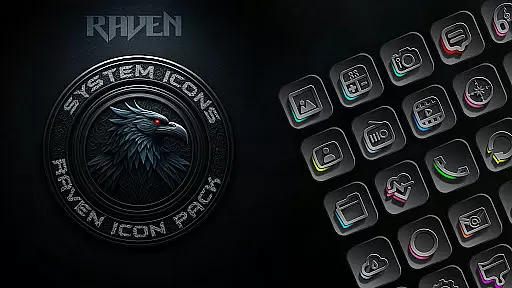
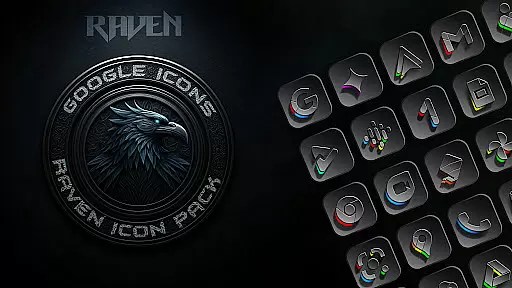
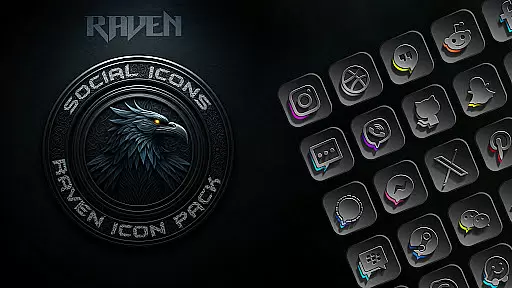
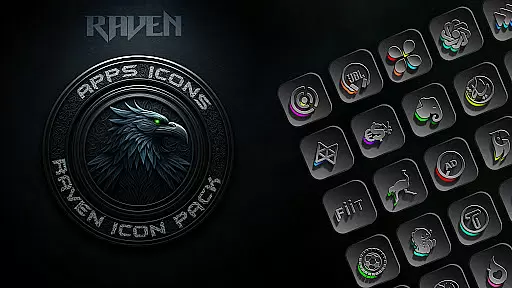
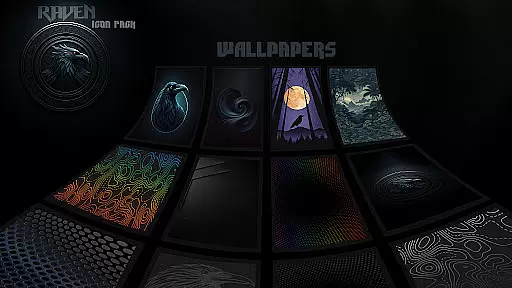
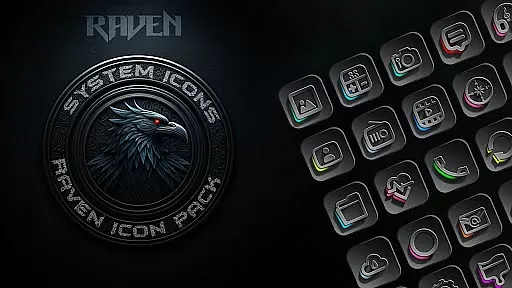
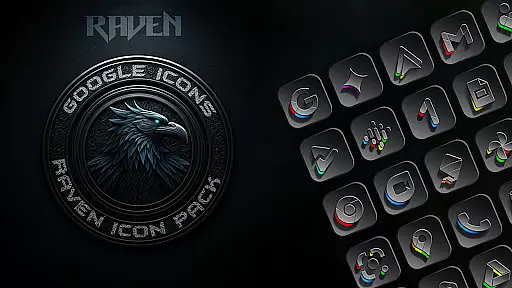
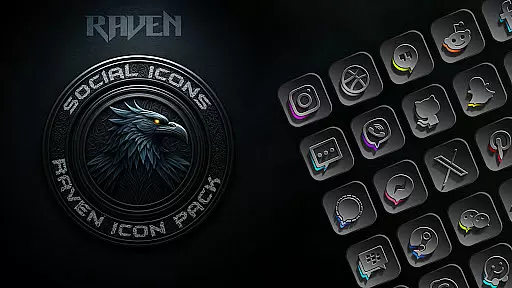
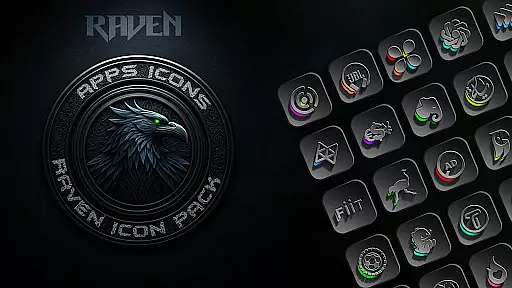
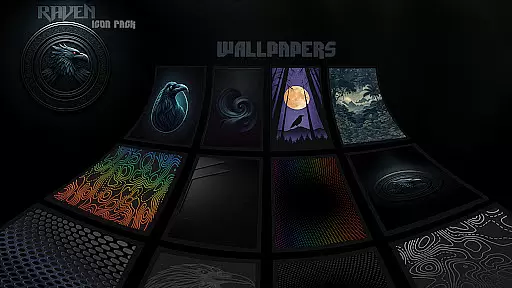
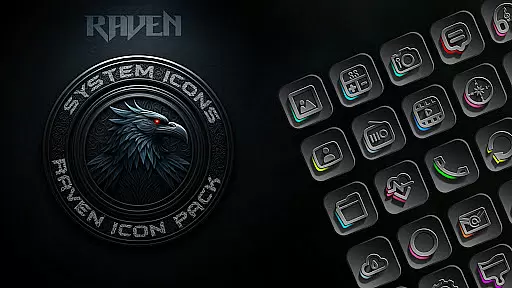
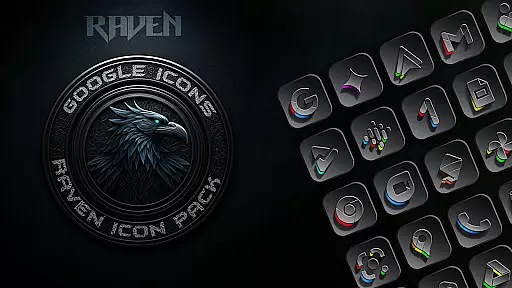
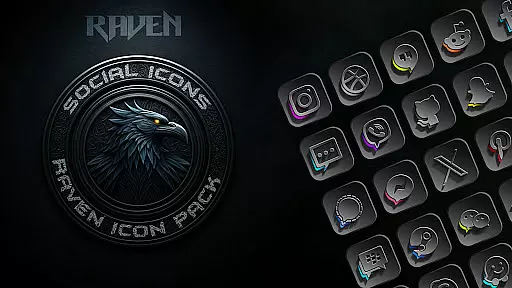
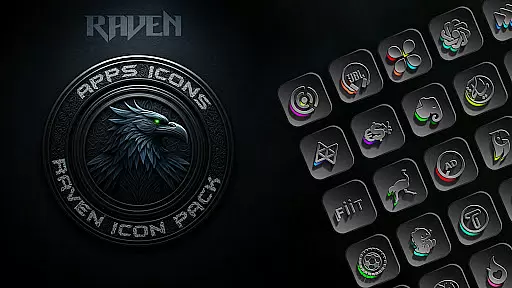
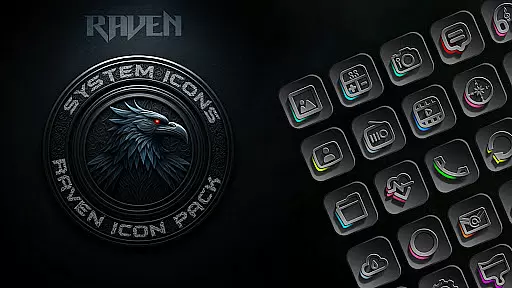
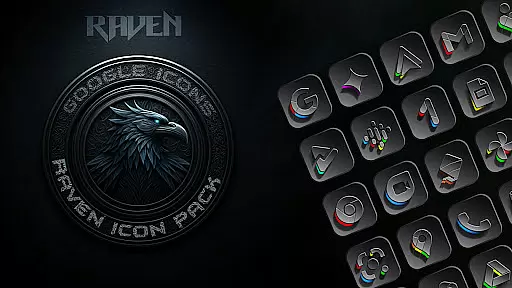
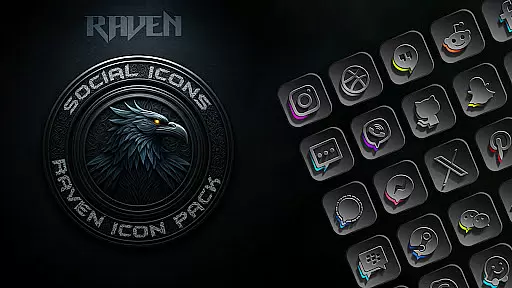
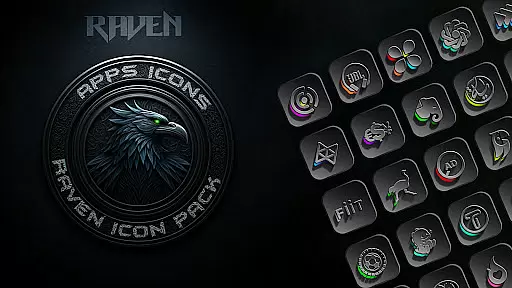
Raven Dark Icon Pack offers a sleek and mysterious collection of dark-themed icons, perfect for users who appreciate minimalist and elegant aesthetics. With over 4500 unique icons, this pack provides a vast library of exquisitely designed options that complement popular launchers.
Compatible with most Android launchers, it allows easy customization of home screens and app icons, ensuring a unique look. The pack also includes cloud-based wallpapers and an icon request tool, enhancing user experience with regular updates and vibrant color accents.
This icon pack stands out with its dark and moody aesthetic, featuring deep blacks, greys, and subtle color accents. The minimalist design prioritizes functionality and visual harmony, offering users a clean and uncluttered interface.
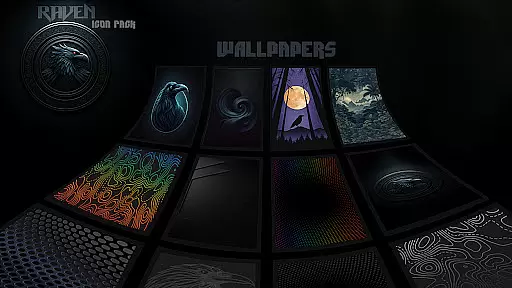
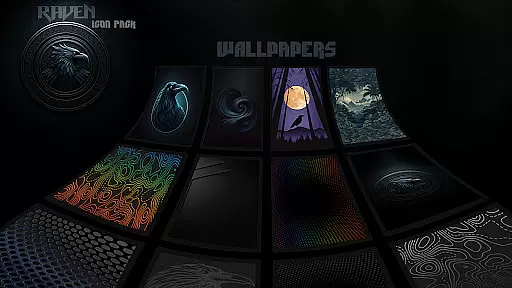
With hundreds of unique icons and regular updates based on user requests, Raven Dark ensures compatibility and freshness. Users can enjoy stunning 15 dark wallpapers and seamless integration with various launchers, elevating their device's style with high-resolution icons and modern UI themes.
Customization is at the heart of the Raven Dark Icon Pack, offering users a vast array of unique icons to personalize their Android devices. With over 4500 meticulously designed icons, this pack caters to those who appreciate a sleek, dark-themed aesthetic that stands out.
The diversity in customization extends beyond just icons; it includes alternate icons for popular apps and cloud-based wallpapers. This ensures that every element on your home screen aligns with the dark, moody palette dominated by deep blacks and greys, accented subtly with vibrant colors.
Users benefit from regular updates that incorporate user requests, ensuring that the icon pack evolves with their needs. The inclusion of an Icon Request Tool further enhances personalization by allowing users to ask for specific app icons not yet included in the pack.
This level of customization empowers users to create a cohesive and stylish interface that reflects their personal taste, making their device truly unique while maintaining a minimalist and elegant look.
Raven Dark Icon Pack excels in theme compatibility, supporting a wide range of popular Android launchers. Whether you're using Action Launcher, Nova Launcher, or any other from the extensive list, this icon pack integrates seamlessly, providing a consistent and visually pleasing experience across different platforms.
For Samsung users, compatibility extends to devices running Android 12 with Samsung One UI 4.0 or newer. By downloading the Theme Park app from the GOOD LOCK store, they can apply these sophisticated themes effortlessly, enhancing their device's native interface.
However, it's important to note that some launchers like Google Now Launcher do not support icon packs, underscoring the necessity of having a compatible launcher installed. This broad compatibility ensures that most users can enjoy the transformation of their home screens without hassle.
Ultimately, the versatility in theme compatibility makes Raven Dark Icon Pack a versatile choice for anyone looking to infuse their device with a touch of dark elegance, regardless of their preferred launcher.
Extensive icon library
Regular updates
Cloud-based wallpapers
Icon request tool
Wide launcher support
Requires compatible launcher
No Google Now support
Samsung specific needs
Premium aesthetics
Dark theme only

Ultra realistic high quality analog watch face for Wear OS.
 4.60
4.60
A retro cartoon style watch face and a punch right in the face of the copyright
4.60
Wear Os Watch Face - Seasonal - Animated Snow Effect - 9 Animals
4.20
A launcher for Samsung Good Lock and Good Guardians modules without ads
4.70
Art & Emoji Keyboard with Cool Fonts, Cute Themes and Custom Designs.
4.40
Shimeji adds cute animated characters to your screen, lively and fun.
4.70
Turn text & photos into stunning AI videos, art, and creative visual stories.
4.50 4.50
4.50
Fast SMS & group chat - use GIFs and emojis from your home screen launcher.
4.50
Dark icon pack based on One 8
4.80
Enjoy a variety of amazing live wallpapers and colorful EDGE lighting borders!
4.80
A Colorful and Minimal icon pack in an Outline Style - Over 13,600 icons!
4.70
300+ Stunning and well-designed widgets inspired by NOTHING.
4.70
Ultra realistic gold analog watch face with lots of customization options.
4.50
Romantic Kiss Stickers App. Start romantic messaging now!
4.30
Run multiple accounts of the same app on a single device
4.10
Ultimate widget creator. Design custom widgets for a truly unique home screen!
3.90 3.50
3.50
Adorable pets roam and play right on your phone screen!
3.30


User Reviews