
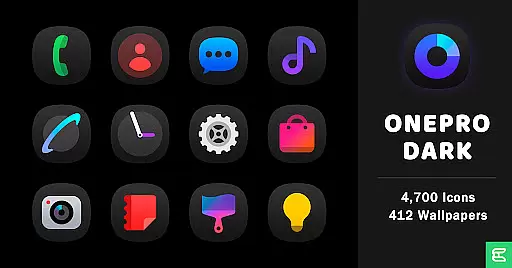
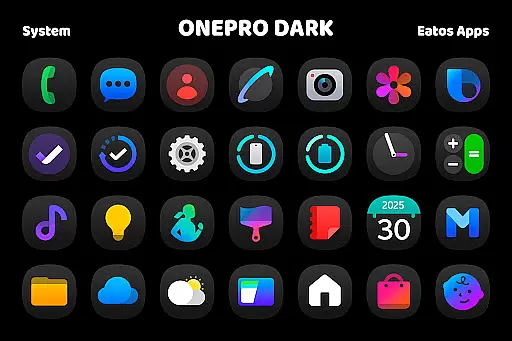
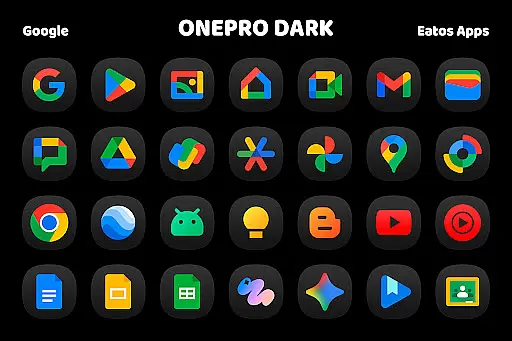
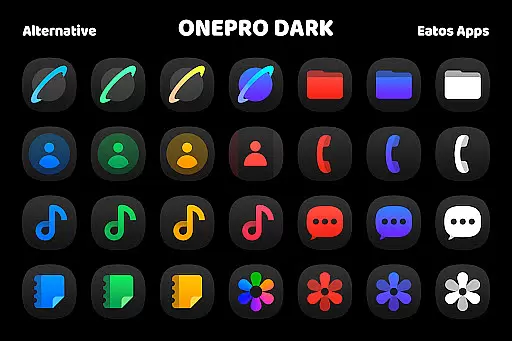
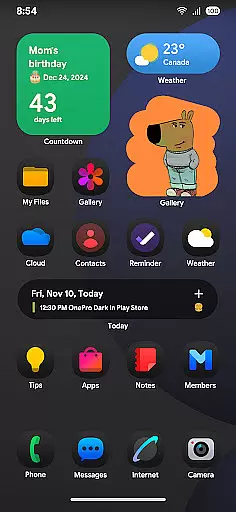
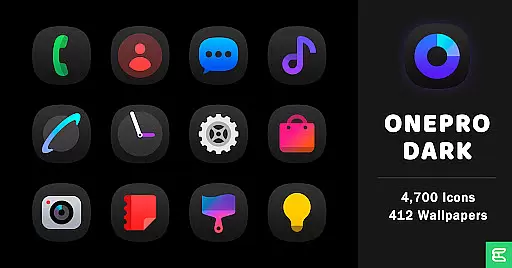
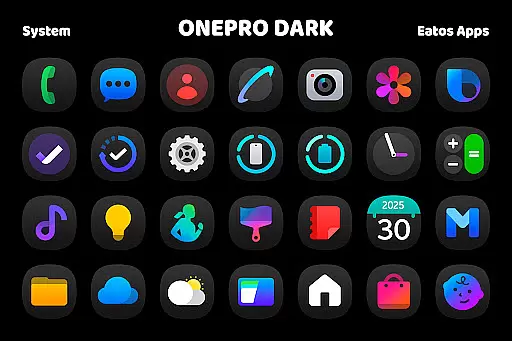
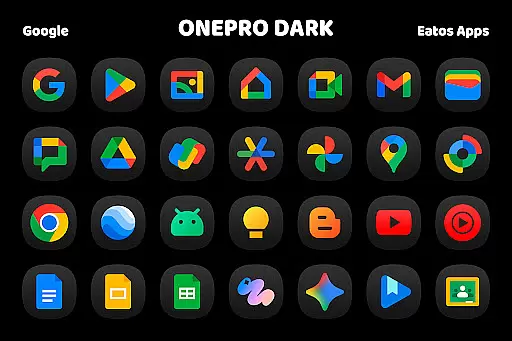
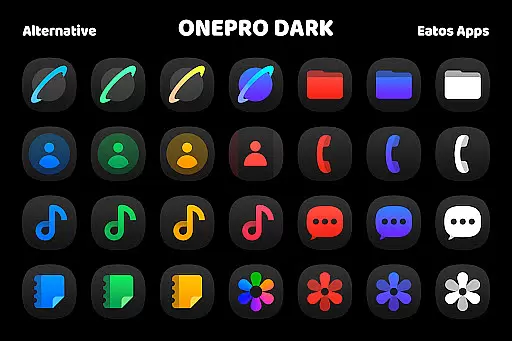
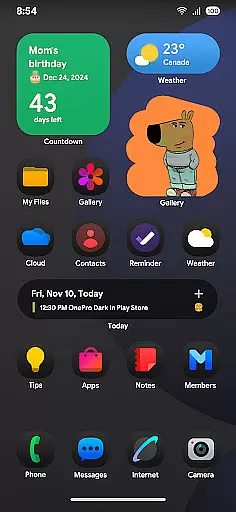
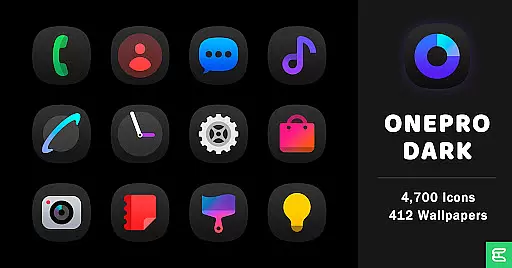
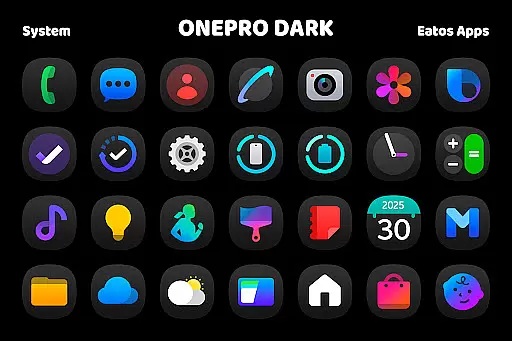
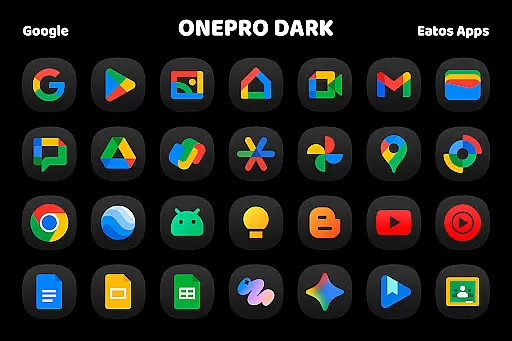
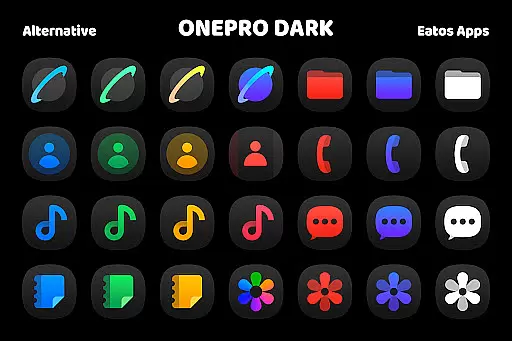
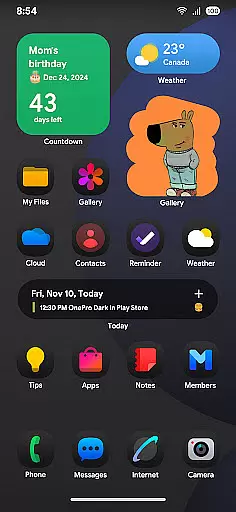
OnePro (Dark) - Icon Pack is a premium personalization solution for Android users seeking a sleek, modern aesthetic. Featuring over 4,700 meticulously designed dark icons inspired by One 8's design language, this icon pack brings a consistent and polished look to your device's interface.
In addition to the extensive icon collection, the pack includes more than 412 high-quality wallpapers that perfectly complement the dark theme. Compatible with popular launchers like Hyperion, Nova, and Evie, it offers easy application through supported launchers or via Samsung's OneUI system using Good Lock and Theme Park apps.
Ideal for users who value both form and function, OnePro (Dark) transforms your home screen into a visually stunning and cohesive space while maintaining intuitive navigation and usability.
OnePro (Dark) - Icon Pack stands out with its comprehensive feature set tailored for customization enthusiasts. The pack's 4,700+ icons are crafted using a unified design philosophy, ensuring visual consistency across all app shortcuts.
Each icon features carefully considered details and spacing, optimized for various screen resolutions and densities. The included wallpapers are dynamically curated to match the dark theme aesthetics, providing users with multiple options to personalize their device's appearance.
Advanced features include support for icon masking for unsupported apps, regular updates with new icons, and compatibility with major launchers. Users can also access detailed instructions for applying themes on different platforms, making it accessible even for those new to custom icon packs.
OnePro (Dark) - Icon Pack offers a wide array of customization options, ensuring that users can tailor their device's appearance to their personal taste. With over 4,700 dark icons inspired by One 8 and more than 412 wallpapers, this icon pack provides an extensive selection for those who appreciate a cohesive and stylish home screen.
The app is compatible with various launchers that support theme application, such as Hyperion Launcher, Nova Launcher, or Evie Launcher. This compatibility allows users to apply the dark-themed icons across different platforms seamlessly. For devices using OneUI launcher, additional instructions are provided to integrate the theme via 'Good Lock' and 'Theme Park' apps.
By offering numerous customization choices, OnePro (Dark) empowers users to express individuality through their smartphone's interface while maintaining a sleek and modern aesthetic.
Theme compatibility is at the heart of OnePro (Dark) - Icon Pack's design philosophy. The pack ensures that its dark-inspired icons work harmoniously with a range of launchers including popular ones like Hyperion, Nova, and Evie Launchers. This cross-launcher support means you're not limited in your choice of home screen management software; you can enjoy the consistent look and feel of your chosen theme regardless of which launcher you prefer.
For Samsungu2019s One UI launcher users, OnePro (Dark) has specific guidance on achieving full integration by downloading 'Good Lock' and 'Theme Park' apps. Following these steps will enable a smooth experience when applying themes within the One UI ecosystem.
This level of theme compatibility guarantees that no matter what launcher or device setup you have, OnePro (Dark) - Icon Pack will maintain visual consistency and enhance your overall user experience without compromising on style or functionality.
Extensive icon library
High-quality wallpapers
Regular updates
Wide launcher support
Consistent design
Paid application
Requires compatible launcher
No iOS support
Learning curve for beginners
Some apps not supported

Stunningly Different look with Line Icons and Neon Colors
 4.60
4.60
Transform your phone with Launcher iOS 26 - Smooth & elegant iOS experience
4.50
Over 28,000 high quality icons to bring color & homogeneity to your phone.
4.60
Customize glowing edges, wallpapers, and caller screen with EdgeAura.
3.50 4.50
4.50
Adaptive Dot Style IconPack with Light & Dark Theme.
3.70
Choose your keyboard with RGB colors effect, themes, fonts, emojis.
4.60
One 8 icons glass color version
4.80
Handcrafted pixel art icons, widgets & wallpapers
4.60
Shimeji adds cute animated characters to your screen, lively and fun.
4.70
Ultra realistic high quality analog watch face for Wear OS.
4.60
Vibrant Adaptive Icons with Material You and Enhanced Monet Colors.
4.50
200+ Material Inspired Widgets
4.50
Organize and manage your photos and videos effortlessly with Photo Gallery
4.20
More than 3000+ themes and 9000+ wallpapers for everybody!
4.10
Run multiple accounts of the same app on a single device
4.10
Adorable pets roam and play right on your phone screen!
3.30
Turn your lock screen into fun with smile live wallpapers & animated wallpapers!
2.50
⭐ OneUI inspired Fluffy Icon Pack – Soft. Stylish. Standout. ⭐
4.3


User Reviews