
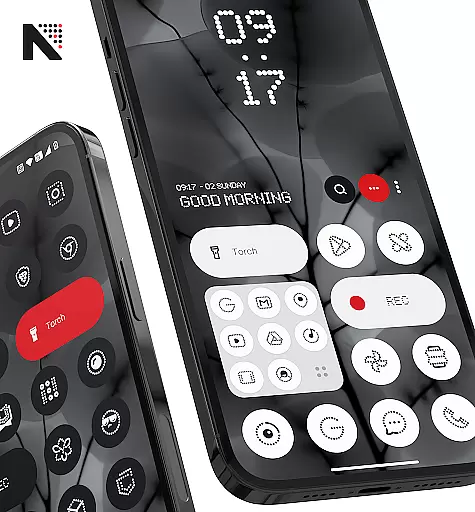
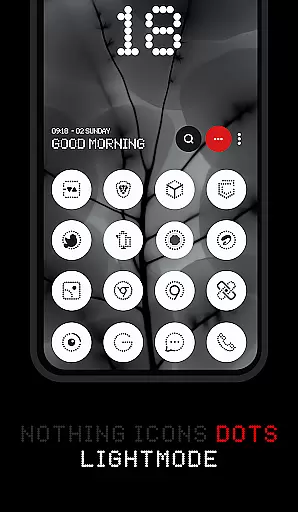

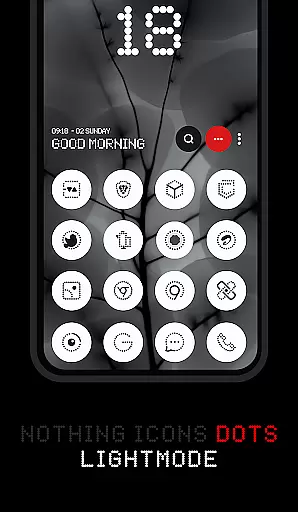
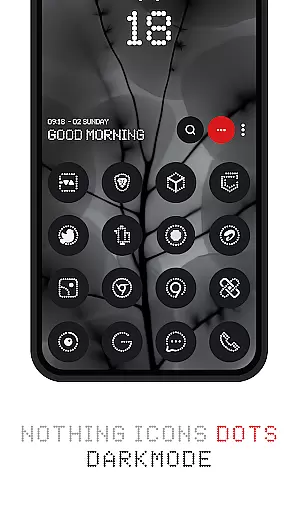

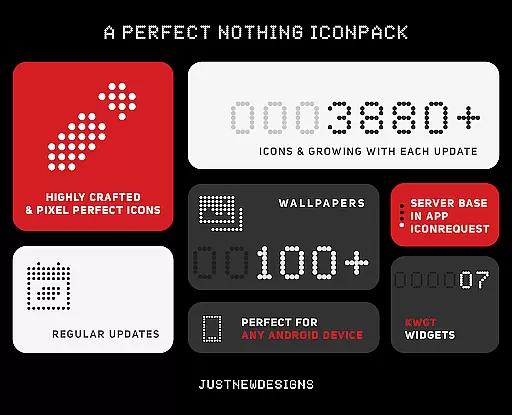
Dots : Adaptive Icon pack is a premium icon pack that combines minimalist design with adaptive functionality. The icons draw inspiration from the Nothing Brand, featuring a clean aesthetic that uses white color accents to complement the original app icons.
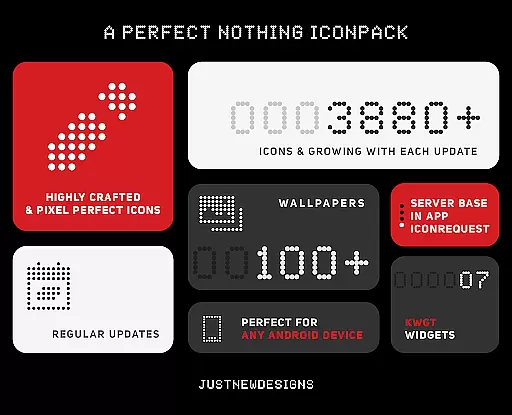
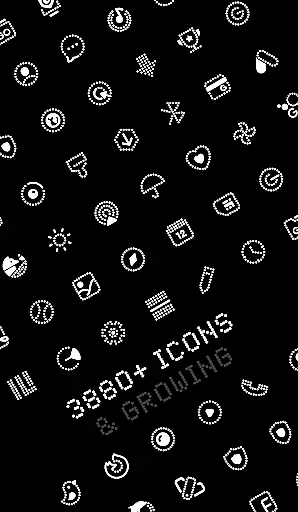
With over 3000 themed icons and support for both dark and light themes, this icon pack ensures seamless integration with your device's current settings. Additionally, its adaptive icon shapes adjust based on your launcher, offering flexibility in customization. The pack also includes 100+ matching wallpapers, providing a complete home screen solution.
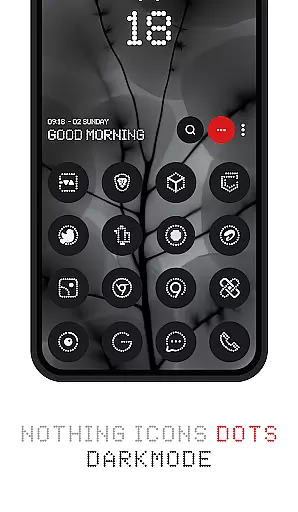
This icon pack is ideal for users who appreciate dark-themed designs and AMOLED displays, making it a top choice for personalizing your device while maintaining visual harmony.
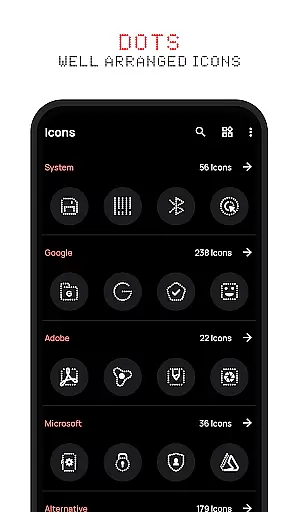
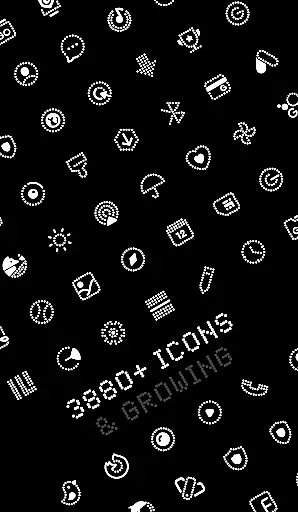
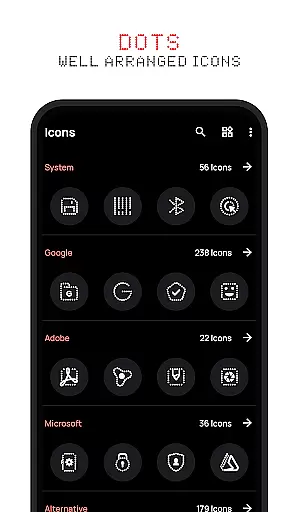
The Dots : Adaptive Icon pack stands out with its comprehensive feature set tailored for customization enthusiasts. One of its key highlights is the vast collection of over 3000 themed icons, which are meticulously designed to match the minimalist aesthetic inspired by the Nothing Brand.
Another remarkable feature is its adaptive capability. The icons automatically adjust their appearance based on the device's theme (dark or light), ensuring visual consistency across different settings. Furthermore, the adaptive icon shapes allow users to modify the look of their icons depending on the launcher they use, offering unparalleled customization options.
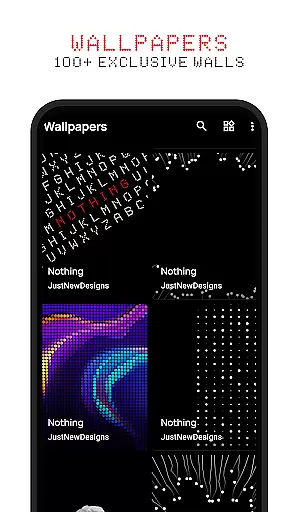
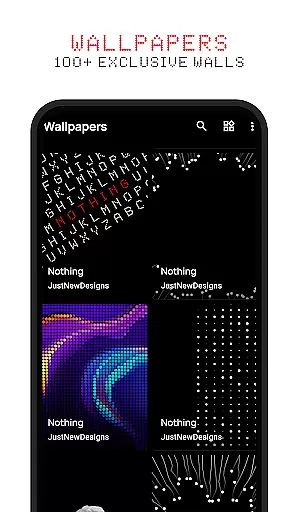
Included with the icon pack are 100+ custom-created wallpapers that complement the icons perfectly. These features collectively provide users with a cohesive and visually pleasing home screen experience, enhancing both functionality and aesthetics.
Customization is at the heart of Dots: Adaptive Icon Pack, offering users a versatile way to personalize their device's appearance. With over 3000 themed icons and support for both dark and light themes, this icon pack adapts its colors based on your deviceu2019s settings.
The adaptive icon shapes feature allows users to change the shape of the icons according to their launcher preferences. This flexibility ensures that your home screen remains uniquely yours, regardless of the launcher you choose to use.
In addition to the extensive icon library, Dots also provides more than 100 matching wallpapers. These custom-created wallpapers complement the icon designs and are updated regularly, giving users even more ways to tailor their device's aesthetic.
Dots: Adaptive Icon Pack excels in theme compatibility, ensuring that its icons look great on any device setup. Whether you prefer a dark or light theme, the icons adjust their colors accordingly, providing a seamless visual experience.
This level of compatibility extends to various launchers, as most support icon shape theming. Users can enjoy consistent design language across different platforms without worrying about mismatched aesthetics.
For those who crave a cohesive look, the inclusion of 100+ matching wallpapers enhances the overall theme experience. The combination of adaptive icons and complementary wallpapers makes Dots an ideal choice for creating a harmonious and personalized device interface.
Over 3000+ themed icons
Adaptive icon shapes
Dark and light theme support
100+ matching wallpapers
AMOLED-friendly design
Limited to specific launchers
No dynamic calendar icons
Some apps lack themed icons
Paid icon pack
Requires manual updates

Glass style colourful icons with a One UI look and feel
 4.60
4.60
A retro cartoon style watch face and a punch right in the face of the copyright
4.60
Winter's Journey: digital watch face for Galaxy Watch & Wear OS
4.80
Transform your phone with Launcher iOS 26 - Smooth & elegant iOS experience
4.50
Gun Chase - Let the chase begin.
4.80
AI-powered Copilot. Personalized keyboard with gifs, stickers & themes
4.40
Aesthetic Widgets, HD Wallpapers, Themes in Mico Widget for Home and Lock Screen
4.50 4.50
4.50
Custom ringtones songs, music ringtones for Android phones
4.60
Wallpaper HD 4K Live - Thousands of high-quality Anime backgrounds for you.
4.80
Sparkle your screen with Glitter Wallpapers For Girls and Cute Backgrounds!
4.80
Enjoy a variety of amazing live wallpapers and colorful EDGE lighting borders!
4.80
Personalize your phone with stunning HD and 4K wallpapers!
4.70
Beautiful realistic hybrid watch face with numerous customization options.
4.50
Try creating your own keyboard with "Keyboard theme for android" app now!
4.50
Transform your device in a game console
4.40
App Icon Changer & Shortcut Creator. Customize your icons without any watermarks
4.30
Interactive Miniature Painting Catalogue
3.30
Turn your lock screen into fun with smile live wallpapers & animated wallpapers!
2.50


User Reviews