
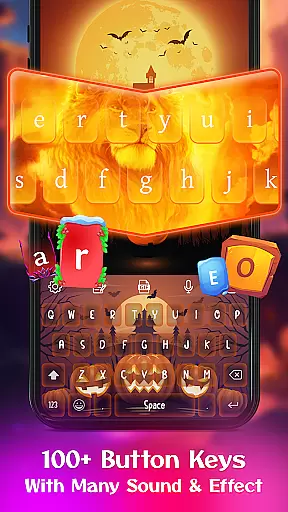
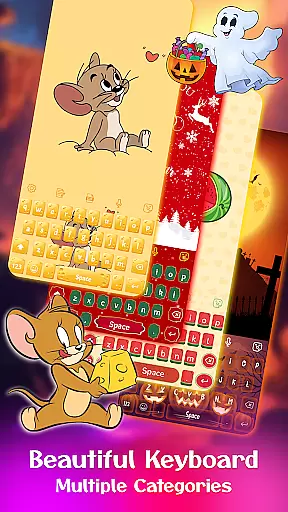
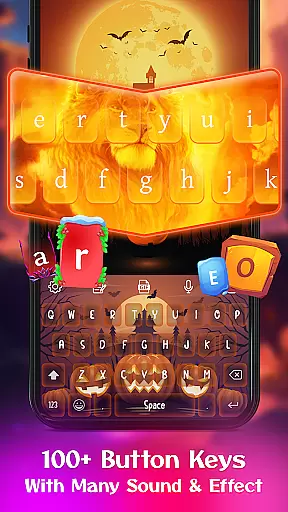
Keyboard Maker is a feature-rich keyboard application designed to enhance your typing experience on Android devices. This app offers a wide range of customization options, including free keyboard themes, wallpapers, and backgrounds. With support for multiple languages and personalized features such as custom fonts, effects, and sounds, Keyboard Maker allows users to create a unique typing environment.
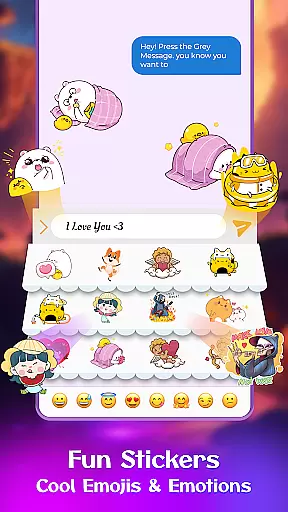
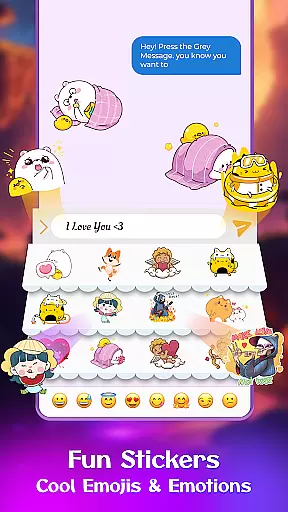
The app stands out with its smart autocorrect, word prediction, and voice input capabilities, making typing faster and more efficient. Users can also enjoy thousands of emojis, emoticons, GIFs, and stickers that add fun to messaging. Whether you want an iOS-style keyboard, Neon theme, or anime-inspired layout, Keyboard Maker caters to diverse preferences while ensuring practicality and style.
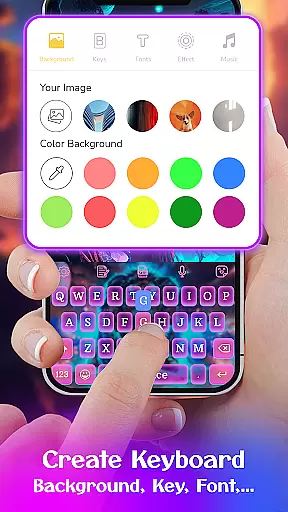
One notable use case is designing your own keyboard theme using personal photos. This feature not only enhances personalization but also makes the keyboard truly yours. The combination of functionality and aesthetic appeal provides significant value to users who seek both efficiency and individuality in their mobile typing experience.
Keyboard Maker boasts an impressive array of features that cater to various user needs. First, it supports over 150 languages, including Hindi, English, and Russian, making it versatile for global users. The app's smart autocorrect and word prediction functions significantly reduce typos and improve typing speed. Additionally, the voice input feature enables hands-free communication, which is particularly useful when multitasking or driving.
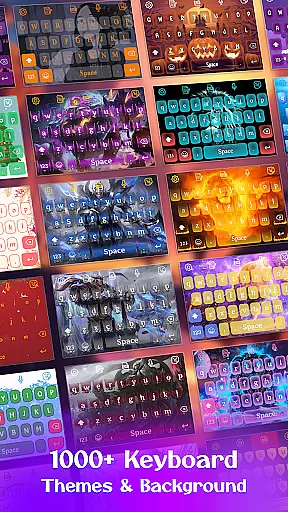
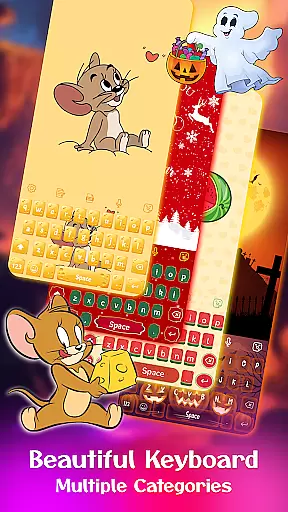
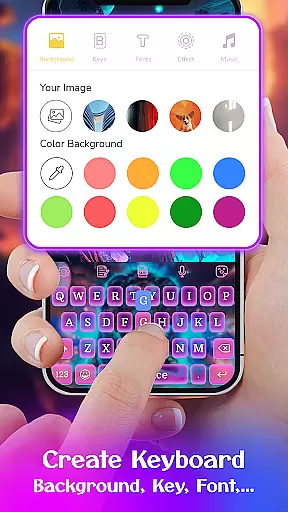
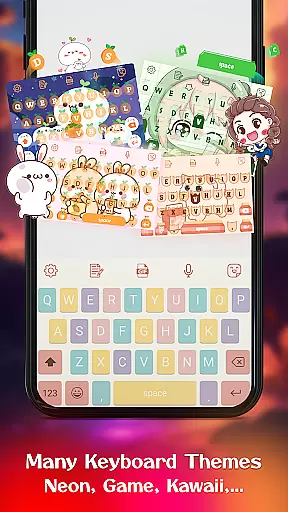
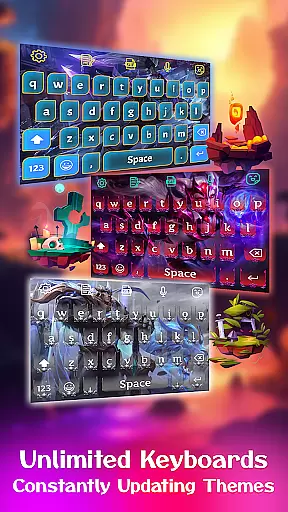
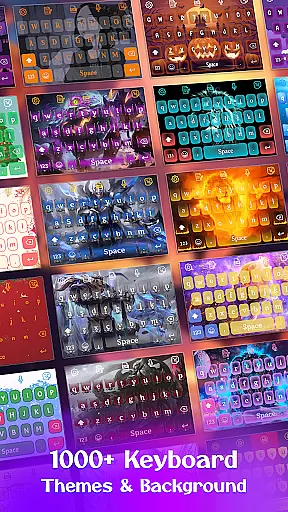
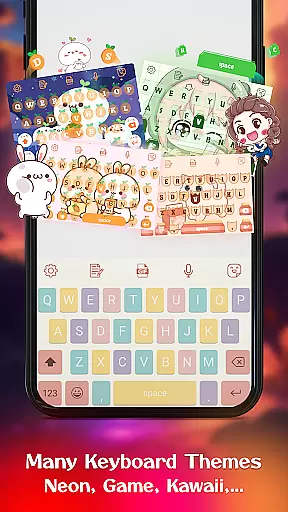
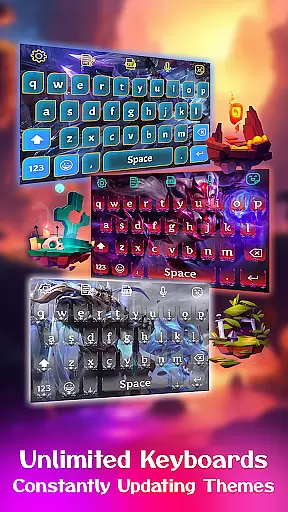
Another standout aspect is the extensive library of 500+ free keyboard themes. These include simple, colorful, LED, anime, love, and cute themes, allowing users to customize their keyboard's appearance according to their mood or style. The DIY feature lets users design their own keyboard by uploading personal images from their gallery, creating a one-of-a-kind typing interface.
Moreover, Keyboard Maker includes practical tools like clipboard management for quick copy-paste actions, gesture typing for swift input, and adjustable keyboard layouts. Users can also resize the keyboard, enable number rows, and toggle settings such as vibration feedback and auto-capitalization. These comprehensive features ensure that Keyboard Maker isn't just about aesthetics but also about delivering a highly functional and adaptable typing solution.
Customization is at the heart of Keyboard Maker, offering users a vast array of options to tailor their typing experience. With support for over 150 languages, this keyboard app ensures that users from different linguistic backgrounds can type comfortably in their native languages.
The app provides an extensive selection of themes, including simple, colorful, LED, anime, love, and cute themes, allowing users to express their personality through their keyboard's appearance. Additionally, the DIY feature enables users to design their own keyboard layout, further enhancing personal expression.
Users can enjoy thousands of emojis, emoticons, cool fonts, trending GIFs, and smileys, making communication more engaging and fun. The ability to customize every aspect of the typing experience, from themes to stickers, ensures that each user can create a keyboard that truly reflects their style.
Keyboard Maker excels in theme compatibility, ensuring that all customizations look great and function seamlessly across different devices and screen sizes. Whether you choose a pre-designed theme or create your own, the app guarantees a consistent and visually appealing experience.
The app supports various keyboard layouts and settings, catering to different user needs and device specifications. This flexibility allows users to resize their keyboard layout, set up number rows, and adjust other settings to suit their preferences without compromising on aesthetics.
Moreover, Keyboard Maker offers advanced features like smart autocorrect, word prediction, voice input, and gesture typing, all of which work harmoniously with the chosen theme. These features not only enhance usability but also maintain the visual integrity of the customized keyboard, providing both form and function.
Highly customizable
Supports 150+ languages
Smart autocorrect
Voice typing feature
DIY keyboard option
May drain battery
Occasional lag
Ads in free version
Complex settings
Learning curve

Ninja Turtles Cowabunga SE watch face for Wear OS
 4.50
4.50
Realistic animated snow on your wrist, with 10 images landscapes to choose from
4.00
Prank your friends with realistic broken screen and cracked HD effects!
4.4
More than 3000+ themes and 9000+ wallpapers for everybody!
4.10
Organize and manage your photos and videos effortlessly with Photo Gallery
4.20
HappyLighting is a Bluetooth lamp control software.
3.40
Your go to Weather App & Home Screen. Get your weather at a swipe of a finger!
3.80
Struggling to find apps? Use this app to locate and open any app on your phone!
2.20
Amazing letter fonts in your messages and social statuses
4.70
300+ Stunning and well-designed widgets inspired by NOTHING.
4.70
Stylish Pink Cute Hippo keyboard with 10000+ customized keyboard themes!
4.60
Icons made of colorful linear lines
4.60
Ultra realistic gold analog watch face with lots of customization options.
4.50
3D, live, and moving wallpapers & themes in 4K and HD for your device.
4.50
Transform your phone with Launcher iOS 26 - Smooth & elegant iOS experience
4.50 4.50
4.50
Color phone with cool effects for call screen, flash alert & ringtones music
4.50
Fingerprint Lock Screen & Live Animations with 4K Wallpapers as Live Wallpaper
4.40
Themes - Widget & Wallpaper: Customize home screen, icon changer w unique themes
4.30


User Reviews