
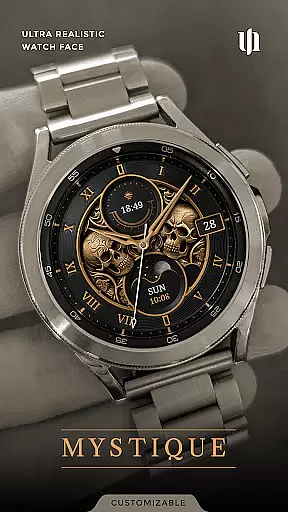
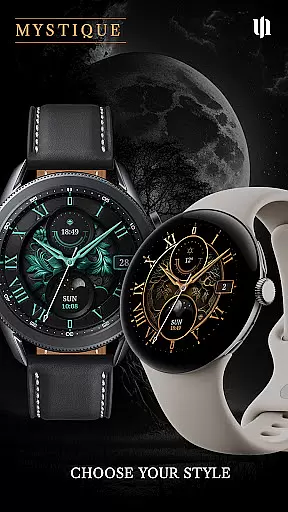
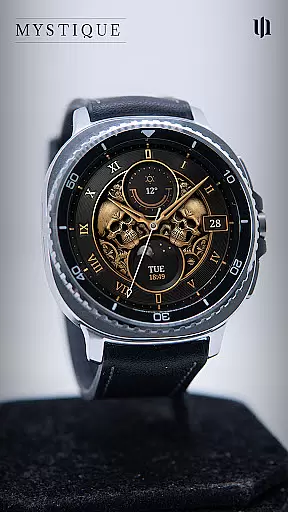
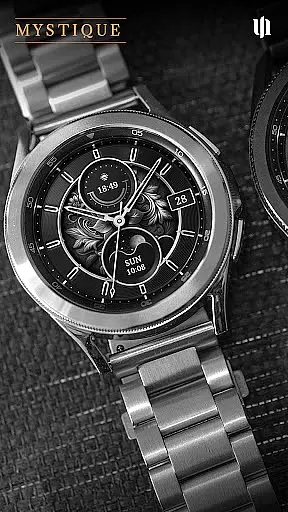
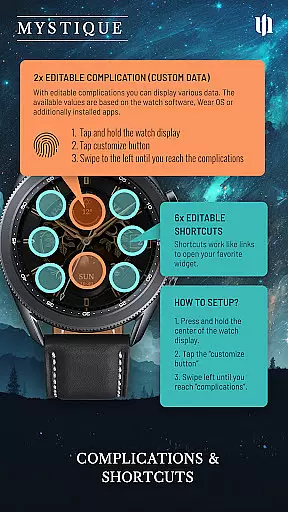
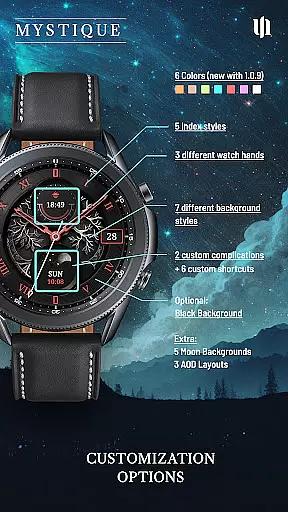
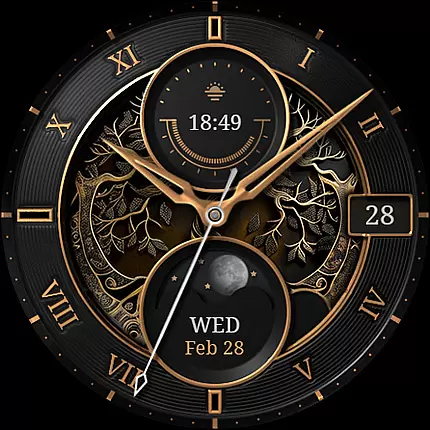
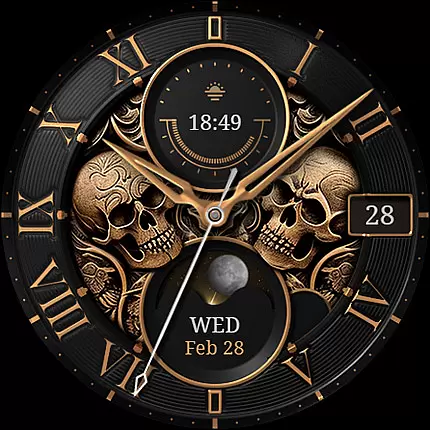
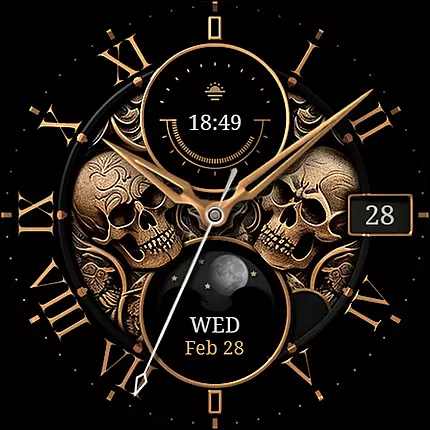
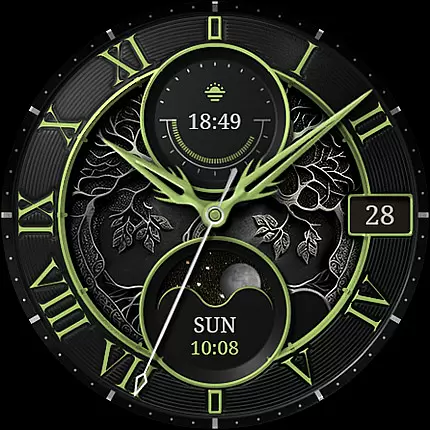
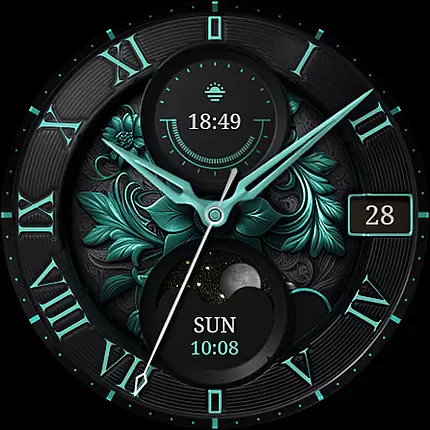
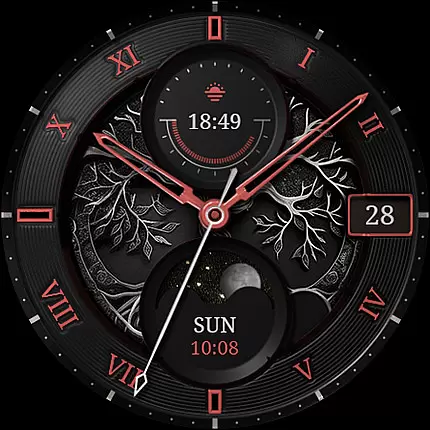
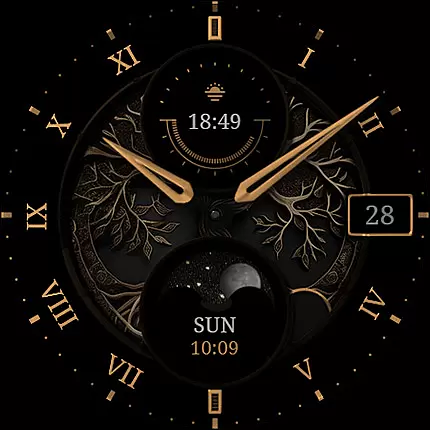
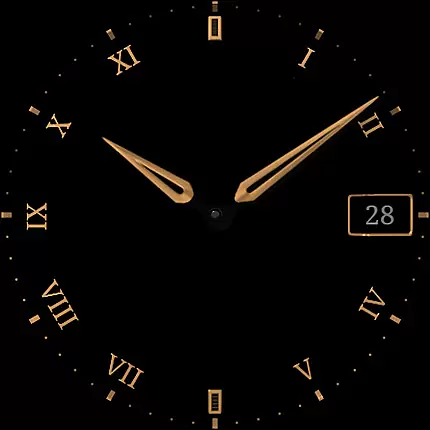
S4U Mystique - Gold watch face is a premium Wear OS watch face app designed for smartwatches running Wear OS 5 or higher. Compatible with devices like Samsung Galaxy Watch series and Google Pixel Watch, it offers a realistic analog design with gold accents and mystical elements. The app provides customization options including color, index styles, and background designs, along with two custom complications and six shortcuts for enhanced usability.
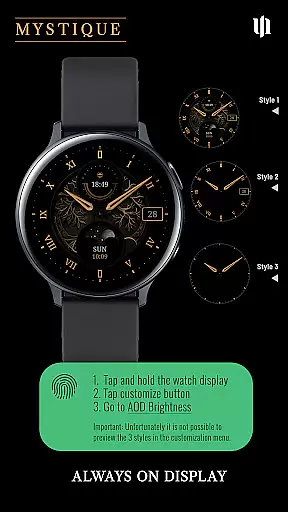
With features like moon cycle display and an Always-On Display (AOD), this watch face ensures both functionality and style. Users can personalize their experience through multiple customization options and enjoy quick access to important information via app shortcuts. Its elegant design makes it suitable for various occasions while offering practical utility.
The S4U Mystique watch face stands out with its detailed customization capabilities. Users can choose from 8 main colors, 5 index styles, 7 background designs, 3 hand styles, and 3 detail styles. The Pure Black option and 5 subtle moon backgrounds add further personalization, while 3 AOD layouts ensure timekeeping even when the watch is idle.
Functionality extends beyond aesthetics with features like battery indicators integrated into the small top dial. Customizable complications allow users to display relevant data by linking to favorite widgets. This flexibility ensures that each user's watch face is uniquely tailored to their preferences, enhancing both convenience and visual appeal.
Customization is at the heart of S4U Mystique - Gold watch face, offering users a rich variety of options to personalize their smartwatch experience. With multiple customization features, this app allows you to tailor every aspect of the watch face to match your personal style and preferences.
The app provides an extensive range of choices including 8 main colors, 5 different index styles, 7 background designs, 3 hand styles, and 3 detail styles. Additionally, it offers unique moon backgrounds and Always-On Display (AOD) layout options, ensuring that your watch face remains distinct and eye-catching.
By enabling such detailed personalization, S4U Mystique empowers users to create a one-of-a-kind watch face that not only serves as a functional timepiece but also as a fashion statement. This level of customization ensures that your smartwatch reflects your individuality and stands out in any setting.
S4U Mystique - Gold watch face excels in theme compatibility, ensuring seamless integration with a wide array of Wear OS devices. Compatible with smartwatches running Wear OS 5 or higher, this app supports Samsung Galaxy Watch series, Google Pixel Watch series, and other Wear OS 5+ smartwatches, providing a consistent and reliable user experience across different models.
With its adaptive Always-On Display feature, the watch face automatically adjusts to the design and settings of your smartwatch, maintaining visual harmony and functionality. The AOD feature includes three layout options, which adapt to various screen configurations while preserving battery life based on individual device algorithms.
This compatibility and adaptive design guarantee that users enjoy a cohesive and optimized visual experience regardless of their specific Wear OS device. By prioritizing theme compatibility, S4U Mystique ensures that all users can access its luxurious and customizable design without compromise.
Highly customizable
Luxurious design
Multiple device support
Always-On Display
User-friendly interface
Wear OS only
Battery consumption
Premium cost
Complex setup
Limited free options

A retro cartoon style watch face and a punch right in the face of the copyright
 4.60
4.60
A launcher for Samsung Good Lock and Good Guardians modules without ads
4.70
Ultimate Gallery Lock App - Hide Pictures, Videos and Lock Apps Instantly!
4.60
Zip lock screen with magic wallpaper to decorate your phone with fun zipper lock
4.60
⭐ OneUI inspired Fluffy Icon Pack – Soft. Stylish. Standout. ⭐
4.4
A minimalist productivity launcher. One-hand-friendly. Zero ads.
4.70
set a new experience for the Android mobile phone
4.20
Install amazing sticker packs: endless styles, always cool.
4.70
Cool custom fonts & keyboard themes! Symbols & font changer for Instagram
4.50
Winter's Journey: digital watch face for Galaxy Watch & Wear OS
4.80
Bring adorable pets to life on your screen. Playful, interactive and full of fun
4.60
Add cute Shimeji pets to screen, interact with them and relax with cute motions
4.60
Aesthetic Widgets, HD Wallpapers, Themes in Mico Widget for Home and Lock Screen
4.50 4.50
4.50
Color phone with cool effects for call screen, flash alert & ringtones music
4.50
AI-powered Copilot. Personalized keyboard with gifs, stickers & themes
4.40
Launcher OS™ Pro without ads help make your phone simple and pretty
4.30
Crystal-clear, square icon provides a sleek and sophisticated visual upgrade
4.00
Customize glowing edges, wallpapers, and caller screen with EdgeAura.
3.50


User Reviews