
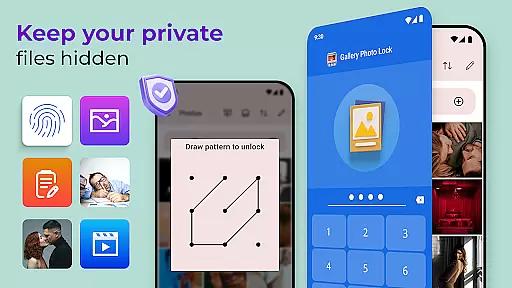
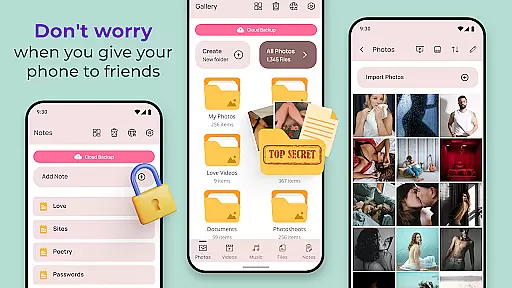
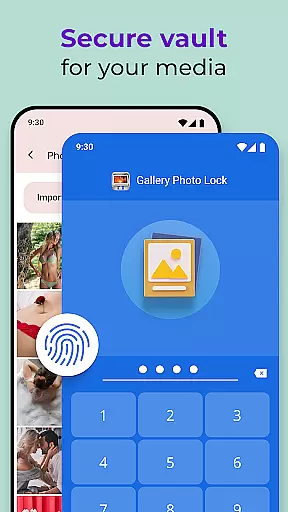
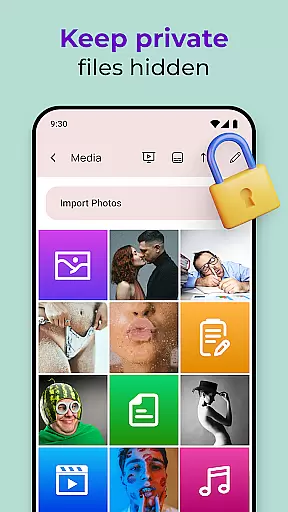
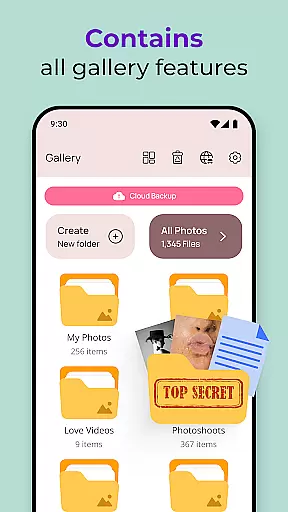
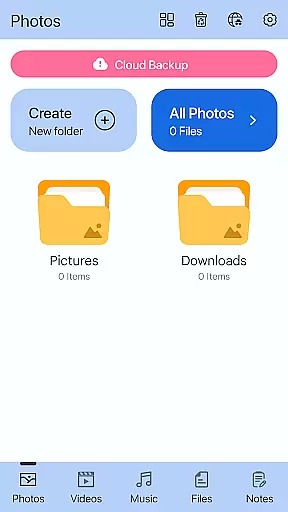
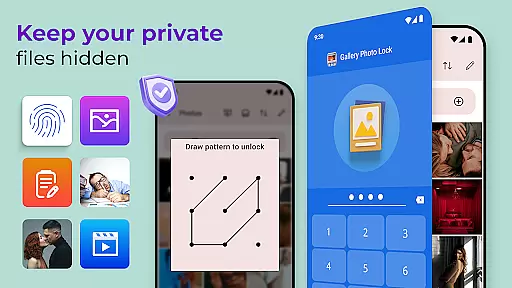
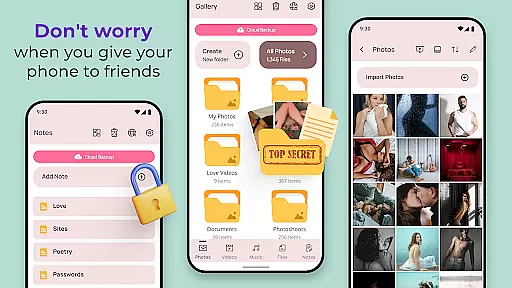
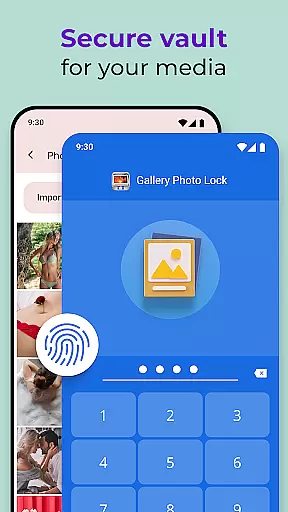
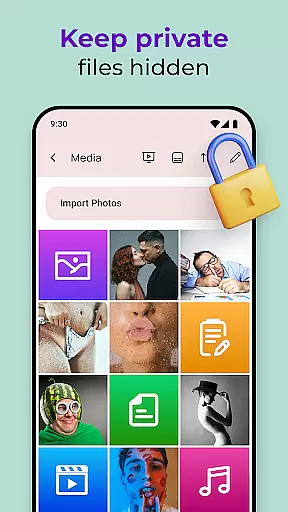
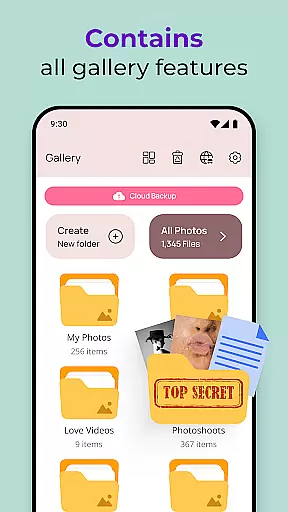
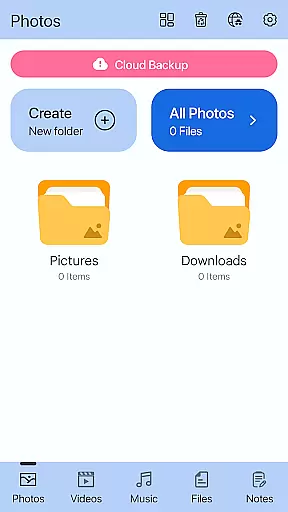
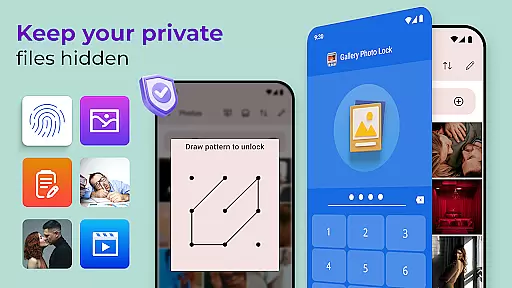
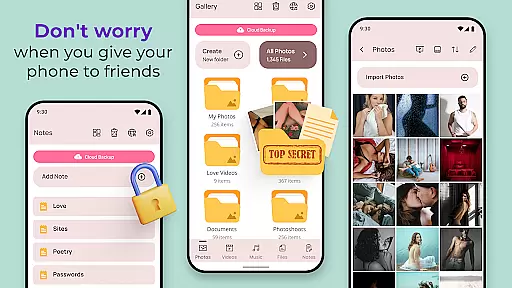
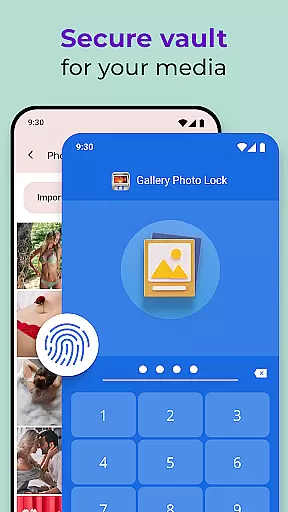
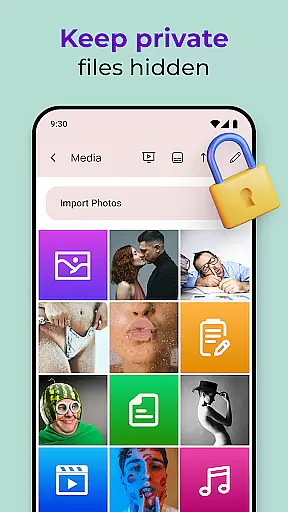
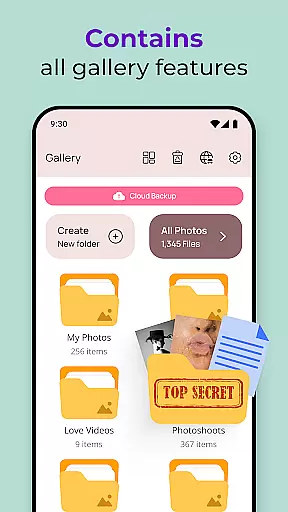
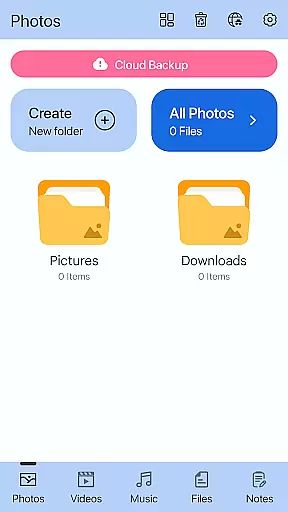
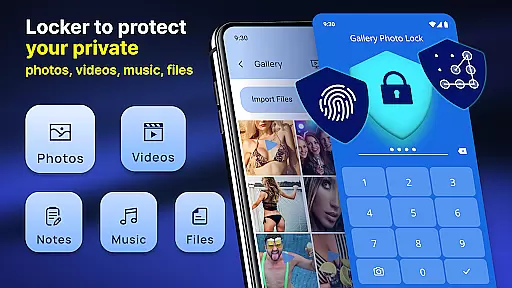
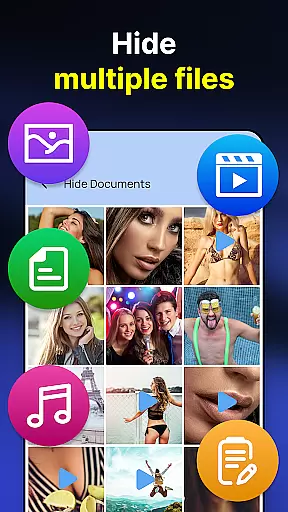
Gallery Photo Locker is a comprehensive privacy protection app designed to safeguard your personal media files. This application allows users to effortlessly hide an unlimited number of images and videos, ensuring that sensitive content remains private. With features like fingerprint authentication and cloud backup, the app provides both security and convenience. Whether you're concerned about lending your phone or simply want to maintain strict privacy controls, Gallery Photo Locker offers peace of mind by securing your digital life.
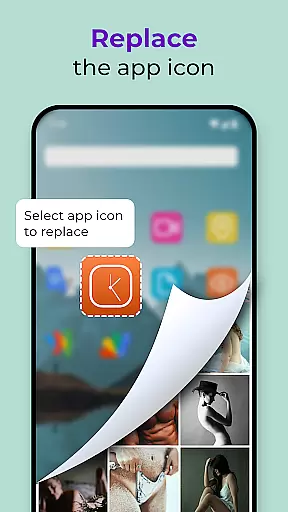
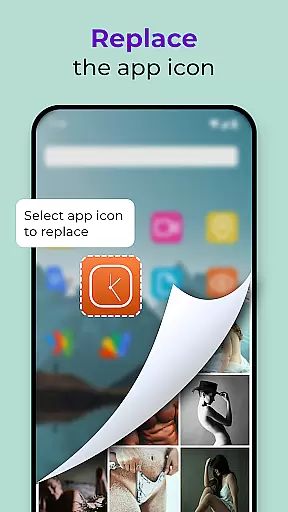
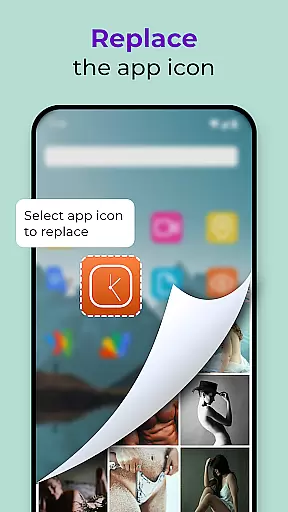
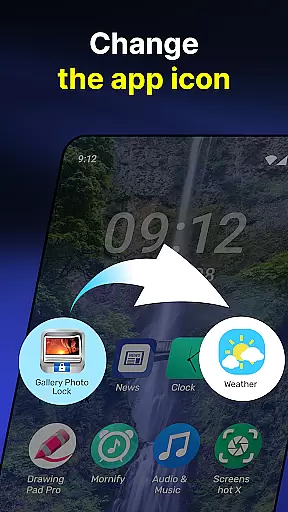
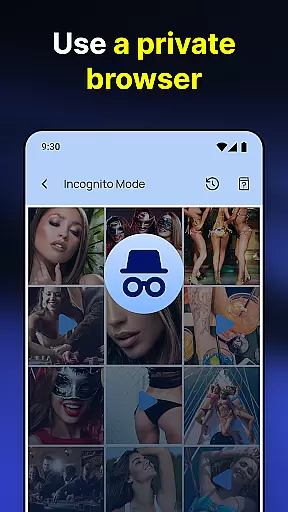
The app goes beyond basic photo hiding by incorporating advanced functionalities such as a secure browser, in-app media player, and customizable themes. Users can also create decoy galleries with different passwords for added security. The ability to replace the app icon with common utilities like a calculator or weather app ensures discreet access. These robust features make Gallery Photo Locker an essential tool for anyone serious about protecting their personal data.
Gallery Photo Locker stands out with its extensive range of features tailored for maximum privacy and user convenience. One of the key highlights is the support for fingerprint unlock, allowing quick and secure access to hidden files. The app also includes a unique 'Share to Hide' function, enabling users to directly transfer photos from their gallery into the secure vault without intermediate steps.
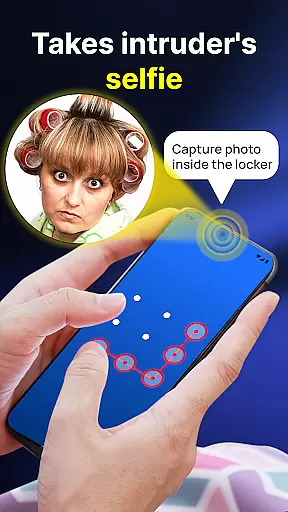
Additional notable features include an intruder selfie capture that automatically takes a picture of anyone attempting unauthorized access, and a face-down lock mechanism that closes the app when the device is placed face down. The availability of cloud backup ensures that users won't lose their important files, while the option to customize app themes makes the interface both appealing and personalized. These thoughtful additions underscore Gallery Photo Locker's commitment to providing a secure yet user-friendly experience.
Customization is at the heart of the Gallery Photo Locker experience, offering users a versatile way to personalize their privacy settings. This app provides multiple customization options that cater to individual preferences and needs.
Users can replace the app icon with alternatives like news, weather, or radio icons, effectively disguising the app's true purpose. Additionally, the Galerie Lock Themes feature allows for aesthetic personalization, ensuring that the interface feels unique to each user.
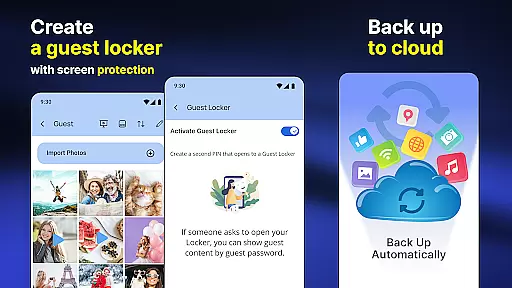
Beyond visual customization, the app offers functional personalization such as creating a Guest Locker with a different password for dummy files. This adds an extra layer of security while maintaining the flexibility that users desire.
The ability to customize extends to security features too, including fingerprint unlock and face-down lock functionalities. These options ensure that users can tailor their privacy protection in a way that best suits their lifestyle, making Gallery Photo Locker not just secure but also adaptable to various user scenarios.
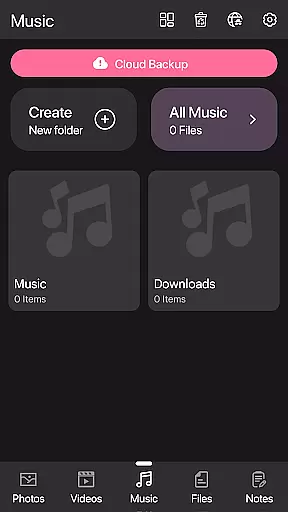
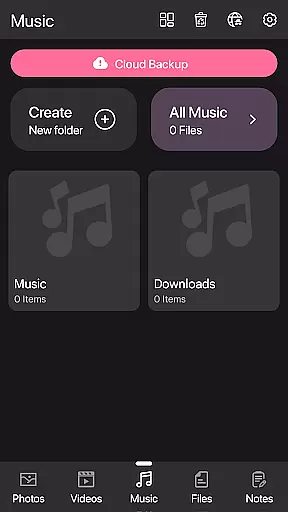
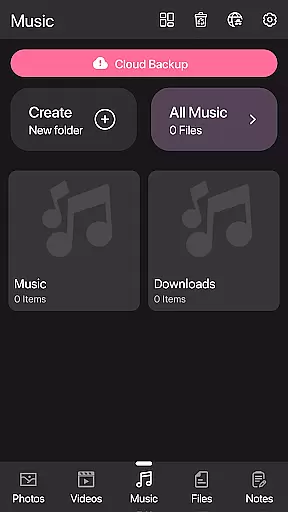
Theme compatibility is crucial for users who want their apps to blend seamlessly with their device's overall look and feel. The Gallery Photo Locker excels in this area by providing a range of themes through its Galerie Lock Themes feature.
This app ensures that users are not limited to a single, static appearance. Instead, they can choose from various themes, customizing the Private Photo Vault: Photo Hider app to match their personal style or mood. This flexibility enhances user engagement and satisfaction.
Moreover, theme changes do not affect the app's performance or security features. Users can enjoy a personalized interface without compromising the robust protection provided by the Hidden Photo Vault: Gallery Lock.
By focusing on theme compatibility, Gallery Photo Locker demonstrates its commitment to delivering both form and function. Users benefit from an aesthetically pleasing, highly customizable experience that maintains top-notch security standards, ensuring their private media remains safe and stylishly concealed.
Effortless photo hiding
Secure fingerprint unlock
Comprehensive cloud backup
Customizable app icons
User-friendly interface
Premium features locked
Occasional bugs reported
Ads in free version
Complex setup process
Limited customer support

Only for Wear OS devices!
 4.90
4.90
A retro cartoon style watch face and a punch right in the face of the copyright
4.60
AI-powered Copilot. Personalized keyboard with gifs, stickers & themes
4.40
Shimeji adds cute animated characters to your screen, lively and fun.
4.70
Turn text & photos into stunning AI videos, art, and creative visual stories.
4.50
Design your screen with unique, vibrant clocks
3.80
HappyLighting is a Bluetooth lamp control software.
3.40
Transform your device in a game console
4.40
Transform your phone with stunning video wallpapers and a unique, personal touch
3.80
Nothing Icon pack with more than 3750+ highly crafted icons.
4.70
Vertically oriented rectangular icons
4.70
Glass style colourful icons with a One UI look and feel
4.60
Bring adorable pets to life on your screen. Playful, interactive and full of fun
4.60
Embrace the Night. Unleash the power of darkness with Raven Dark Icon Pack
4.60 4.50
4.50
Launcher OS™ Pro without ads help make your phone simple and pretty
4.30
Organize and manage your photos and videos effortlessly with Photo Gallery
4.20
Realistic animated snow on your wrist, with 10 images landscapes to choose from
4.00
Interactive Miniature Painting Catalogue
3.30


User Reviews