
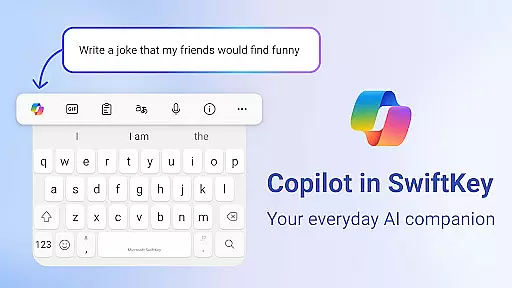
Microsoft SwiftKey AI Keyboard is an advanced personalization tool designed to enhance typing efficiency and style. This intelligent keyboard learns your unique writing patterns, enabling faster text input through personalized predictions.
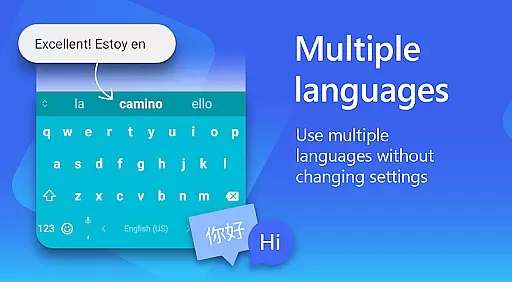
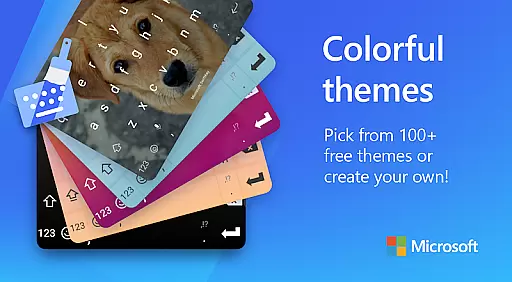
The app features Copilot, an integrated AI assistant that supports queries across various applications. With support for over 700 languages and the ability to enable up to five simultaneously, it ensures global accessibility. Its customization options include 100+ colorful themes and adaptive emoji/GIF suggestions, making it a versatile choice for users seeking both functionality and personal expression.
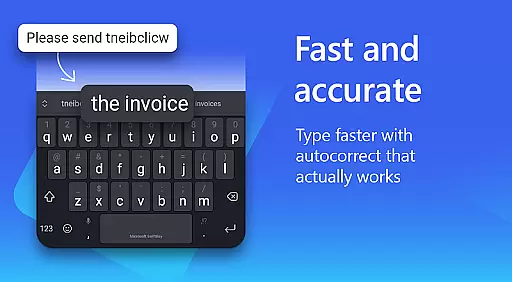
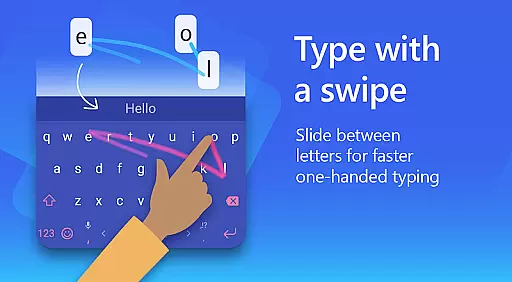
Microsoft SwiftKey stands out with its powerful AI-driven typing experience. The swipe-to-type functionality and adaptive autocorrect system significantly reduce typing errors while increasing speed. The AI-powered prediction engine suggests words and phrases based on your personal typing style, including slang and nicknames.
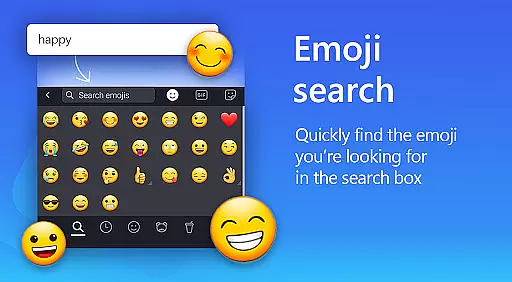
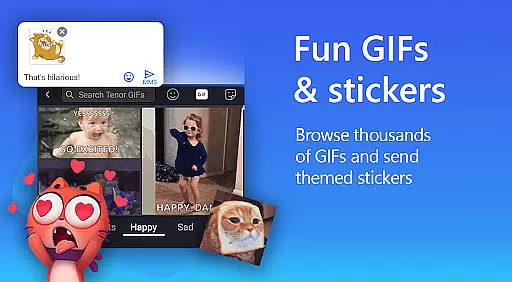
Beyond basic typing, SwiftKey offers rich content integration, allowing users to search and send emojis, GIFs, and stickers effortlessly. The custom keyboard toolbar includes quick shortcuts and an expandable menu for easy access to frequently used functions. Additionally, the AI rewriting feature helps transform casual text into polished drafts, catering to professional communication needs.
Customization is at the core of SwiftKey's design philosophy. Users can personalize their keyboard with custom themes, resize layouts, and even use photos as keyboard backgrounds. Multilingual support further enhances its appeal, ensuring seamless typing experiences across different languages and regions.
Microsoft SwiftKey AI Keyboard offers an extensive range of customization options that cater to individual preferences and styles. With over 100 colorful keyboard themes, users can select a design that best reflects their personality or mood.
Beyond the preset themes, the application allows for a personalized touch by enabling users to create their own custom keyboard theme. You can use personal photos as the background, making your typing experience truly unique and visually appealing.
In addition to aesthetic personalization, Microsoft SwiftKey provides functional customization. Users have the ability to adjust the keyboard size and layout according to their comfort, which is crucial for a seamless typing experience. This ensures that whether you prefer swiping or tapping, the keyboard feels intuitive and responsive to your touch.
The adaptability of Microsoft SwiftKey's customization features means that it caters to all typing tastes. Regardless of how you type or what your style is, this keyboard can be molded to fit your needs, enhancing both the functionality and enjoyment of daily communication tasks.
Theme compatibility in Microsoft SwiftKey AI Keyboard ensures that regardless of the device or operating system version, your chosen theme will maintain its appearance and functionality. This consistency provides a reliable and enjoyable typing experience across different platforms.
Microsoft SwiftKey supports a wide array of themes, from sleek and professional designs to fun and vibrant ones. The adaptive nature of these themes means they integrate smoothly with various device settings and user interfaces, preserving visual harmony on your device.
Moreover, the application's dedication to compatibility extends beyond mere aesthetics. It guarantees that interactive elements like swipe-to-type, autocorrect, and AI-powered predictions work flawlessly within any selected theme. This commitment ensures that personalization does not come at the expense of performance.
By prioritizing theme compatibility, Microsoft SwiftKey allows users to express themselves without compromising on quality or efficiency. Whether you're looking for a keyboard that matches your phone's theme or one that stands out, SwiftKey delivers a cohesive and customizable typing environment.
AI-powered typing predictions
Supports 700+ languages
Customizable keyboard themes
Integrated AI assistant (Copilot)
Swipe-to-type functionality
Optional permissions required
Some features may be limited without permissions
Premium themes need purchase
Occasional sync issues reported
Learning curve for new users

Glass style colourful icons with a One UI look and feel
 4.60
4.60
Unique Android Launcher
4.60
More than 3000+ themes and 9000+ wallpapers for everybody!
4.10
Customize glowing edges, wallpapers, and caller screen with EdgeAura.
3.50
Adaptive Dot Style IconPack with Light & Dark Theme.
3.70
Vibrant Adaptive Icons with Material You and Enhanced Monet Colors.
4.50
Modern Glass Icon Pack with glossy icons, clean minimal theme & aesthetic style
4.1
Create unique, fun emojis with Funny Emoji Maker! Unlimited creativity!
4.00
Create stunning widgets with Widget 2026: Aesthetic Widgets for Android!
4.60
Dark icon pack based on One 8
4.80
400+ Beautifully crafted widgets inspired by NOTHING.
4.70
Add cute Shimeji pets to screen, interact with them and relax with cute motions
4.60
Zip lock screen with magic wallpaper to decorate your phone with fun zipper lock
4.60
Choose your keyboard with RGB colors effect, themes, fonts, emojis.
4.60
300+ widgets inspired by Material You and Material 3 expressive design.
4.60
Art & Emoji Keyboard with Cool Fonts, Cute Themes and Custom Designs.
4.40
Transform your device in a game console
4.40
Realistic animated snow on your wrist, with 10 images landscapes to choose from
4.00
Crystal-clear, square icon provides a sleek and sophisticated visual upgrade
4.00


User Reviews