
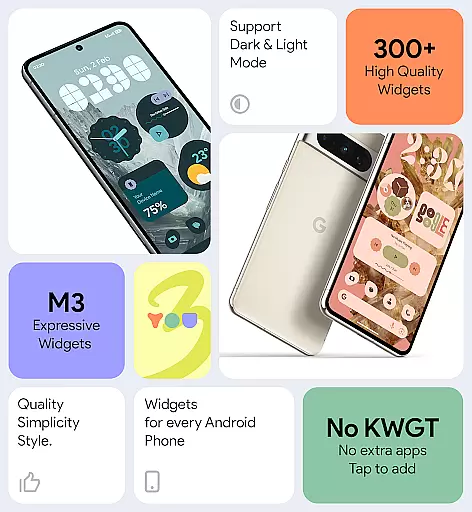
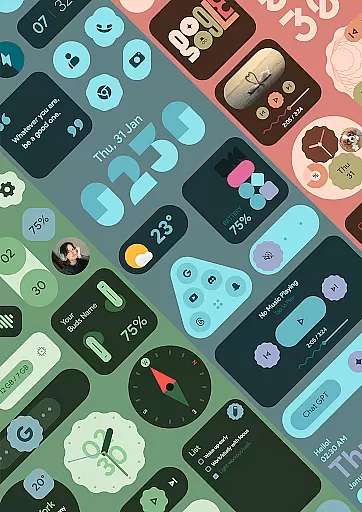
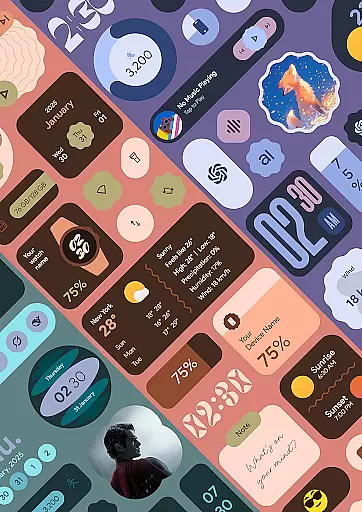
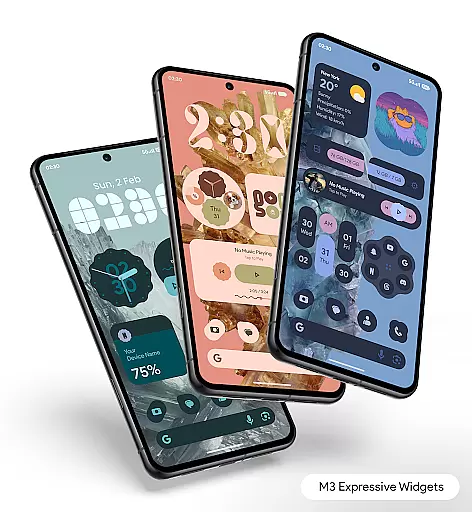
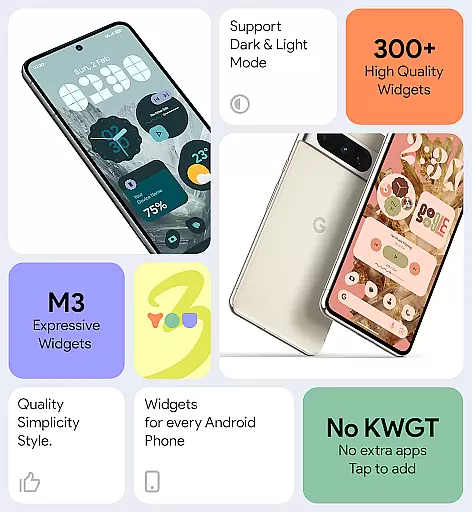
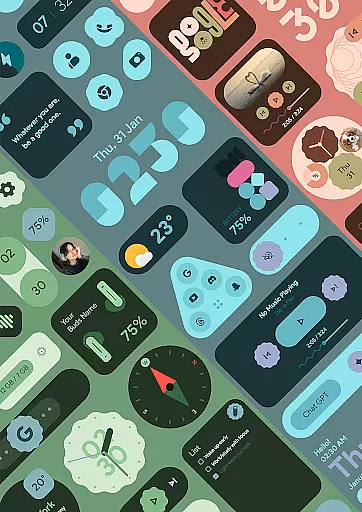
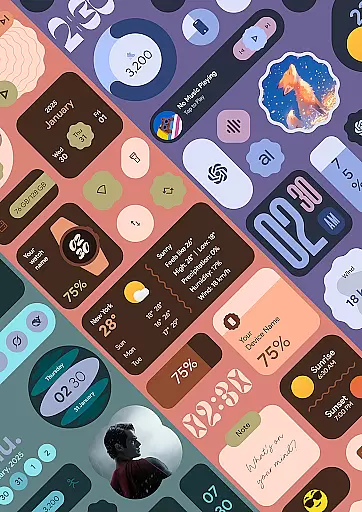
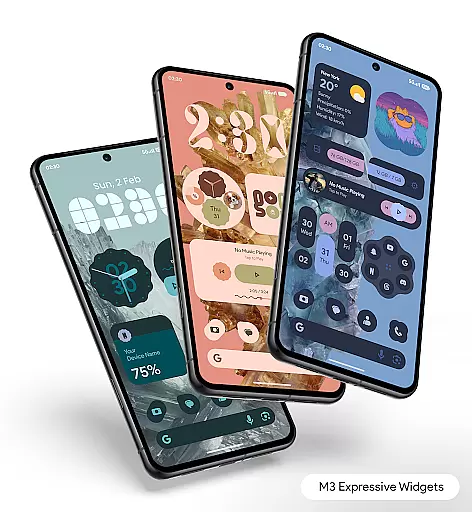
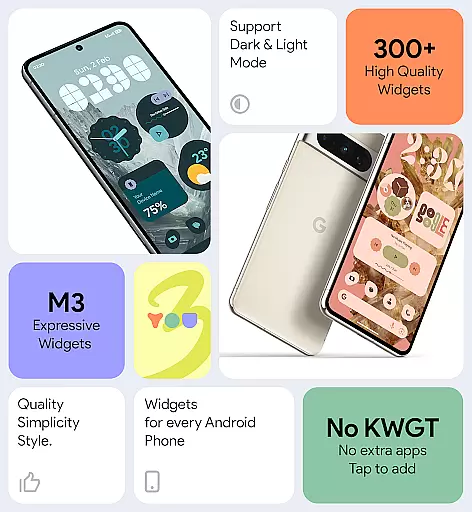

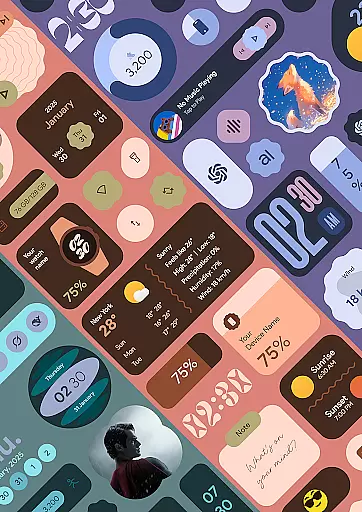
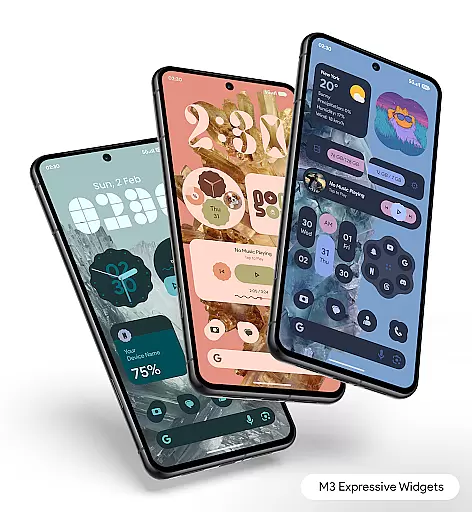
Material You Widgets is a versatile personalization app designed to enhance your Android device's home screen with over 300 beautifully crafted widgets. These widgets, ranging from clocks and weather to battery indicators and quick settings, are fully compatible with Material You design principles, ensuring seamless integration with your device's theme.
The app stands out by offering dynamic shapes, theme-matching wallpapers, and regular updates that bring new functionalities. Its lightweight architecture ensures smooth performance while maintaining battery efficiency, making it an ideal choice for users seeking both style and functionality in their daily mobile experience.
One of the standout features of Material You Widgets is its ability to function independently without requiring additional apps like KWGT. The app offers a diverse selection of customizable widgets, including clocks, weather, games, and more, each designed with elegant and minimal aesthetics.
Users can enjoy real-time updates through precise alarm scheduling and foreground services, ensuring timely information delivery for widgets such as weather and calendar events. With instant theme matching, changeable widget shapes, and over 300 wallpapers, this app provides endless possibilities for creating a personalized yet cohesive home screen experience.
Material You Widgets offers an extensive range of customization options that allow users to personalize their home screens like never before. With over 300 beautifully designed widgets, the app covers various categories including clocks, weather, games, and more.
The true power of customization lies in its Material You integration, which enables widgets to instantly match your device's theme. This feature ensures a seamless visual experience across your home screen, making it not only functional but also aesthetically pleasing.
Dynamic Shapes is another standout feature, giving users the ability to change shapes for apps, quick settings, and photos. This flexibility allows for a tailored home screen that reflects individual preferences and styles.
Moreover, the app provides theme-matching wallpapers, ensuring that every element on your home screen blends perfectly. The combination of customizable widgets and matching wallpapers creates a cohesive look that enhances both usability and personal expression.
Theme compatibility is at the core of Material You Widgets, ensuring that all widgets are optimized to work flawlessly with the Material You Theme. This deep integration allows users to enjoy a consistent and harmonious visual experience across their devices.
The app's design philosophy centers around minimal, clean, and elegant aesthetics. Each widget is crafted to maintain this standard, offering a sleek appearance that aligns perfectly with modern Android interfaces.
Users can easily adapt widgets to their preferred themes, thanks to the app's intuitive customization options. Whether you prefer a light or dark theme, the widgets adjust accordingly, providing a uniform look that enhances the overall user experience.
In addition to visual consistency, Material You Widgets ensures smooth performance and battery efficiency. By optimizing each widget for both functionality and aesthetics, the app delivers a reliable and visually appealing solution for personalizing your home screen.
User-friendly interface
Extensive widget variety
Theme synchronization
Regular feature updates
Battery optimization
Premium version required
Limited iOS support
Advanced settings locked
Occasional update delays
Foreground service alerts

Ultra realistic gold analog watch face with lots of customization options.
 4.50
4.50
Ninja Turtles Cowabunga SE watch face for Wear OS
4.50
AI-powered Copilot. Personalized keyboard with gifs, stickers & themes
4.40 3.50
3.50
Stylish Pink Cute Hippo keyboard with 10000+ customized keyboard themes!
4.60
Transform your device in a game console
4.40
Install amazing sticker packs: endless styles, always cool.
4.70
Transform your phone with stylish zipper lock themes and 4D live wallpaper
4.10
Cool custom fonts & keyboard themes! Symbols & font changer for Instagram
4.50
Wallpaper HD 4K Live - Thousands of high-quality Anime backgrounds for you.
4.80
Stunningly Different look with Line Icons and Neon Colors
4.60
Zip lock screen with magic wallpaper to decorate your phone with fun zipper lock
4.60 4.50
4.50
Color phone with cool effects for call screen, flash alert & ringtones music
4.50
Transfer your live wallpapers from Windows to Android using Wallpaper Engine!
4.00
Ultimate widget creator. Design custom widgets for a truly unique home screen!
3.90
Adaptive Dot Style IconPack with Light & Dark Theme.
3.70
Prank your friends with realistic broken screen and cracked HD effects!
4.4
Modern Glass Icon Pack with glossy icons, clean minimal theme & aesthetic style
4.2


User Reviews