
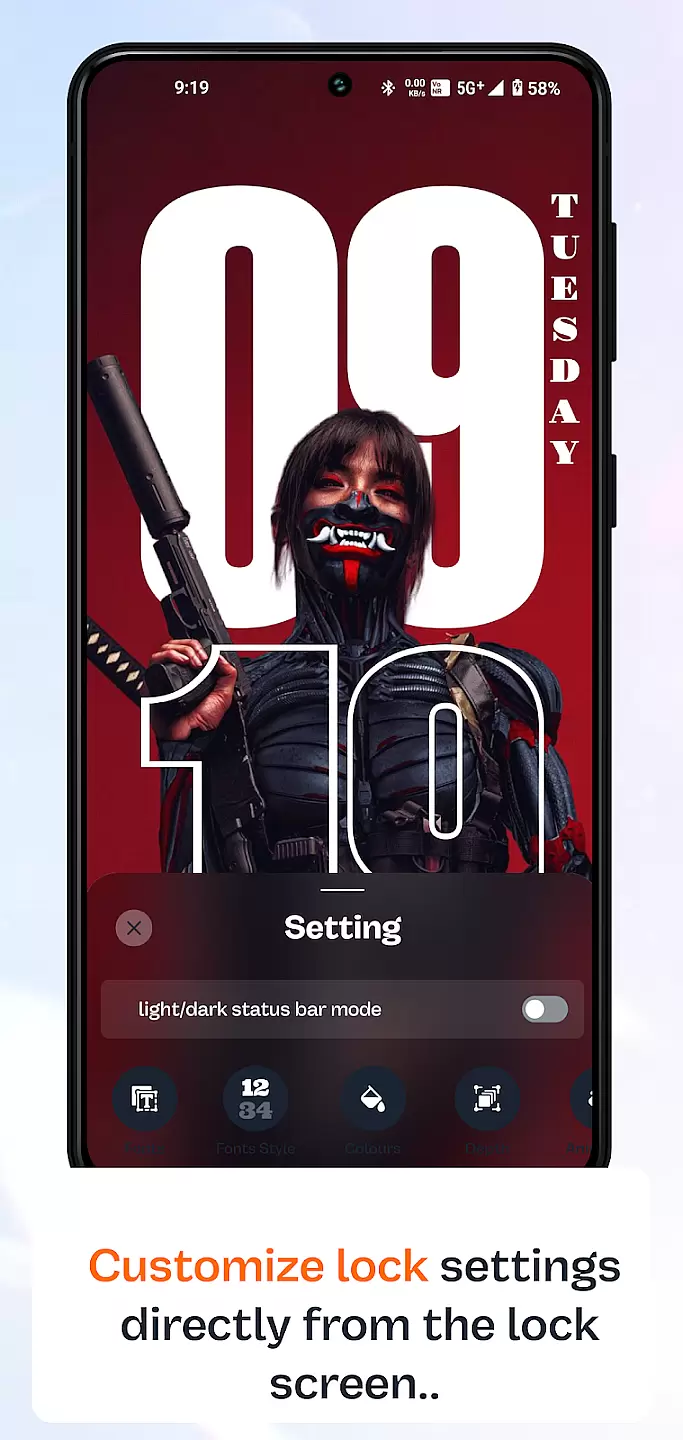
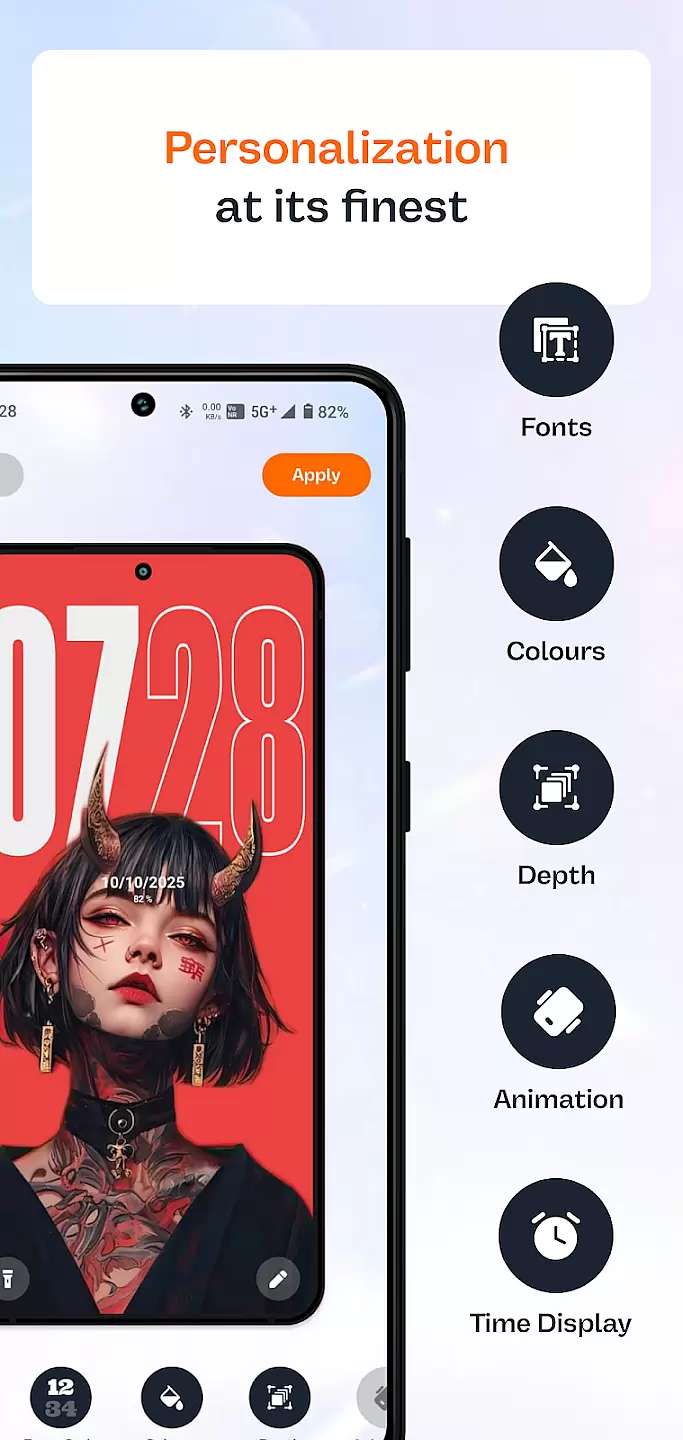
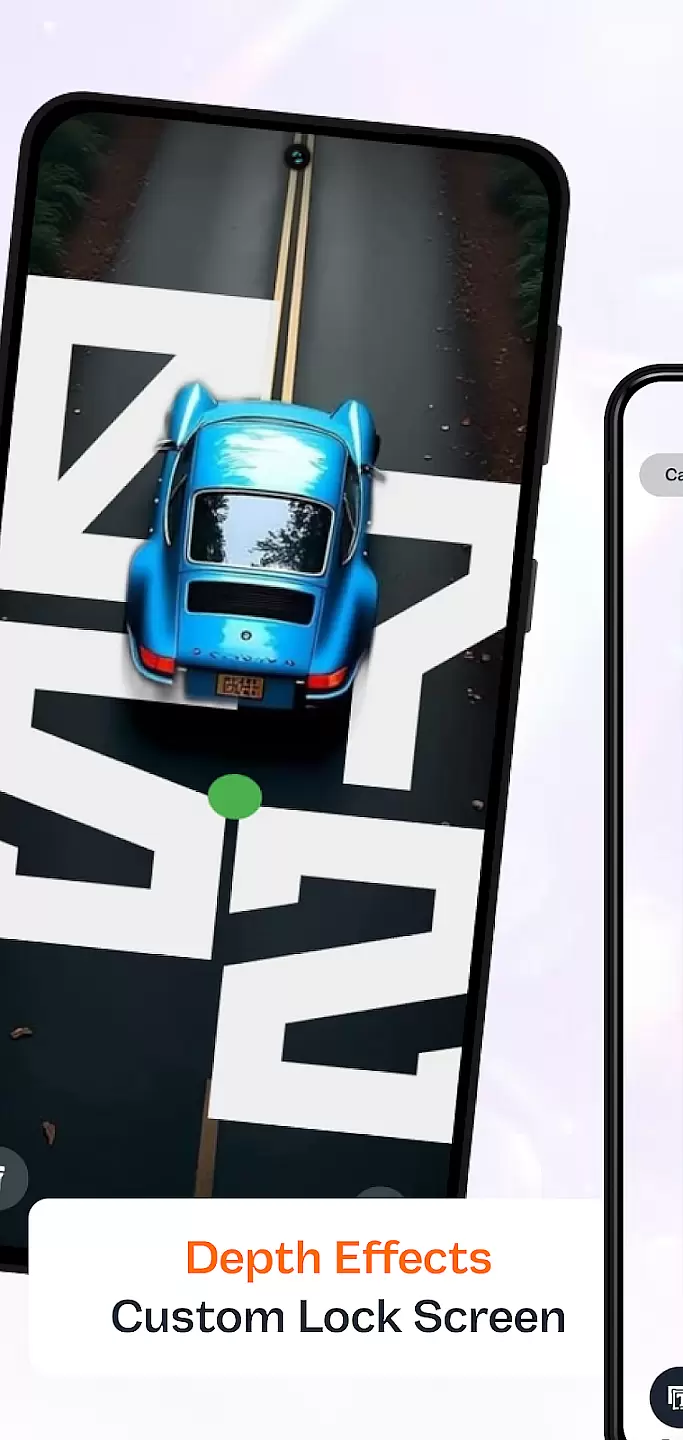
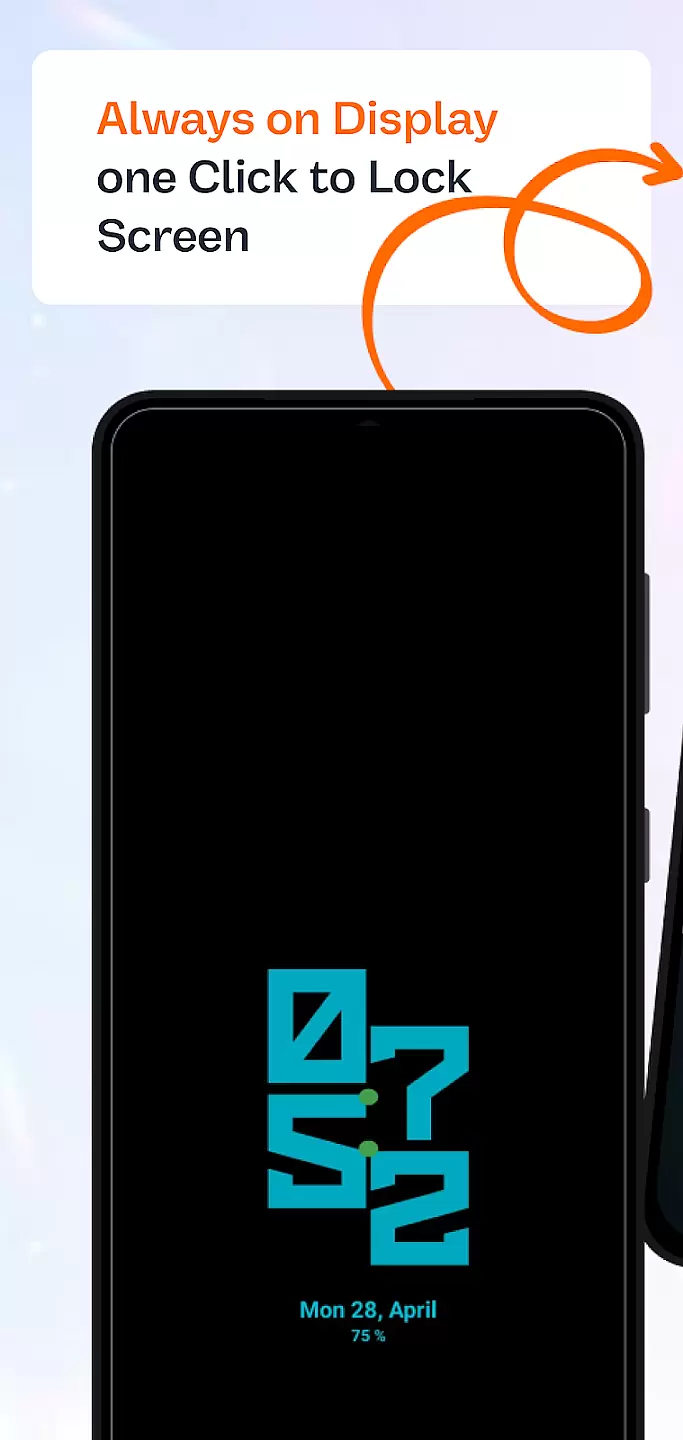
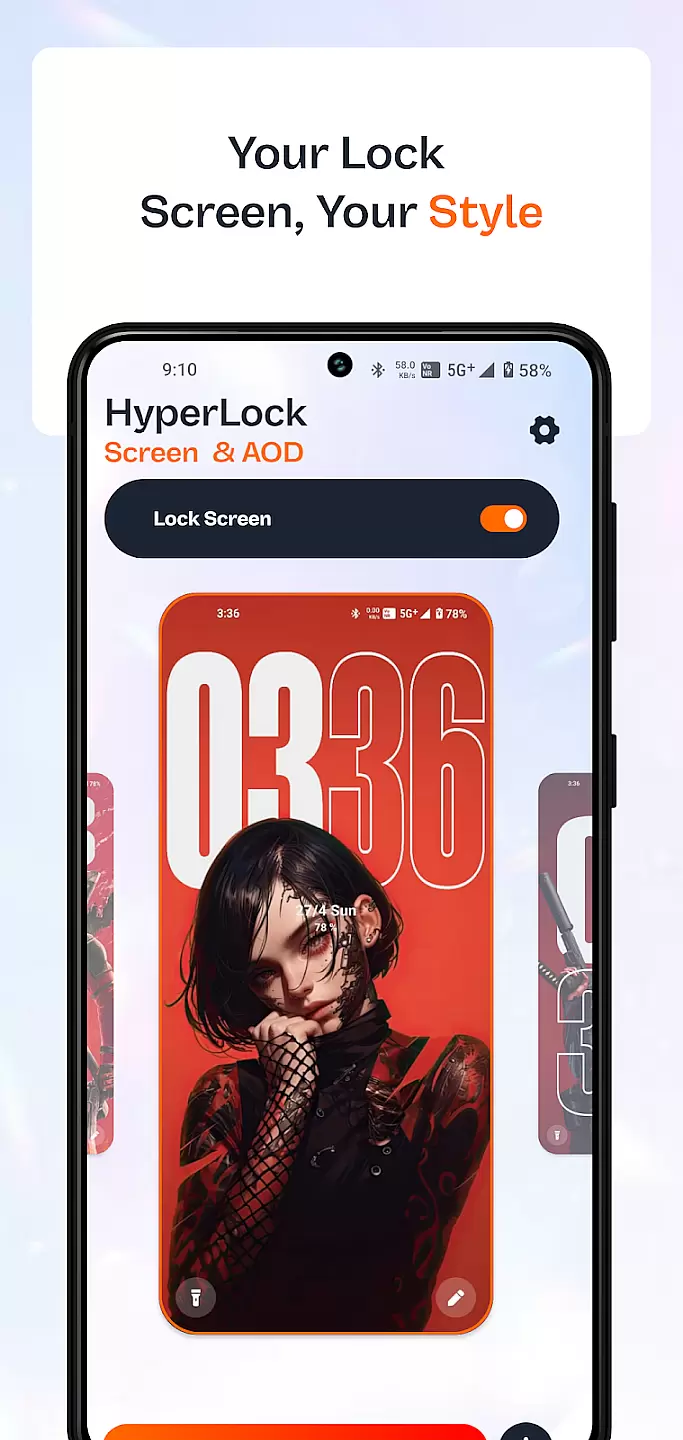
HyperLock Screen & AOD is a personalization app designed to enhance your device's lock screen and always-on display. It offers a variety of customization options, allowing users to personalize their device's appearance with unique designs and features. The app supports dynamic wallpapers, custom fonts, and interactive widgets, making it a versatile tool for those looking to add a personal touch to their smartphone experience.
This application is particularly useful for individuals who want to differentiate their devices from others while maintaining functionality. With its intuitive interface, HyperLock makes it easy for anyone to customize their lock screen without needing technical expertise. Whether you're looking to showcase your personality or simply enjoy a more engaging user experience, this app delivers both style and substance.
HyperLock Screen & AOD stands out due to its extensive range of features tailored for personalization enthusiasts. One of the key highlights is the ability to choose from a wide array of dynamic wallpapers that change based on time, weather, or other conditions. Additionally, users can select from multiple font styles and sizes to modify how information is displayed on their lock screens.
The app also includes interactive widgets that provide quick access to frequently used functions such as music controls, weather updates, and notifications. These widgets not only improve usability but also contribute to a more organized and visually appealing interface. Furthermore, HyperLock ensures that all customizations are battery-efficient, so users can enjoy personalized experiences without compromising device performance.
Customization is at the heart of personalizing your device to truly make it yours. HyperLock Screen & AOD offers a wide array of customization options that allow users to tailor their lock screen and always-on display to match their personal style.
The app provides numerous themes, fonts, and color schemes, ensuring that every aspect of the lock screen can be adjusted. Whether you prefer a minimalist look or something more vibrant and eye-catching, this application caters to all tastes.
Users benefit from the ability to change every detail, from clock styles to notification formats. This level of customization ensures that your phone not only stands out but also functions in a way that suits your daily routine.
Ultimately, the vast variety of customization options available in HyperLock Screen & AOD enhances user experience by providing both aesthetic pleasure and functional convenience.
Theme compatibility is crucial for ensuring that the visual modifications applied to your device work seamlessly across different interfaces and settings. HyperLock Screen & AOD excels in offering themes that are compatible with a wide range of devices and operating systems.
This app guarantees that whether you switch between different devices or update your operating system, your chosen theme will maintain its appearance and functionality. The developers have optimized each theme to ensure consistency and reliability.
By using HyperLock Screen & AOD, users enjoy peace of mind knowing that their selected themes will not break or lose quality over time. This compatibility extends to third-party applications, ensuring a cohesive look throughout the device.
In summary, the robust theme compatibility provided by HyperLock Screen & AOD ensures a stable and visually appealing experience, regardless of changes in device or software environment.
User-friendly interface
Wide selection of customization options
Dynamic wallpapers and interactive widgets
Customizable fonts and colors
Battery-efficient design
Limited free themes
Some features require premium subscription
Occasional bugs in widget functionality
Not compatible with all devices
Ads in free version

Classic analogue watch face. For wear os devices.
 4.60
4.60
Vertically oriented rectangular icons
4.70
A light in the dark, a unique style and an andless cutomization!
4.30
Fingerprint Lock Screen & Live Animations with 4K Wallpapers as Live Wallpaper
4.40
Adult video chat, dating, making friends, random matching
4.20
A launcher for Samsung Good Lock and Good Guardians modules without ads
4.70
Want to make your phone more special than ever?
4.60 4.50
4.50
Transform your phone with stunning video wallpapers and a unique, personal touch
3.80
Enjoy a variety of amazing live wallpapers and colorful EDGE lighting borders!
4.80
Embrace the Night. Unleash the power of darkness with Raven Dark Icon Pack
4.60
Ninja Turtles Cowabunga SE watch face for Wear OS
4.50
Transform your phone with Launcher iOS 26 - Smooth & elegant iOS experience
4.50
Try creating your own keyboard with "Keyboard theme for android" app now!
4.50
Transform your device in a game console
4.40
Themes - Widget & Wallpaper: Customize home screen, icon changer w unique themes
4.30
Romantic Kiss Stickers App. Start romantic messaging now!
4.30
Unleash Your Creativity and Connect with Loved Ones with Lockscreen Drawing!
4.20
Custom edge gestures for volume control, brightness, apps, and shortcuts.
4.5


User Reviews