
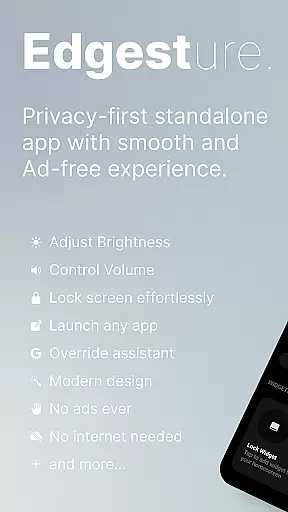
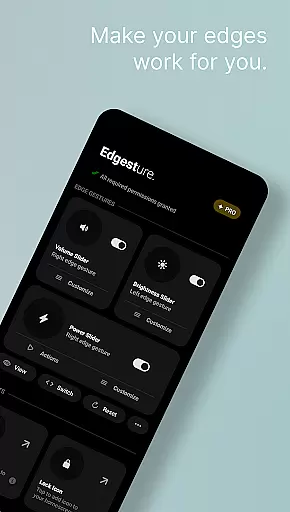
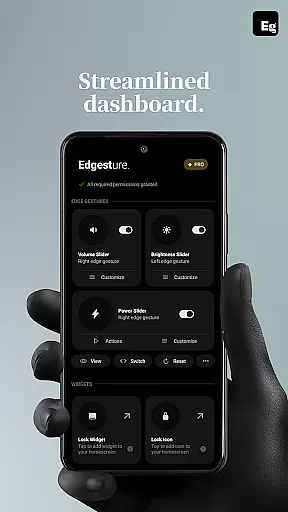
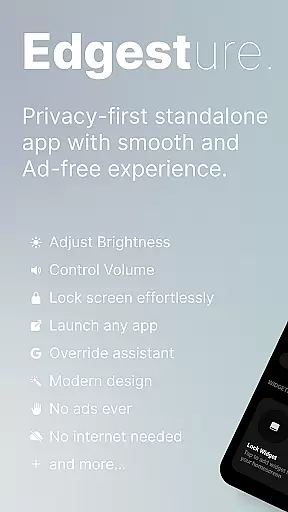
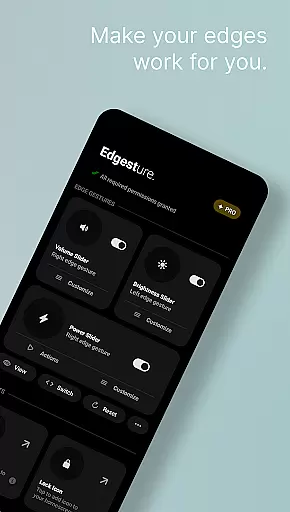

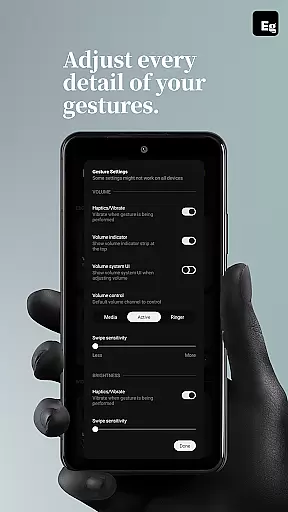
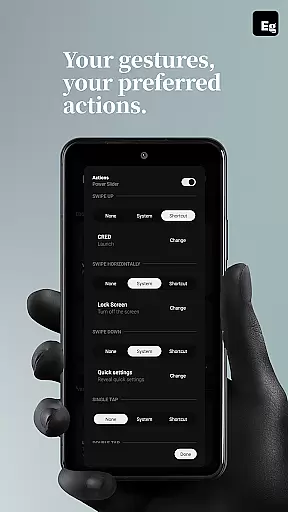
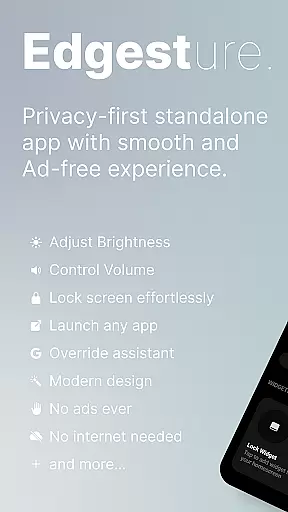
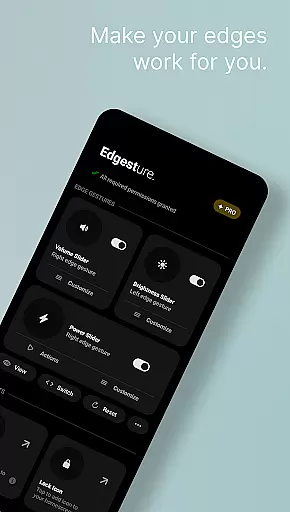
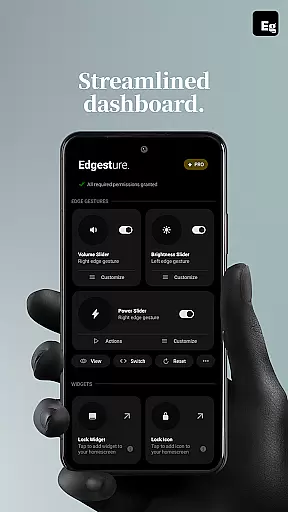
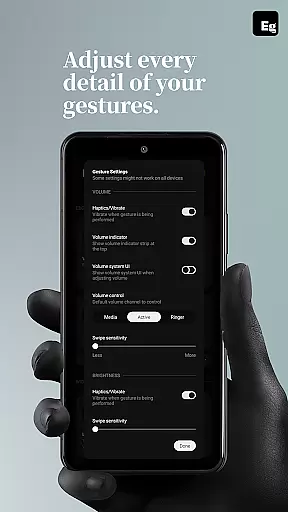
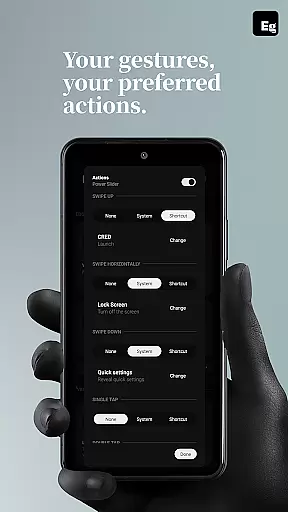
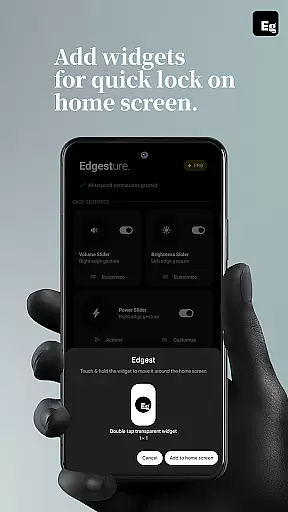
Edgest is a powerful personalisation tool designed to enhance your smartphone experience through intuitive gesture navigation and customisable shortcuts. The app allows users to take full control of their devices with edge gestures, volume and brightness control, and personalised gesture shortcuts that provide instant access to favourite apps and actions.
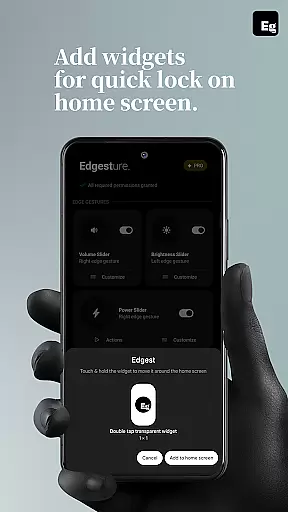
Built with simplicity in mind, Edgest offers a seamless user experience without ads, tracking, or hidden charges. Whether you're looking to boost productivity or simplify daily tasks, this app provides highly customisable options including lock screen widgets, media controls, and quick settings tiles. It adapts to various user needs while maintaining an optimised, battery-friendly performance.
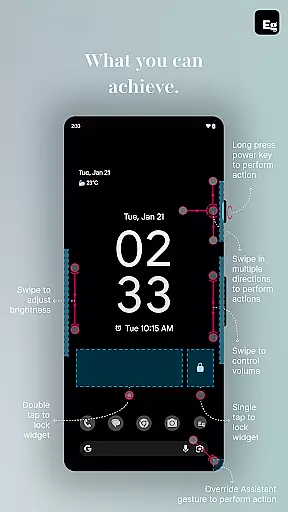
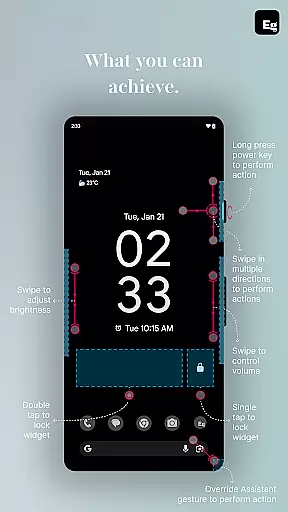
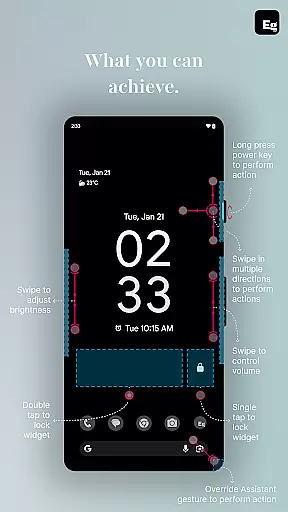
Edgest stands out with its comprehensive feature set tailored for effortless device management. The app's edge gestures enable quick navigation and instant access to essential functions, such as launching apps, toggling settings, or returning to the home screen. Users can also adjust volume and brightness directly from the screen's edge without opening additional menus.
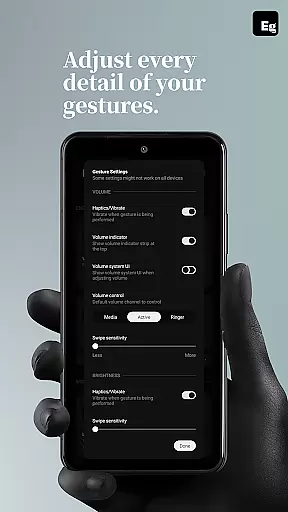
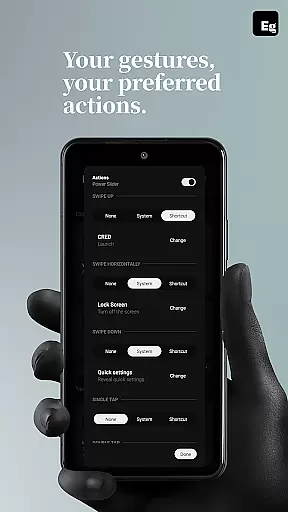
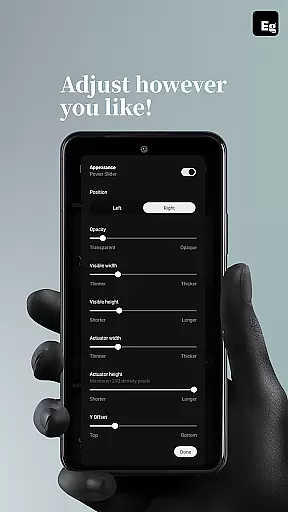
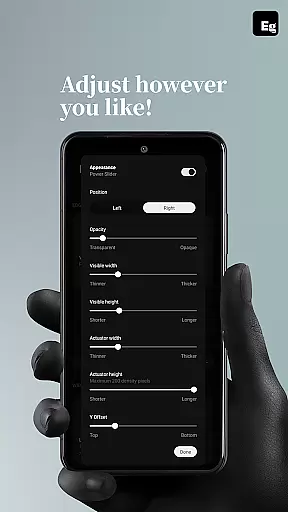
Custom gestures are another key highlight, allowing users to create personalised shortcuts for specific actions like opening URLs, taking screenshots, or accessing the notification shade. With features like lock screen widgets, media playback controls, and assignable quick settings tiles, Edgest ensures every interaction is both intuitive and efficient. Its flexibility extends to gesture sensitivity, animation speed, and feedback customisation, making it adaptable to individual preferences.
Edgest offers a diverse range of customization options that allow users to tailor their device interaction according to personal preferences. The app provides edge gestures for quick navigation and instant access to favorite apps and actions, which can be customized to fit individual workflows.
With features like volume control, brightness adjustment, and custom gestures, users can launch apps or trigger shortcuts without the need to navigate through menus. This level of personalization ensures that every interaction with your device is both efficient and intuitive.
The ability to add a quick settings tile for instant access to custom actions enhances productivity. Users can manage media playback directly from these tiles or via gestures, allowing for seamless multitasking and control without leaving the current app.
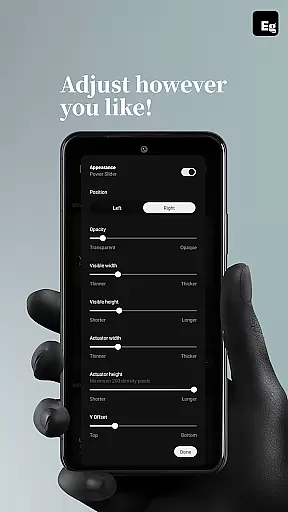
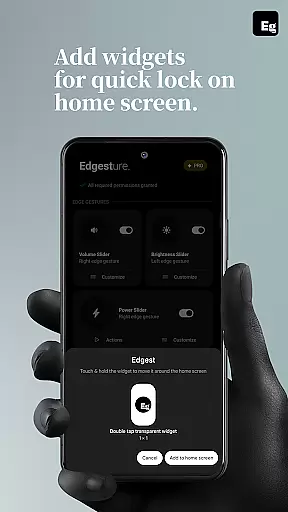
Furthermore, Edgest supports lock screen widgets with single-tap or double-tap lock options, providing an additional layer of convenience. Gesture sensitivity, animation speed, feedback, and action assignments are all adjustable, making Edgest a highly adaptable tool for personalized device management.
While Edgest focuses on gesture-based navigation and control, its design ensures theme compatibility across various devices and Android versions. This means that regardless of whether you prefer a light or dark theme, the app maintains a consistent look and feel that aligns with your device's aesthetic.
The simplicity in design does not compromise functionality; instead, it complements the user experience by offering an uncluttered interface. With no ads, tracking, or extra charges, Edgest delivers a streamlined experience that works harmoniously with your chosen device theme.
Users can expect regular updates that enhance theme compatibility as new Android features roll out. This commitment to maintaining visual consistency while delivering powerful customization tools makes Edgest a reliable choice for those seeking both form and function in their personalization apps.
Moreover, the app's accessibility features are designed to integrate smoothly with system themes, ensuring that all users, including those requiring assistive technologies, enjoy a cohesive and responsive interface.
Intuitive gesture navigation
Highly customisable shortcuts
No ads or tracking
Lightweight and battery-friendly
Enhances productivity
Limited to Android devices
Requires accessibility permissions
Learning curve for new users
Premium features may require payment
Some gestures may conflict with system defaults

Classic analogue watch face. For wear os devices.
 4.60
4.60
Vertically oriented rectangular icons
4.70
Only for Wear OS devices!
4.90
A retro cartoon style watch face and a punch right in the face of the copyright
4.60
Wear Os Watch Face - Seasonal - Animated Snow Effect - 9 Animals
4.20
Bring adorable pets to life on your screen. Playful, interactive and full of fun
4.60
Run multiple accounts of the same app on a single device
4.10
Unique Fonts, typefaces and stylish text. Fonts for Instagram, Whatsapp & others
4.20
Organize and manage your photos and videos effortlessly with Photo Gallery
4.20
Wallpaper HD 4K Live - Thousands of high-quality Anime backgrounds for you.
4.80
A Colorful and Minimal icon pack in an Outline Style - Over 13,600 icons!
4.70
Stunningly Different look with Line Icons and Neon Colors
4.60
Ultra realistic high quality analog watch face for Wear OS.
4.60
300+ Beautifully crafted widgets inspired by OneUI.
4.60
Ninja Turtles Cowabunga SE watch face for Wear OS
4.50
200+ Material Inspired Widgets
4.50
AI-powered Copilot. Personalized keyboard with gifs, stickers & themes
4.40
Magic fluids wallpaper 4D: Relax with stunning fluid simulation wallpaper app
4.20
Modern Glass Icon Pack with glossy icons, clean minimal theme & aesthetic style
4.3


User Reviews