
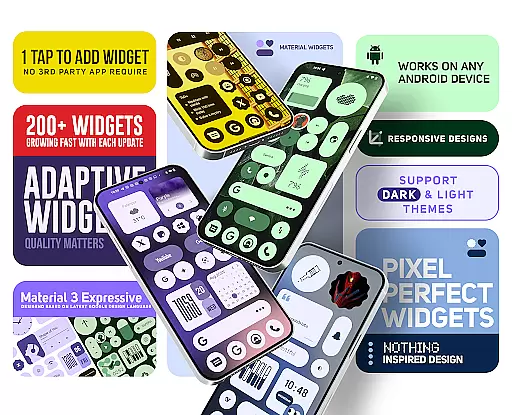
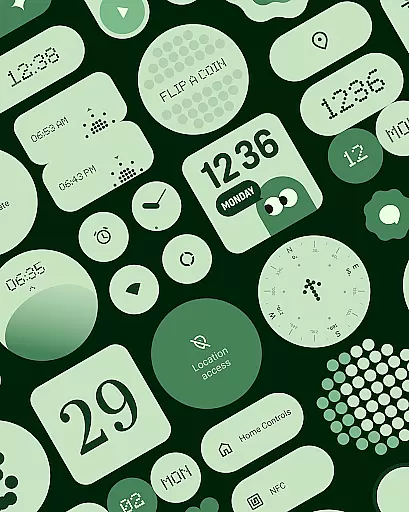
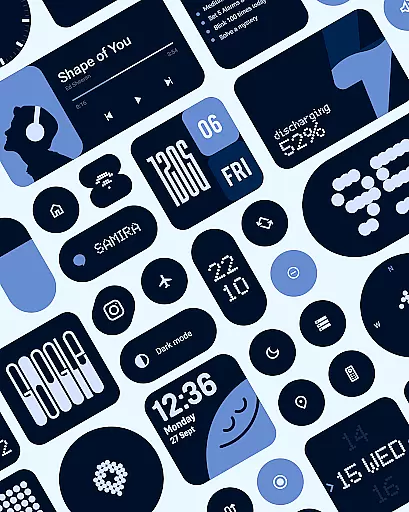
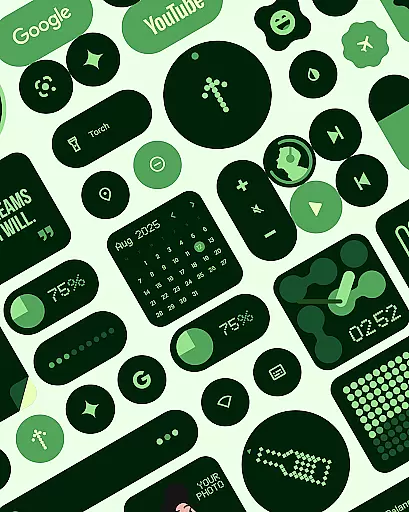
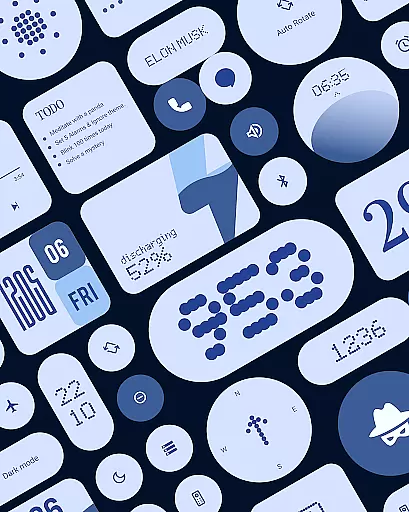
Material Widgets is a personalization app that brings Google's Material 3 design to your home screen. With over 200 widgets, it offers dynamic theming that adapts to your wallpaper and system colors, ensuring a fresh and personalized look.
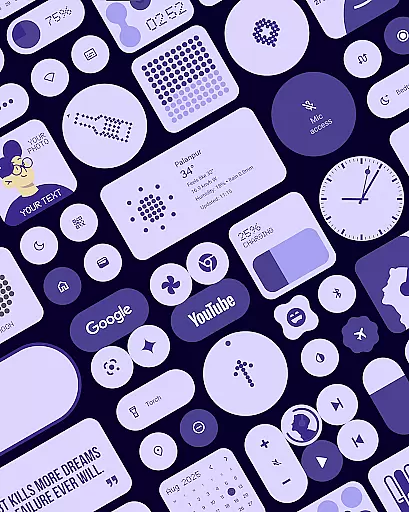
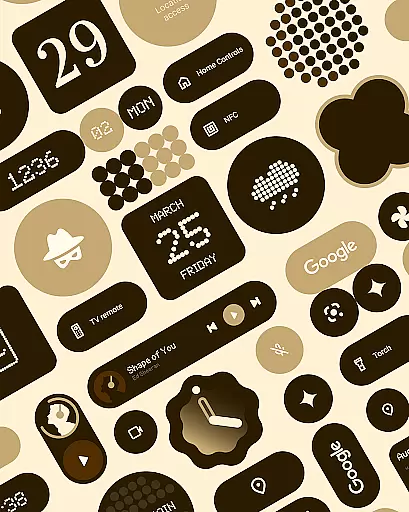
The app provides a variety of widget types including clocks, calendars, weather, and quick settings, all designed with modern shapes and bold typography. These widgets are fully resizable, giving users control over their home screen layout while maintaining visual appeal.
One of the standout features of Material Widgets is its native functionality. Unlike other widget packs, it doesn't require additional apps like KWGT, allowing for easy tap-and-add installation. This makes customization quick and user-friendly.
The app includes a diverse range of widget categories such as productivity tools, photo frames, and even mini-games. Each widget type automatically adjusts to both dark and light modes, providing a seamless experience across different device settings.
Customization is at the heart of Material Widgets, offering users a wide array of options to tailor their home screens. With over 200 widgets available, the app covers everything from clocks and calendars to weather and battery indicators, all designed with Googleu2019s Material 3 guidelines.
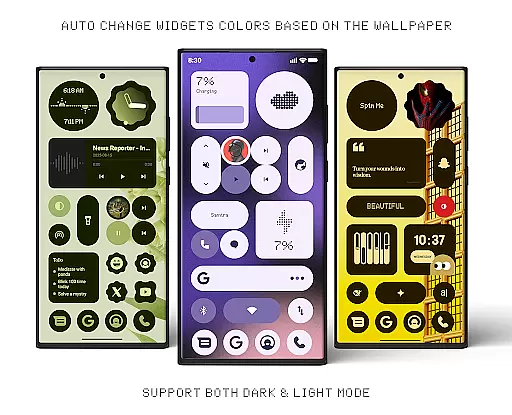
Each widget adapts its colors to match your wallpaper, ensuring a seamless blend with your device's aesthetic. This dynamic theming extends to both dark and light modes, making it versatile for any user preference or environment.
The app also provides resizable widgets, allowing you to adjust sizes from compact to full-screen layouts. This flexibility ensures that your home screen remains organized and visually appealing, regardless of how many widgets you choose to display.
By including widgets for productivity, entertainment, and system controls, Material Widgets caters to diverse needs. Whether you want to track steps, control smart home devices, or enjoy mini-games, this app offers customization that enhances both functionality and personal expression.
Material Widgets excels in theme compatibility, automatically adjusting to your system settings and wallpaper. This ensures that whether you're using dark mode or light mode, the widgets maintain a cohesive look that feels native to your device.
The app leverages Material You design principles, which means every widget dynamically inherits colors from your chosen wallpaper. This feature not only keeps your home screen fresh but also reduces the need for manual adjustments when changing themes or wallpapers.
In addition to color adaptation, the widgets are crafted with modern shapes and bold typography, aligning perfectly with contemporary design trends. This attention to detail enhances readability and visual appeal across different devices and screen sizes.
With built-in support for various functionalities like quick settings, weather updates, and productivity tools, Material Widgets ensures that all elements remain visually consistent while delivering essential information at a glance.
Native widget functionality
Over 200 customizable widgets
Automatic color adaptation
Regular updates with new widgets
Included matching wallpapers
Limited to Material Design aesthetics
Some features may need future updates
No iOS version available
Advanced options might overwhelm beginners
Third-party app integrations limited

Ultra realistic gold analog watch face with lots of customization options.
 4.50
4.50
Capture moments that pass like a storm, second by second.
4.1
Winter's Journey: digital watch face for Galaxy Watch & Wear OS
4.80
Customizable screen pets that play, climb, and keep you company.
4.50
The definitive Icon pack maker and editor
4.30 4.50
4.50
Icons made of colorful linear lines
4.60
Modern Glass Icon Pack with glossy icons, clean minimal theme & aesthetic style
4.0
Custom ringtones songs, music ringtones for Android phones
4.60
Customizable Glass widgets. Over 360+ stunning widgets and more!
4.70
Vertically oriented rectangular icons
4.70
Classic analogue watch face. For wear os devices.
4.60
Zip lock screen with magic wallpaper to decorate your phone with fun zipper lock
4.60
3D, live, and moving wallpapers & themes in 4K and HD for your device.
4.50
Try creating your own keyboard with "Keyboard theme for android" app now!
4.50 4.50
4.50
Unique Fonts, typefaces and stylish text. Fonts for Instagram, Whatsapp & others
4.20
Customize glowing edges, wallpapers, and caller screen with EdgeAura.
3.50
Custom edge gestures for volume control, brightness, apps, and shortcuts.
4.0


User Reviews