
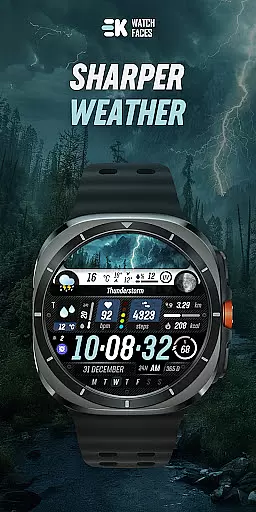
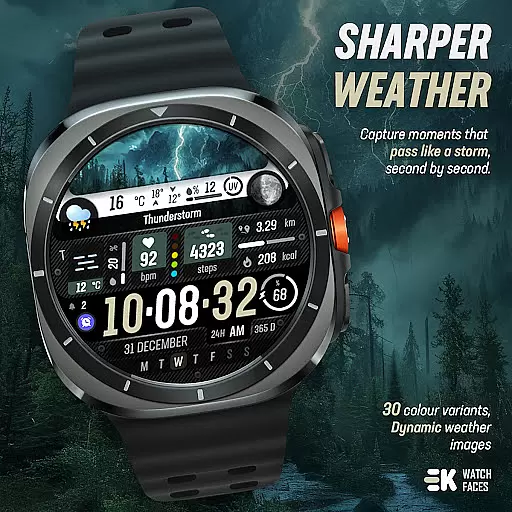
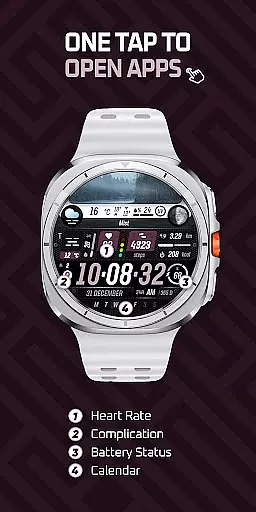
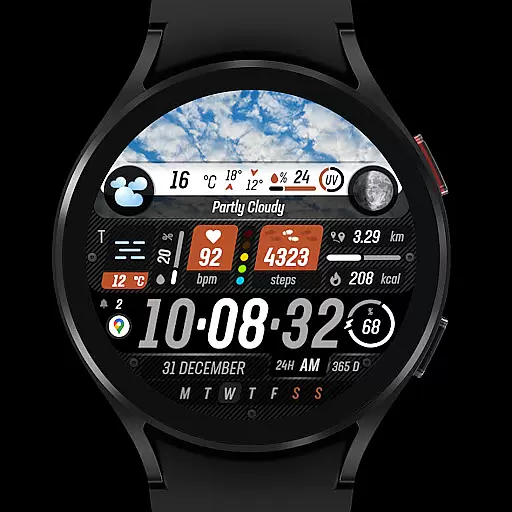
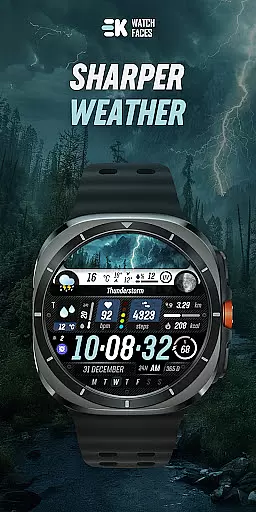
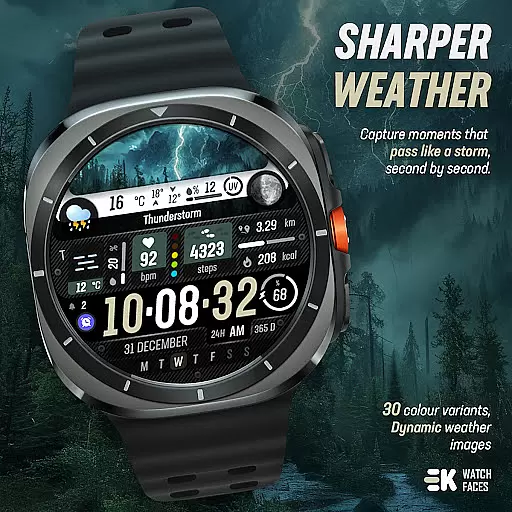
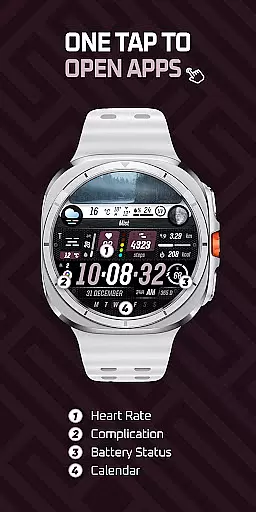
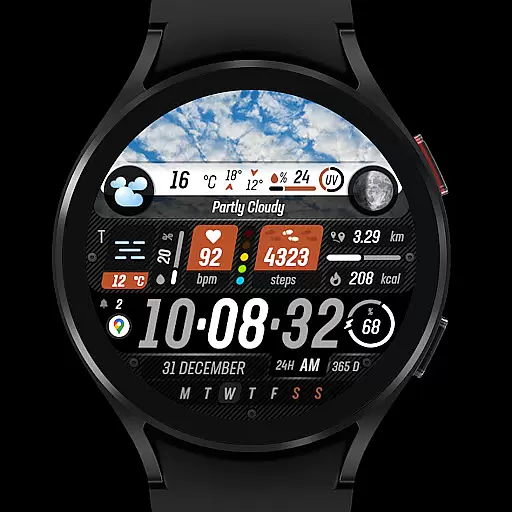
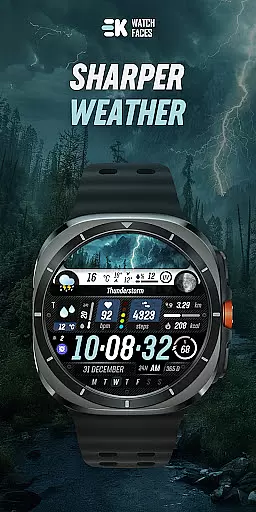
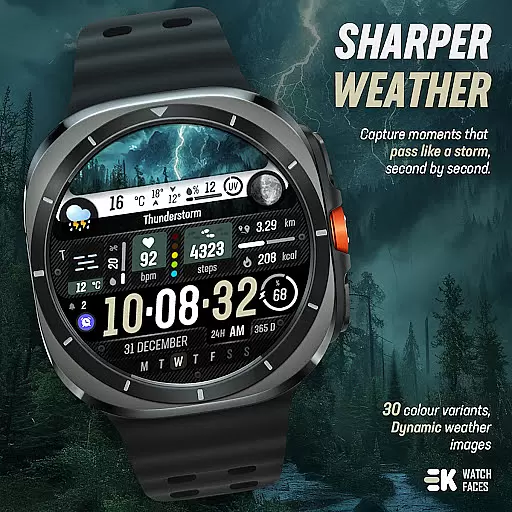
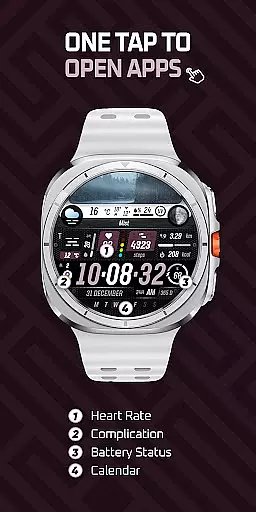
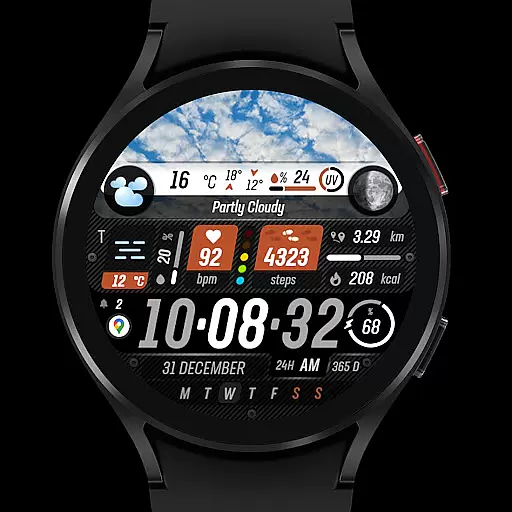
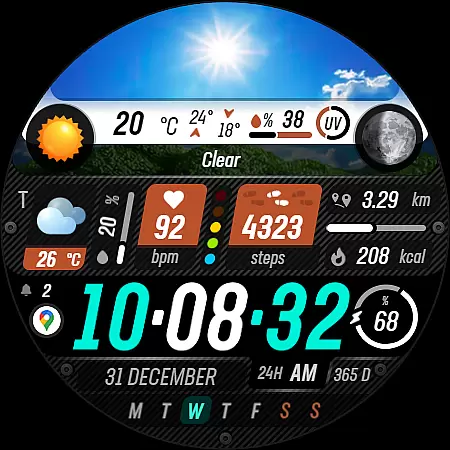
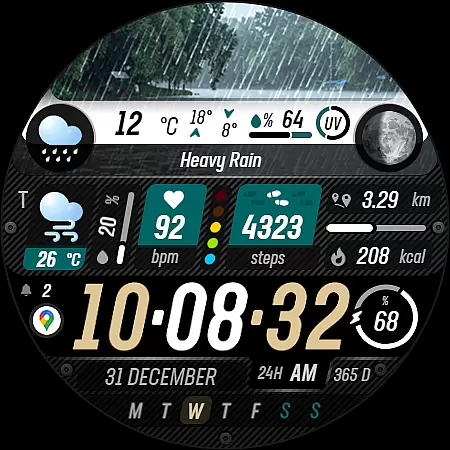
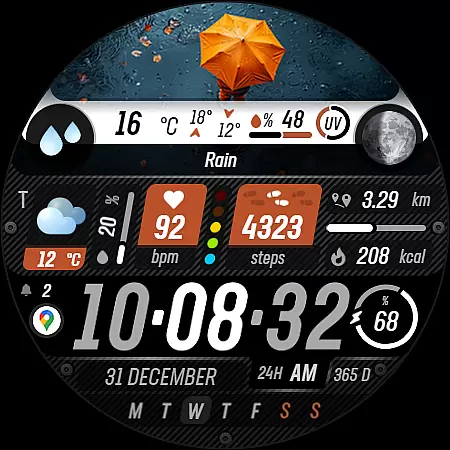
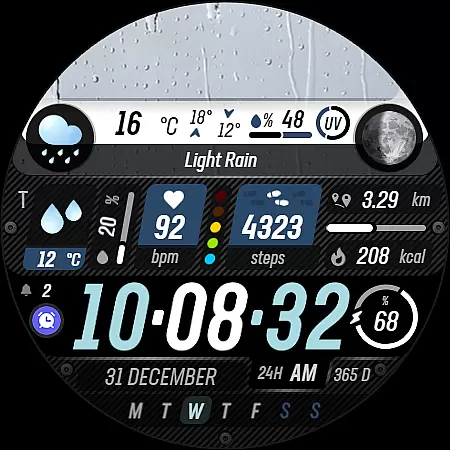
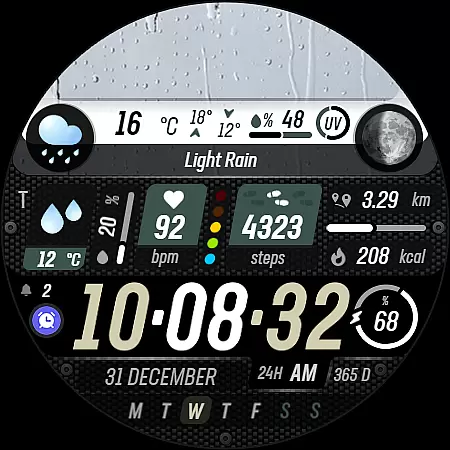
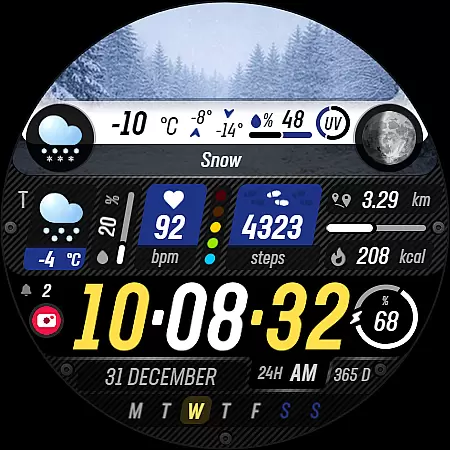
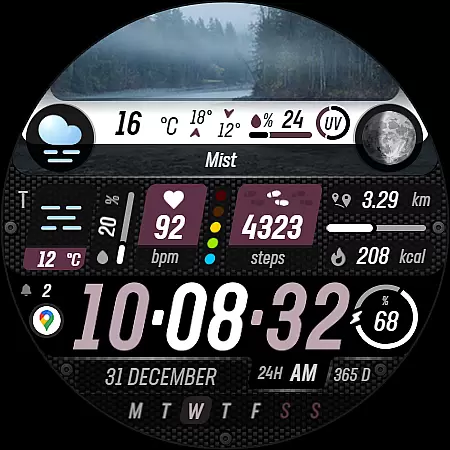
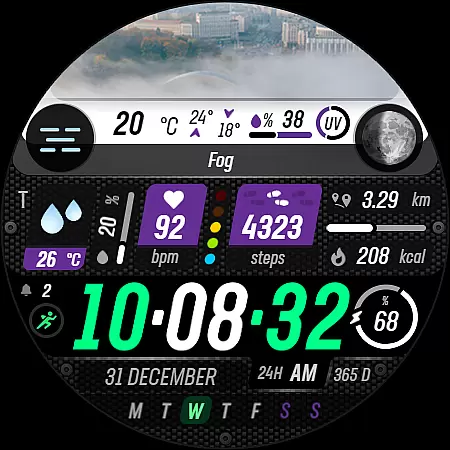
Sharper Weather is a feature-rich watch face designed exclusively for Wear OS devices, offering users an enhanced and personalized timekeeping experience. With its visually striking weather-based imagery and comprehensive health tracking features, this app transforms your smartwatch into a powerful personal assistant.
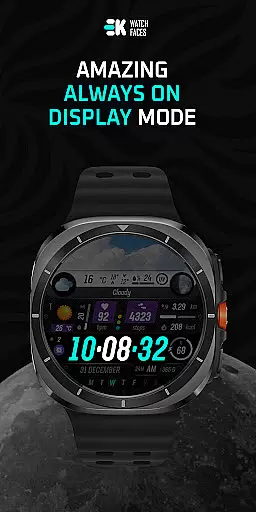
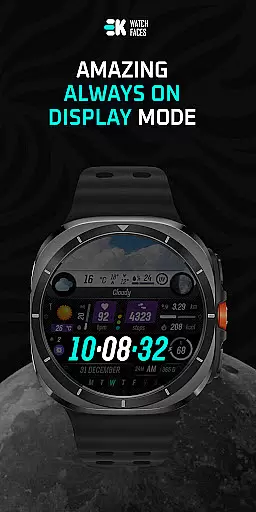
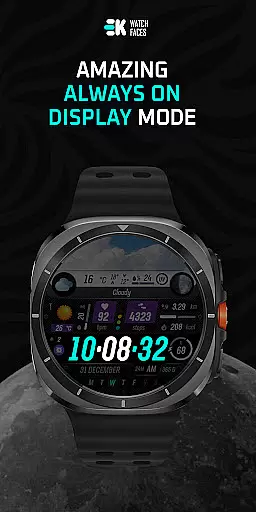
The watch face provides real-time weather updates including high-low temperatures, precipitation chances, and UV index indicators. It also includes advanced fitness tracking metrics like steps, distance, calories burned, heart rate monitoring, and more. The always-on display functionality ensures you never miss important information.
Ideal for tech-savvy individuals who value both aesthetics and functionality in their wearable devices, Sharper Weather helps users stay informed about weather conditions while tracking their daily activities, making it perfect for outdoor enthusiasts and professionals alike.
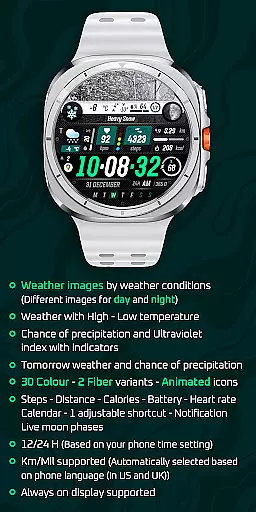
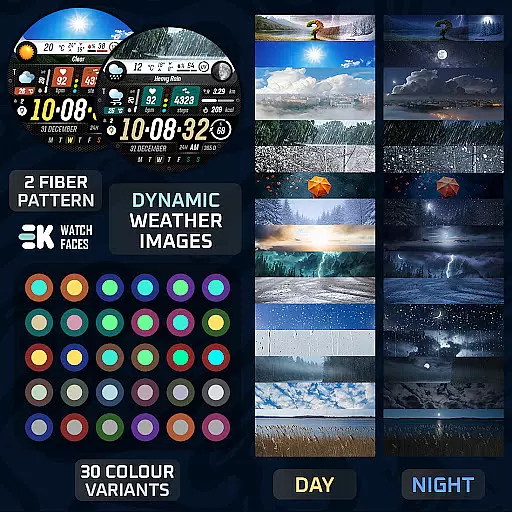
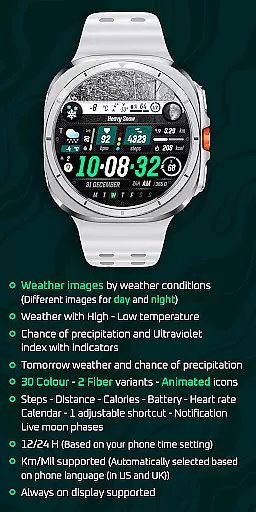
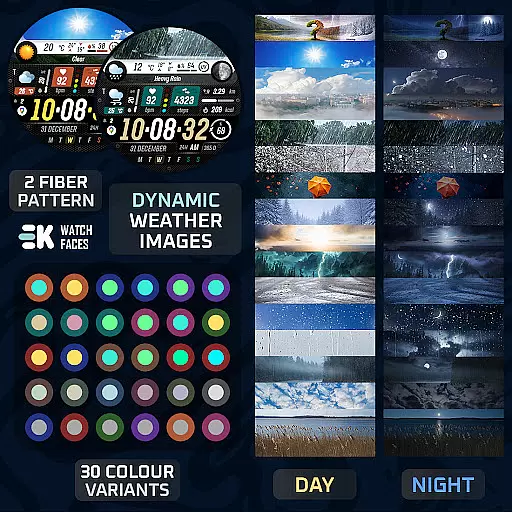
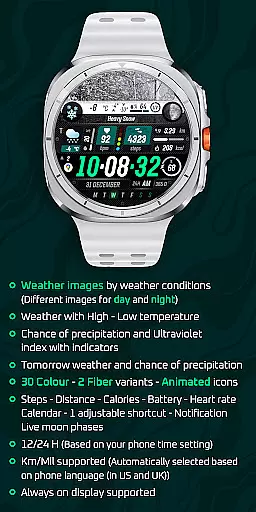
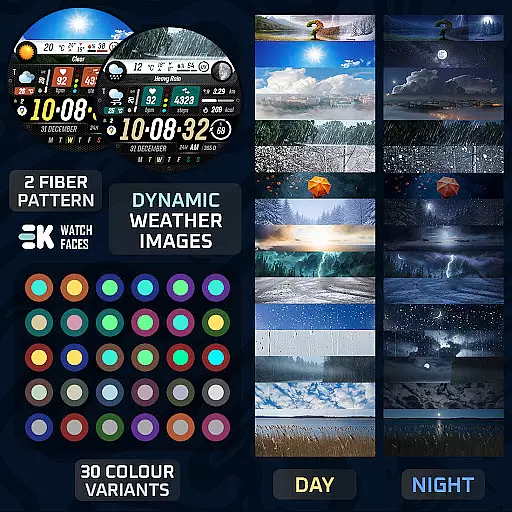
Sharper Weather stands out with its impressive array of customization options and practical features. The app offers 30 color variants and 2 fiber options, allowing users to personalize their watch face to match their style. Its animated icons and weather-specific imagery create a dynamic visual experience that changes based on day or night conditions.
The watch face integrates seamlessly with your daily life by providing essential information at a glance. This includes tomorrow's weather forecast, battery status, calendar events, and even live moon phases. The 12/24 hour format automatically adjusts based on your phone's settings, while distance measurements adapt to either kilometers or miles depending on your location.
What truly sets Sharper Weather apart is its attention to detail in user experience. With support for always-on display and customizable shortcuts, users can optimize their watch face for maximum efficiency. The app also respects user privacy by requiring manual permission activation for sensor data collection and complications.
Sharper Weather - Watch Face offers a wide array of customization options that allow users to tailor their Wear OS experience according to their preferences. With 30 color choices and 2 fiber variants, the watch face can be personalized to match individual style or mood.
In addition to aesthetic personalization, the application provides animated icons and supports both 12-hour and 24-hour time formats based on the phone's time setting. Users can also choose between kilometers or miles for distance measurement, which is automatically selected based on the phone's language settings, ensuring a seamless integration with the user's existing device ecosystem.
The inclusion of an always-on display feature, along with complications such as weather conditions, high-low temperatures, chance of precipitation, ultraviolet index indicators, tomorrow's weather forecast, steps, distance, calories burned, battery status, heart rate, calendar events, and one adjustable shortcut, means that users have comprehensive control over what information is displayed at a glance.
This level of customization empowers users to create a unique and functional wearable experience that not only looks good but also serves practical purposes in daily life, making it an ideal choice for those who value both form and function in their personal devices.
Theme compatibility is a crucial aspect of any wearable device application, and Sharper Weather - Watch Face excels in this area by providing a cohesive visual experience across different themes. The app supports various weather images corresponding to specific conditions during the day and night, ensuring that the watch face remains visually relevant and informative regardless of the time or weather situation.
Moreover, the application integrates smoothly with the phoneu2019s settings, displaying time and units of measurement (kilometers/miles) in accordance with the user's phone language settings, particularly catering to users in the United States and United Kingdom. This ensures consistency between the phone and watch interfaces, enhancing the overall user experience.
To further enrich theme compatibility, the app includes live moon phases, adding another layer of dynamic content that changes with the lunar cycle. Such attention to detail demonstrates the developer's commitment to delivering a watch face that is not only customizable but also adaptive to real-world variables.
By manually enabling Sensors & receiving complication data permissions, users can enjoy full functionality, allowing them to seamlessly switch between different themes while maintaining access to vital information, thus creating a harmonious balance between aesthetics and utility on their Wear OS devices.
User-friendly interface
Weather-based customization
Fitness tracking integration
Versatile color options
Always-on display support
Wear OS 5+ only
Installation complexity
Limited device compatibility
Potential sync issues
Permission management required

A Colorful and Minimal icon pack in an Outline Style - Over 13,600 icons!
 4.70
4.70
Bring adorable pets to life on your screen. Playful, interactive and full of fun
4.60
Aesthetic Widgets, HD Wallpapers, Themes in Mico Widget for Home and Lock Screen
4.50 4.50
4.50 3.50
3.50
Customize your home screen with stunning themes, blur, widgets & icons.
4.60
200+ Material Inspired Widgets
4.50
Your home screen, just the way you like it.
4.30
A minimalist productivity launcher. One-hand-friendly. Zero ads.
4.70
Dark icon pack based on One 8
4.80
Classic analogue watch face. For wear os devices.
4.60
Want to make your phone more special than ever?
4.60
Beautiful realistic hybrid watch face with numerous customization options.
4.50
3D, live, and moving wallpapers & themes in 4K and HD for your device.
4.50
Color phone with cool effects for call screen, flash alert & ringtones music
4.50
Themes - Widget & Wallpaper: Customize home screen, icon changer w unique themes
4.30
Adult video chat, dating, making friends, random matching
4.20
Create unique, fun emojis with Funny Emoji Maker! Unlimited creativity!
4.00
Your go to Weather App & Home Screen. Get your weather at a swipe of a finger!
3.80


User Reviews