
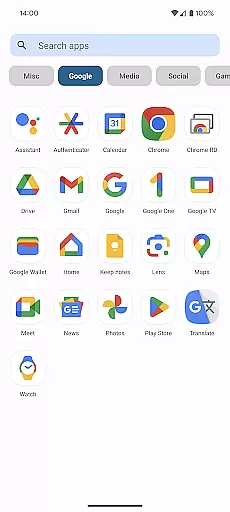
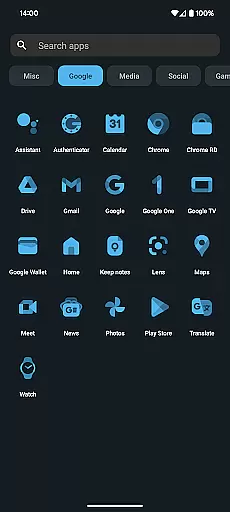
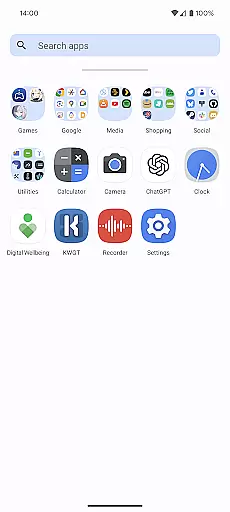
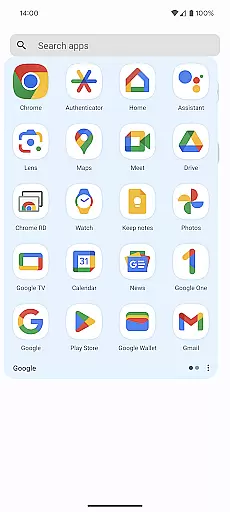
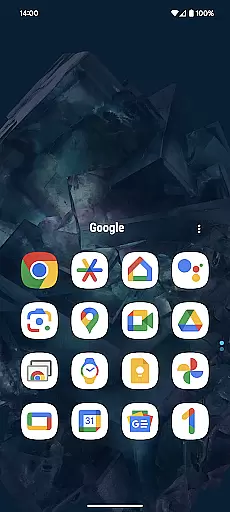
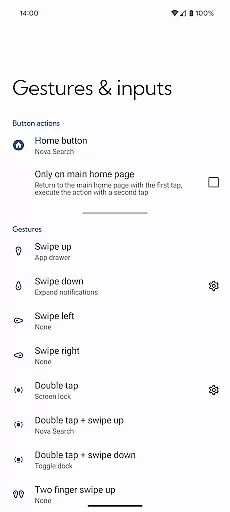
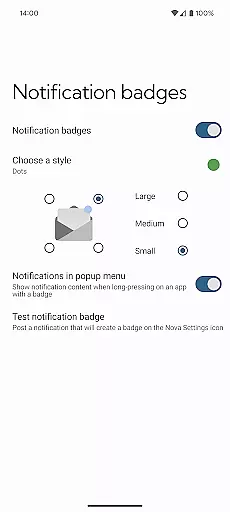
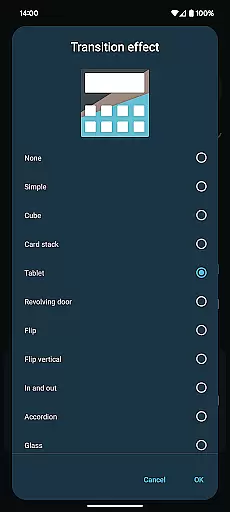
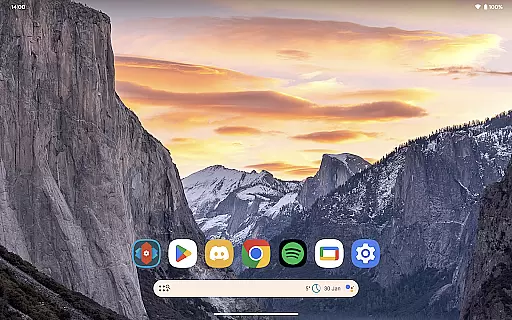
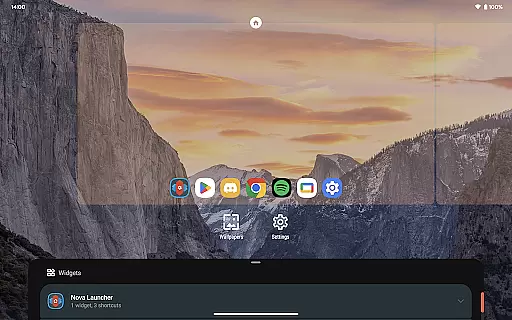
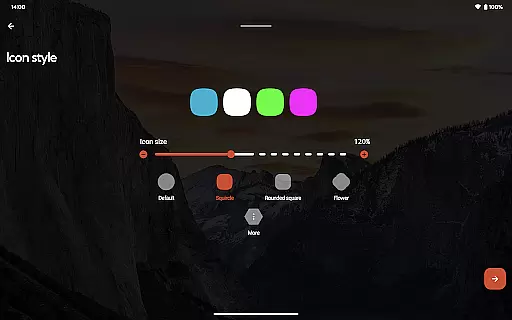
Nova Launcher Prime is a premium upgrade that unlocks the full potential of Nova Launcher, one of the most customizable home screen replacements for Android devices. Designed to enhance productivity and personalization, this app offers advanced features such as custom gestures, app drawer organization, and icon swipe actions.
With Nova Launcher Prime, users can create a highly tailored mobile experience by organizing apps into custom tabs, hiding unwanted apps, and using gestures like swipes and pinches to execute commands. These features make it an ideal choice for power users who want complete control over their device's interface while maintaining a clean and organized home screen.
Nova Launcher Prime stands out with its extensive customization options. The app allows users to implement custom gestures on the home screen, such as swiping, pinching, or double-tapping to perform specific actions. This functionality significantly boosts productivity without cluttering the interface.
Another notable feature is the ability to organize apps in the app drawer using custom tabs or folders. Users can also hide apps they don't want to appear in the drawer. Additionally, the custom icon swipe gestures enable users to access functions directly from their home screen icons, saving valuable screen space while keeping essential tools within reach.
Nova Launcher Prime offers an extensive range of customization options that allow users to tailor their Android home screens to their exact preferences. This includes the ability to create custom gestures, which enable users to execute commands such as launching apps or accessing settings through intuitive motions like swipes and pinches.
Moreover, the app drawer can be organized into custom tabs and folders, providing an unprecedented level of organization for those who have a multitude of apps installed on their devices. Users also have the option to hide apps from the app drawer without uninstalling them, ensuring a clutter-free experience.
The inclusion of custom icon swipe gestures adds another layer of personalization and productivity. With these gestures, users can perform actions by simply swiping up or down on icons, thus maximizing efficiency while conserving screen space.
Theme compatibility in Nova Launcher Prime ensures that users can seamlessly integrate various visual themes across their device's interface. The launcher supports a wide array of icon packs, allowing for cohesive and aesthetically pleasing home screen designs that reflect individual tastes and styles.
By collaborating with theme creators, Nova Launcher Prime provides access to professionally designed icon packs like OneYou Icon Pack by PashaPuma Design. These high-quality themes are fully compatible with the launcheru2019s features, ensuring that users enjoy a consistent look and feel throughout their device.
This compatibility extends beyond mere aesthetics; it encompasses functional elements as well. Users can expect notification badges and scrolling effects to work harmoniously within their chosen themes, enhancing both form and function on their personalized Android devices.
Highly customizable
Productivity-focused gestures
Clean and organized interface
Advanced app drawer options
Seamless integration with free version
Requires separate Nova installation
Paid upgrade
Complex for beginners
Limited iOS compatibility
No built-in icon pack

Customizable flower power digital watch face for Wear OS watches.
 4.00
4.00
AI-powered Copilot. Personalized keyboard with gifs, stickers & themes
4.40
Interactive Miniature Painting Catalogue
3.30
Want to make your phone more special than ever?
4.60 4.50
4.50
Your go to Weather App & Home Screen. Get your weather at a swipe of a finger!
3.80
300+ Stunning and well-designed widgets inspired by NOTHING.
4.70
Modern Glass Icon Pack with glossy icons, clean minimal theme & aesthetic style
4.5
Transform your phone with stunning video wallpapers and a unique, personal touch
3.80
Winter's Journey: digital watch face for Galaxy Watch & Wear OS
4.80
Customizable Glass widgets. Over 360+ stunning widgets and more!
4.70
A launcher for Samsung Good Lock and Good Guardians modules without ads
4.70
Shimeji adds cute animated characters to your screen, lively and fun.
4.70
Nothing Icon pack with more than 3750+ highly crafted icons.
4.70
350+ widgets with a premium glass-style finish, perfect for home & lock screens.
4.70
Beautiful realistic hybrid watch face with numerous customization options.
4.50
Unleash Your Creativity and Connect with Loved Ones with Lockscreen Drawing!
4.20
Crystal-clear, square icon provides a sleek and sophisticated visual upgrade
4.00
Turn your lock screen into fun with smile live wallpapers & animated wallpapers!
2.50


User Reviews