
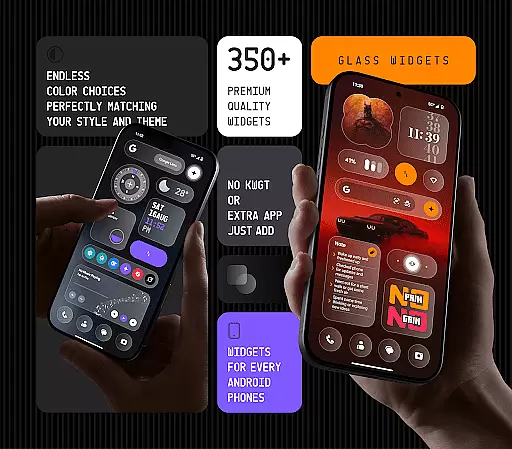
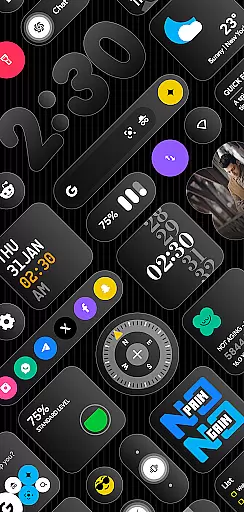
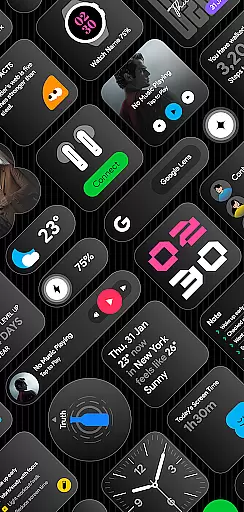
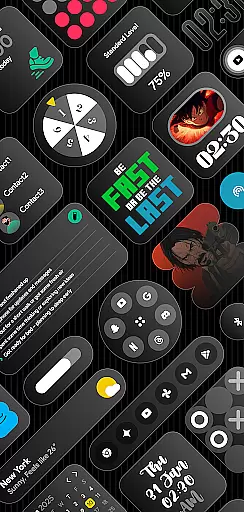
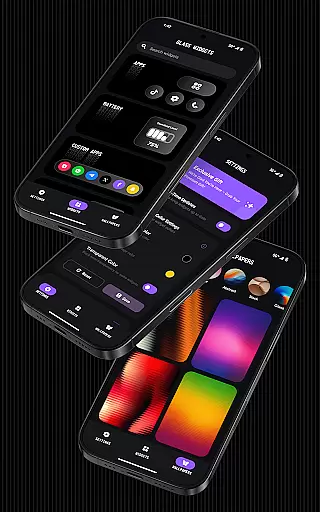
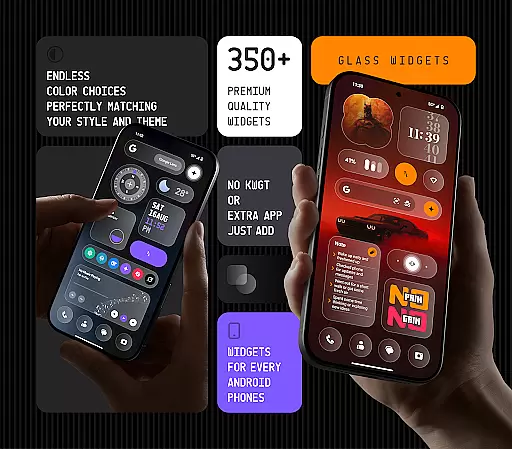
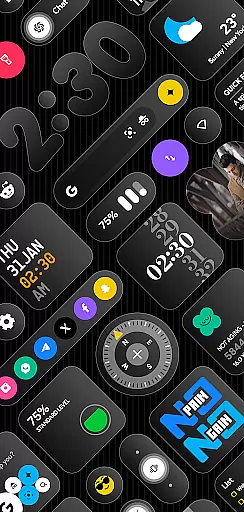
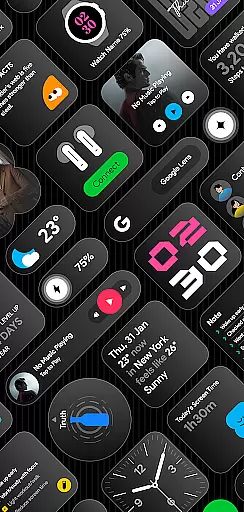
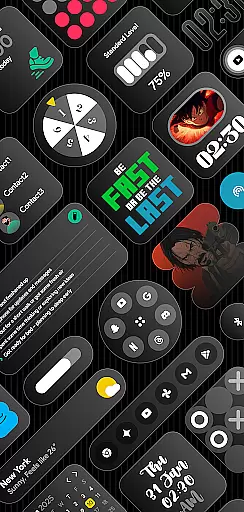
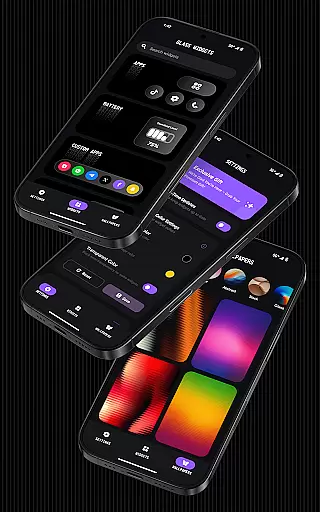
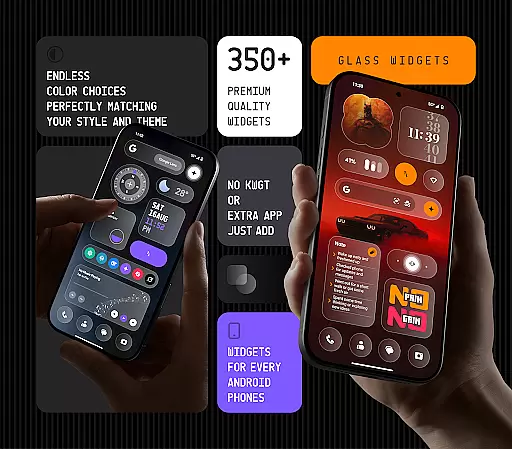
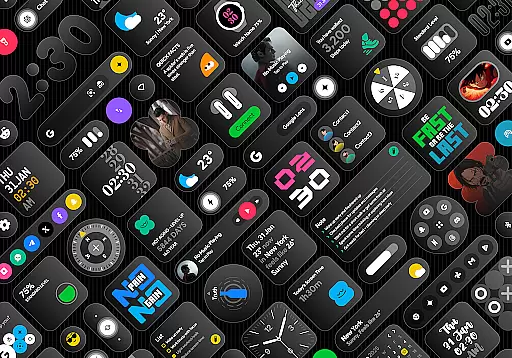
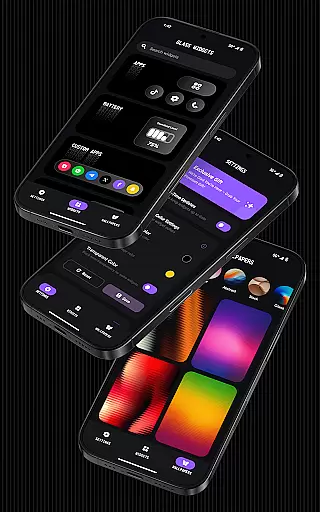
Glass Widgets offers over 350 beautifully designed, glass-style widgets compatible with any Android device. These sleek, transparent widgets upgrade your home and lock screens with modern designs including clocks, weather updates, calendars, battery indicators, step counters, quotes, compasses, and quick settings.
Customizable colors and a variety of widget types ensure a personalized experience that matches your style. With regular updates and new widgets added frequently, Glass Widgets provides a battery-friendly, smooth performance while enhancing your device's aesthetics and functionality.
The app features more than 350 glass-style widgets that require no additional apps like KWGT for functionality. Each widget is crafted with a transparent glass finish and supports both home and lock screens, offering users a modern, stylish look.
Users can customize widget colors, select from various types such as clocks, weather, calendar, and enjoy features like real-time updates through foreground services and exact alarms for timely information delivery. The app also includes glass-effect wallpapers to complement the widgets, ensuring an integrated visual experience.
Customization is at the heart of Glass Widgets, offering users an extensive array of options to tailor their home and lock screens. With over 350 glass-style widgets available, each user can find the perfect match for their personal aesthetic. These widgets cover a broad spectrum of functionalities including clocks, weather updates, calendars, and more, ensuring that practicality meets style.
The app stands out by allowing full color customization for its widgets. Users are not restricted to default settings but can adjust colors to fit their unique preferences or to match their device's theme. This flexibility ensures that whether you prefer minimalistic designs or vibrant displays, your smartphone reflects your individuality.
Glass Widgets also supports both home and lock screens, providing seamless integration across all facets of your deviceu2019s interface. The adaptability extends to various widget types such as photo frames, quick settings toggles, and even AI shortcuts, making daily interactions smoother and visually appealing. By embracing transparency and sleek design elements, these widgets enhance any Android setup with modern sophistication.
Theme compatibility is a crucial aspect of Glass Widgets, ensuring that every widget blends seamlessly into the user's chosen device theme. Whether itu2019s a dark mode setup or a brightly colored interface, these glass-style widgets maintain their elegance without clashing with existing aesthetics. This harmonious integration elevates the overall look and feel of your smartphone environment.
Beyond visual appeal, Glass Widgets offers functional enhancements through its diverse range of customizable options. From battery indicators to step counters, each widget has been crafted to support different themes while delivering essential information efficiently. Users benefit from this dual focus on form and function, enjoying both beauty and utility in one package.
Moreover, regular updates introduce new widgets and features designed with theme compatibility in mind. This commitment ensures ongoing relevance and satisfaction for users who value consistency in design language across their digital experiences. With Glass Widgets, staying current with technological advancements doesnu2019t mean sacrificing personalized styleu2014instead, it enhances it.
Wide variety of widgets
Fully customizable colors
Home & lock screen support
Battery-friendly operation
Regular feature updates
Foreground service required
Exact alarm permission needed
Premium version costs
Refund only within 48 hours
Design might not suit all

Prank your friends with realistic broken screen and cracked HD effects!
 4.1
4.1
Make your phone look simple & luxury, like iDevice
4.60
Romantic Kiss Stickers App. Start romantic messaging now!
4.30
Aesthetic Widgets, HD Wallpapers, Themes in Mico Widget for Home and Lock Screen
4.50
Zip lock screen with magic wallpaper to decorate your phone with fun zipper lock
4.60 4.50
4.50
Transform your device in a game console
4.40
Transform your phone with stunning video wallpapers and a unique, personal touch
3.80
Magic fluids wallpaper 4D: Relax with stunning fluid simulation wallpaper app
4.20
One 8 icons glass color version
4.80
Choose your keyboard with RGB colors effect, themes, fonts, emojis.
4.60
Ultra realistic gold analog watch face with lots of customization options.
4.50
Art & Emoji Keyboard with Cool Fonts, Cute Themes and Custom Designs.
4.40
A light in the dark, a unique style and an andless cutomization!
4.30
The definitive Icon pack maker and editor
4.30
App Icon Changer & Shortcut Creator. Customize your icons without any watermarks
4.30 4.10
4.10
Crystal-clear, square icon provides a sleek and sophisticated visual upgrade
4.00
Ultimate widget creator. Design custom widgets for a truly unique home screen!
3.90


User Reviews