
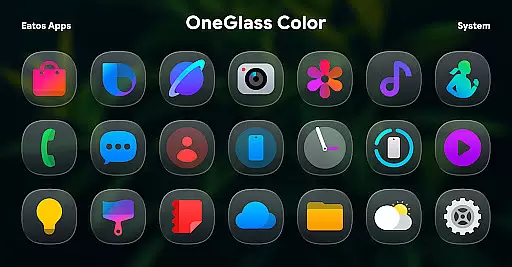
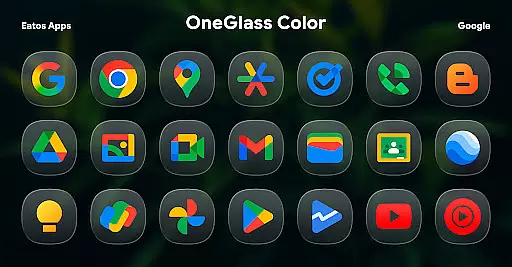
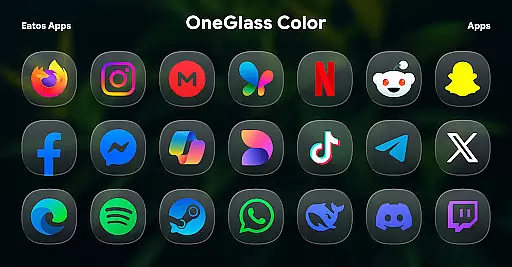
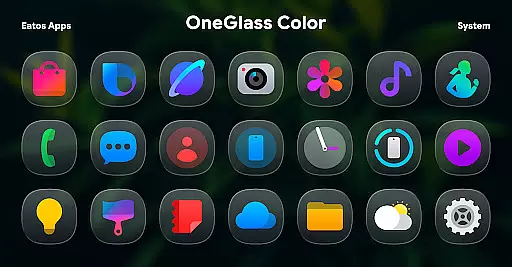
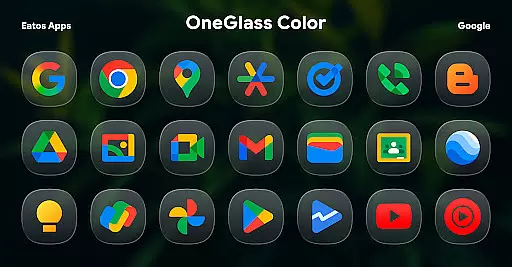
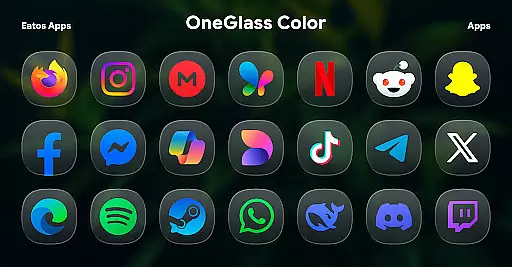
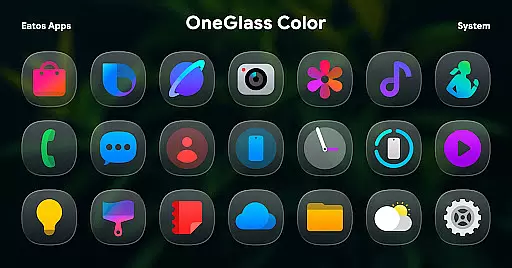
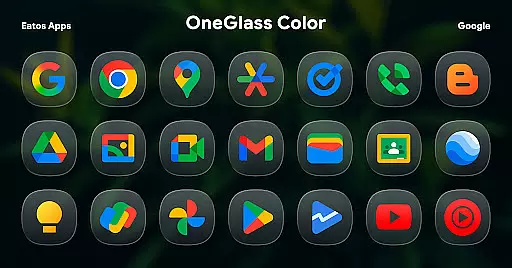
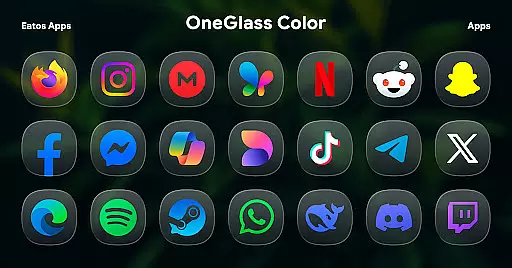
OneGlass 8 (Color) is a premium icon pack featuring over 4,600 meticulously designed glass-style icons inspired by One 8, coupled with more than 430 wallpapers. This icon pack is specifically optimized for dark mode, making it an ideal choice for users who prefer darker themes on their devices.
The app provides a seamless customization experience when paired with compatible launchers such as Hyperion Launcher, Nova Launcher, or Smart Launcher. For Samsung OneUI launcher users, the integration can be achieved through the Good Lock and Theme Park apps, allowing you to fully personalize your device's interface while maintaining a sleek and modern aesthetic.
OneGlass 8 (Color) stands out with its extensive collection of over 4,600 unique glass-style icons, each crafted to deliver a consistent and polished look across your device. The inclusion of more than 430 wallpapers ensures that you can achieve a cohesive theme that perfectly matches your icon set.
This icon pack is designed to excel in dark mode environments, enhancing the visual experience for users who favor darker aesthetics. With compatibility across various popular launchers like Nova Launcher and Hyperion Launcher, and additional support for Samsung's OneUI launcher via Good Lock and Theme Park, this app offers versatile theming options tailored to different devices and user preferences.
OneGlass 8 (Color) offers a vast array of customization options, ensuring that users can tailor their device's appearance to their personal style. With over 4,600 Glass color icons and more than 430 wallpapers, this icon pack provides an extensive selection for those who appreciate diversity in their customization choices.
The inclusion of dark mode support with dark wallpapers enhances the user experience, particularly for individuals who prefer darker themes for comfort or battery-saving reasons. This feature ensures that the vibrant colors of the icons stand out even more against the deep backgrounds, creating a visually striking interface.
Users benefit from the ability to mix and match these numerous icons and wallpapers, allowing for countless combinations. Whether you're looking for a cohesive theme across your entire device or want to highlight specific apps with unique icons, OneGlass 8 (Color) delivers the tools necessary to make it happen.
Theme compatibility is a crucial aspect of any icon pack, and OneGlass 8 (Color) excels in this area. Designed to work seamlessly with various launchers such as Hyperion Launcher, Nova Launcher, and Smart Launcher, this pack ensures that users can apply their chosen themes without encountering formatting issues or visual inconsistencies.
For Samsung One UI launcher users, OneGlass 8 (Color) provides clear instructions on integrating its themes using the Good Lock and Theme Park apps. By following the provided guide at https://bit.ly/OneUIThemePark, users can effortlessly achieve a unified look across their devices, maintaining brand consistency while enjoying personalized aesthetics.
This level of compatibility not only simplifies the application process but also guarantees that all visual elements align perfectly within different launcher environments. As a result, users enjoy a polished and professional appearance regardless of their preferred home screen setup.
Over 4,600 high-quality icons
More than 430 matching wallpapers
Optimized for dark mode
Wide launcher compatibility
Unique glass-style design
Requires third-party launchers
No standalone use on stock launchers
Limited light mode optimization
Additional setup steps for OneUI
Paid app with no free trial

Only for Wear OS devices!
 4.90
4.90
Ninja Turtles Cowabunga SE watch face for Wear OS
4.50
Gun Chase - Let the chase begin.
4.80
Customizable screen pets that play, climb, and keep you company.
4.50 4.50
4.50 4.50
4.50
Color phone with cool effects for call screen, flash alert & ringtones music
4.50
Handcrafted pixel art icons, widgets & wallpapers
4.60
Amazing letter fonts in your messages and social statuses
4.70
Wallpaper HD 4K Live - Thousands of high-quality Anime backgrounds for you.
4.80
Dark icon pack based on One 8
4.80
Vertically oriented rectangular icons
4.70
300+ Stunning and well-designed widgets inspired by NOTHING.
4.70
Glass style colourful icons with a One UI look and feel
4.60
Make your phone look simple & luxury, like iDevice
4.60
Unique Android Launcher
4.60
Art & Emoji Keyboard with Cool Fonts, Cute Themes and Custom Designs.
4.40
Design your screen with unique, vibrant clocks
3.80
Struggling to find apps? Use this app to locate and open any app on your phone!
2.20


User Reviews