
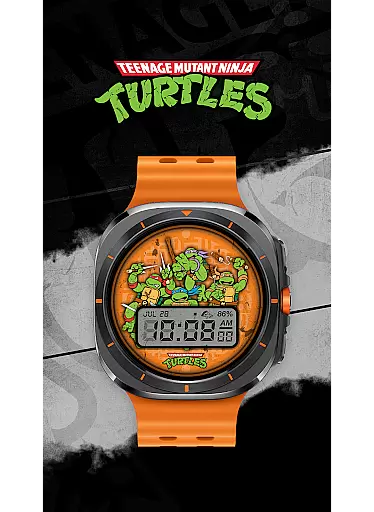
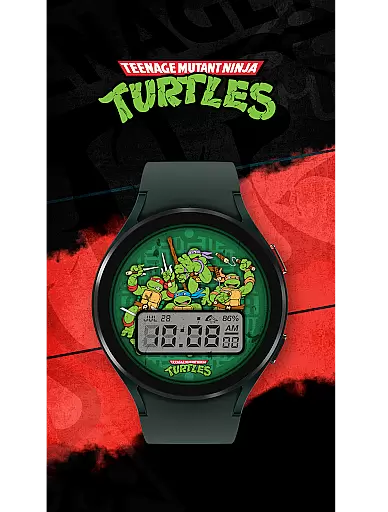
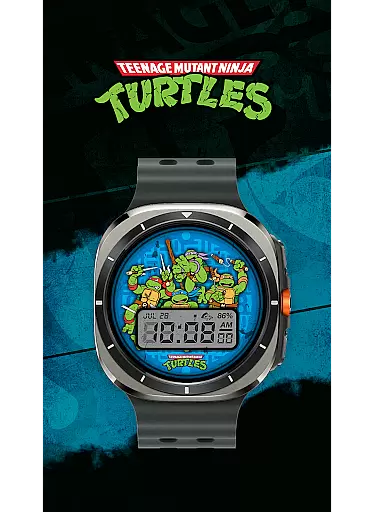
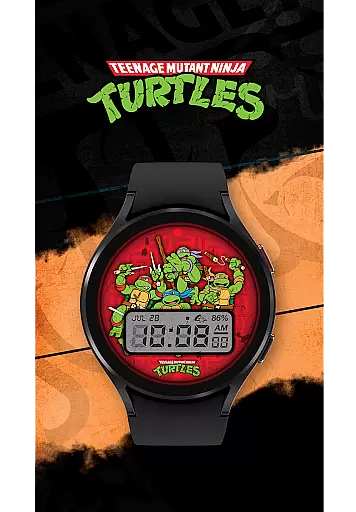
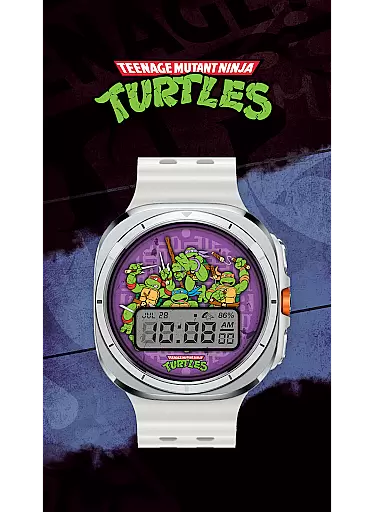
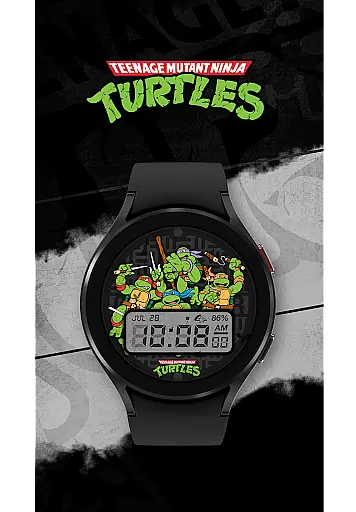
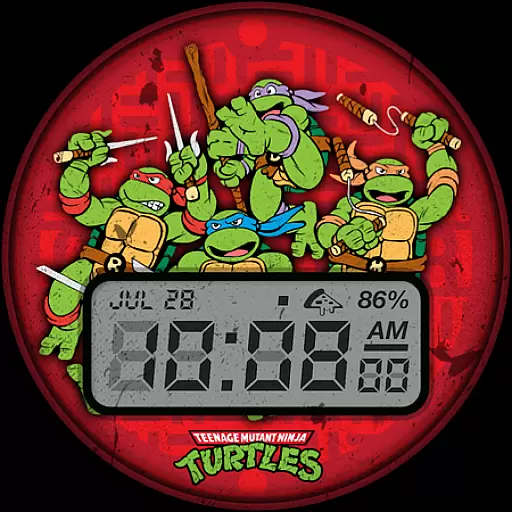
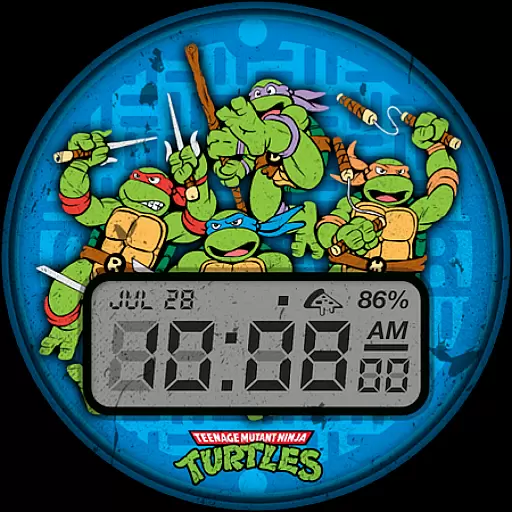
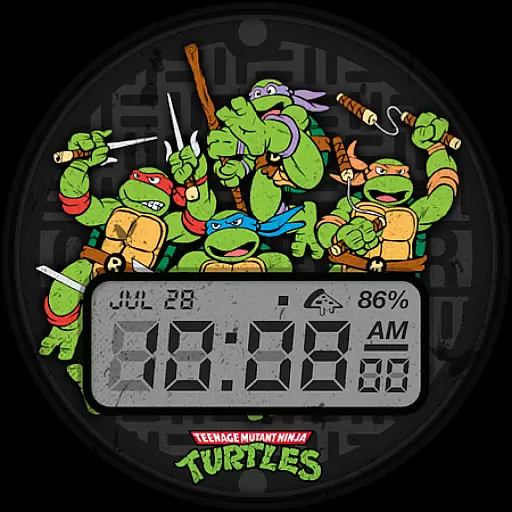
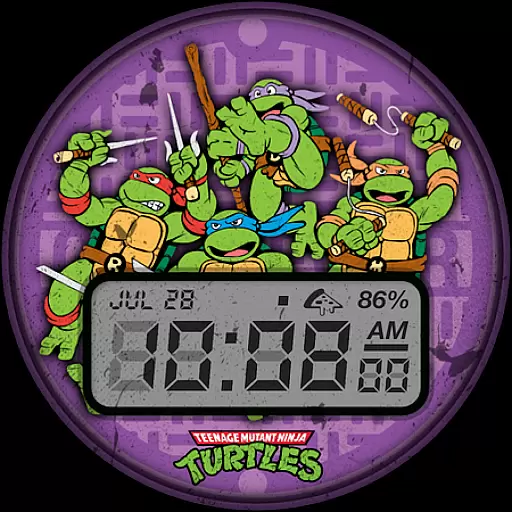
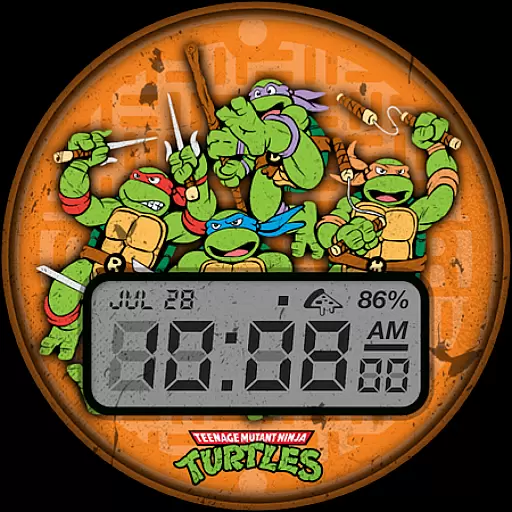
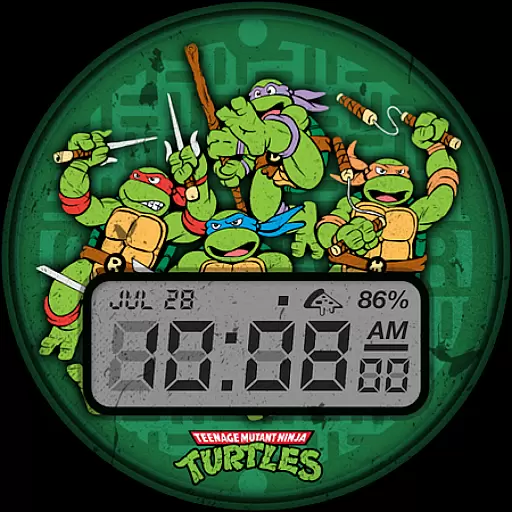
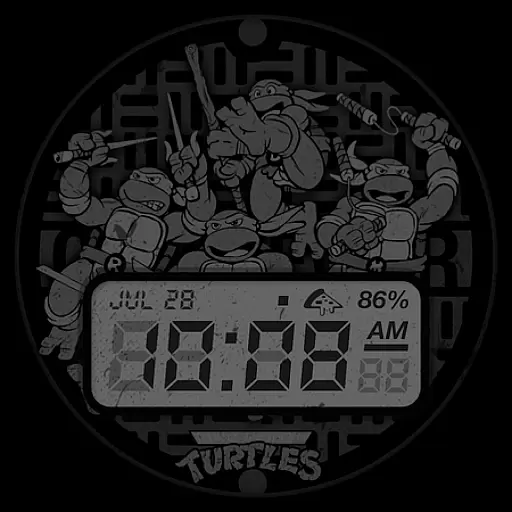
TMNT - Cowabunga SE Watch Face offers a retro-style experience for Wear OS smartwatch users, including compatibility with Galaxy Watch7 and Ultra. This watch face provides essential information at a glance, making it both functional and stylish.
Key features include a 12h/24h digital clock, date display, battery level indicator, and customizable complications. With six color options available, users can personalize their watch faces to match their preferences while enjoying the iconic Teenage Mutant Ninja Turtles theme.
Whether you're a fan of TMNT or simply looking for a fun and practical watch face, Cowabunga SE delivers an engaging user experience that combines nostalgia with modern smartwatch functionality.
The TMNT - Cowabunga SE Watch Face stands out with its unique retro design tailored for Wear OS devices. It includes a digital clock in both 12h and 24h formats, ensuring users can easily check the time regardless of their preferred format.
In addition to timekeeping, this watch face displays the date and battery level, keeping users informed about their device's status. The customizable complication feature allows users to tailor the display further, such as showing the day and date by default.
With six distinct color options, users can choose a look that best suits their style. This personalization aspect enhances the overall appeal, making the TMNT - Cowabunga SE Watch Face not just a utility but also a fashion statement for fans and casual users alike.
Customization is at the heart of personalizing your smartwatch experience, and the TMNT - Cowabunga SE Watch Face excels in providing a range of options to suit individual preferences. With six distinct color options available, users can select a look that best matches their style or mood.
In addition to color choices, this watch face features a customizable complication, which by default displays the day and date. This flexibility allows users to adapt the display to show information most relevant to them, enhancing both aesthetics and functionality.
The inclusion of basic information such as a 12h/24h digital clock, date, and battery level ensures that users have quick access to essential details without compromising on personal style. These practical features are presented in a retro-style design that appeals to fans of classic aesthetics.
By offering these customization options, TMNT - Cowabunga SE Watch Face empowers users to create a personalized and functional Wear OS experience that aligns with their unique preferences and needs.
Theme compatibility is crucial for ensuring that a watch face integrates seamlessly with various Wear OS smartwatches, including models like Galaxy Watch7 and Ultra. The TMNT - Cowabunga SE Watch Face has been designed to be universally compatible, providing a consistent experience across different devices.
This compatibility extends beyond just working on various smartwatches; it also means that the visual elements of the theme are optimized for different screen sizes and resolutions. Users can expect the retro-style graphics and text to appear crisp and clear, regardless of their specific device model.
Moreover, the watch face supports standard Wear OS features, ensuring that users do not miss out on any core functionalities provided by the operating system. This includes support for complications, which can be customized according to user preference.
With its broad theme compatibility, TMNT - Cowabunga SE Watch Face guarantees an engaging and cohesive experience for all Wear OS users, allowing them to enjoy both form and function on their preferred smartwatch platform.
Compatible with Wear OS
Customizable complications
Six color options
Retro TMNT theme
Easy-to-read digital clock
Limited to Wear OS
No advanced features
Few customization options
Battery usage concerns
Not suitable for all styles

Vertically oriented rectangular icons
 4.70
4.70
A retro cartoon style watch face and a punch right in the face of the copyright
4.60
A launcher for Samsung Good Lock and Good Guardians modules without ads
4.70
Add cute Shimeji pets to screen, interact with them and relax with cute motions
4.60
Dark icon pack based on One 8
4.80 4.50
4.50 4.10
4.10
Vibrant Adaptive Icons with Material You and Enhanced Monet Colors.
4.50
Stylish Pink Cute Hippo keyboard with 10000+ customized keyboard themes!
4.60
100+ Stylish Fonts, Emojis, Symbols keyboard for Instagram & TikTok!
4.80
Customizable Glass widgets. Over 360+ stunning widgets and more!
4.70
A minimalist productivity launcher. One-hand-friendly. Zero ads.
4.70
Handcrafted pixel art icons, widgets & wallpapers
4.60
Turn text & photos into stunning AI videos, art, and creative visual stories.
4.50 4.50
4.50
Fingerprint Lock Screen & Live Animations with 4K Wallpapers as Live Wallpaper
4.40
A light in the dark, a unique style and an andless cutomization!
4.30
Wear Os Watch Face - Seasonal - Animated Snow Effect - 9 Animals
4.20
Run multiple accounts of the same app on a single device
4.10


User Reviews