
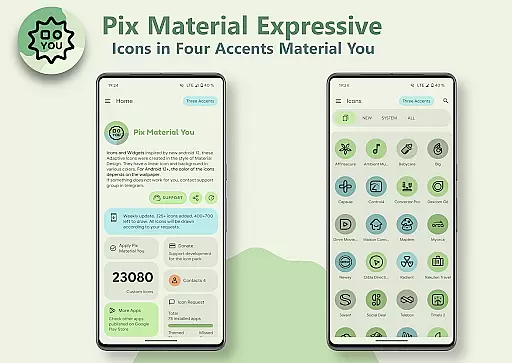
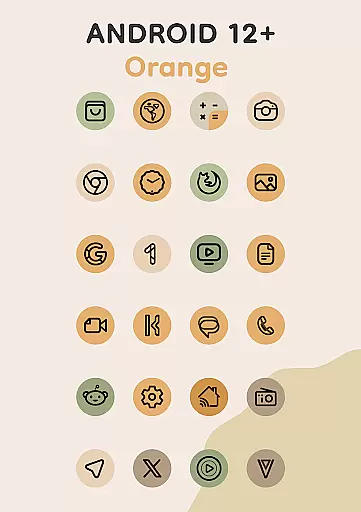
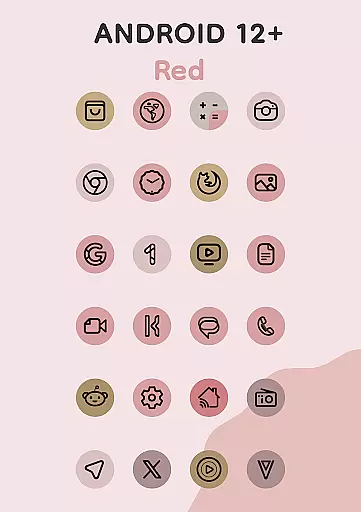
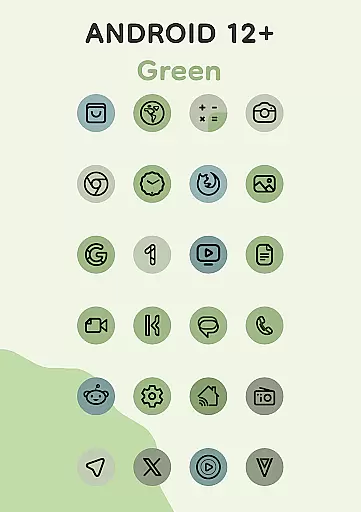
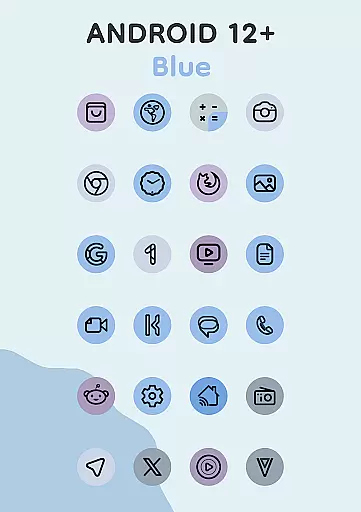
Pix Material Expressive Icons is a dynamic icon pack designed to enhance your device's aesthetics with full support for Material You. It offers over 24,000 adaptive icons that change shape and color based on your wallpaper and system settings.
With added expressive accent colors beyond the standard Monet palette, these icons provide next-level personalization. Compatible with various launchers, it also includes features like icon widgets, clock widgets, and music widgets for a modern, cohesive look.
This icon pack stands out with its enhanced Monet palette, featuring four additional accent colors for more expressive designs. Each icon boasts a clean linear style with dynamic background colors that adapt to your wallpaper.
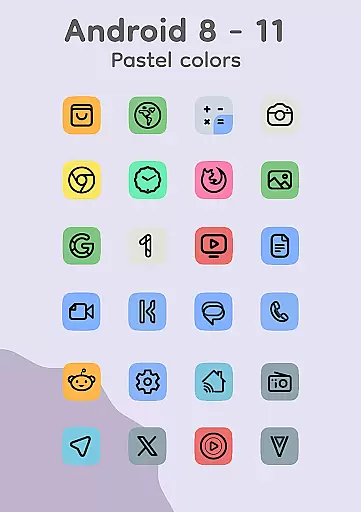
For Android 12 and above, the icons integrate seamlessly with the system's color scheme, while older versions display pastel colors. The inclusion of Icon-Widgets allows further customization, including icon shape, name, and size adjustments, making it versatile across different devices.
When it comes to personalizing your device, Pix Material Expressive Icons offers an impressive array of customization options that go beyond the ordinary. This icon pack is not just about changing the appearance but creating a unique and harmonious style that resonates with your personal taste.
Each icon within the pack features a clean linear outline complemented by a background that dynamically shifts colors based on your wallpaper choice. This dynamic feature ensures that your device's aesthetics remain fresh and engaging, adapting seamlessly to any changes in your system's color scheme.
Moreover, the adaptive nature of these icons allows them to morph into different shapes when used with supported custom launchers. This flexibility provides users with even more ways to tailor their home screens, ensuring that every aspect of their device reflects their individuality.
The inclusion of four expressive accent colors enhances the Material You palette, making each icon not only stand out visually but also adding an extra layer of personal expression. With such comprehensive support for modern design principles, Pix Material Expressive Icons sets a new standard for device personalization.
Pix Material Expressive Icons excels in theme compatibility, ensuring that your device maintains a cohesive look regardless of the launcher you choose. The pack has been meticulously designed to integrate smoothly with various launchers, providing a seamless experience across different platforms.
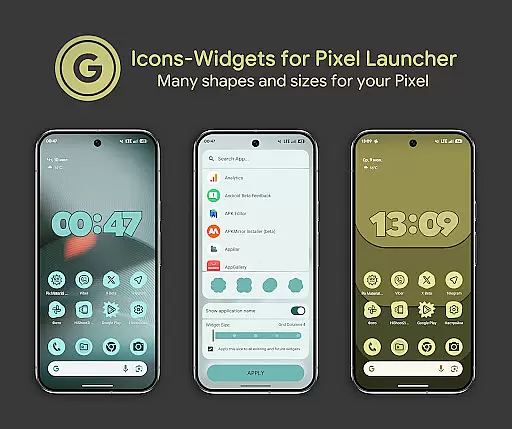
For devices running Android 12 and above, the icons and widgets adapt their colors based on the wallpaper and the system's light or dark theme. This intelligent adaptation guarantees that whether you're using Nova Launcher, Smart Launcher, or even the default Pixel Launcher, your icons will always match your device's current theme.
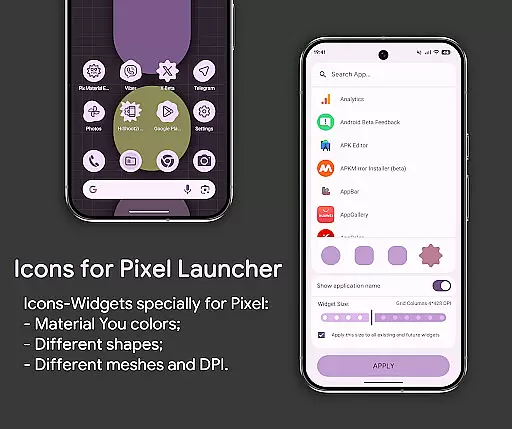
Additionally, the Icon-Widget feature brings a revolutionary approach to launchers that traditionally don't support icon packs. By allowing users to select icon shapes, names, and sizes, it ensures that widgets resemble themed icons closely, enhancing visual consistency across the board.
With full interaction capabilities between the icon pack and widgets, users can enjoy a level of customization previously unavailable. Whether adjusting DPI settings or selecting from various icon shapes, Pix Material Expressive Icons empowers users to craft a truly personalized and visually stunning device interface.
Full Material You support
Dynamic color adaptation
Wide launcher compatibility
Customizable icon shapes
Includes functional widgets
Limited to Android 8+
Manual reapplication needed
Pastel colors on older OS
Feature reliance on wallpaper
Beta support for some launchers

A Colorful and Minimal icon pack in an Outline Style - Over 13,600 icons!
 4.70
4.70
A retro cartoon style watch face and a punch right in the face of the copyright
4.60
Ninja Turtles Cowabunga SE watch face for Wear OS
4.50
Art & Emoji Keyboard with Cool Fonts, Cute Themes and Custom Designs.
4.40
Add cute Shimeji pets to screen, interact with them and relax with cute motions
4.60
Try creating your own keyboard with "Keyboard theme for android" app now!
4.50
Organize and manage your photos and videos effortlessly with Photo Gallery
4.20
Transform your device in a game console
4.40
Your home screen, just the way you like it.
4.30
Only for Wear OS devices!
4.90
Shimeji adds cute animated characters to your screen, lively and fun.
4.70
Classic analogue watch face. For wear os devices.
4.60
3D, live, and moving wallpapers & themes in 4K and HD for your device.
4.50 4.50
4.50
Wear Os Watch Face - Seasonal - Animated Snow Effect - 9 Animals
4.20
Unique Fonts, typefaces and stylish text. Fonts for Instagram, Whatsapp & others
4.20
⭐ OneUI inspired Fluffy Icon Pack – Soft. Stylish. Standout. ⭐
4.2
Custom edge gestures for volume control, brightness, apps, and shortcuts.
4.3
Modern Glass Icon Pack with glossy icons, clean minimal theme & aesthetic style
4.0


User Reviews