
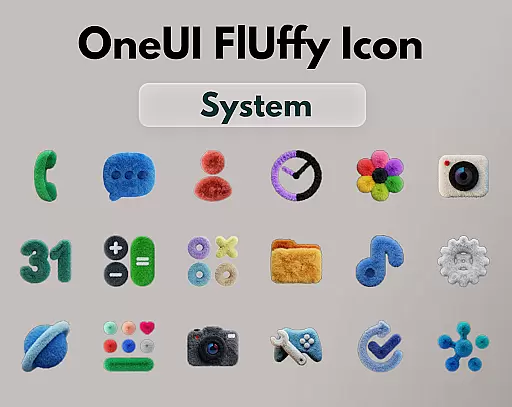
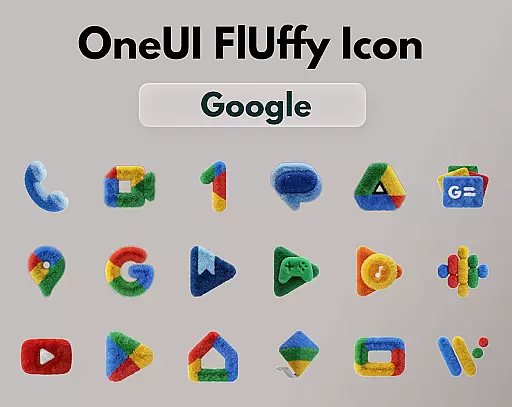
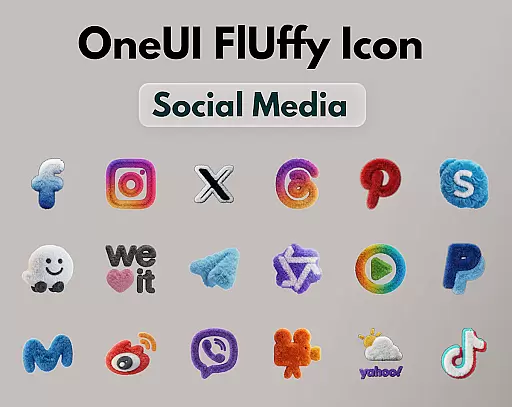
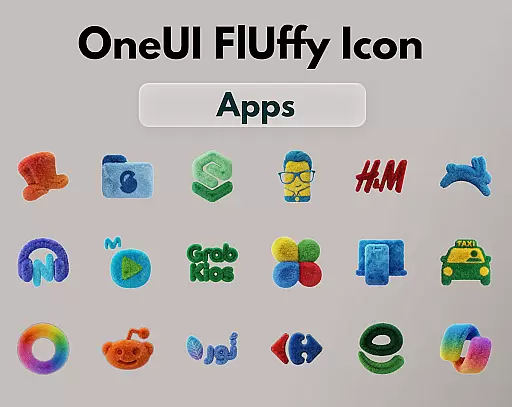
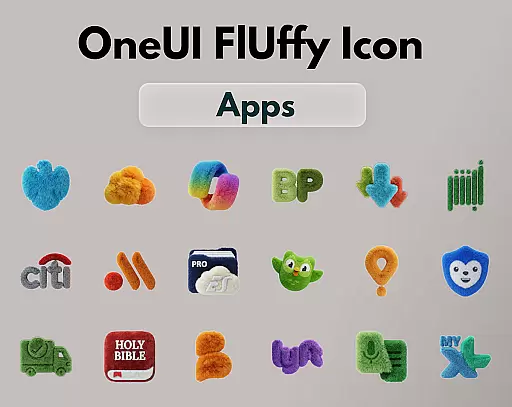
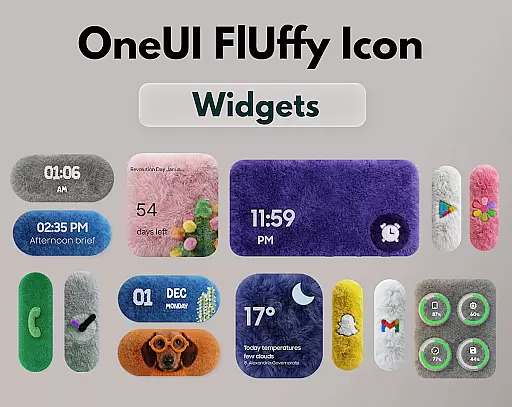
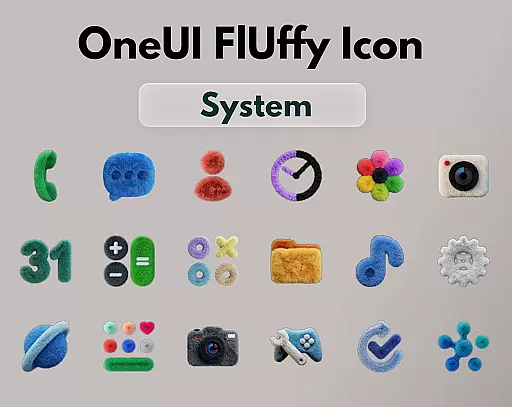
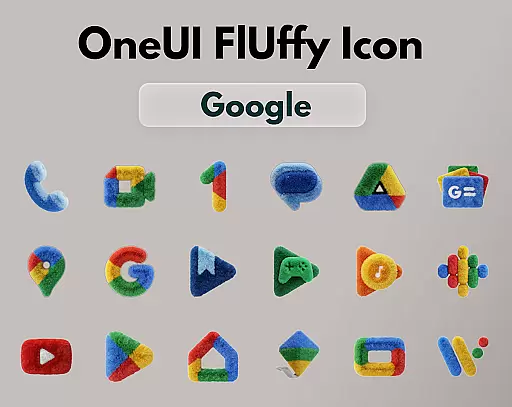
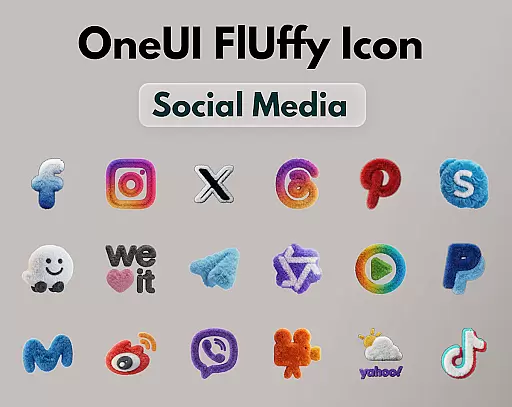
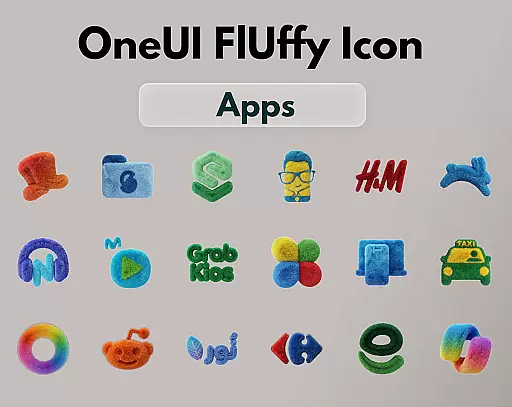
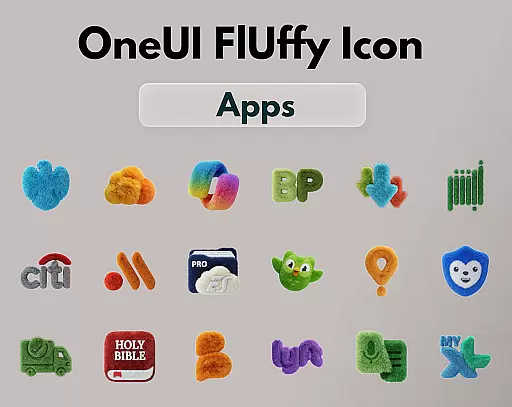
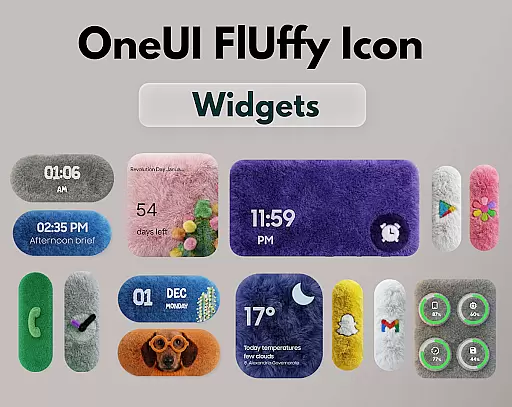
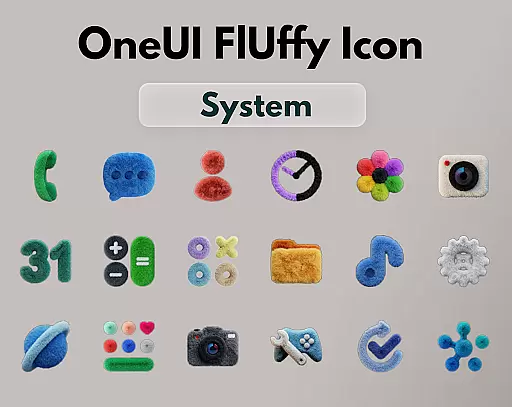
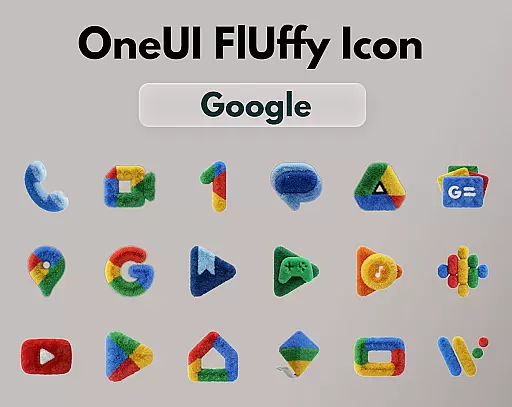
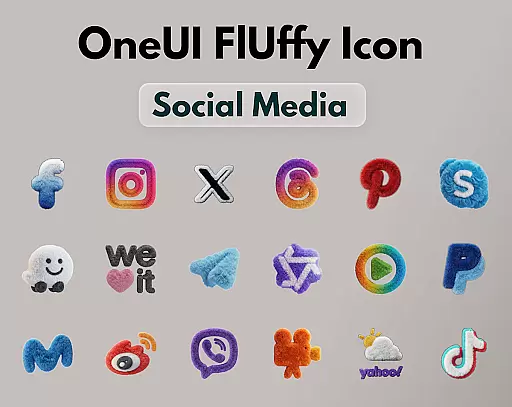
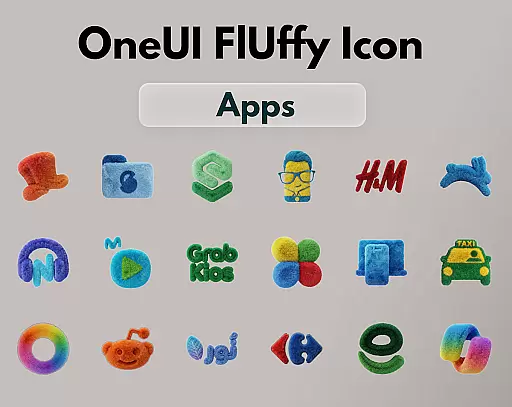
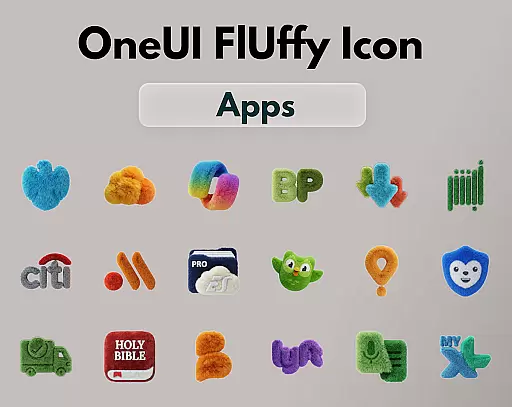
OneUI Fluffy Icon Pack is a premium icon set that gives your home screen a warm and fresh makeover. Inspired by the beloved OneUI style, it introduces a unique fluffy, soft 3D twist to bring icons to life. With over 1185 handcrafted icons, professional widgets, and exclusive wallpapers, this pack offers a complete customization experience.
The pack features ultra-high resolution icons for a crisp and clean look, ensuring compatibility with various launchers like Nova Launcher, Lawnchair, and more. Users can also request new icons, allowing the pack to grow based on real app usage. This personalization tool helps create a friendly, stylish, and visually comforting home screen.
OneUI Fluffy Icon Pack stands out with its meticulously handcrafted fluffy-style icons, designed to blend modern OneUI-inspired shapes with playful textures. The inclusion of professional widgets and exclusive wallpapers enhances the overall aesthetic, offering users a cohesive look for their devices.
With support for popular launchers and an open icon request system, this pack ensures broad compatibility while growing with user needs. Future updates promise even more icons and refinements, making it a dynamic choice for those seeking a personalized and stylish home screen experience.
OneUI Fluffy Icon Pack offers an extensive range of customization options, ensuring that users can tailor their home screens to their unique preferences. With over 1185 handcrafted fluffy-style icons and more in development, this premium icon set provides a significant variety for users to choose from.
In addition to the vast selection of icons, the pack includes professionally designed fluffy widgets that seamlessly integrate with the overall aesthetic. These widgets not only enhance functionality but also maintain the cohesive look and feel of the fluffy theme across the user's device.
Users are also provided with a collection of exclusive wallpapers, carefully curated to complement the soft and playful style of the icons. This attention to detail ensures that every visual aspect of the home screen transformation is covered, offering a complete personalization experience.
The ability to request new icons further enriches the customization journey, allowing users to shape the icon pack according to their daily app usage. This interactive element fosters a sense of community and investment in the continual improvement of the OneUI Fluffy Icon Pack.
Compatibility is a cornerstone of the OneUI Fluffy Icon Pack, which is designed to work harmoniously with a wide array of popular launchers that support custom icon packs. Whether you're using Nova Launcher, Lawnchair, Niagara Launcher, Smart Launcher, or Hyperion Launcher, these icons will bring a warm and fresh makeover to your home screen with ease.
The pack's design takes into account the importance of maintaining visual consistency across different platforms. As such, it ensures that each icon not only looks great but also feels like a natural part of the launcher's ecosystem, preserving the user experience while enhancing aesthetics.
For users of OneUI Home, integration is possible through third-party tools, expanding the reach and versatility of the fluffy icons. This compatibility demonstrates the pack's adaptability and commitment to serving a broad user base without compromising on quality or style.
With future updates planned, including additional icons and refinements, the OneUI Fluffy Icon Pack promises ongoing improvements in theme compatibility. Users can look forward to an ever-growing library that evolves with their needs and continues to offer a personalized, friendly, and stylish home screen experience.
Unique fluffy design
High-resolution icons
Wide launcher support
Customizable requests
Exclusive wallpapers
Limited to supported launchers
Icon count may vary
No native OneUI support
Premium price tag
Dependent on updates

Ultra realistic high quality analog watch face for Wear OS.
 4.60
4.60
Ninja Turtles Cowabunga SE watch face for Wear OS
4.50
Customizable screen pets that play, climb, and keep you company.
4.50
Nothing Icon pack with more than 3750+ highly crafted icons.
4.70
HappyLighting is a Bluetooth lamp control software.
3.40
Adorable pets roam and play right on your phone screen!
3.30
set a new experience for the Android mobile phone
4.20
Amazing letter fonts in your messages and social statuses
4.70
Your home screen, just the way you like it.
3.80
A minimalist productivity launcher. One-hand-friendly. Zero ads.
4.70
Embrace the Night. Unleash the power of darkness with Raven Dark Icon Pack
4.60
Icons made of colorful linear lines
4.60
Aesthetic Widgets, HD Wallpapers, Themes in Mico Widget for Home and Lock Screen
4.50 4.50
4.50
Your home screen, just the way you like it.
4.30
Wear Os Watch Face - Seasonal - Animated Snow Effect - 9 Animals
4.20
Unique Fonts, typefaces and stylish text. Fonts for Instagram, Whatsapp & others
4.20
Organize and manage your photos and videos effortlessly with Photo Gallery
4.20
Custom edge gestures for volume control, brightness, apps, and shortcuts.
4.3


User Reviews