
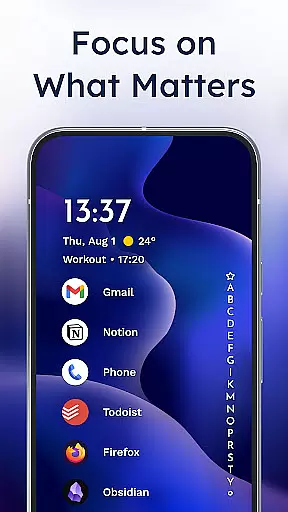
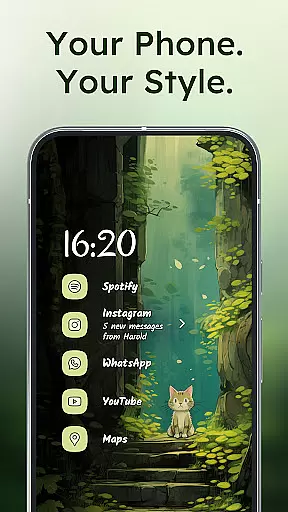
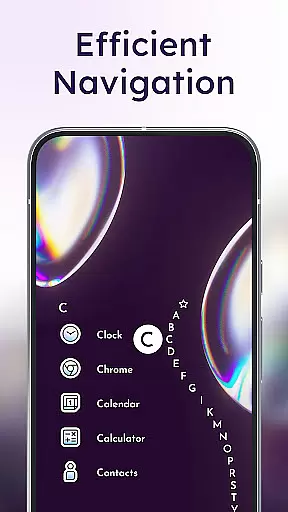
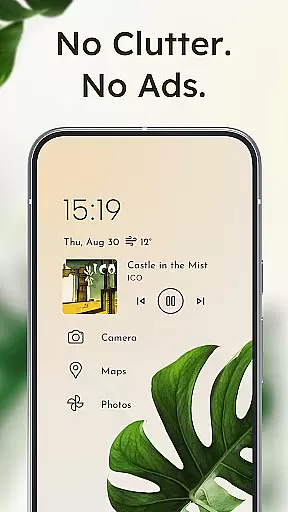
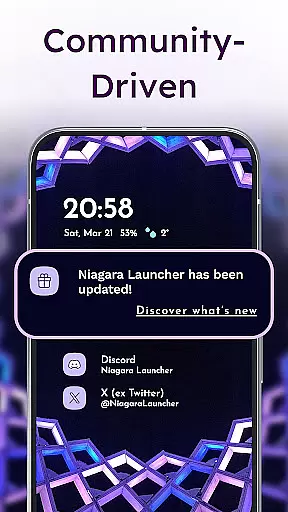
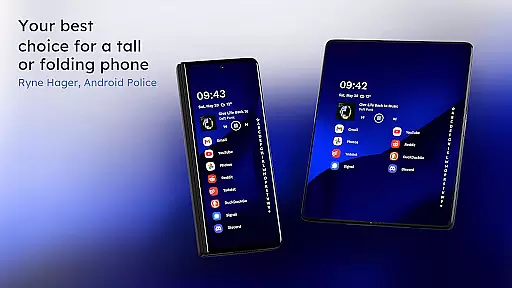
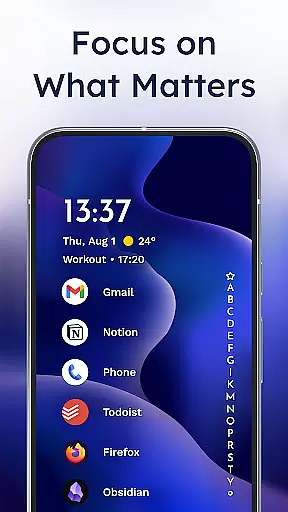
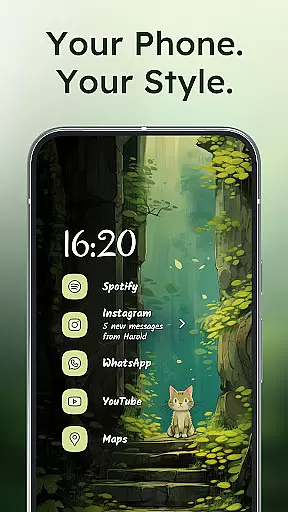
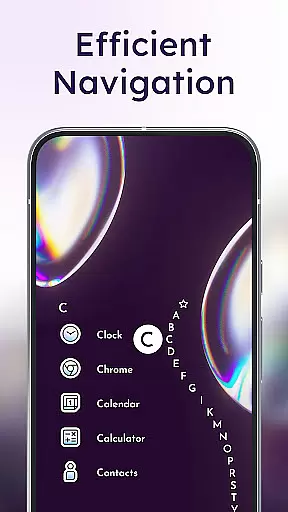
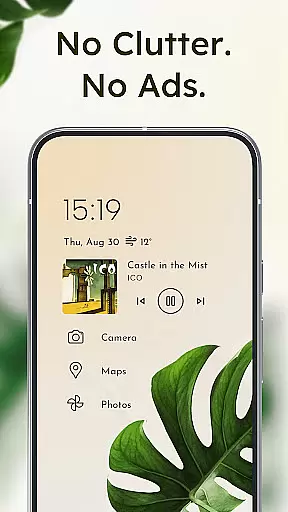
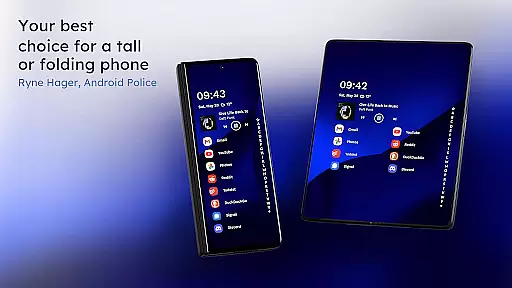
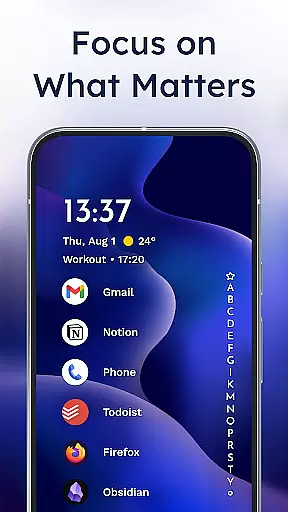
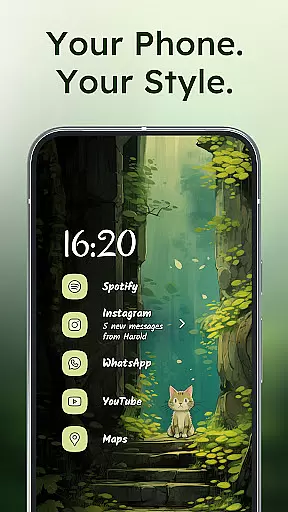
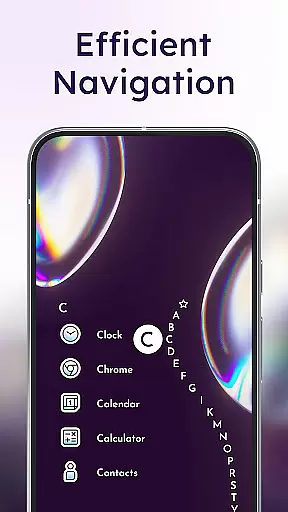
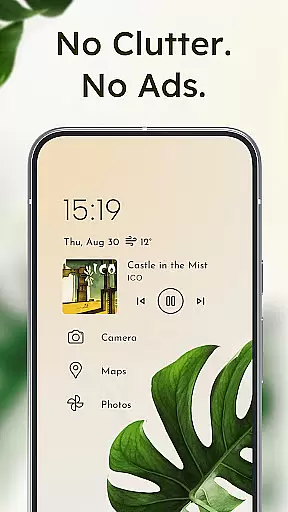
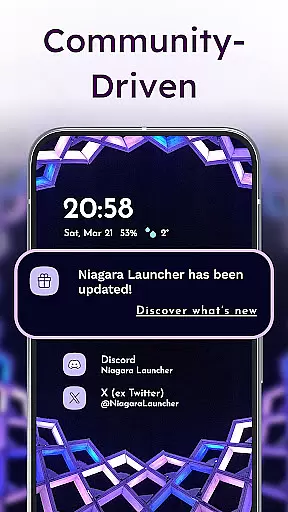
Niagara Launcher is a minimalist home screen replacement designed to make smartphone interaction more efficient and focused. Unlike traditional launchers, it emphasizes one-handed usability through its innovative wave alphabet navigation system and adaptive list layout.
The launcher provides essential features like embedded notifications, allowing users to read and respond without leaving the home screen. Its Material You theming brings personalized aesthetics while maintaining performance optimization, making it lightweight yet powerful.
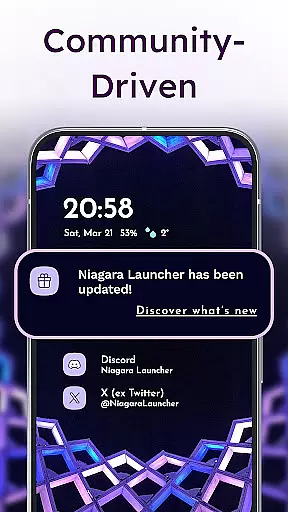
Perfect for users seeking distraction-free productivity, Niagara Launcher combines modern design with practical functionality. The app's active development and strong community support ensure continuous improvement and responsive user engagement.
Niagara Launcher stands out with its unique approach to Android personalization. The wave alphabet navigation lets users access apps efficiently without opening an app drawer, offering both visual satisfaction and ergonomic benefits.
Its adaptive list layout dynamically adjusts to display important information such as media controls, messages, or calendar events when needed. This flexibility declutters the interface while keeping relevant content accessible at all times.
Additional standout features include integrated notification management, customizable themes via Material You, and optional accessibility services for gesture-based screen control. These thoughtful implementations create a seamless balance between aesthetics and usability.
Niagara Launcher offers a wide array of customization options that allow users to tailor their home screen experience to their personal preferences. With an integrated icon pack, various fonts, and customizable wallpapers, the launcher provides tools for aesthetic personalization.
Users can choose from different themes, including Material You Theming, which automatically adjusts the home screen's appearance based on the selected wallpaper. This feature ensures that your smartphone not only functions efficiently but also reflects your unique style and mood.
In addition to built-in customization features, Niagara Launcher supports using personal images and third-party icon packs, giving users limitless possibilities to design a home screen that feels truly their own. The adaptive list layout further enhances this by dynamically showing important information like media controls or notifications when needed.
This extensive customization capability empowers users to create an ergonomic and visually pleasing interface that caters to both their functional needs and personal tastes, making daily interactions with the smartphone more enjoyable and efficient.
Theme compatibility is at the heart of Niagara Launcher's design philosophy, ensuring that visual consistency is maintained across all elements of the home screen. By adopting Android's Material You design system, the launcher allows for a seamless theming experience that extends to every app and widget.
The theming engine in Niagara Launcher is not just about static themes; it adapts to user actions and content dynamically. For instance, setting a new wallpaper triggers an instant transformation of the entire home screenu2019s color scheme, creating a cohesive look that resonates with the user's choice of imagery.
Moreover, Niagara Launcher brings Material You theming to all Android versions, not just the latest ones. This backward compatibility ensures that users with older devices can also enjoy modern theming capabilities without needing to upgrade their hardware.
By prioritizing theme compatibility and offering extensive customization options, Niagara Launcher guarantees that users have a harmonious and personalized smartphone experience, regardless of their device's specifications or age.
One-handed usability
Adaptive list layout
Embedded notifications
Lightweight performance
Active community support
Limited widget support
No grid layout option
Advanced features require Pro version
Learning curve for new users
Fewer customization options than competitors

Wear Os Watch Face - Seasonal - Animated Snow Effect - 9 Animals
 4.20
4.20
Gun Chase - Let the chase begin.
4.80
Want to make your phone more special than ever?
4.60 4.10
4.10 3.50
3.50
Nothing Icon pack with more than 3750+ highly crafted icons.
4.70
Organize and manage your photos and videos effortlessly with Photo Gallery
4.20
Amazing letter fonts in your messages and social statuses
4.70
Create stunning widgets with Widget 2026: Aesthetic Widgets for Android!
4.60
Only for Wear OS devices!
4.90
Customizable Glass widgets. Over 360+ stunning widgets and more!
4.70
Shimeji adds cute animated characters to your screen, lively and fun.
4.70
300+ Stunning and well-designed widgets inspired by NOTHING.
4.70
Zip lock screen with magic wallpaper to decorate your phone with fun zipper lock
4.60
Beautiful realistic hybrid watch face with numerous customization options.
4.50
Customizable screen pets that play, climb, and keep you company.
4.50
The definitive Icon pack maker and editor
4.30
Ultimate widget creator. Design custom widgets for a truly unique home screen!
3.90
Turn your lock screen into fun with smile live wallpapers & animated wallpapers!
2.50


User Reviews