
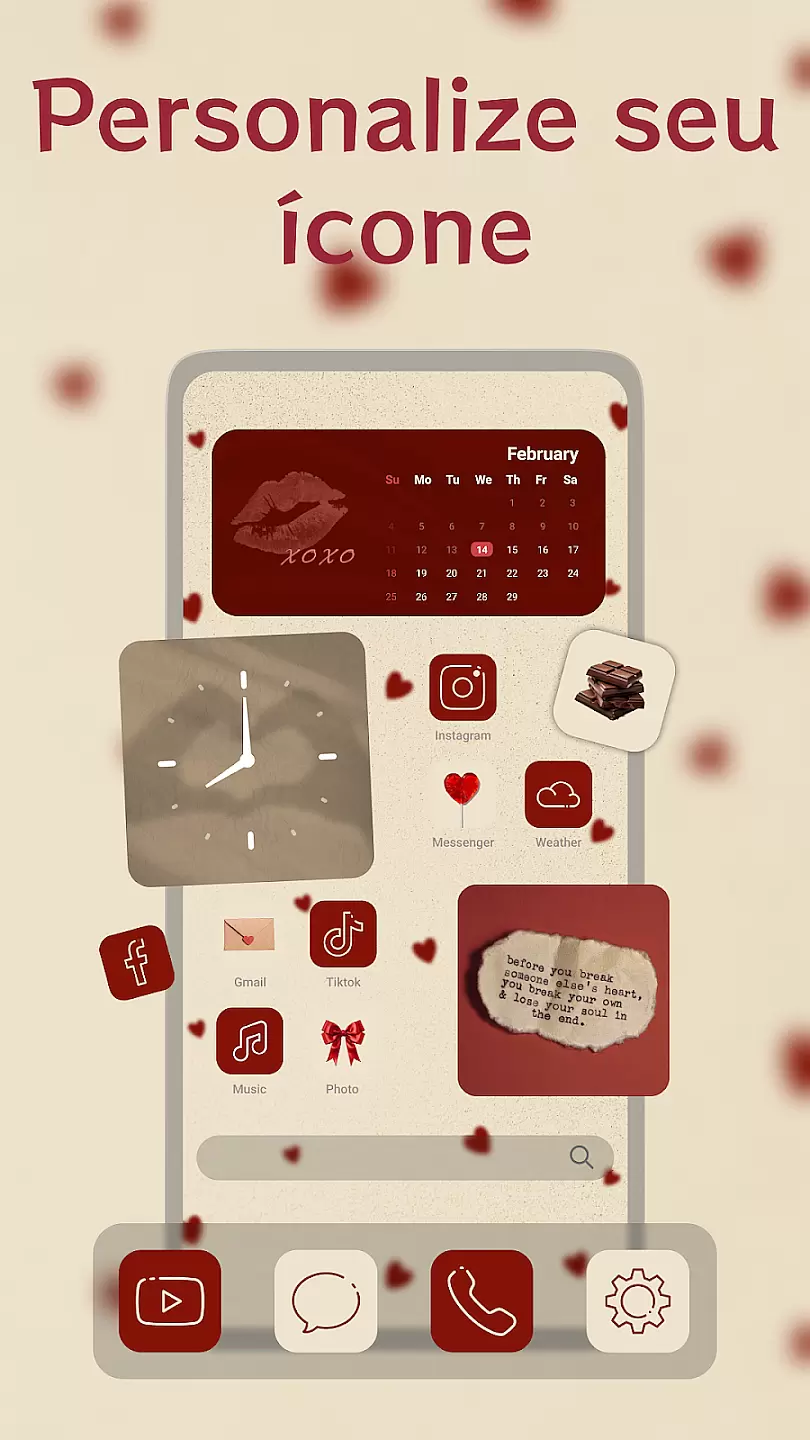
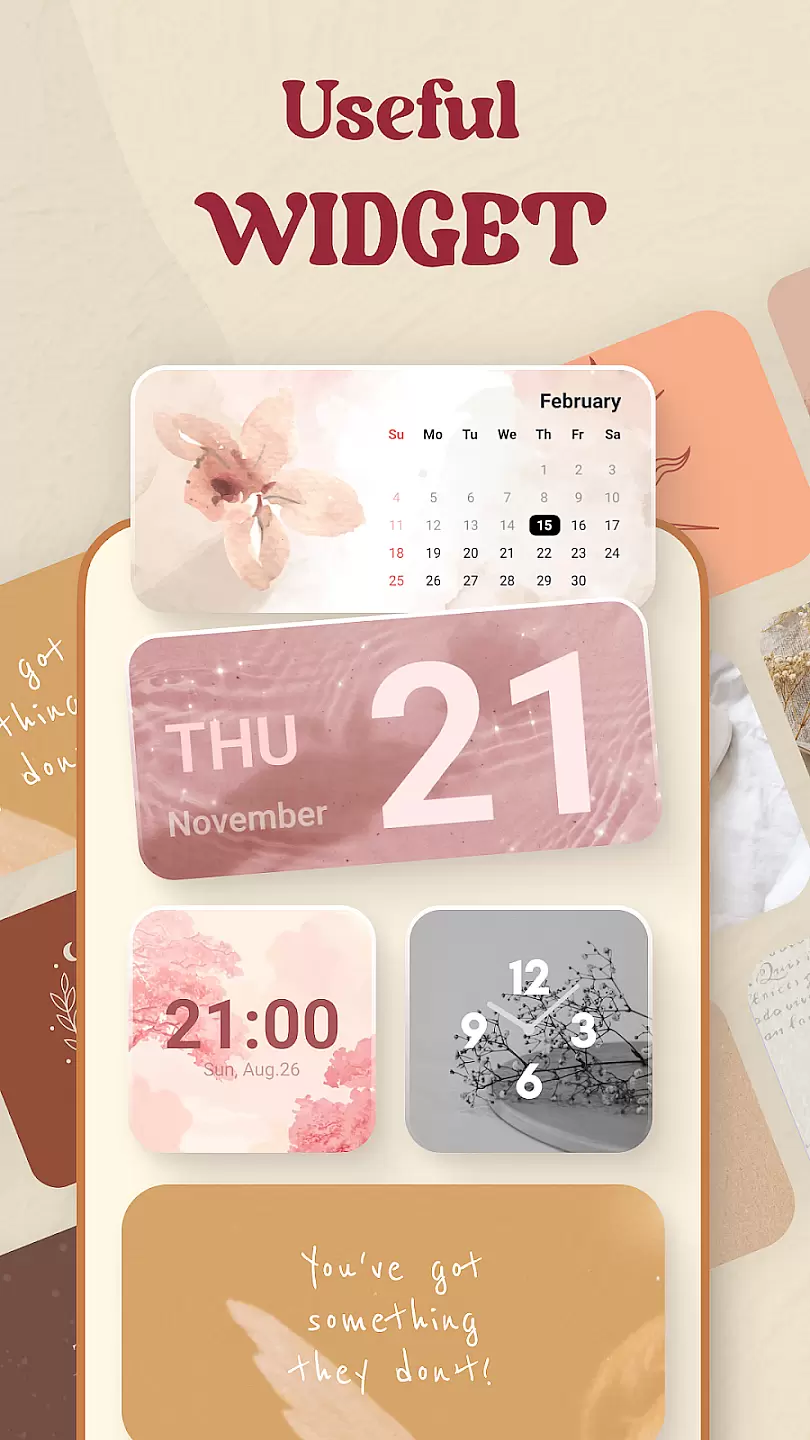
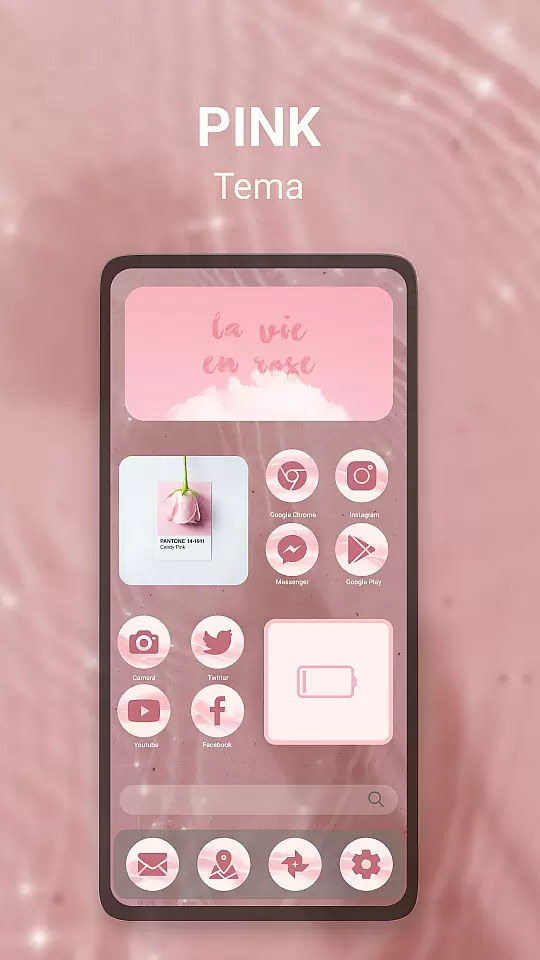
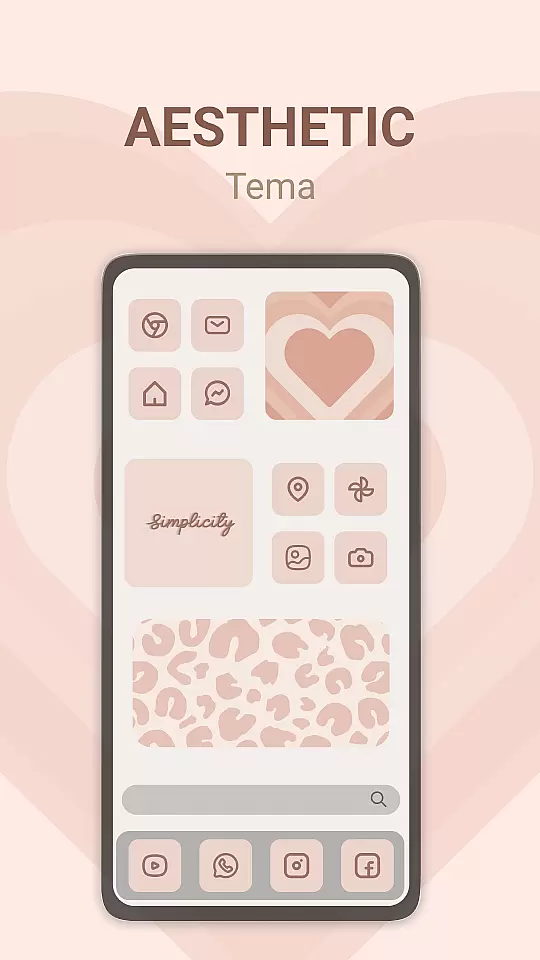
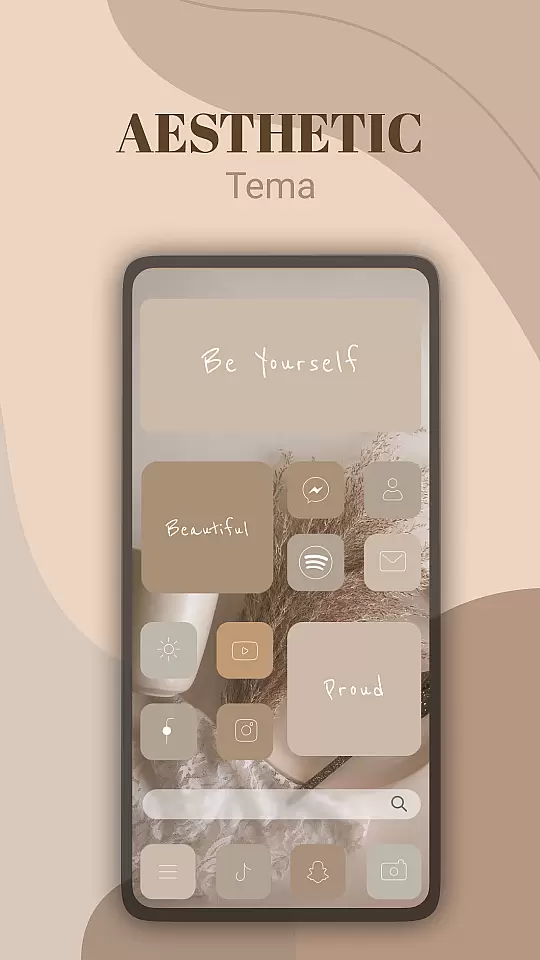
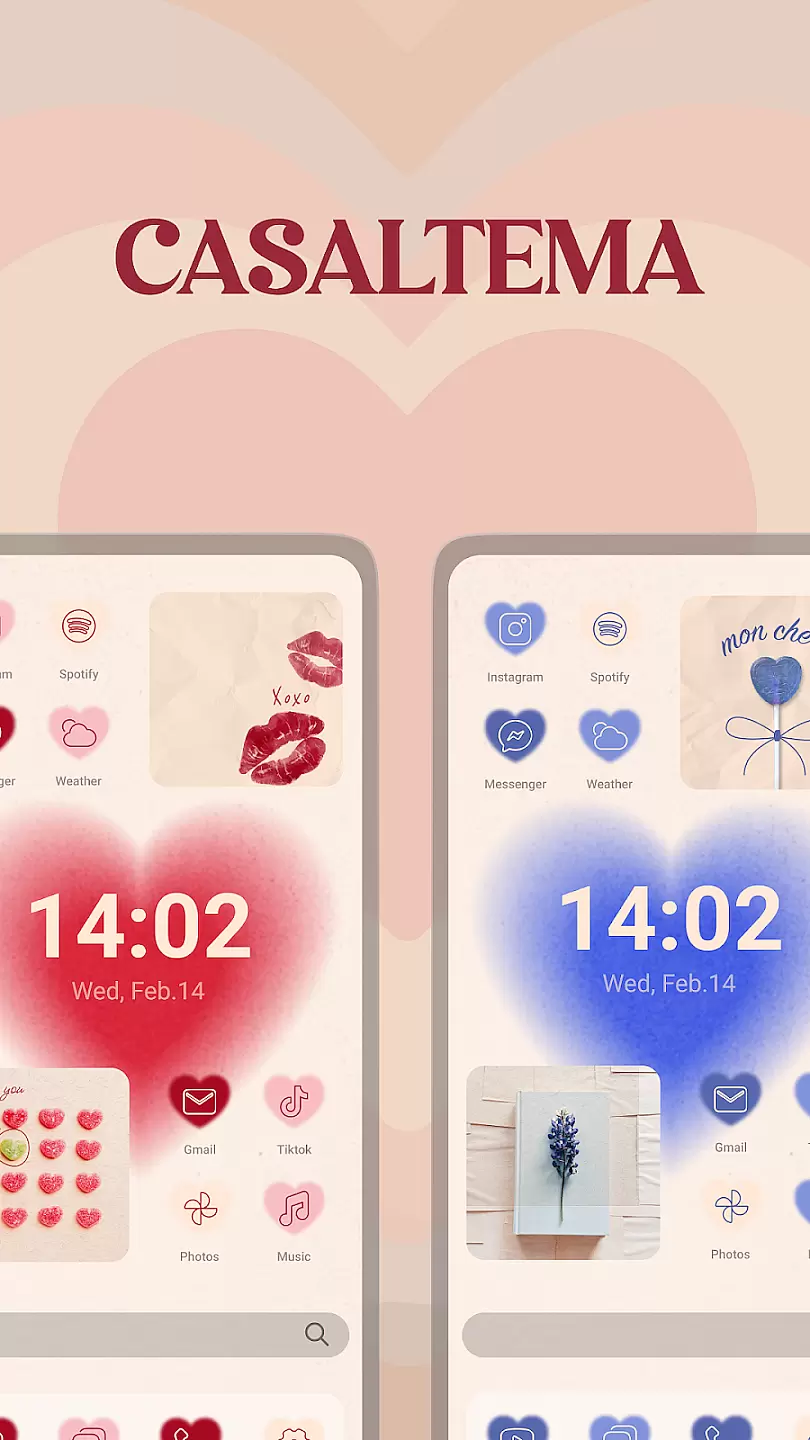
Theme, Widget & Icon changer is a powerful personalization tool that allows users to fully customize their smartphone experience. The app provides a wide selection of themes, widgets, and icon packs that can transform the entire look and feel of your device's interface.
The app's intuitive design makes it easy for anyone to personalize their home screen with just a few taps. Whether you want to change the appearance of your icons, apply new widgets, or completely overhaul your phone's theme, this app has everything you need in one place.
Ideal for those who love to express their individuality through their devices, Theme, Widget & Icon changer offers endless possibilities for customization. With regular updates and new content added frequently, users can always keep their devices looking fresh and unique.
One of the standout features of Theme, Widget & Icon changer is its extensive library of customization options. Users can choose from thousands of professionally designed themes that include matching icons, wallpapers, and widgets.
The app also includes advanced tools for creating custom icons and widgets. This allows users to design their own unique elements or modify existing ones to perfectly match their personal style. Additionally, the app supports third-party icon packs, giving users even more flexibility in their customization choices.
Another notable feature is the app's smart preview function, which lets users see how their selected changes will look before applying them. This ensures that users can experiment with different combinations until they find the perfect setup for their device.
Customization is at the heart of personalizing your device to truly make it yours. Theme, Widget & Icon changer offers a wide array of customization options that allow users to tailor their device's appearance to their personal style.
This application provides hundreds of themes, icons, and widgets across various categories and styles. Whether you're looking for something minimalistic, vibrant, professional, or whimsical, this app has options to suit every taste and preference.
Users can enjoy seamless integration with their devices, applying changes with just a few taps. The intuitive interface ensures that customizing your device is not only easy but also enjoyable, encouraging creativity and personal expression.
By offering such a diverse range of customization choices, Theme, Widget & Icon changer enhances user satisfaction and engagement, making daily interactions with your device more pleasurable and visually appealing.
Ensuring that themes are compatible with your device is crucial for a smooth and visually cohesive experience. Theme, Widget & Icon changer excels in providing themes that are fully compatible with a wide range of devices and operating systems.
The app meticulously tests each theme to ensure it fits perfectly with different screen sizes and resolutions. This attention to detail guarantees that no matter what device you're using, the themes will look crisp, clear, and beautifully designed.
Moreover, the app supports regular updates and new theme releases, keeping the content fresh and exciting. Users can expect continuous improvements and compatibility checks to maintain optimal performance and aesthetic appeal.
With Theme, Widget & Icon changer, you can rest assured that all visual elements will integrate harmoniously, providing a polished and professional look to your device without compromising functionality or performance.
User-friendly interface
Extensive theme library
Regular content updates
Custom design tools
Third-party pack support
Some features require payment
Occasional performance issues
Limited free options
Ads in free version
Device compatibility issues

Ultra realistic gold analog watch face with lots of customization options.
 4.50
4.50
Wear Os Watch Face - Seasonal - Animated Snow Effect - 9 Animals
4.20
Sparkle your screen with Glitter Wallpapers For Girls and Cute Backgrounds!
4.80
HappyLighting is a Bluetooth lamp control software.
3.40
Your go to Weather App & Home Screen. Get your weather at a swipe of a finger!
3.80
300+ widgets inspired by Material You and Material 3 expressive design.
4.60
Create unique, fun emojis with Funny Emoji Maker! Unlimited creativity!
4.00
Transform your phone with stunning video wallpapers and a unique, personal touch
3.80
Create stunning widgets with Widget 2026: Aesthetic Widgets for Android!
4.60
A launcher for Samsung Good Lock and Good Guardians modules without ads
4.70
Personalize your phone with stunning HD and 4K wallpapers!
4.70
Add cute Shimeji pets to screen, interact with them and relax with cute motions
4.60
Embrace the Night. Unleash the power of darkness with Raven Dark Icon Pack
4.60
Transform your phone with Launcher iOS 26 - Smooth & elegant iOS experience
4.50
Customizable screen pets that play, climb, and keep you company.
4.50
Aesthetic Widgets, HD Wallpapers, Themes in Mico Widget for Home and Lock Screen
4.50
AI-powered Copilot. Personalized keyboard with gifs, stickers & themes
4.40
Run multiple accounts of the same app on a single device
4.10
⭐ OneUI inspired Fluffy Icon Pack – Soft. Stylish. Standout. ⭐
4.5


User Reviews