
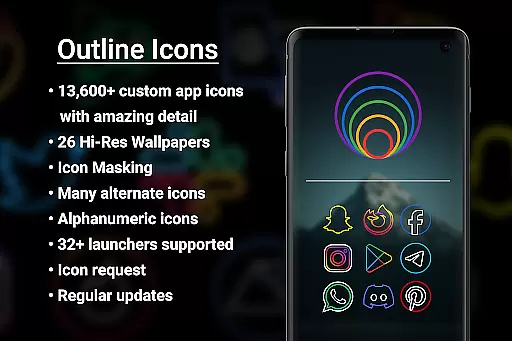

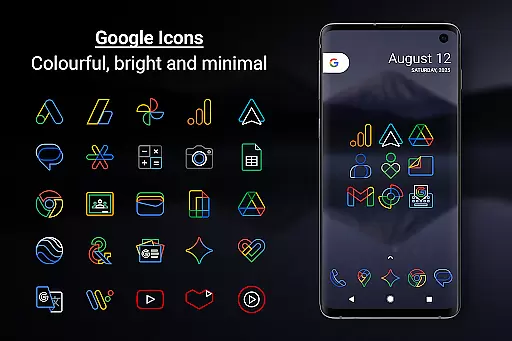
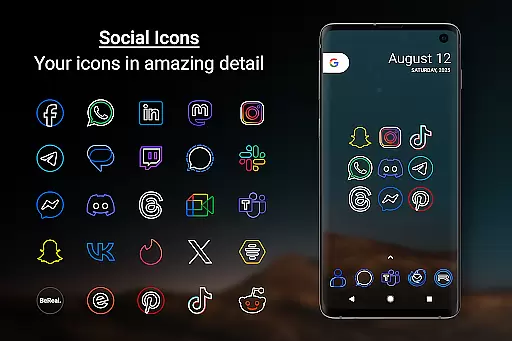
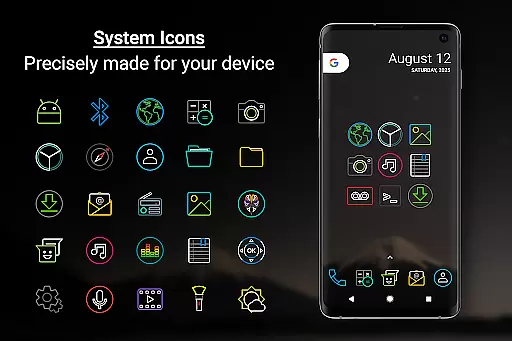
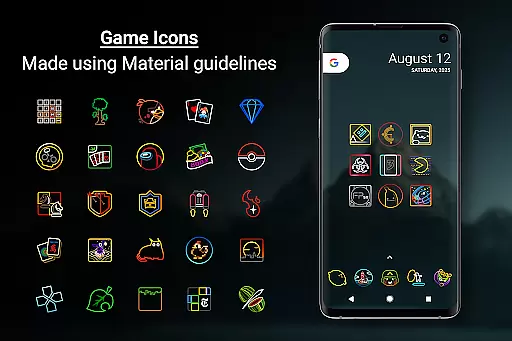
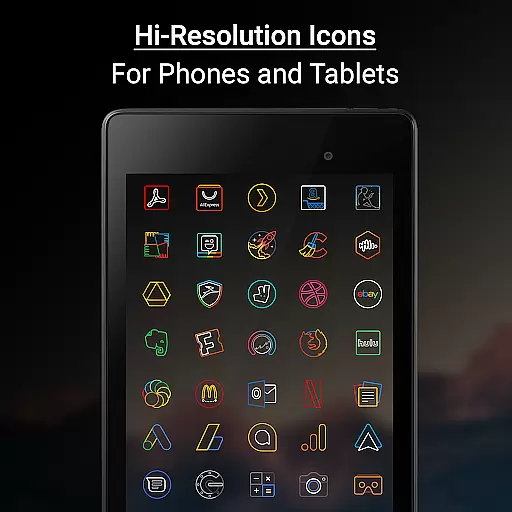

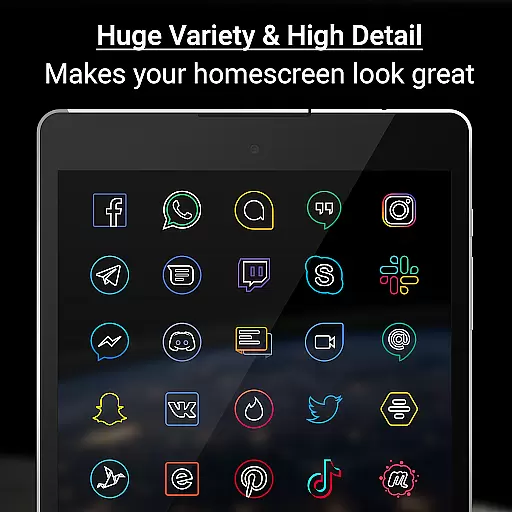
Outline Icons is a premium icon pack that transforms your home screen with an innovative outline design. Featuring over 13,600 handcrafted HD icons in bright colors and precise material design standards, it ensures exceptional visual quality on any device.
The pack includes dynamic calendar support, icon masking for unthemed apps, and 26 high-resolution wallpapers that complement the minimal icon style. Its compatibility with 32+ launchers makes it versatile for both phones and tablets.
Ideal for users seeking a modern, clean aesthetic, Outline Icons works particularly well with dark or blurred wallpapers. The included alphabet icons and alternate color options provide customization possibilities while regular updates ensure fresh content.
Outline Icons distinguishes itself through its comprehensive feature set. The pack's 192x192 pixel icons (xxxhdpi) guarantee sharp visuals across devices, while its hand-drawn outline style creates a unique visual identity.
Advanced functionality includes dynamic calendar support for multiple calendar apps, category folders in various colors, and alphanumeric icons in ten color options. The icon masking feature ensures consistent appearance even for unthemed apps.
Users benefit from practical tools like icon request and preview features, premium fast-track requests, and compatibility with Samsung Theme Park for OneUI 4.0+ devices. The inclusion of AMOLED-friendly designs and royalty-free wallpapers adds extra value for personalization enthusiasts.
Outline Icons offers an extensive range of customization options that cater to personal preferences and device compatibility. With over 13,600 hand-crafted HD icons, users can transform their home screens into a visually cohesive space that reflects their style.
The inclusion of 32+ launcher supports ensures that whether you are using Nova Launcher, Action Launcher, or any other from the extensive list, your device's interface will feature a consistent and high-quality iconography. This broad compatibility underlines the pack's versatility across different devices and launchers.
Moreover, features like Icon Masking for unthemed icons and Dynamic Calendar support enhance the user experience by providing seamless integration with existing systems while maintaining aesthetic uniformity. Alternate Colors for system icons further allow users to tailor their home screens to match their unique tastes or mood.
Theme compatibility is at the heart of Outline Icons - Icon Pack, ensuring that these meticulously designed icons work harmoniously with various launchers and devices. The pack adheres to material design standards, which means it not only looks great but also aligns well with Androidu2019s visual language.
For Samsung users especially, the introduction of OneUI 4.0 brings added convenience through the Samsung Theme Park app, allowing direct application of Outline Icons without needing an alternative launcher. This highlights the pack's adaptability to different software environments and its commitment to staying current with technological advancements.
Included in this icon pack are 26 high-resolution wallpapers that complement the minimalistic and subtle style of the icons. These wallpapers provide a perfect backdrop that enhances the overall look and feel of your deviceu2019s interface, ensuring that both icons and wallpapers work together to create a unified theme.
Extensive icon coverage
Regular updates
High-quality design
Wide launcher support
No advertisements
Premium purchase required
Limited free features
One-time payment only
Not a standalone launcher
Device compatibility varies

Classic analogue watch face. For wear os devices.
 4.60
4.60
Ninja Turtles Cowabunga SE watch face for Wear OS
4.50
Fingerprint Lock Screen & Live Animations with 4K Wallpapers as Live Wallpaper
4.40
Adult video chat, dating, making friends, random matching
4.20
Customizable screen pets that play, climb, and keep you company.
4.50 4.10
4.10
300+ Beautifully crafted widgets inspired by OneUI.
4.60
Create unique, fun emojis with Funny Emoji Maker! Unlimited creativity!
4.00
Magic fluids wallpaper 4D: Relax with stunning fluid simulation wallpaper app
4.20
300+ Stunning and well-designed widgets inspired by NOTHING.
4.70
Shimeji adds cute animated characters to your screen, lively and fun.
4.70
A minimalist productivity launcher. One-hand-friendly. Zero ads.
4.70
Want to make your phone more special than ever?
4.60
The definitive Icon pack maker and editor
4.30
Design your screen with unique, vibrant clocks
3.80 3.50
3.50
HappyLighting is a Bluetooth lamp control software.
3.40
Adorable pets roam and play right on your phone screen!
3.30
Capture moments that pass like a storm, second by second.
4.2


User Reviews