
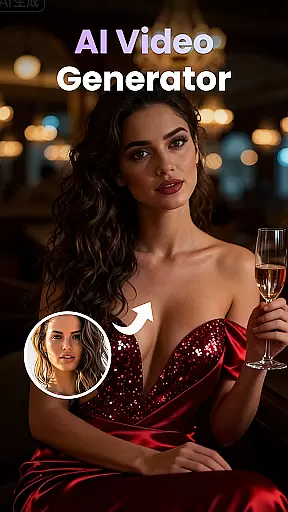
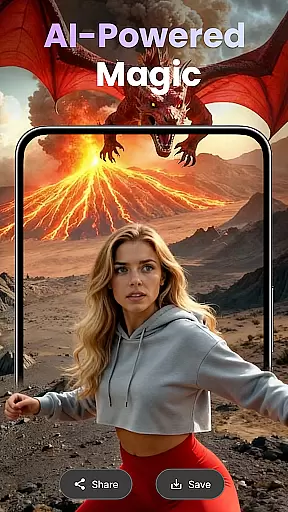
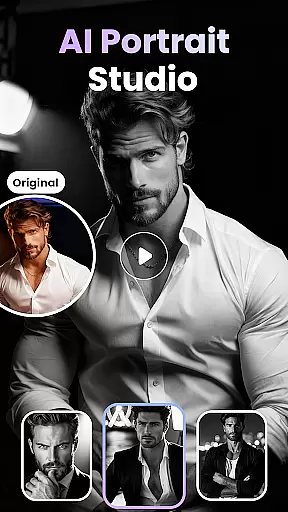
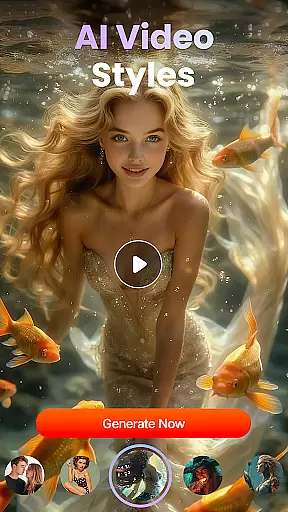
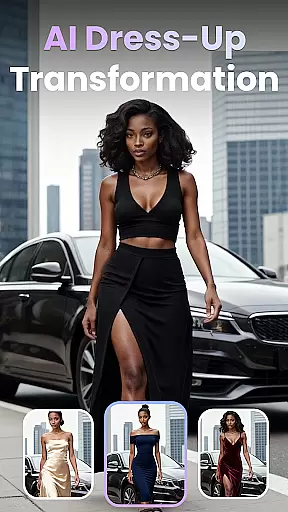
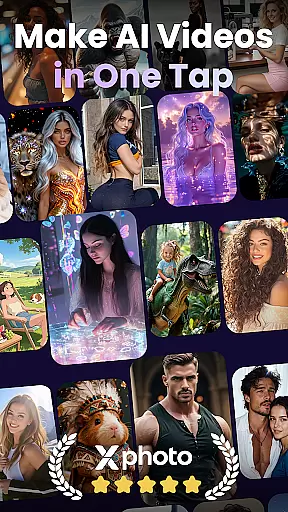
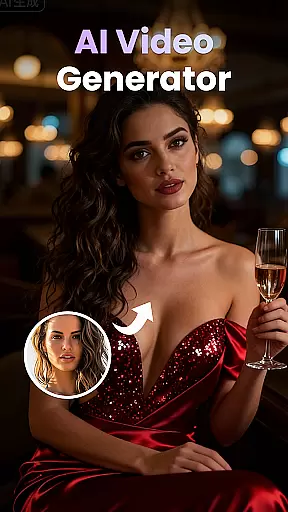
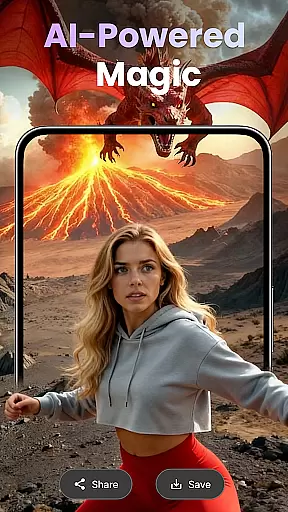
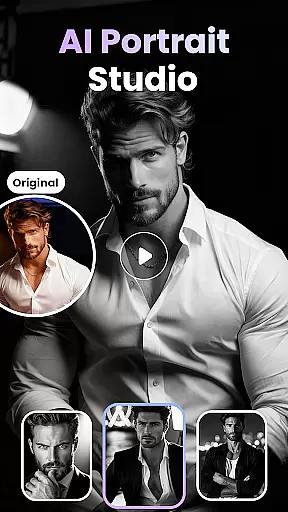
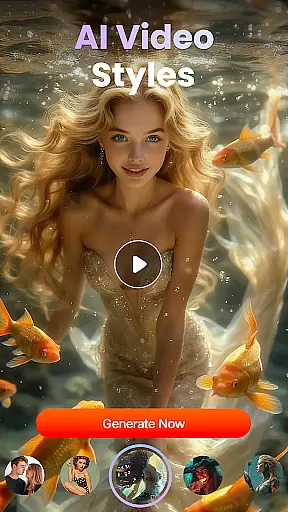
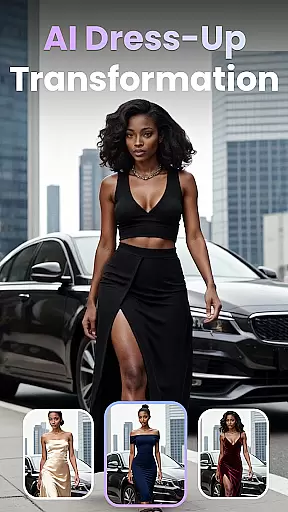
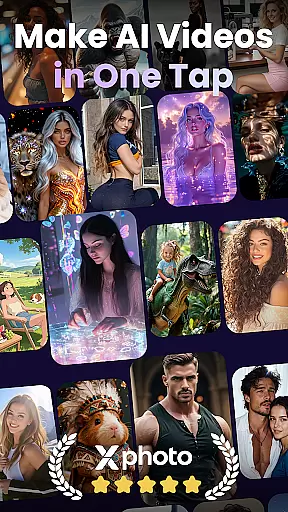
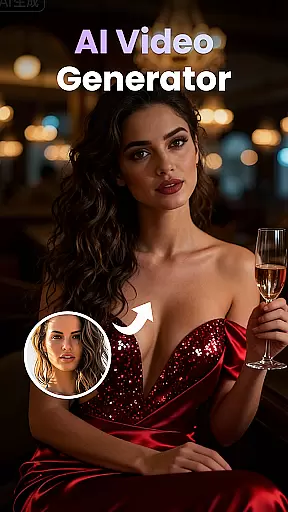
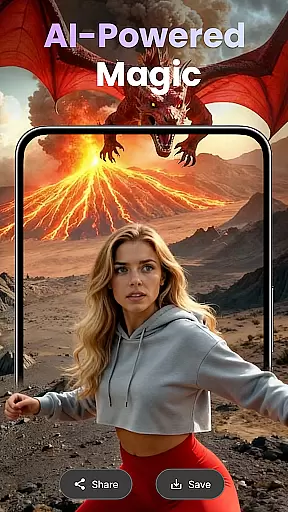
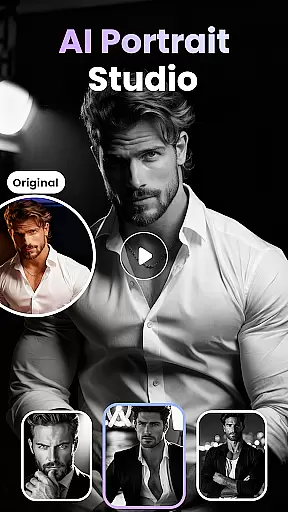
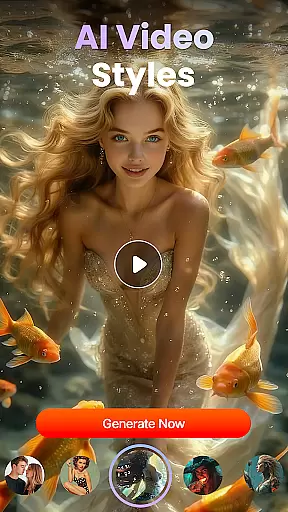
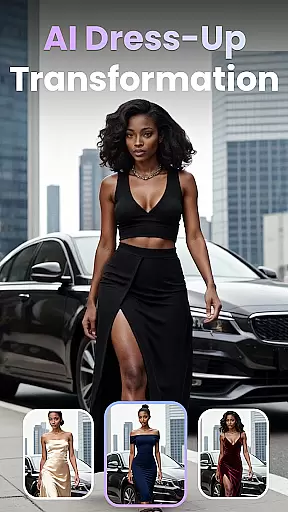
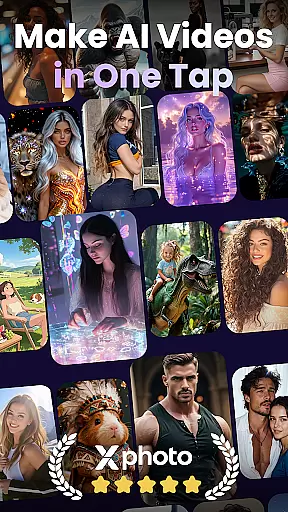
XPhoto is an advanced AI-powered creative studio designed to transform your ideas into professional-grade visual content. With its cutting-edge AI technology, users can convert text prompts into cinematic videos or stunning artwork in seconds. The app offers versatile tools for photo animation, face swapping, and applying artistic effects, making it ideal for content creators, influencers, and artists.
One standout feature is the ability to animate photos with emotion, turning static images into dynamic clips. Additionally, XPhoto provides smart editing tools like automatic captioning, background music integration, and voiceover support. Whether you're crafting short videos for TikTok, Instagram Reels, or YouTube Shorts, XPhoto delivers high-quality visuals without watermarks in HD or 4K resolution.
This app is particularly valuable for storytellers and marketers who need visually captivating content quickly. By combining ease of use with powerful functionality, XPhoto empowers users to bring their creative visions to life efficiently and professionally.
XPhoto stands out with its comprehensive suite of AI-driven features tailored for modern creators. Its Text-to-Video capability allows users to describe a concept in words, which the app then converts into engaging cinematic videos. Similarly, the Text-to-Image generator creates breathtaking AI art from simple textual descriptions, offering limitless creative possibilities.
The Photo-to-Video Animation tool adds motion and emotion to still images, while Face Swap and AI Effects enable users to craft viral trends effortlessly. Pre-designed video templates save time, and smart editing tools such as automated captions, royalty-free music options, and voiceovers enhance post-production workflows. Furthermore, XPhoto ensures top-tier output quality by allowing exports in 1080p or 4K resolution without watermarks.
These features collectively make XPhoto a one-stop solution for creating polished, professional content across platforms like TikTok, Instagram, and YouTube. Its blend of speed, simplicity, and sophistication caters to both beginners and seasoned professionals alike.
Customization options variety refers to the range of features and settings that users can modify to tailor their experience with an application. For XPhoto, this means providing a diverse set of tools and effects that allow users to create and animate visuals according to their preferences.
XPhoto offers a rich selection of customization options including AI Text to Video, Text to Image Generator, and Photo to Video Animation. These features enable users to transform simple text prompts into cinematic videos or stunning AI art, and bring static images to life with emotive animations.
The benefit for users is immense as they can express their creativity without bounds. Whether it's for professional content creation or personal projects, XPhoto's customization capabilities ensure that each output is unique and personalized.
This level of customization empowers users to produce high-quality, engaging content suitable for various platforms like TikTok, Instagram Reels, and YouTube Shorts, thus enhancing their storytelling and digital presence.
Theme compatibility in an app ensures that visual elements and styles are consistent across different themes or design templates. In the context of XPhoto, theme compatibility allows users to apply various artistic styles and themes to their creations seamlessly.
XPhoto supports a wide array of creative video templates and smart editing tools which contribute to its theme compatibility. Users can access a growing library of ready-to-use video templates and enhance their projects with automatic captions, background music, or voiceovers.
For the user, this means having the flexibility to switch between different themes while maintaining a professional look and feel throughout their work. This feature is particularly beneficial for creators who wish to maintain brand consistency across multiple pieces of content.
By ensuring theme compatibility, XPhoto not only simplifies the creative process but also amplifies the aesthetic appeal of the final product, making every piece of content not just a visual treat but also a technical masterpiece.
User-friendly interface
High-quality video export
Versatile design tools
Fast rendering speeds
Innovative AI capabilities
Limited free features
Premium subscription required
Occasional glitches
Learning curve for new users
Resource-intensive on devices

Bring adorable pets to life on your screen. Playful, interactive and full of fun
 4.60
4.60 4.10
4.10 4.50
4.50
Nothing Icon pack with more than 3750+ highly crafted icons.
4.70
Embrace the Night. Unleash the power of darkness with Raven Dark Icon Pack
4.60
200+ Material Inspired Widgets
4.50
400+ Beautifully crafted widgets inspired by NOTHING.
4.70
A minimalist productivity launcher. One-hand-friendly. Zero ads.
4.70
Your home screen, just the way you like it.
3.80
Wallpaper HD 4K Live - Thousands of high-quality Anime backgrounds for you.
4.80
Choose your keyboard with RGB colors effect, themes, fonts, emojis.
4.60
Ultra realistic gold analog watch face with lots of customization options.
4.50
Romantic Kiss Stickers App. Start romantic messaging now!
4.30
Magic fluids wallpaper 4D: Relax with stunning fluid simulation wallpaper app
4.20
Run multiple accounts of the same app on a single device
4.10
Crystal-clear, square icon provides a sleek and sophisticated visual upgrade
4.00
Create unique, fun emojis with Funny Emoji Maker! Unlimited creativity!
4.00
Design your screen with unique, vibrant clocks
3.80
Emoji Maker app - Design custom emojis and effortlessly blend them with Mixer
3.80


User Reviews