
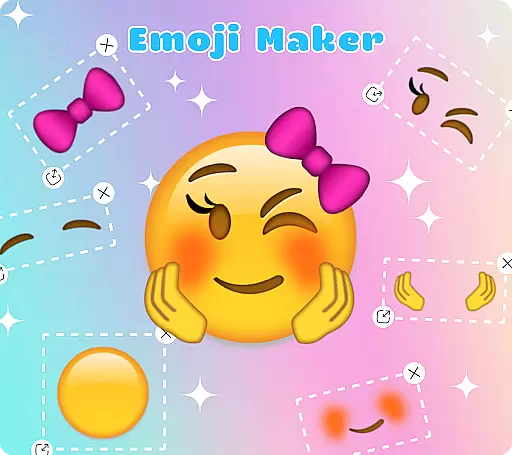
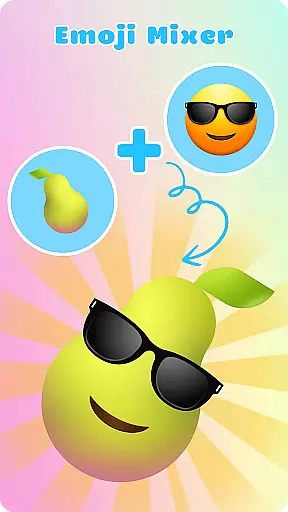
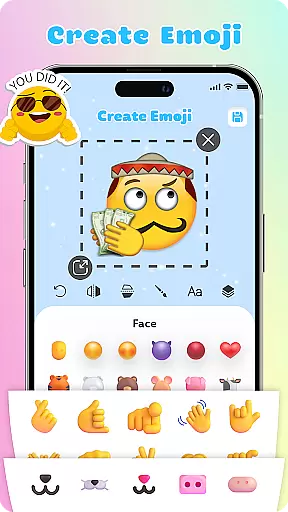
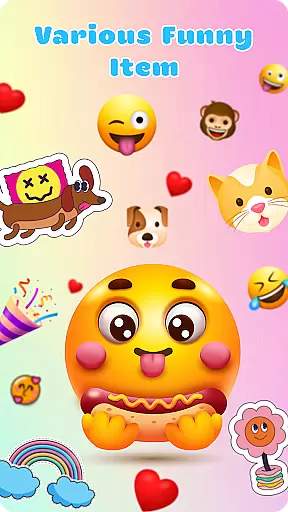
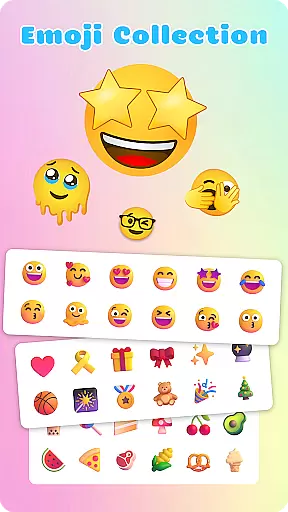
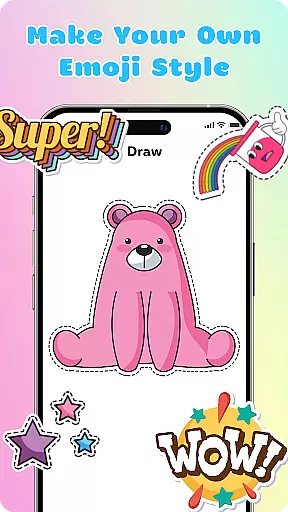
Emoji Maker: DIY Emoji Merge is a creative personalization app that allows users to design and customize their own emojis. With two main functions - Emoji Maker and Emoji Mixer, it offers endless possibilities for creating unique emojis. The app provides various editing tools, text features, and layering options, enabling detailed customization of facial expressions, gestures, and accessories.
This app is particularly useful for enhancing digital communication by allowing users to create personalized emojis that better express their emotions and personality. Whether you want to add humor to casual chats or create specific tones for professional conversations, this app gives you the creative freedom to adapt emojis to any conversation context.
The app's standout feature is its comprehensive customization capabilities. Users can access numerous editing tools to resize, flip, and duplicate emoji elements. The innovative layer feature allows stacking and reordering of design components, creating more complex and personalized emojis.
Additional notable features include the freehand drawing tool and text overlay function. These enable adding unique details and custom messages to emojis. The app also supports creating custom emoji packs with self-designed elements, making it easy to organize and use your creations across different messaging platforms.
The intuitive interface ensures smooth navigation through all these features, while regular updates bring new customization options and tools. This combination of powerful editing capabilities and user-friendly design makes emoji creation accessible to both beginners and experienced designers.
Emoji Maker offers an extensive range of customization options that allow users to create unique emojis tailored to their personal style and mood. The app provides a vast selection of facial expressions, gestures, and accessories that can be mixed and matched to design emojis that are truly one-of-a-kind.
With features such as resizing, flipping, and duplicating images, users have the creative freedom to modify their emojis with precision. The inclusion of a freehand drawing tool and the ability to add text further enhance the customization experience, making each emoji a personal work of art.
The layering feature adds another dimension to personalization, enabling users to stack elements and change the order of layers for more complex designs. This level of detail ensures that each emoji can convey the exact emotion or message intended by its creator.
Regular updates and new features keep the creative process fresh and inspiring, allowing users to continually explore new possibilities in emoji creation. With Emoji Maker, the potential for personal expression is limitless, ensuring that your emojis will always be as unique as you are.
Theme compatibility in Emoji Maker ensures that all custom emojis created within the app maintain visual consistency across different platforms and devices. This means that whether you're using your emojis on social media, messaging apps, or any other digital communication method, they will retain their quality and intended appearance.
The app's intuitive interface simplifies the process of designing and managing emojis, making it accessible even for beginners. Users can easily navigate through the app's features to create personalized emoji packs that seamlessly integrate into their digital conversations.
Emoji Maker's compatibility extends to its ability to adapt to various conversation scenarios, from casual chats to more formal communications. The flexibility of the app allows users to express a wide range of emotions and meanings without the need for many words, enhancing the chatting experience with creativity and fun.
By downloading Emoji Maker, users gain access to a world where their chat space is only limited by their imagination. The app empowers users to push the boundaries of communication, offering a dynamic and engaging way to interact with others through custom emojis that truly reflect their personality and style.
User-friendly interface
Extensive customization options
Regular feature updates
Powerful editing tools
Creative freedom
May overwhelm beginners
Advanced features locked behind paywall
Occasional performance issues
Limited sharing options
Steep learning curve

Beautiful realistic hybrid watch face with numerous customization options.
 4.50
4.50
Ultra realistic high quality analog watch face for Wear OS.
4.60
A launcher for Samsung Good Lock and Good Guardians modules without ads
4.70
Over 28,000 high quality icons to bring color & homogeneity to your phone.
4.60
Ultimate widget creator. Design custom widgets for a truly unique home screen!
3.90
Vibrant Adaptive Icons with Material You and Enhanced Monet Colors.
4.50
300+ Stunning and well-designed widgets inspired by NOTHING.
4.70
Install amazing sticker packs: endless styles, always cool.
4.70
Transform your phone with stylish zipper lock themes and 4D live wallpaper
4.10
Customizable Glass widgets. Over 360+ stunning widgets and more!
4.70
Zip lock screen with magic wallpaper to decorate your phone with fun zipper lock
4.60
Choose your keyboard with RGB colors effect, themes, fonts, emojis.
4.60 4.50
4.50
AI-powered Copilot. Personalized keyboard with gifs, stickers & themes
4.40
Your home screen, just the way you like it.
4.30
Organize and manage your photos and videos effortlessly with Photo Gallery
4.20 4.10
4.10
Crystal-clear, square icon provides a sleek and sophisticated visual upgrade
4.00
Adaptive Dot Style IconPack with Light & Dark Theme.
3.70


User Reviews