
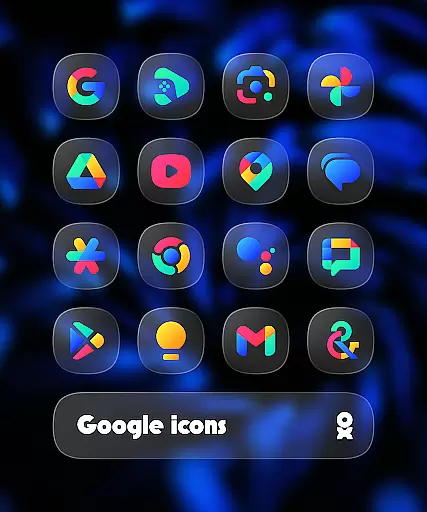
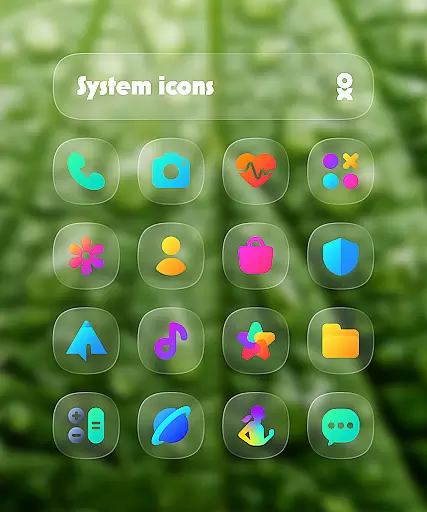
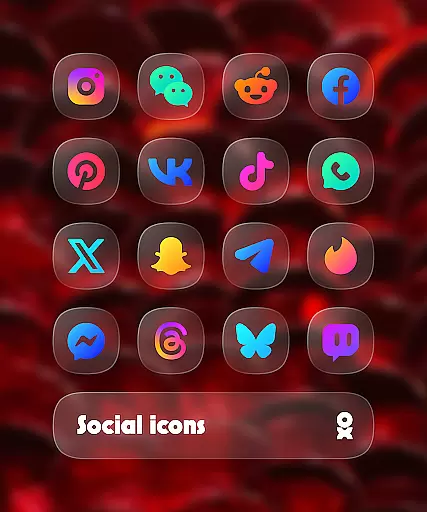
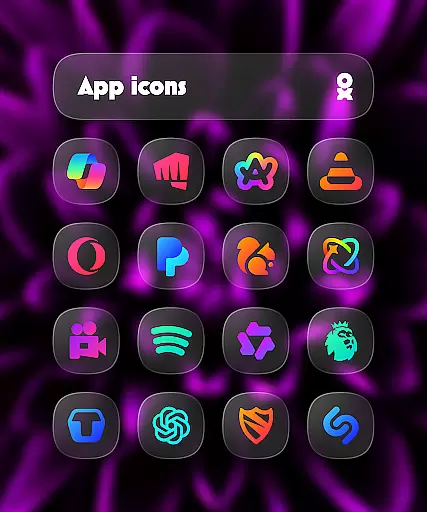
One UI Glass Color Icon Pack offers over 6000 HD squircle icons with a sleek, minimal design inspired by Samsung's One UI. These crystal-clear and colorful icons seamlessly integrate with your device's interface, providing a modern and elegant look.
The pack includes cloud wallpapers, an icon request tool, and regular updates to ensure compatibility with new apps. Designed for users seeking a cohesive and stylish home screen, it supports various launchers including One UI Home, Nova Launcher, and more.
Whether you're using a Samsung device or other Android smartphones, this icon pack enhances your personalization options while maintaining a professional aesthetic that complements any device.
One UI Glass Color Icon Pack stands out with its comprehensive set of features tailored for customization enthusiasts. With over 6000 HD icons, each crafted in a squircle shape, users can enjoy a consistent and high-quality visual experience across their apps.
Beyond icons, the pack provides cloud-based wallpapers that complement the icons' design language. The inclusion of an icon request tool empowers users to ask for specific app icons not yet included, ensuring continuous improvement and personal relevance.
Compatibility is key, and this pack supports numerous launchers such as One UI Home, Nova Launcher, and Lawnchair Launcher. Regular updates keep the pack fresh and functional, making it an essential choice for those looking to personalize their Android devices with a touch of elegance.
One UI Glass Color Icon Pack offers an extensive range of customization options that cater to personal preferences and device aesthetics. With over 6000 HD icons, users can enjoy a crystal-clear and colorful experience that seamlessly integrates with their device's interface.
The pack includes cloud wallpapers and an icon request tool, ensuring users have access to the latest designs and can request missing icons. Regular updates keep the content fresh and aligned with user needs.
This variety allows users to tailor their home screens to reflect their unique style while maintaining a sleek and minimal look inspired by Samsungu2019s One UI design language.
Ensuring broad theme compatibility, One UI Glass Color Icon Pack supports numerous launchers including One UI Home with Theme Park, Smart Launcher 6, Niagara Launcher, and more. This wide compatibility ensures that users can apply the icon pack across different devices and platforms without limitations.
For optimal performance, specific launchers require additional settings or tools; for instance, Nova Launcher needs shadow settings enabled, while Pixel Launcher users should use Shortcut Maker. These considerations ensure a smooth integration and visually cohesive appearance.
By providing clear instructions and support through FAQs, the app guarantees a hassle-free setup process, enhancing user satisfaction and engagement.
Wide launcher support
Frequent updates
High-definition icons
Cloud wallpapers included
Icon request feature
Paid app
Some launchers unsupported
Requires Theme Park on Samsung
Pixel Launcher needs Shortcut Maker
Kustom Widgets require KWGT PRO

A Colorful and Minimal icon pack in an Outline Style - Over 13,600 icons!
 4.70
4.70
Themes - Widget & Wallpaper: Customize home screen, icon changer w unique themes
4.30
Add cute Shimeji pets to screen, interact with them and relax with cute motions
4.60
Transfer your live wallpapers from Windows to Android using Wallpaper Engine!
4.00 4.50
4.50
Custom edge gestures for volume control, brightness, apps, and shortcuts.
4.5
HappyLighting is a Bluetooth lamp control software.
3.40
350+ widgets with a premium glass-style finish, perfect for home & lock screens.
4.70
Cool custom fonts & keyboard themes! Symbols & font changer for Instagram
4.50
Only for Wear OS devices!
4.90
Ultra realistic high quality analog watch face for Wear OS.
4.60
Over 28,000 high quality icons to bring color & homogeneity to your phone.
4.60
Want to make your phone more special than ever?
4.60
Choose your keyboard with RGB colors effect, themes, fonts, emojis.
4.60
Stylish Pink Cute Hippo keyboard with 10000+ customized keyboard themes!
4.60
Art & Emoji Keyboard with Cool Fonts, Cute Themes and Custom Designs.
4.40
Yandex Browser — stylish and secure, with voice search and data compression
4.40
Create unique, fun emojis with Funny Emoji Maker! Unlimited creativity!
4.00
Emoji Maker app - Design custom emojis and effortlessly blend them with Mixer
3.80


User Reviews