![[69D] Flower Power 2](https://cdn.linksharehub.com/ocp/?u=https%3A%2F%2Fl3.fancapitalize.com%2Fimages%2F2026%2F01%2F30be00ee5291322ca1457971b823f572.jpg&t=webp)
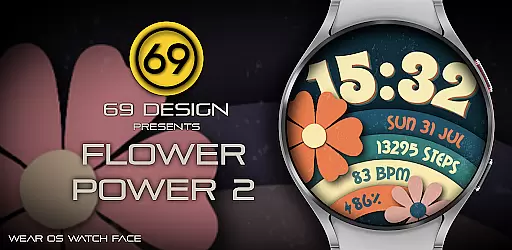
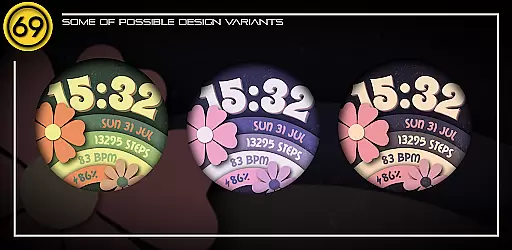
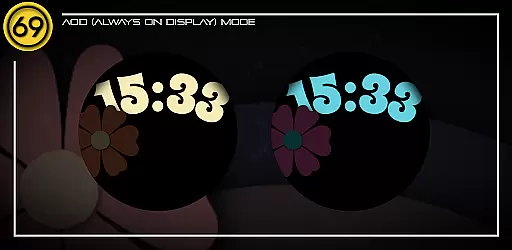
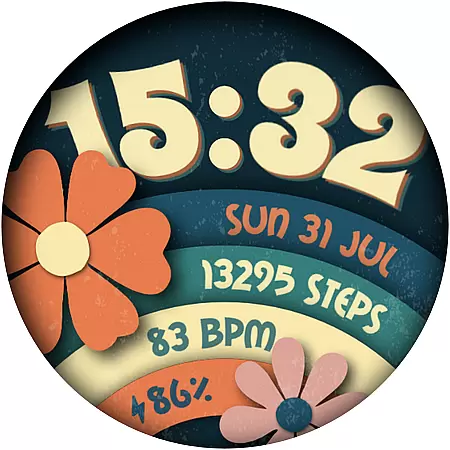
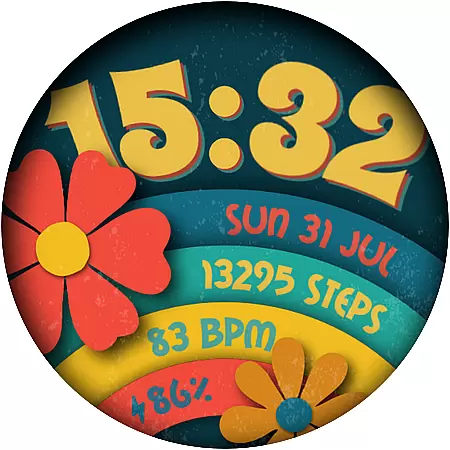
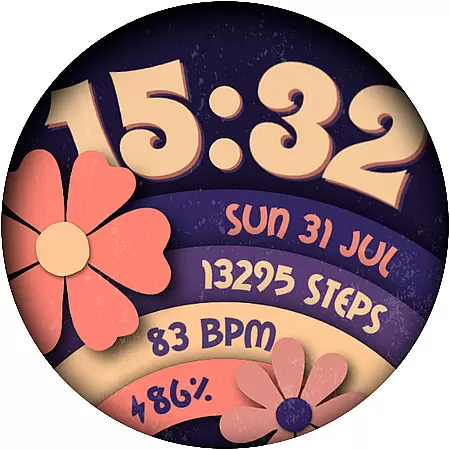
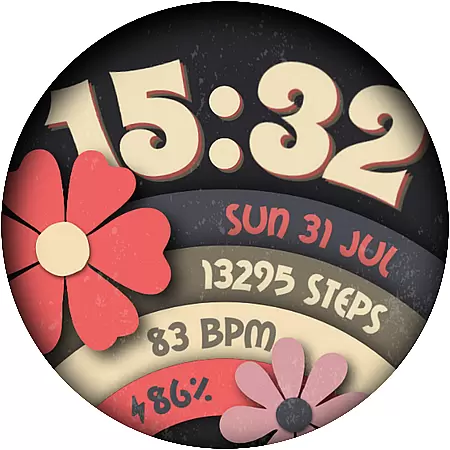
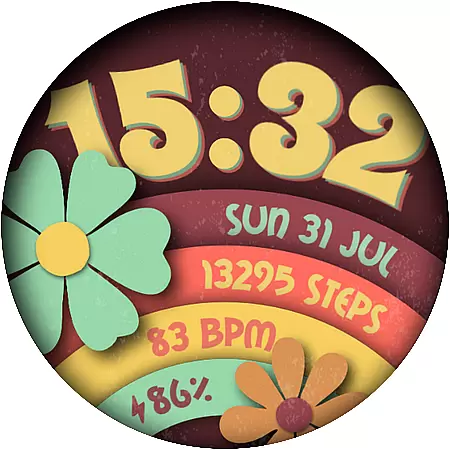
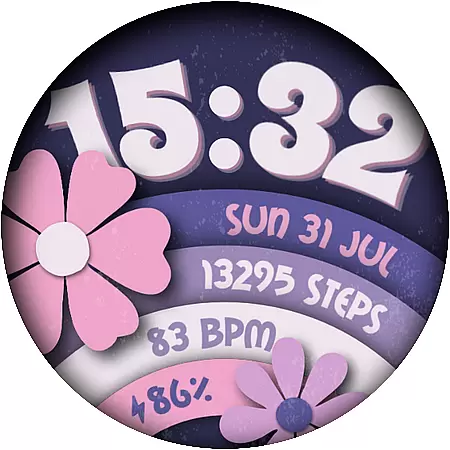
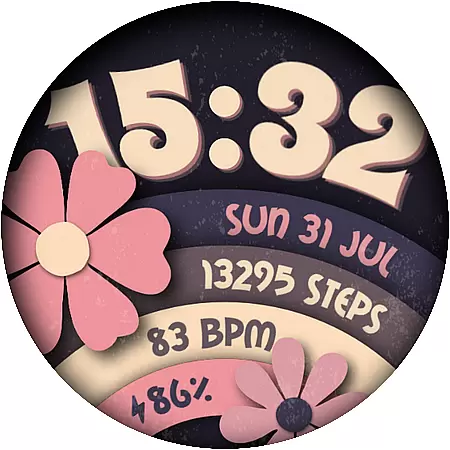
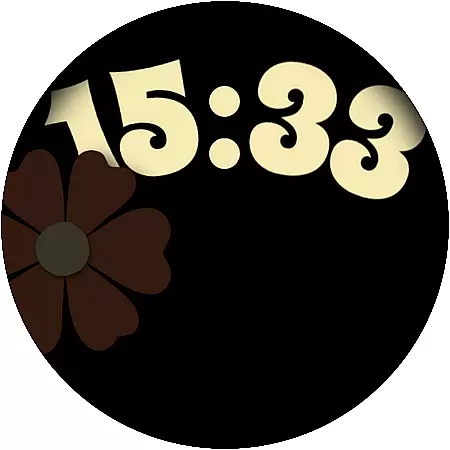
Flower Power 2 is a customizable digital watch face designed specifically for Wear OS devices. This application allows users to personalize their smartwatch display with various design elements and features that cater to individual preferences.
The watch face offers multiple color combinations, battery level indicators, application shortcuts, and health tracking metrics such as step counts. With support for both 12 and 24-hour formats, date display, and complications, it provides a versatile and functional user experience tailored to different lifestyles and needs.
Ideal for users seeking both aesthetics and utility on their Wear OS watches, Flower Power 2 ensures that your smartwatch not only looks great but also serves practical purposes in daily life.
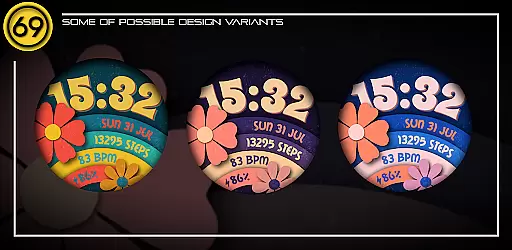
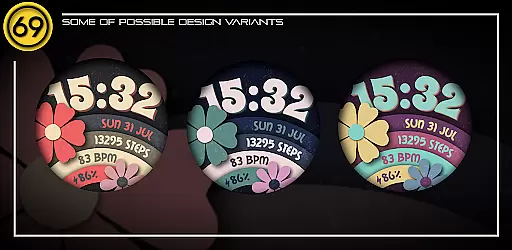
Flower Power 2 stands out with its extensive customization options. Users can choose from 20 distinct color combinations, ensuring their watch face matches their personal style or mood.
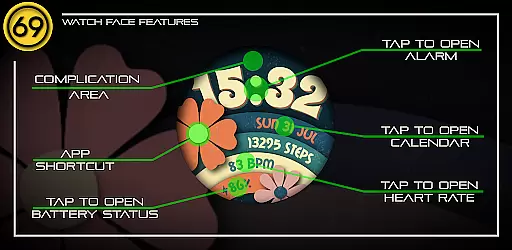
Beyond aesthetics, the app integrates essential features like battery level display, application shortcuts, and health metrics including step counting. The inclusion of date and time in both 12 and 24-hour formats adds to its practicality, while complications provide additional interactive elements.
Compatibility with most Wear OS devices ensures broad accessibility, although optimal performance is achieved on newer models with updated software. Detailed configuration instructions are provided, making setup straightforward and enhancing the overall user experience.
Customization is at the heart of [69D] Flower Power 2, allowing users to tailor their Wear OS watch face to match their personal style. With 20 color combinations available, this application provides a rich palette for users to experiment with and find the perfect look that resonates with their individual preferences.
Beyond colors, the app offers various practical features that are essential on a day-to-day basis. Users can choose between 12/24 hour time formats, have quick access to application shortcuts, and view their daily step count. These elements ensure that while customizing the aesthetics, users do not have to compromise on functionality.
The ability to display the battery level and date adds another layer of utility, making certain that users remain informed about their device's status and the current date without needing to leave the watch face. This practical approach to customization ensures that users enjoy both form and function in one cohesive package.
[69D] Flower Power 2 stands out in terms of theme compatibility, ensuring that its customizable digital watch face works seamlessly across a range of Wear OS devices. The design takes into account the diversity within the Wear OS ecosystem, focusing on delivering a smooth experience on newer devices equipped with the latest software versions.
However, it's important to note that while the watch face is compatible with most Wear OS devices, the full extent of its features might vary. Some functionalities, like specific app shortcuts including Heart rate monitor or Music Player, could be limited by the individual deviceu2019s capabilities or the availability of apps.
To assist users in achieving the optimal setup, [69D] Flower Power 2 provides attached instructions through graphic images. These visual guides explain how to configure the watch face effectively, ensuring users can take full advantage of the theme's compatibility and enjoy an uninterrupted personalized experience on their smartwatch.
Highly customizable
Versatile feature set
Visually appealing designs
Compatible with many devices
Easy-to-follow setup guide
Some features device-dependent
Best performance on new devices
Limited app shortcuts
Installation process complex
Requires Wear OS

Realistic animated snow on your wrist, with 10 images landscapes to choose from
 4.00
4.00
Transform your phone with Launcher iOS 26 - Smooth & elegant iOS experience
4.50
Transfer your live wallpapers from Windows to Android using Wallpaper Engine!
4.00 4.10
4.10
Nothing Icon pack with more than 3750+ highly crafted icons.
4.70
Choose your keyboard with RGB colors effect, themes, fonts, emojis.
4.60
300+ Beautifully crafted widgets inspired by OneUI.
4.60
Fast SMS & group chat - use GIFs and emojis from your home screen launcher.
4.50
Cool custom fonts & keyboard themes! Symbols & font changer for Instagram
4.50
Dark icon pack based on One 8
4.80
300+ Stunning and well-designed widgets inspired by NOTHING.
4.70
Icons made of colorful linear lines
4.60
Beautiful realistic hybrid watch face with numerous customization options.
4.50
Fingerprint Lock Screen & Live Animations with 4K Wallpapers as Live Wallpaper
4.40
Transform your phone with stunning video wallpapers and a unique, personal touch
3.80
Emoji Maker app - Design custom emojis and effortlessly blend them with Mixer
3.80
Customize glowing edges, wallpapers, and caller screen with EdgeAura.
3.50
Adorable pets roam and play right on your phone screen!
3.30
Turn your lock screen into fun with smile live wallpapers & animated wallpapers!
2.50


User Reviews