

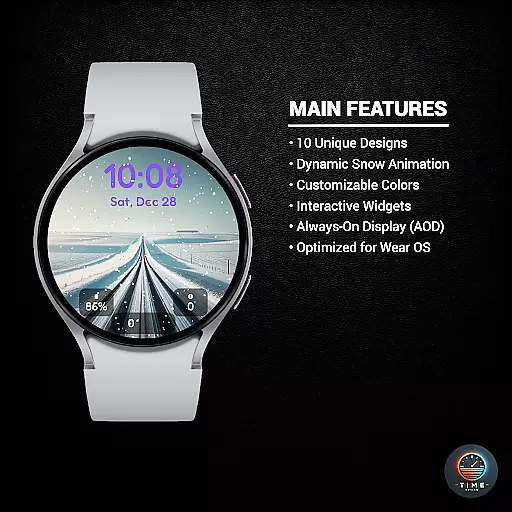
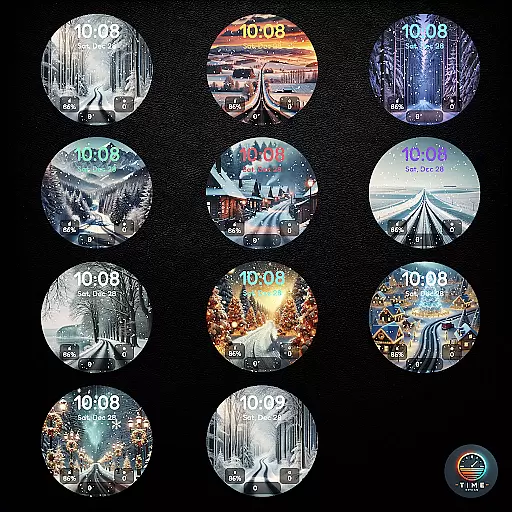
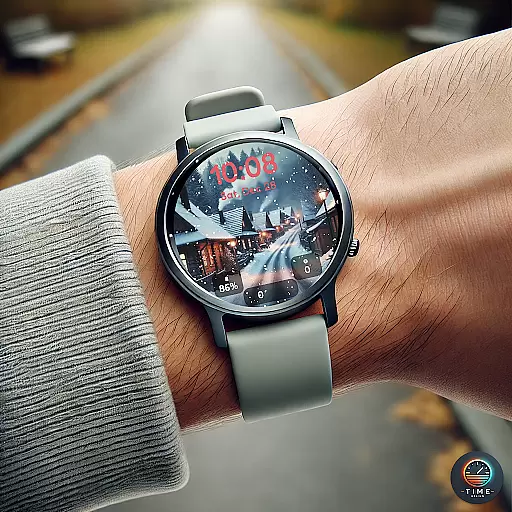
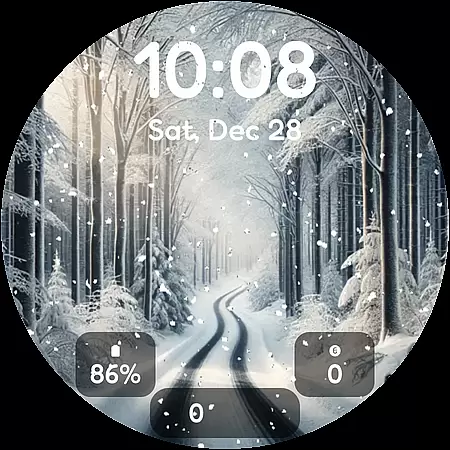
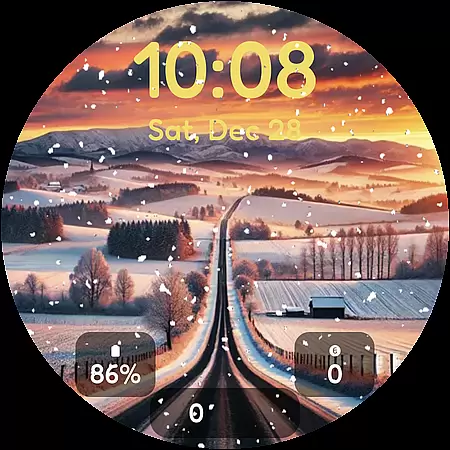
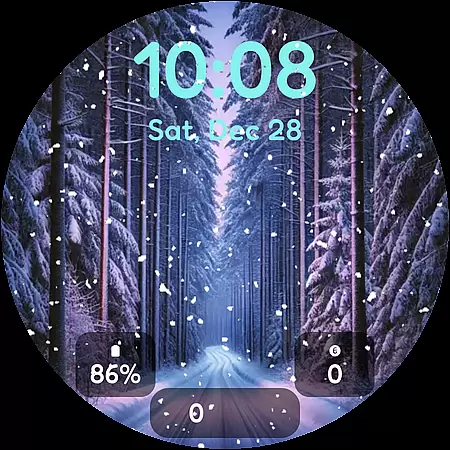
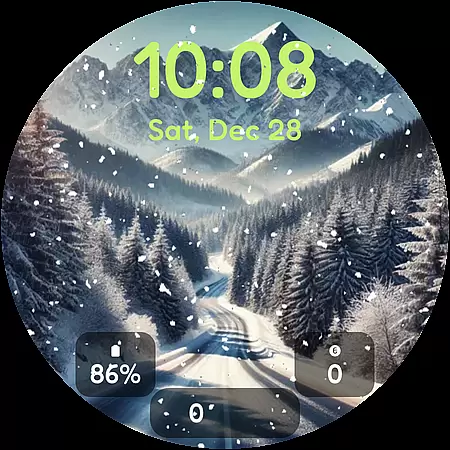
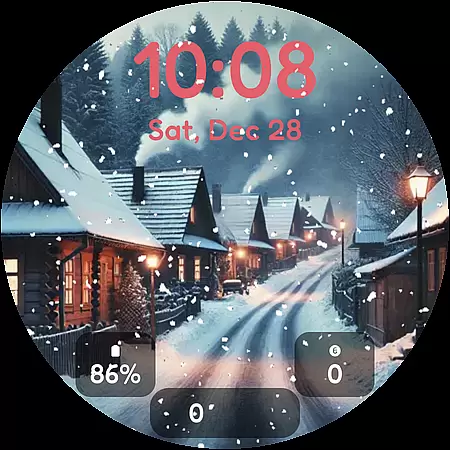
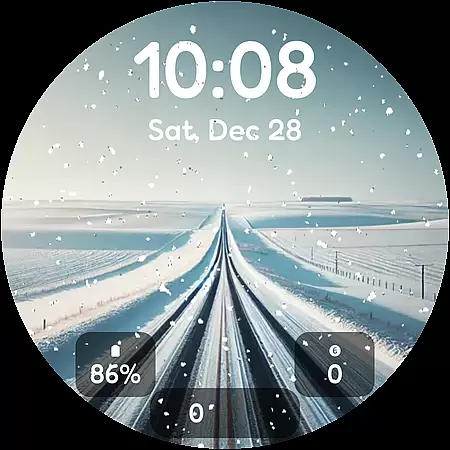
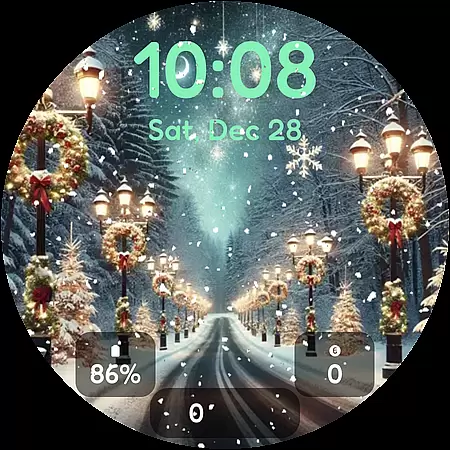

Winter's Journey Watch Face offers a serene winter-themed experience for smartwatch users, featuring 10 unique designs with dynamic snow animations. Compatible with Samsung Galaxy Watch series and Google Pixel Watch models, this watch face brings the beauty of winter to your wrist.
The app supports Wear OS optimization, AOD display, custom widgets, and multiple color themes, making it perfect for modern design enthusiasts. Whether you're looking for a visually stunning timepiece or customizable features, Winter's Journey provides both aesthetic appeal and functional utility.
Winter's Journey stands out with its dynamic snow animation that enhances the visual experience of each design. The inclusion of 10 unique watch face styles ensures variety, catering to different preferences while maintaining a cohesive winter theme.
Customization is key, offering users adjustable color themes and widget options. With support for Always-On Display (AOD) and optimization for Wear OS, this app guarantees seamless performance across compatible devices, ensuring an engaging yet practical user experience.
Winter's Journey Watch Face offers a rich selection of customization options that cater to personal preferences. With 10 unique designs, users can choose a style that resonates with their aesthetic sensibilities.
The dynamic snow animation adds an element of liveliness to the watch face, creating a visually engaging experience. This feature ensures that each glance at your watch is delightful and distinct.
Color themes and custom widgets further enhance the ability to tailor the watch face to individual tastes. Whether you prefer a minimalist look or vibrant colors, the variety of options allows for a personalized touch.
This level of customization not only beautifies your smartwatch but also makes it truly yours, reflecting your personality and mood on your wrist.
Ensuring seamless integration across devices, Winter's Journey Watch Face is optimized for Wear OS and compatible with Samsung Galaxy Watch and Google Pixel Watch models. This wide-ranging compatibility means users can enjoy a consistent experience regardless of their device.
The inclusion of AOD (Always-On Display) support demonstrates the watch face's commitment to both form and function. Users benefit from having essential information readily accessible at a glance without sacrificing battery life.
By being optimized for Wear OS, this watch face leverages the platform's capabilities to deliver smooth performance and reliability. It takes full advantage of the operating system's features to provide an optimal user experience.
Ultimately, theme compatibility is not just about working on different devices but ensuring that the transition between them is effortless and the visual appeal remains uncompromised.
Stunning winter designs
Dynamic snow effects
Customizable widgets
Vivid color themes
Wear OS optimized
Limited device compatibility
Long installation time
No advanced features
Few interactive elements
Premium-only access

Customizable Glass widgets. Over 360+ stunning widgets and more!
 4.70
4.70
Bring adorable pets to life on your screen. Playful, interactive and full of fun
4.60
Customizable screen pets that play, climb, and keep you company.
4.50 4.50
4.50
Customize your home screen with stunning themes, blur, widgets & icons.
4.60
Vibrant Adaptive Icons with Material You and Enhanced Monet Colors.
4.50
Stylish Pink Cute Hippo keyboard with 10000+ customized keyboard themes!
4.60
Your home screen, just the way you like it.
3.80
Cool custom fonts & keyboard themes! Symbols & font changer for Instagram
4.50
One 8 icons glass color version
4.80
Stunningly Different look with Line Icons and Neon Colors
4.60
A retro cartoon style watch face and a punch right in the face of the copyright
4.60
Ultimate Gallery Lock App - Hide Pictures, Videos and Lock Apps Instantly!
4.60
Try creating your own keyboard with "Keyboard theme for android" app now!
4.50
Art & Emoji Keyboard with Cool Fonts, Cute Themes and Custom Designs.
4.40
More than 3000+ themes and 9000+ wallpapers for everybody!
4.10
Design your screen with unique, vibrant clocks
3.80 3.50
3.50
Interactive Miniature Painting Catalogue
3.30


User Reviews