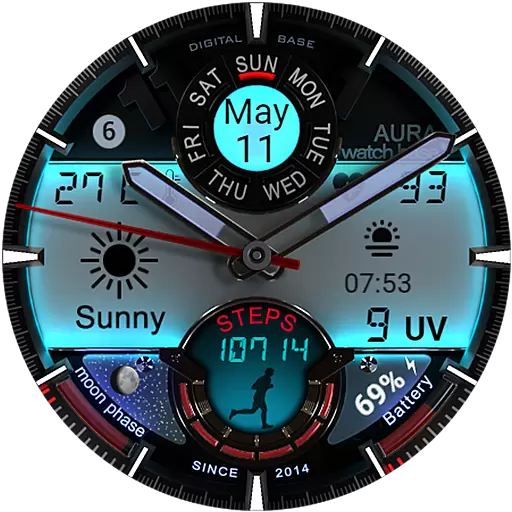
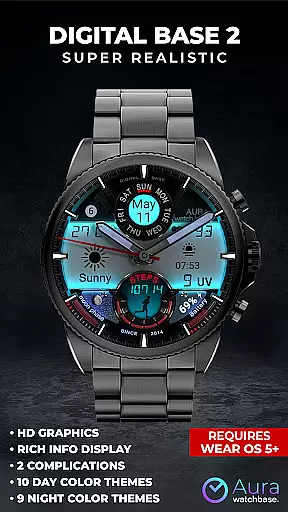
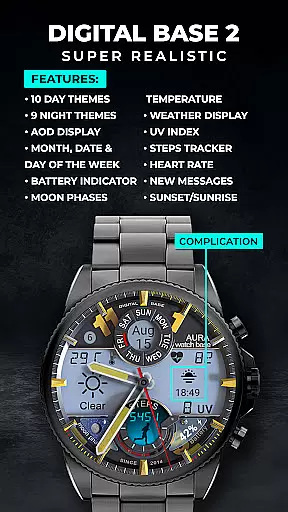
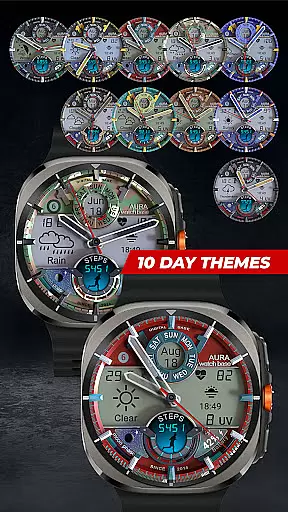
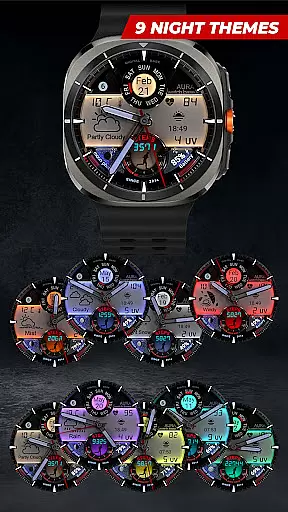
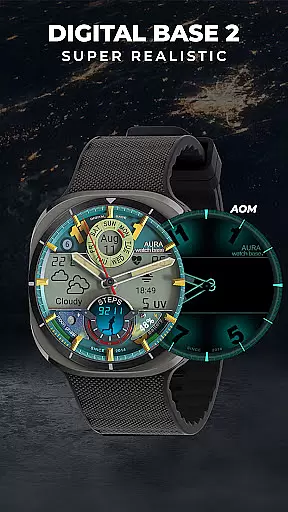
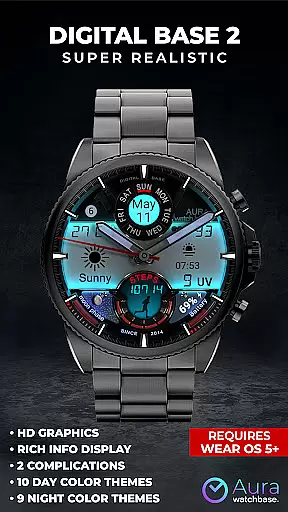
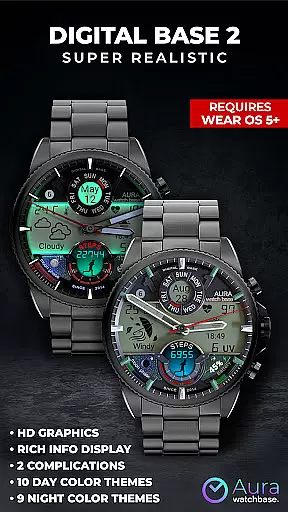
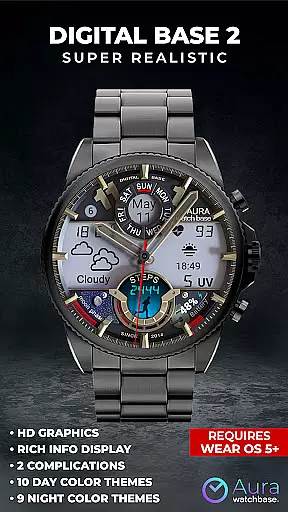
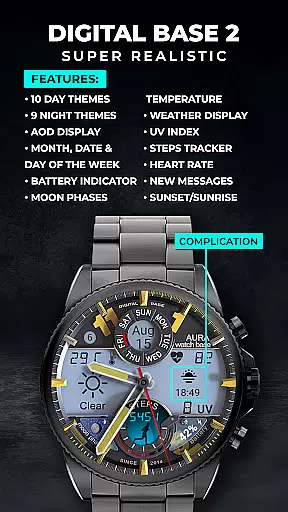
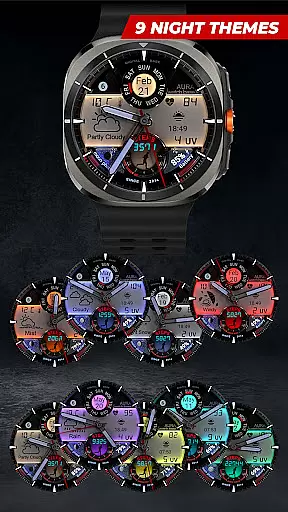
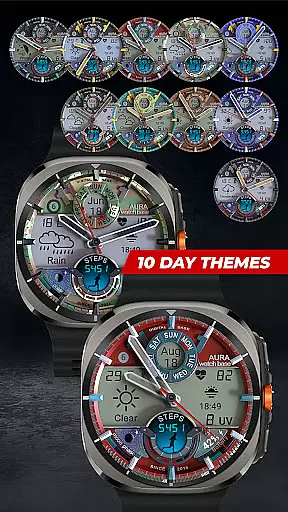
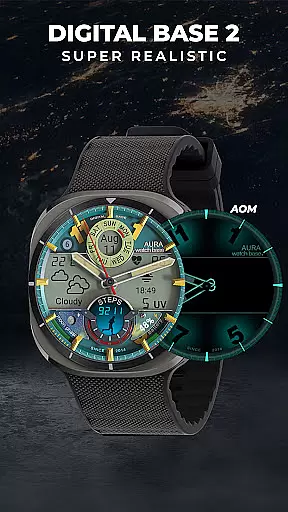
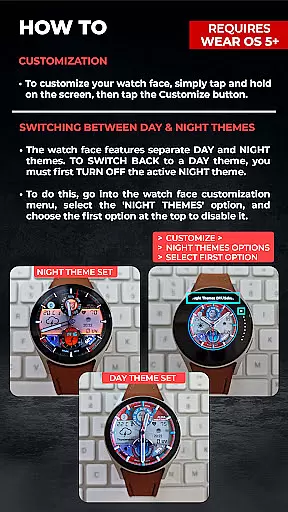
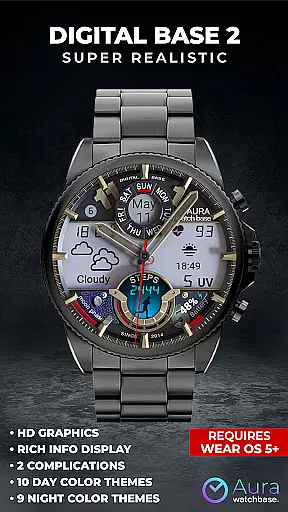
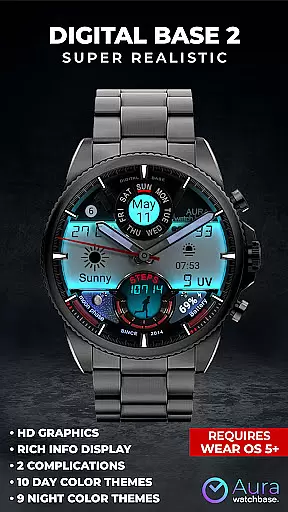
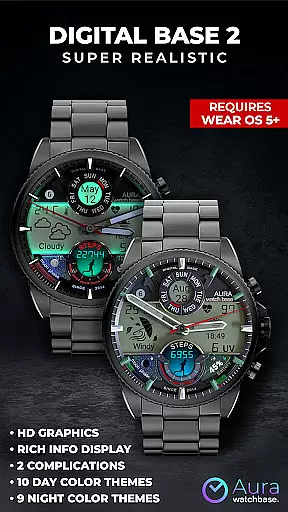
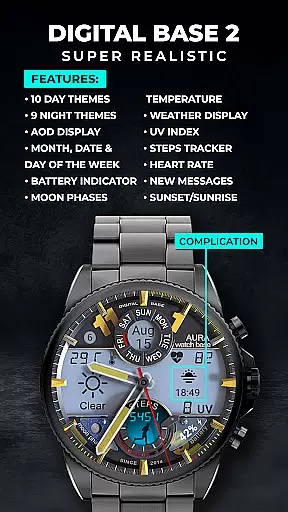
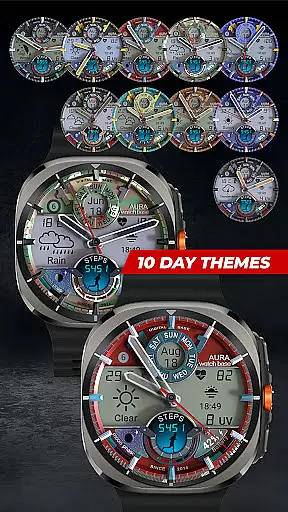
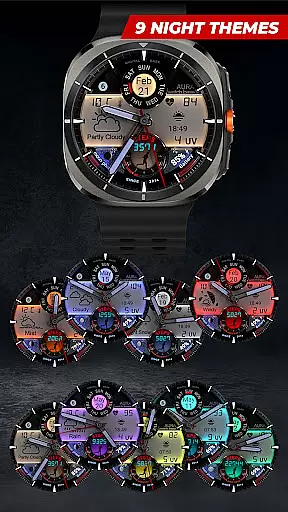
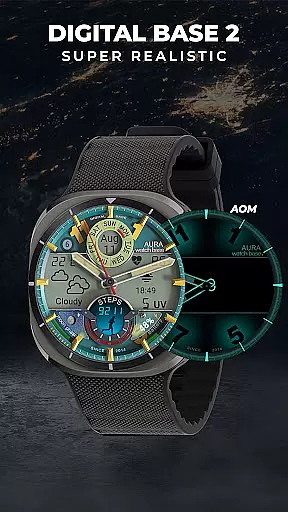
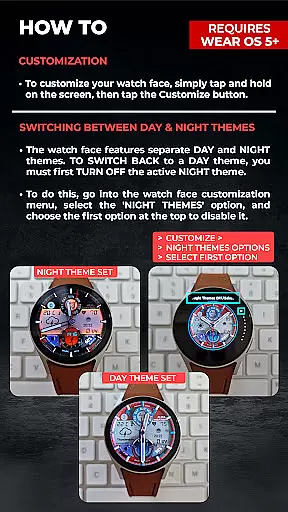
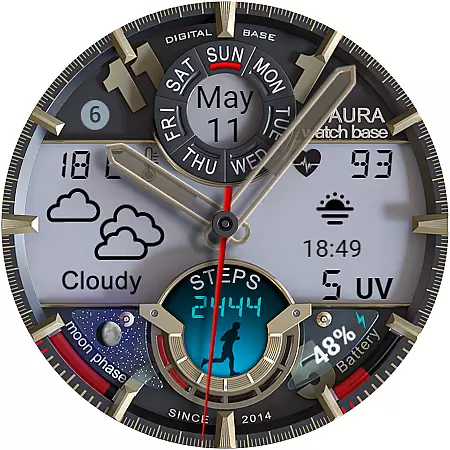
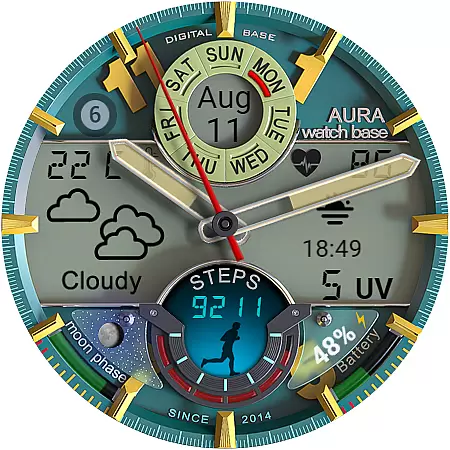
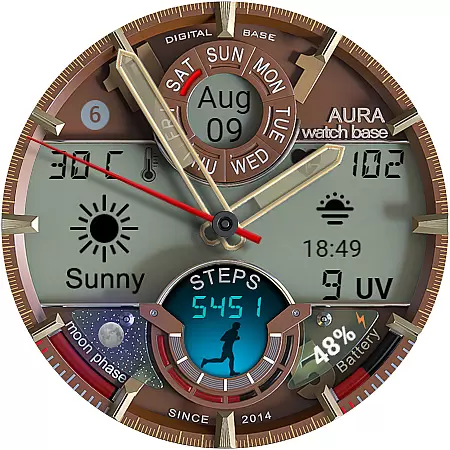
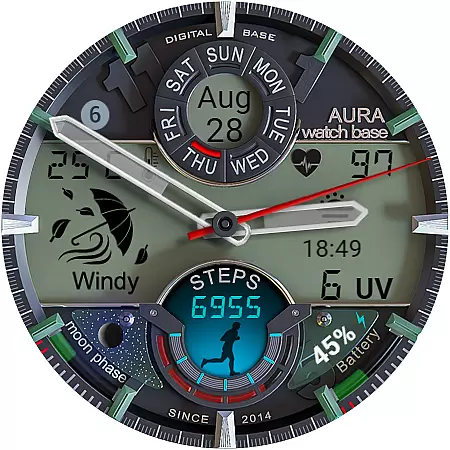
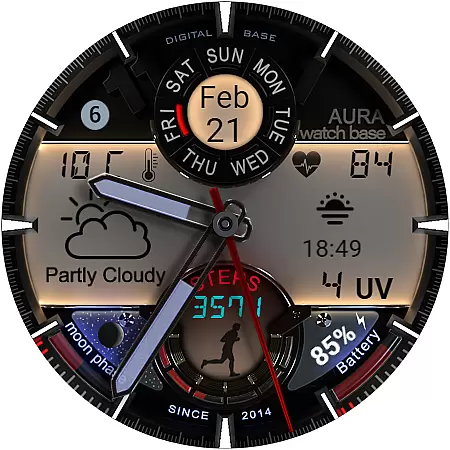
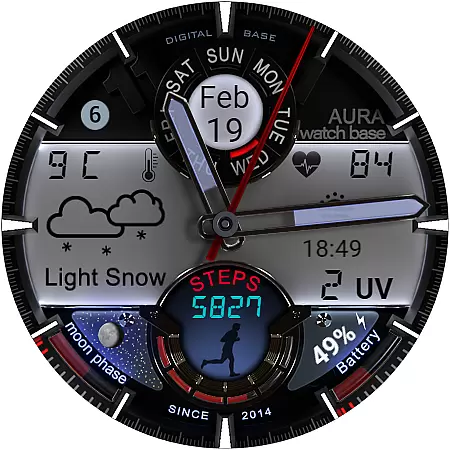
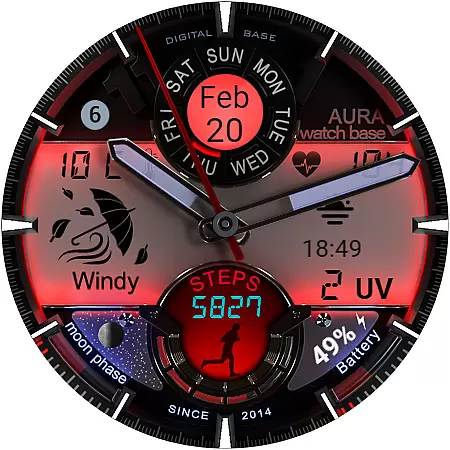
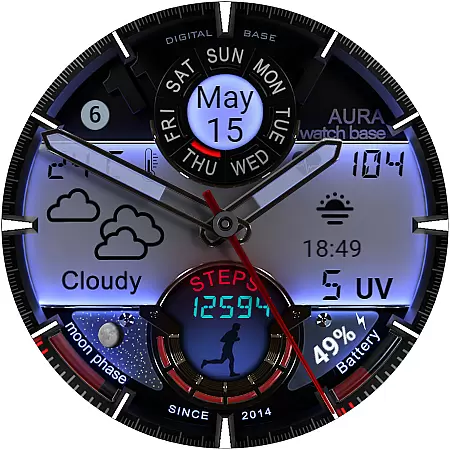
WB DIGITAL BASE 2 Watch Face offers a sophisticated blend of analog aesthetics and digital functionality, designed exclusively for Wear OS 5 and above. This hyper-realistic watch face features an LED-illuminated night mode and provides essential health and weather data.
With customizable color themes, editable complications, and indicators for battery, moon phases, and unread messages, it serves as the ultimate data dashboard for your smartwatch. Its intuitive design ensures seamless integration with your device settings, making it both practical and visually stunning.
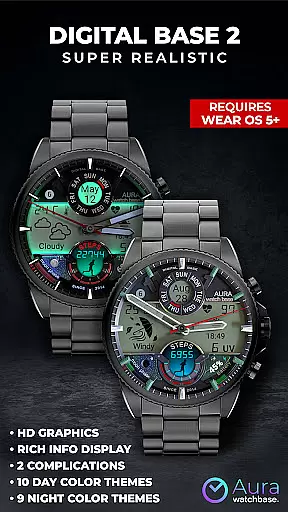
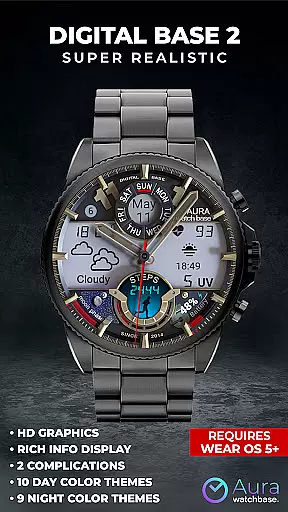
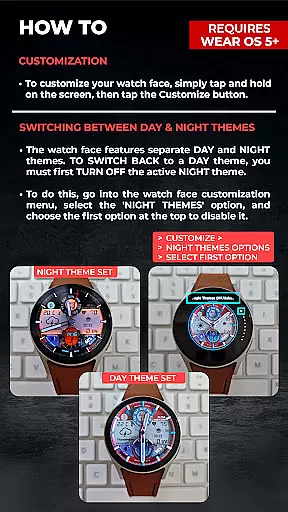
This watch face stands out with its diverse feature set tailored to enhance user experience. It includes 10 day and 9 night color themes, always-on display (AOD), and two editable complications that allow personalization according to individual preferences.
Health-conscious users will appreciate the inclusion of step and heart rate trackers, while environmental awareness is covered with UV index and temperature displays that automatically adjust based on device settings. The interface also presents date, battery status, and even moon phases, ensuring you have all vital information at a glance.
Companion app integration is a crucial feature for smartwatch applications, ensuring seamless synchronization between the watch and paired mobile device. The WB DIGITAL BASE 2 Watch Face utilizes a companion app to simplify the installation process and enhance user experience.
This integration allows users to install the watch face directly from their phone. After purchasing, users can tap the install button within the companion app, which triggers the appearance of the watch face on the watch. This ensures that the installation proceeds smoothly without requiring complex manual steps.
The value of this feature lies in its ability to resolve common synchronization issues. For instance, if the watch face prompts users to purchase again, they can rest assured that no double charges will occur. This situation typically arises due to temporary sync delays, which the companion app helps mitigate by streamlining communication between devices.
Overall, companion app integration not only simplifies the setup process but also enhances the reliability of the smartwatch experience, making it easier for users to enjoy the full benefits of their wearable technology.
Device compatibility is a fundamental aspect of any Wear OS application, determining which devices can support and run the software effectively. The WB DIGITAL BASE 2 Watch Face is designed specifically for devices running on Wear OS 5 and higher, ensuring optimal performance on compatible smartwatches.
This compatibility ensures that users benefit from the latest advancements in wearable technology. By supporting newer versions of Wear OS, the watch face can leverage enhanced features such as improved battery management, advanced health tracking capabilities, and sophisticated display options like LED-illuminated night mode.
Moreover, the requirement for Wear OS 5 or higher guarantees that users receive a stable and secure experience. These versions typically include critical updates and security patches that protect user data while providing access to cutting-edge functionalities.
By focusing on compatibility with modern Wear OS versions, the WB DIGITAL BASE 2 Watch Face delivers a reliable, feature-rich experience that takes full advantage of the technological capabilities available on contemporary smartwatches.
User-friendly interface
Customizable themes
Comprehensive health tracking
Automatic unit adjustment
Vibrant LED night mode
Limited Wear OS compatibility
Potential sync issues
No manual temp setting
Installation complexity
Additional companion app

WTW M17 is a premium and luxurious hybrid watch face
 4.70
4.70
Christmas watch face. For Wear OS devices.
4.30
Animated Watch Face and Customizable with 24 Backgrounds. Perfect for Christmas!
3.90
Rose gold watch face with festive lights & customizable features.
4.60
A full-featured Amazon Alexa voice assistant that can show you things.
3.70
Beautiful artistic animated digital watch face, with a customizable layout!
4.40
Kia Access makes getting your vehicle information easier than ever
4.60
Real-time results, stats, schedules and player profiles for all leagues
4.60
Retro digital watch face with customizable colors and a unique lighting effect
4.60
Fast and smart typing with Emojis, GIFs, and more
4.50
Bold weather Digital watchface with forecast & optional animated background
4.40
Find EV charging stations
4.30
Locate your family members by GPS phone location tracker everywhere and anytime
4.30
Calming & relaxing sounds for sleeping and stress relief. Stay focused all day!
4.20
Let's celebrate Thanksgiving - Wear Os watch face
4.20
Embrace the festive spirit with our Christmas Countdown watchface for Wear OS
4.10
sleep, alarm, snoring, stress, healing, focus, sound therapy, circadian rhythm
4.10
Structured watch face with seven complications and modular UI elements
3.90
Wear Os Watch Face - Animated Snow Effect & Christmas Lights
4.1


User Reviews