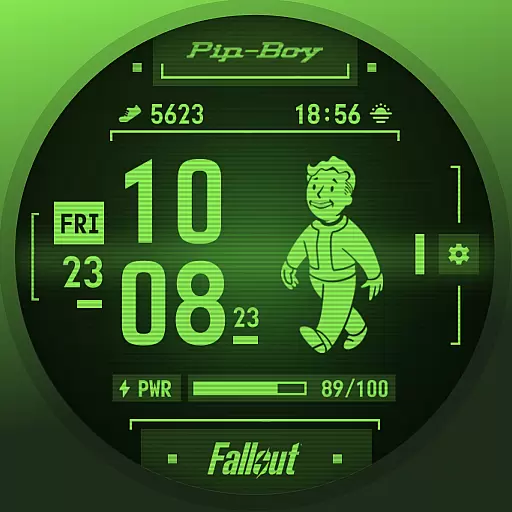
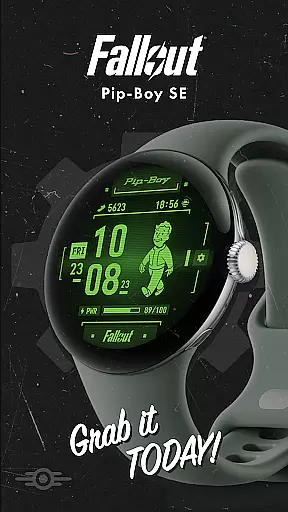

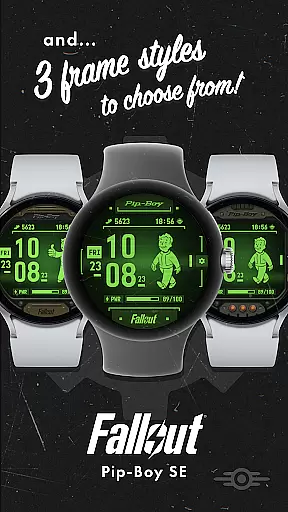
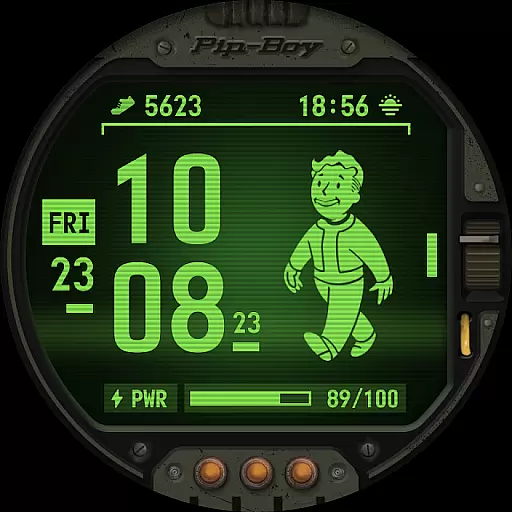
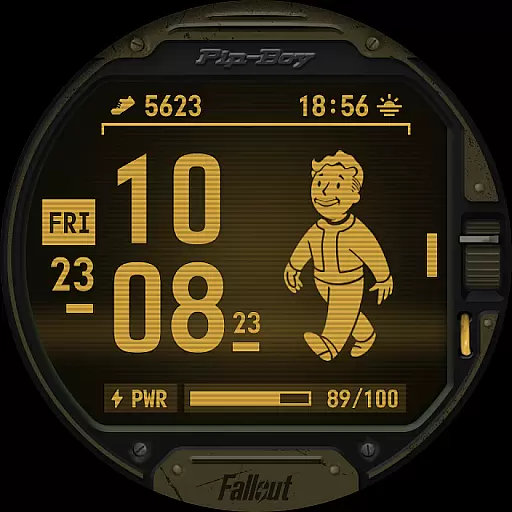
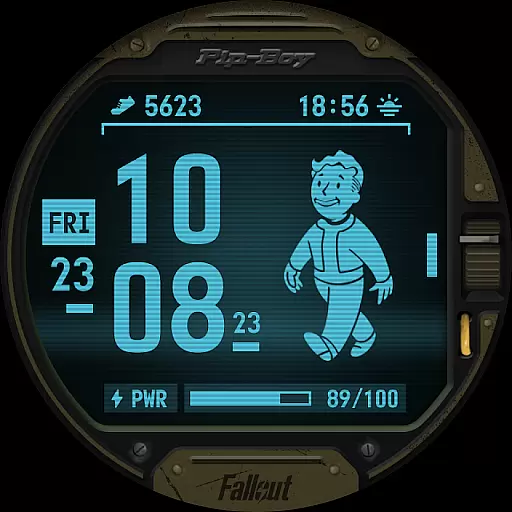
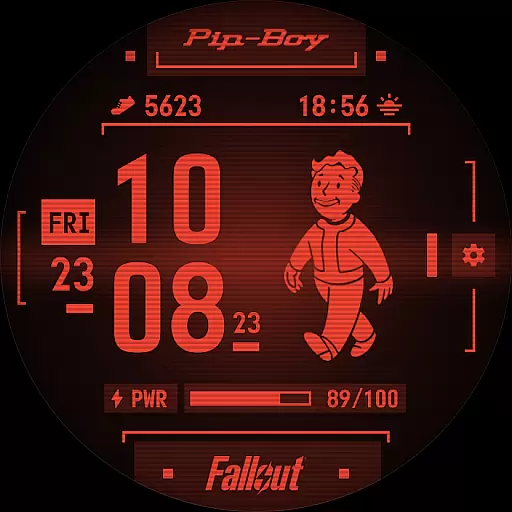
Fallout Pip-Boy SE Watch Face brings the iconic Pip-Boy interface to your Wear OS device, optimized for battery efficiency. Designed for Galaxy Watch7, Ultra, and Pixel Watch 3 users, this watch face combines style and functionality.
Experience a range of features including animated Vault Boy based on heart rate, multiple frame styles, color options, and customizable complications. Whether you're a Fallout fan or simply looking for a unique watch face, this app delivers both aesthetics and utility.
The Pip-Boy SE watch face stands out with its detailed feature set tailored for both functionality and personalization. The digital clock supports both 12H and 24H formats, complemented by date and battery level indicators.
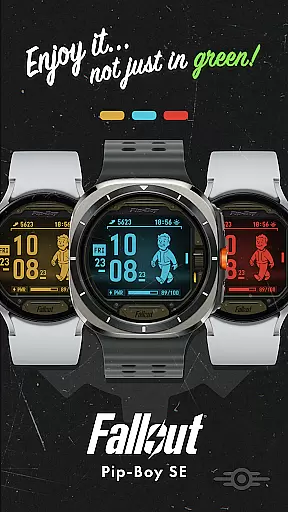
One of the key highlights is the animated Vault Boy that reacts to your heart rate, appearing in different states depending on bpm ranges. With three frame styles, four color options, and two customizable Wear OS complications like step counter and sunrise/sunset, users can tailor the watch face to their preferences while enjoying an immersive Fallout-themed experience.
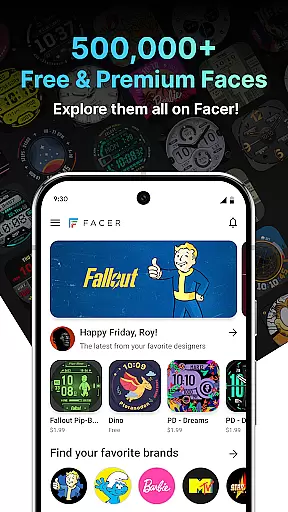
Companion app integration is essential for a seamless wearable experience. Fallout Pip-Boy SE Watch Face offers an optimized connection with its companion app on your smartphone, ensuring that all features are easily accessible and customizable.
This watch face allows users to sync and manage settings directly from their mobile device. With the companion app, you can adjust frame styles, choose color options, and customize complications effortlessly.
The ability to personalize your watch face enhances user engagement and satisfaction. By integrating smoothly with the companion app, Fallout Pip-Boy SE ensures that every feature, from animated Vault Boy based on heart rate to battery level display, functions optimally.
Ultimately, this integration provides a cohesive ecosystem where users can enjoy both functionality and style, making daily interactions more efficient and enjoyable.
Ensuring broad Wear OS and device compatibility is crucial for reaching a wide audience. The Fallout Pip-Boy SE Watch Face is meticulously designed to be compatible with various devices including Galaxy Watch7, Ultra, and Pixel Watch 3.
This extensive compatibility means users across different platforms can enjoy the unique features of this watch face without worrying about technical limitations. Whether it's displaying a 12/24H digital clock or showing animated Vault Boy based on heart rate, the functionality remains consistent.
Moreover, the availability of three frame styles and four color options caters to diverse aesthetic preferences while maintaining performance standards. This flexibility in customization empowers users to tailor their experience according to personal taste.
By prioritizing cross-device support, Fallout Pip-Boy SE delivers a reliable and versatile solution for fans of the franchise who seek both novelty and utility in their smartwatch accessories.
Unique Fallout theme
Animated Vault Boy
Battery optimized
Customizable options
Heart rate integration
Limited device support
No advanced stats
Premium feel lacking
Basic complications
Occasional bugs

Analog watch face with 8 complications and expedition styling
 4.2
4.2
3 Complications. All shadow on/off. 30 Themes color palette...
4.3
Hyperlocal rain alerts by MyRadar using patent-pending technology, radar & more
4.80
Stay in touch with your friends and family using LINE!
3.40
Retro digital watch face with customizable colors and a unique lighting effect
4.60
Fast and smart typing with Emojis, GIFs, and more
4.50
Your local weather forecast, storm tracker, radar maps & live weather news
3.40
Simple, helpful messaging by Google
4.60
Control your Samsung Smart TVs, appliances, and SmartThings-compatible devices
4.60
Period, ovulation & pregnancy tracker. Fertility insights & menstrual calendar.
4.90
Bold, Modern Hybrid Watch Face for Wear OS. 10 Colors, Rich Info Display.
4.30
Elegant animated Christmas tree with multiple customization options
4.20
A digital watch face that celebrates Christmas.
4.00
Structured watch face with seven complications and modular UI elements
3.90
Get helpful reminders, take progress photos and find answers to your questions.
3.90
Contemporary digital watch face with five complications
4.0
Simple Analog-Digital Watchface For Wear OS 3.0 and Up Smartwatches
4.5
Funny animated watch face for Thanksgiving
4.2
Hybrid Vibrant Health Watch Face for Wear OS
4.0


User Reviews