
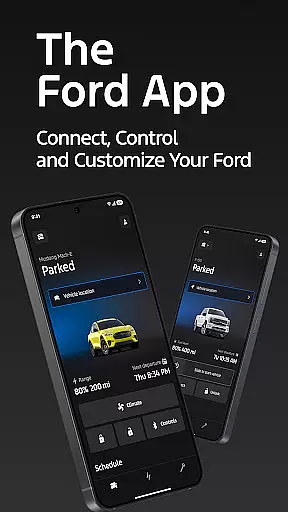
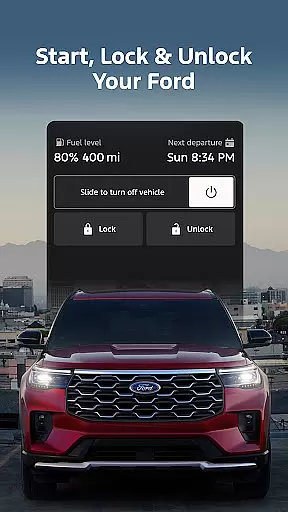
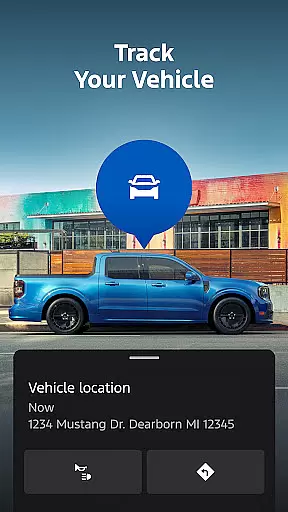
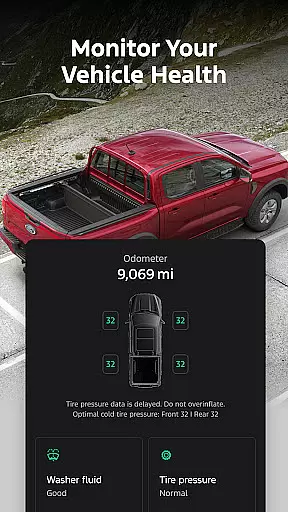
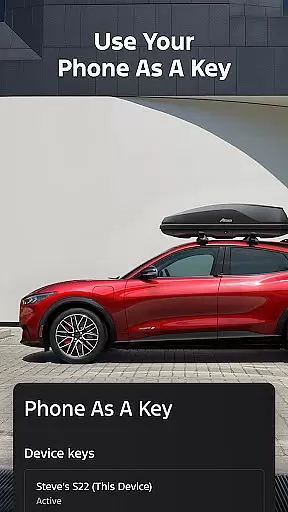
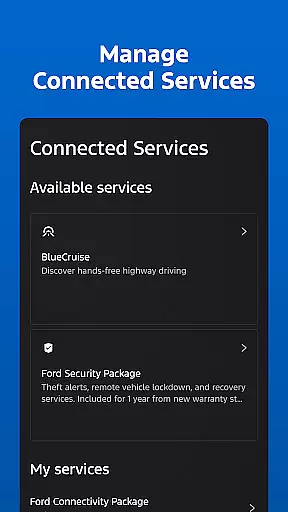
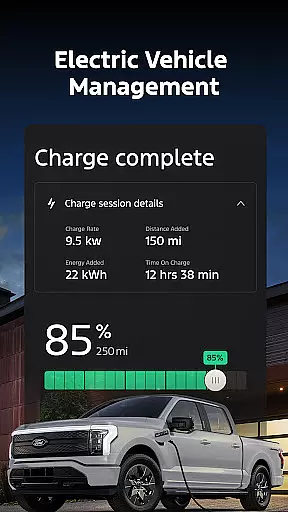
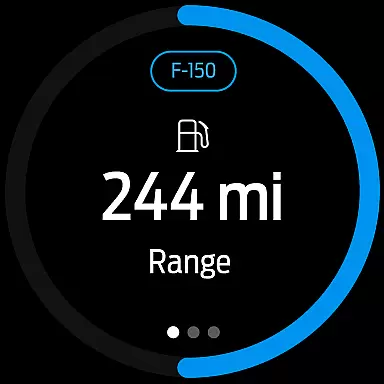
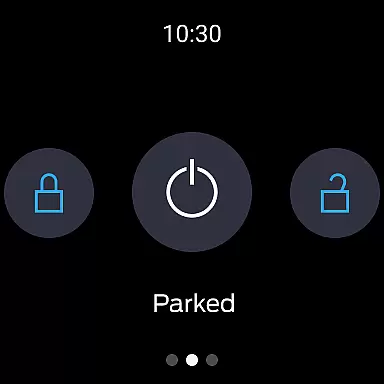
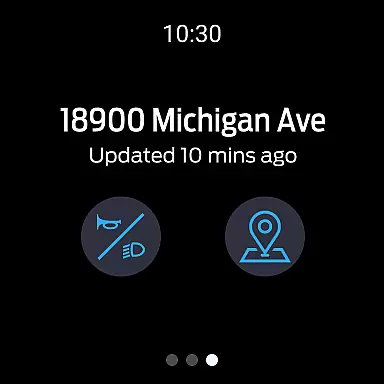
The Ford app is a comprehensive tool designed to enhance your Ford vehicle experience. It offers remote control features such as start, lock, and unlock, alongside vehicle management tools like fuel status and GPS tracking. The app also supports scheduling service appointments and managing connected services.
Specifically tailored for Android Wear users, the Ford app allows you to send commands and check vehicle status directly from your smartwatch. This seamless integration ensures you stay connected to your vehicle at all times, providing convenience and peace of mind.
By consolidating essential vehicle functions into a single platform, the Ford app streamlines vehicle management and enhances user engagement. Whether you're monitoring your vehicle's health or locating it in a busy parking lot, this app delivers significant value to Ford owners.
The Ford app boasts an array of features designed to simplify vehicle management. Remote start, lock, and unlock functionalities provide added convenience, allowing users to prepare their vehicles from afar. These features are particularly beneficial in extreme weather conditions.
Vehicle management capabilities include tracking fuel levels, monitoring vehicle stats, and using your phone as a key. For electric vehicle owners, the app provides charge level updates and public charging station information. These tools empower users to maintain optimal vehicle performance.
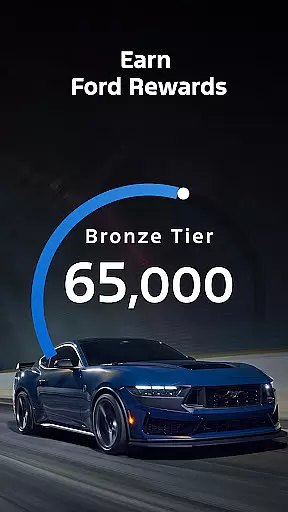
Connected services like BlueCruise and over-the-air software updates ensure your vehicle remains up-to-date with the latest technology. The inclusion of Ford Rewards adds another layer of value, allowing users to earn points redeemable for services and accessories. This comprehensive feature set positions the Ford app as a leader in vehicle connectivity solutions.
Companion app integration is essential for users who want seamless connectivity between their smartphones and wearable devices. The Ford app excels in this area by offering a comprehensive suite of features that work in harmony with Wear OS smartwatches.
Through the Ford app, users can send commands and check their vehicle status directly from their wrists. This includes remote start, lock and unlock functions, and real-time vehicle stats. Such integration ensures that you are always connected to your vehicle, no matter where you are.
The benefits of this integration are numerous. Users can enjoy the convenience of managing their Ford vehicles without needing to take out their phones. Whether it's checking fuel levels or locating the car via GPS, these tasks can be accomplished swiftly and efficiently on a smartwatch.
This level of companion app integration highlights Ford's commitment to providing a user-friendly and technologically advanced experience. By ensuring that all features are accessible on Wear OS, Ford enhances the overall utility and accessibility of its app, making it an indispensable tool for modern drivers.
Device compatibility is a critical factor when evaluating the effectiveness of mobile applications. For the Ford app, compatibility with Wear OS ensures that users can fully leverage the app's capabilities on their smartwatches.
The Ford app supports a wide range of Wear OS devices, allowing users to interact with their vehicles seamlessly. From receiving notifications about vehicle status to executing commands like remote start and lock/unlock, the app delivers a consistent and reliable performance across different devices.
Users benefit significantly from this compatibility. It provides them with the flexibility to choose their preferred Wear OS device while maintaining full access to the Ford app's functionalities. This compatibility ensures that whether at home, in the office, or on the go, users remain connected to their vehicles.
Ford's dedication to broad device compatibility underscores its focus on delivering a versatile and inclusive user experience. By supporting various Wear OS devices, Ford not only meets but exceeds user expectations, reinforcing its reputation as a leader in automotive technology.
User-friendly interface
Comprehensive vehicle management
Remote control capabilities
Regular feature updates
Integration with Android Wear
Limited to select models
Requires active modem
Dependent on cellular networks
Potential subscription costs
Varied feature availability

Embrace the holiday spirit with this magical animated watch face!
 4.40
4.40
A Wintery Snow Globe on Your Wrist; now celebrating Christmas!
4.0
Watch face for Wear OS.
4.20
Bold, Modern Hybrid Watch Face for Wear OS. 10 Colors, Rich Info Display.
4.30
Authentic military-tactical design with ZULU time! Realistic and functional!
3.80
Fitness interactive virtual pet super fighter boy watch face
4.1
Connect to your Bluelink equipped Hyundai vehicle from your smartphone.
4.50
Viewer for Wyze/Yi/Eufy/Arlo/ONVIF/RTSP/P2P IP cams w/ adv. features & DIY DVR
4.00
Want to take charge of your health? Let Google Fit help you reach your goals.
3.50
Beautiful, colorful and practical watch face. For Wear OS devices.
5.00
Diet tracker for weight loss - track calories, food and macros. Simple and easy!
4.70
Be an elegant and classy secret agent, with this carefully detailed watch face
4.70
Current temperature, weather hourly, weather radar by the weather forecast app
4.40
Premium hybrid watch face with many customizations for Wear OS devices.
4.40
Animated video-game inspired “secret agent” simulation, right on your wrist!
4.20
Professional weather radar and more
3.90
Your local weather forecast, storm tracker, radar maps & live weather news
3.40
Wear Os Watch Face - Animated Snow Effect & Christmas Lights
4.5
Analog watch face with 8 complications and expedition styling
4.2


User Reviews