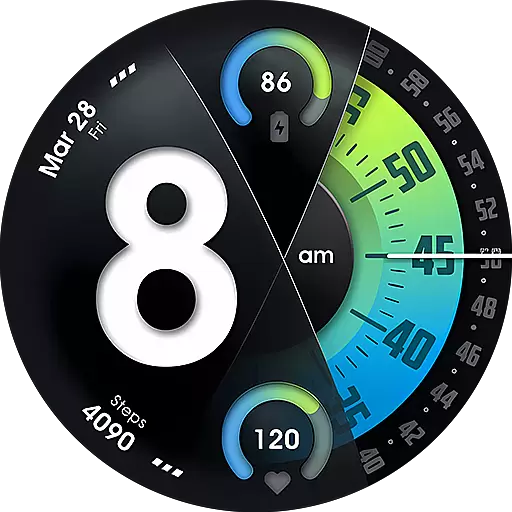
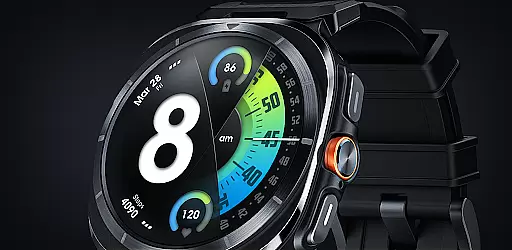
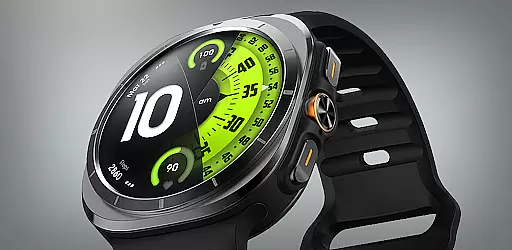
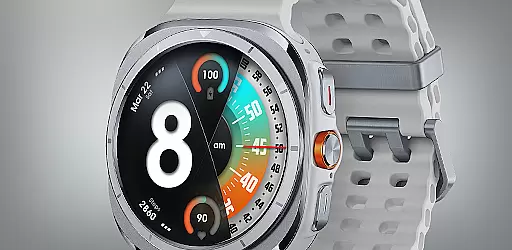
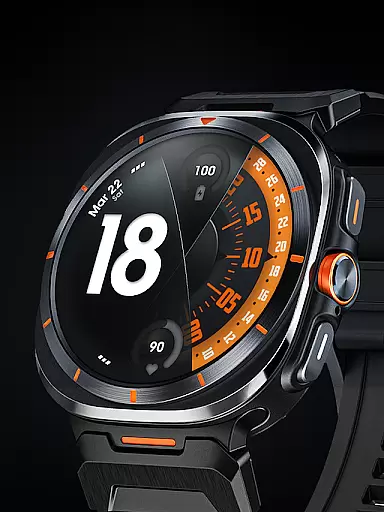
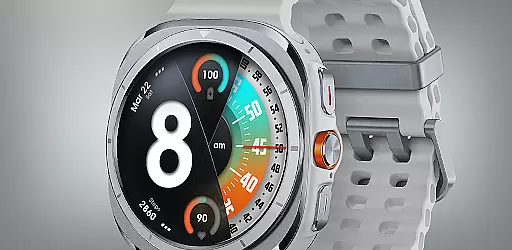
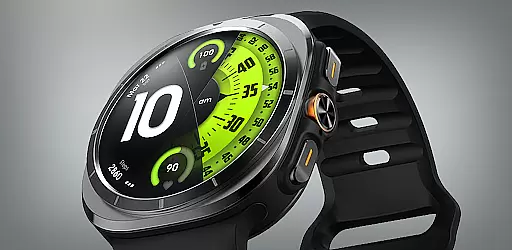
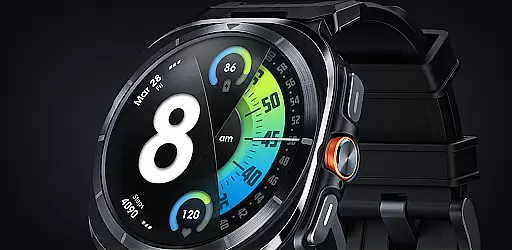
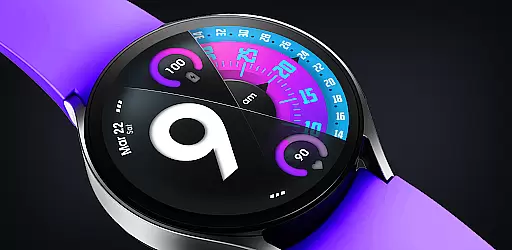
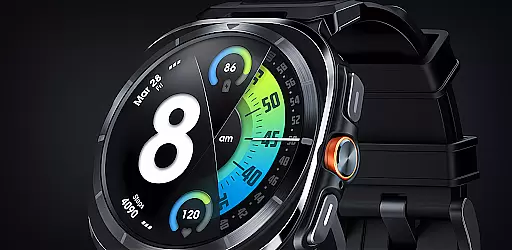
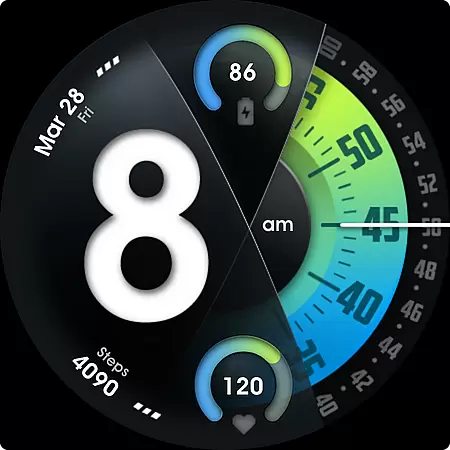
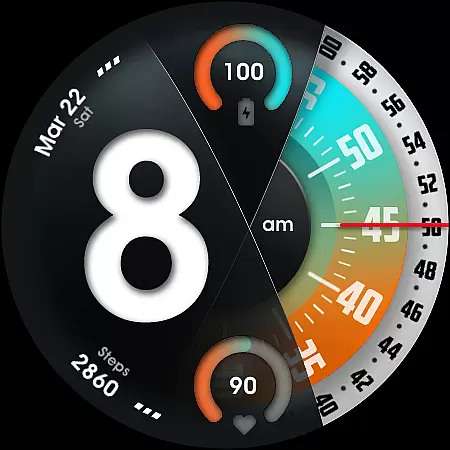
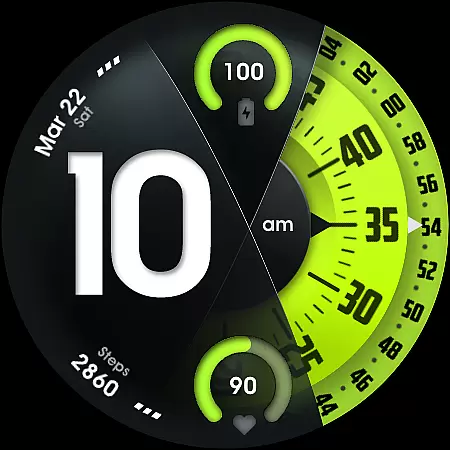
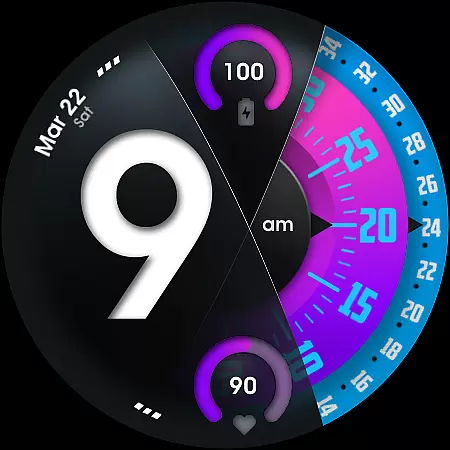
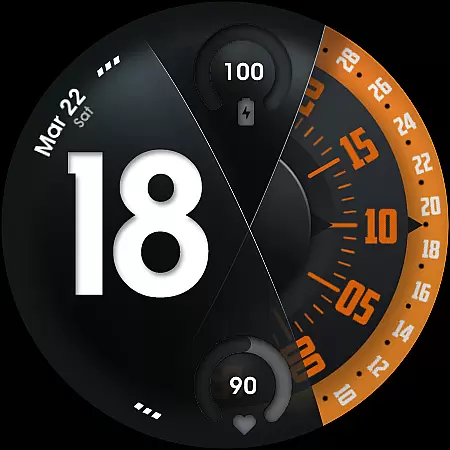
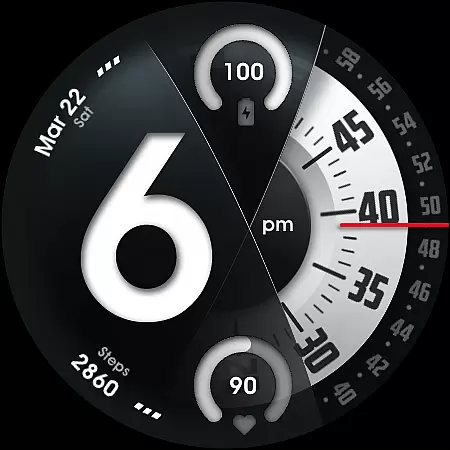
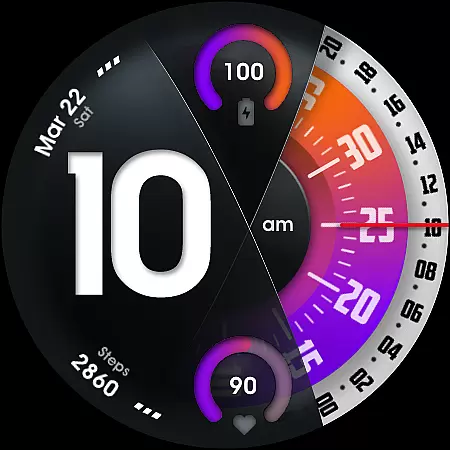
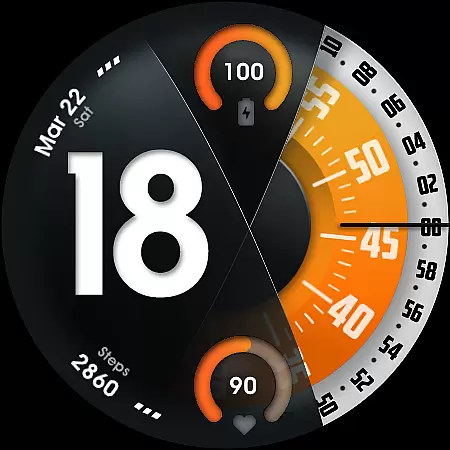
UsA Florencia Neo is a redesigned watch face for Wear OS devices, offering a unique blend of digital and analog styles. This application transforms your smartwatch experience with its distinctive design aesthetic that sets it apart from traditional watch faces. Compatible with Wear OS 4 or newer, this app provides users with an innovative way to view time through digital hours combined with classic analog minutes and seconds movement.
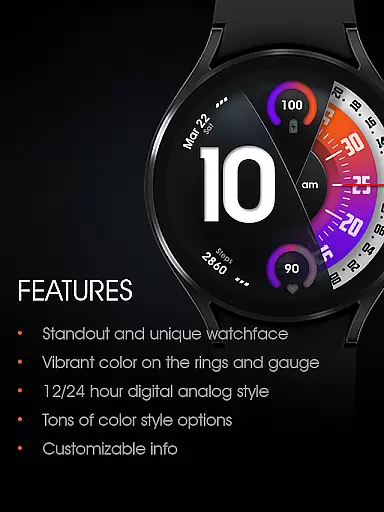
The watch face is packed with features including battery and heart rate gauges, multiple color style combinations, customizable seconds blade and line index indicators, as well as special Always On Display (AOD) functionality. With support for two custom info complications and app shortcuts, UsA Florencia Neo enhances user interaction while maintaining a stylish appearance. Its compatibility spans across Galaxy Watch series, Pixel Watches, and other Wear OS supported devices.
UsA Florencia Neo stands out with its comprehensive feature set tailored for personalization and utility. The app offers both 12/24 hour digital analog styles, catering to user preferences in time display. Battery and heart rate information are presented with intuitive gauges, providing quick health and device status updates at a glance.
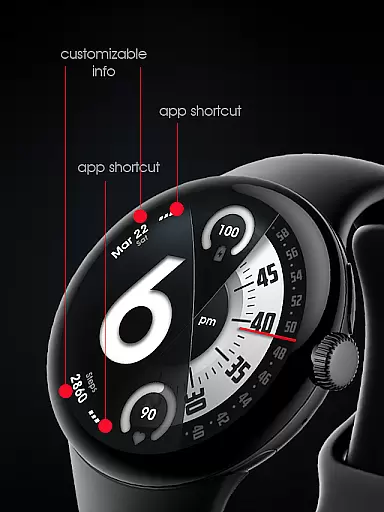
Customization is key with many color style combinations available, allowing users to tailor the look of their watch face. Options to customize seconds blade styles and line index indicators further enhance personal flair. Additionally, two custom info complications and app shortcuts provide seamless access to frequently used functions or data points.
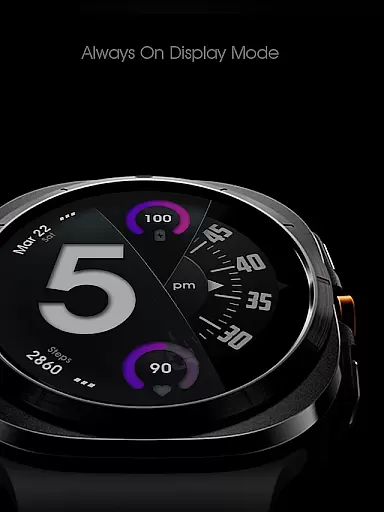
A specially designed Always On Display (AOD) ensures essential information remains accessible even when the watch is idle, albeit with increased battery consumption. Synced with built-in heart rate settings, this watch face also allows management of heart rate measurement intervals directly from the device's settings. Installation is straightforward, requiring only that purchases be made using the same Google account registered on the user's watch.
For UsA Florencia Neo, companion app integration is a key feature that enhances the overall user experience. This functionality allows users to seamlessly sync their watch face settings with their smartphone, ensuring a consistent and personalized experience across devices.
The watch face requires Wear OS API 33+ (Wear OS 4 or newer), making it compatible with Galaxy Watch 4/5/6/7/8 Series, Pixel Watch series, and other watches with Wear OS 4 or newer. Users can customize various aspects of the watch face through their phone, including color styles, seconds blade styles, and line index indicators.
Additionally, the companion app integration enables users to manage custom shortcut complications and info complications directly from their smartphone. This ensures that users have quick access to their most-used apps and information right on their watch face.
By purchasing using the same Google account registered on the watch, installation begins automatically. The heart rate data syncs with the built-in heart rate settings, and users can toggle between 12 or 24-hour mode via their phone's date and time settings. This seamless integration provides users with a convenient way to manage their watch face settings.
UsA Florencia Neo boasts extensive Wear OS and device compatibility, ensuring that users with different devices can enjoy this redesigned watch face. It supports Wear OS API 33+ (Wear OS 4 or newer), which includes Galaxy Watch 4/5/6/7/8 Series, Pixel Watch series, and other watches running Wear OS 4 or newer.
This wide compatibility range means that users are not limited by their device choice. Whether you own a Galaxy Watch or a Pixel Watch, you can experience the unique design aesthetic that sets this watch face apart from traditional options.
Installation is straightforward; after purchasing with the same Google account registered on your watch, the setup should begin automatically. Once installed, users can easily add the watch face by accessing the watch face list, scrolling to the right, and tapping 'add watch face,' then finding it in the 'downloaded' section.
Furthermore, the Always On Display ambient mode is specially designed for low power consumption during idle times, although it may increase battery usage. With these features, UsA Florencia Neo offers a versatile and modern solution for wearable technology enthusiasts.
Unique design aesthetic
Customizable features
Heart rate monitoring
Battery information display
Always On Display functionality
Requires Wear OS 33+
Increased battery usage
Limited to compatible devices
No data saving capability
Premium purchase required

Diet tracker for weight loss - track calories, food and macros. Simple and easy!
 4.70
4.70
Deck out your Wear OS Watch face with a beautifully decorated pine wreath!
4.50
Elegant animated Christmas tree with multiple customization options
4.20
A modern premium sporty hybrid watch face for Wear OS by Ballozi
4.70
Digital, flexibly customizable watch face. For Wear OS 5.0, API 34+ and later.
5.00
Bold, Modern Hybrid Watch Face for Wear OS. 10 Colors, Rich Info Display.
4.30
Get helpful reminders, take progress photos and find answers to your questions.
3.90
Stylish, Energizing and Modern Watch Face crafted by Dominus Mathias.
4.50
A digital watch face that celebrates Christmas.
4.00
Gym Log & Workout Tracker | Fitness Journal, Training & Weight Lifting Planner
4.90
The Chevron App allows you to pay for fuel from the comfort of your car!
4.80
Kia Access makes getting your vehicle information easier than ever
4.60
Monitor health with the stress test and pulse checker in the heart rate app.
4.60
Nutrition, Macro tracker: Food, fitness & healthy diet tracking for weight loss
4.60
Simple, helpful messaging by Google
4.60
Professional weather radar and more
3.90
Watch the sharpness of the sky on your wrist..
3.70
Analog watch face with 8 complications and expedition styling
4.4
Artistic Digital Watchface
4.3


User Reviews