


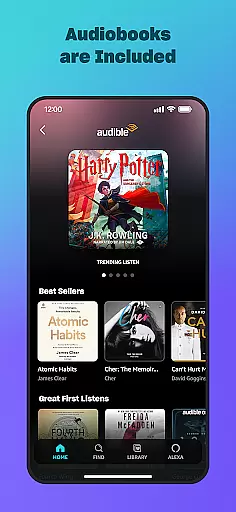
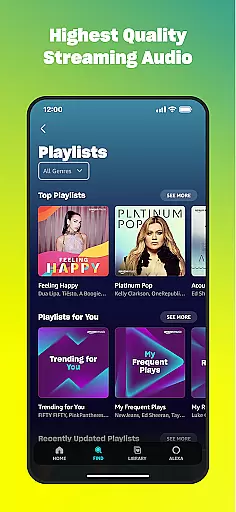
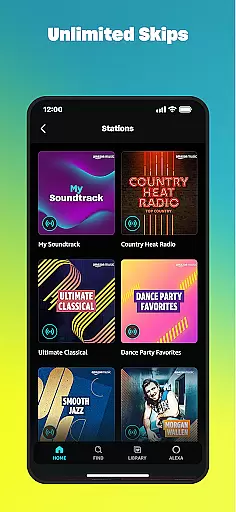
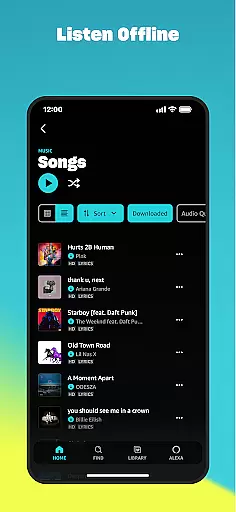
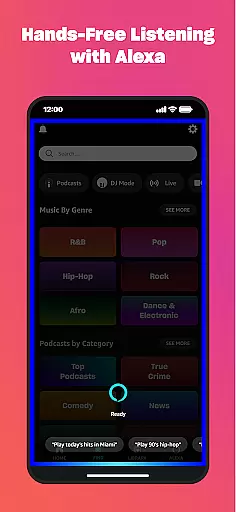
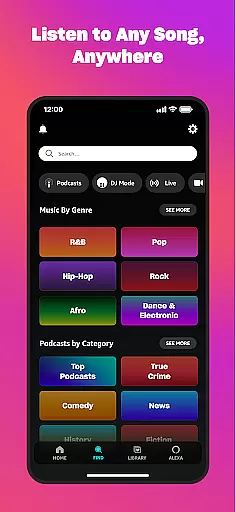
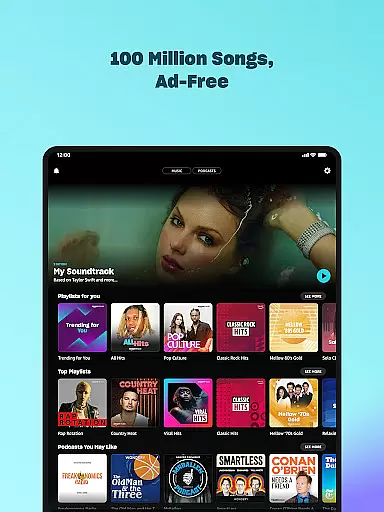

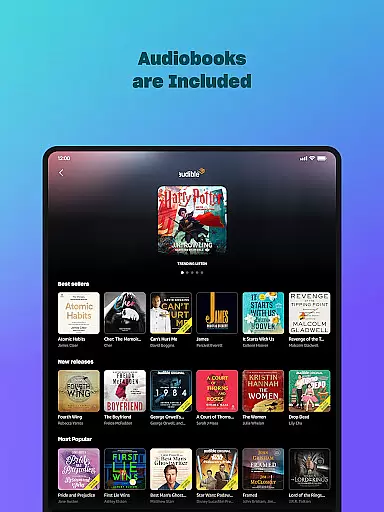
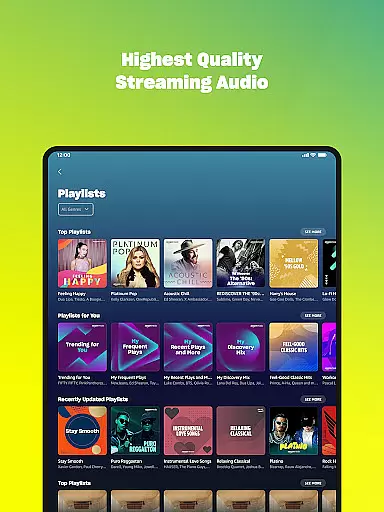
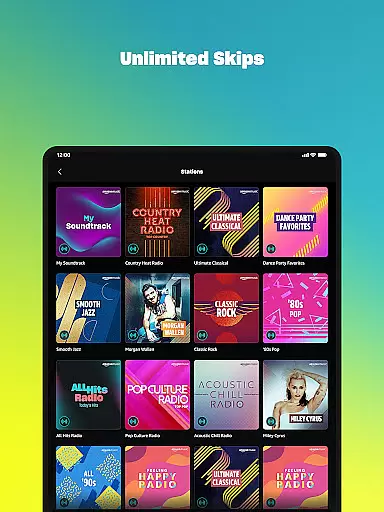
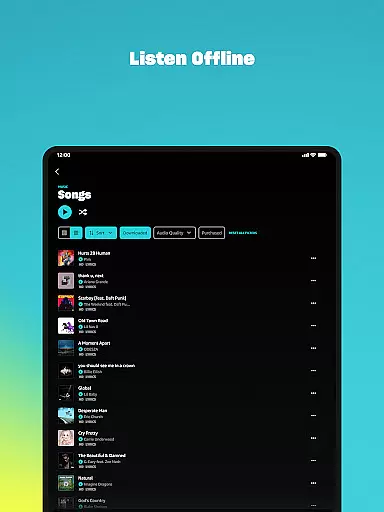
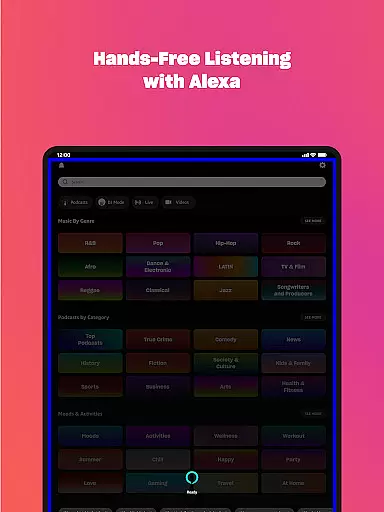
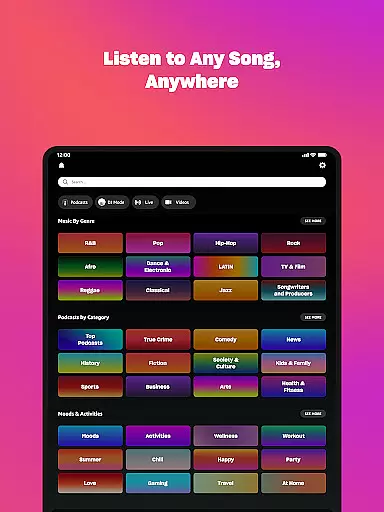
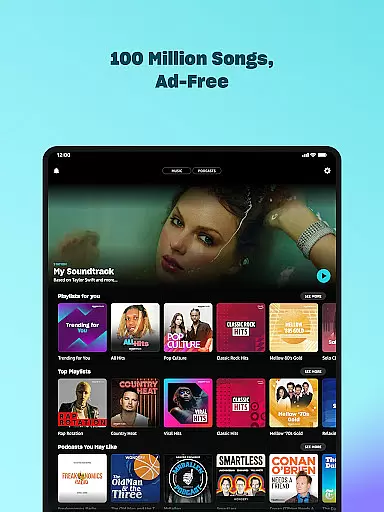

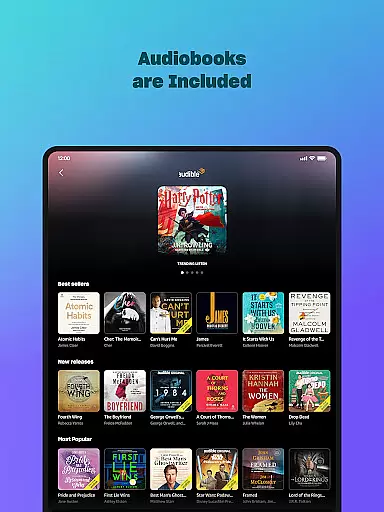
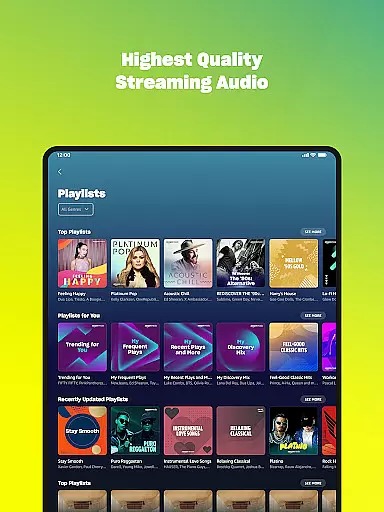
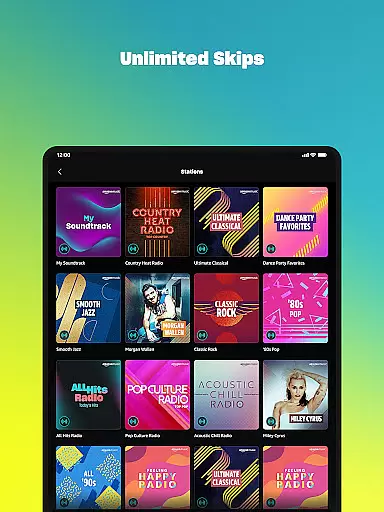
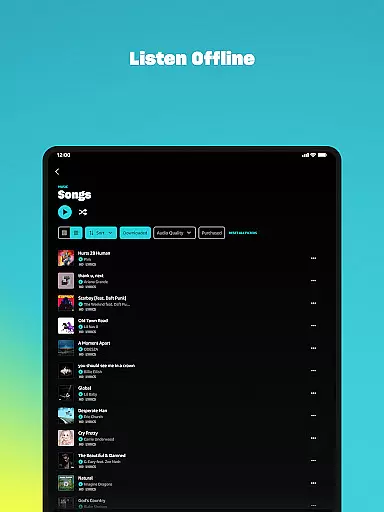
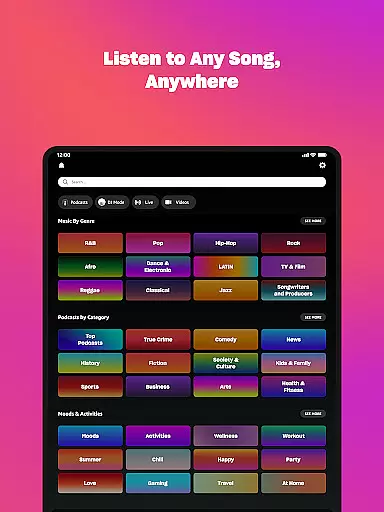



Amazon Music is a comprehensive music streaming service that offers users the ability to listen to millions of songs, playlists, and podcasts. It provides both free and premium options, catering to different user preferences. With Amazon Music, you can enjoy ad-free listening, offline playback, and access to a vast library of audiobooks.
The app is particularly well-suited for Android Wear devices, allowing users to control music playback directly from their smartwatches. Whether you're a Prime member looking to take advantage of included benefits or someone interested in upgrading to Amazon Music Unlimited, this app delivers a seamless and rich audio experience across all your devices.
Amazon Music comes packed with features designed to enhance your listening experience. The app supports shuffle play for any artist, album, or playlist, and offers personalized recommendations based on your listening habits. For those who opt for Amazon Music Unlimited, you gain access to over 100 million songs, ad-free top podcasts, and an extensive audiobook catalog.
One standout feature is the ability to import playlists from other platforms, making it easy to transition your existing music library. Additionally, the My Music section allows you to access previously purchased content from Amazon, stored for free in the cloud. Android Wear users will appreciate the convenience of controlling playback and downloading content for offline use directly from their watches.
Companion app integration is essential for users who want a seamless experience between their mobile devices and wearable technology. Amazon Music ensures that your favorite playlists, albums, and personalized recommendations are effortlessly synchronized across all your devices.
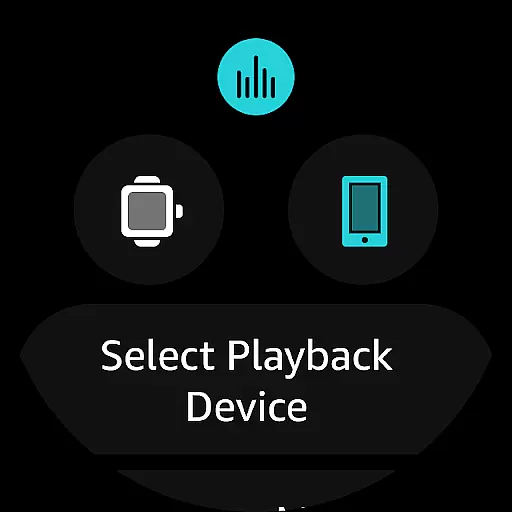
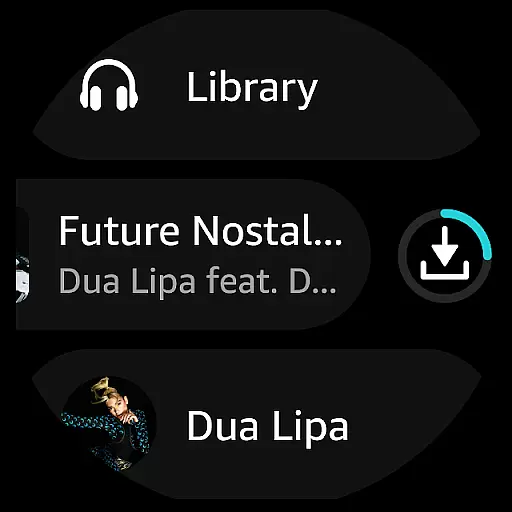
The app allows you to access your music library directly from your Wear OS device. This means you can play top recommendations, search for favorite artists, or even control playback on compatible Android devices right from your wrist, ensuring you stay connected to your music without needing to reach for your phone.
For those who are always on the move, the ability to cast music from your watch to other devices enhances convenience. Whether you're jogging, commuting, or simply relaxing at home, having immediate access to your music collection provides an uninterrupted listening experience.
This level of integration not only simplifies music management but also enriches user engagement by making it easier than ever to enjoy your tunes wherever you go.
Ensuring broad compatibility with various Wear OS devices is crucial for delivering a versatile music experience. Amazon Music is designed to work seamlessly with a wide range of smartwatches running on Wear OS, providing users with consistent performance regardless of their chosen device.
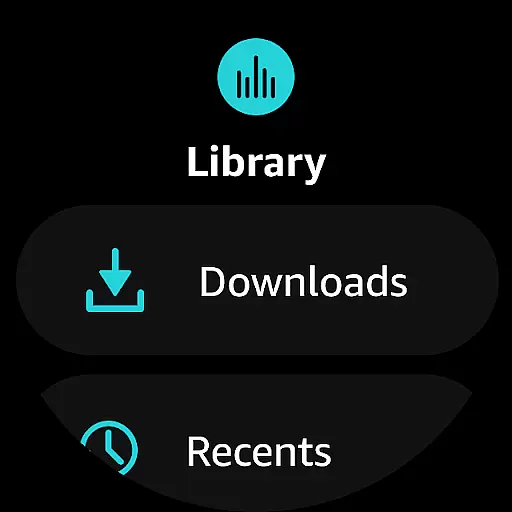
By supporting features such as offline mode, Amazon Music allows you to download playlists and albums directly onto your watch. This functionality enables uninterrupted music enjoyment even when you're away from your phone or in areas with limited connectivity.
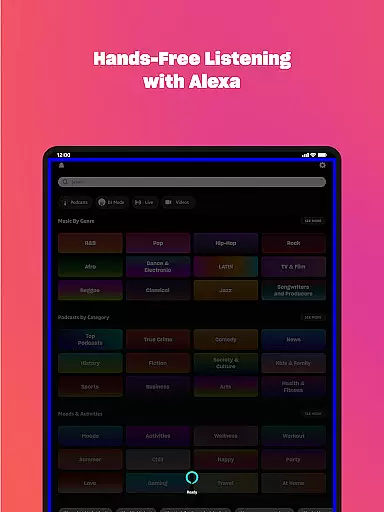
In addition to basic playback controls, the app offers advanced capabilities like voice commands and intuitive touch interfaces tailored specifically for smaller screens. These enhancements make navigating through vast music libraries effortless and enjoyable.
With comprehensive support for different Wear OS devices, Amazon Music guarantees that every user can take full advantage of its rich feature set while enjoying high-quality audio performance tailored specifically for wearable technology.
User-friendly interface
Extensive music library
Ad-free listening option
Offline playback capability
Integration with Android Wear
Limited free version features
Requires subscription for full access
Some advanced features locked behind premium tiers
Occasional connectivity issues reported
Interface may feel cluttered to new users

A customizable Christmas watch face for Wear OS with a countdown.
 4.20
4.20
Highly customizable hybrid watch face for Wear OS, perfect for everyday use.
4.60
Christmas Theme Watch Face for Wear Os
5.00
Christmas and New Year - Themed Watchface
4.5
Ideal for surviving in the wasteland left after nuclear fallout
4.50
The Chevron App allows you to pay for fuel from the comfort of your car!
4.80
Hybrid Vibrant Health Watch Face for Wear OS
4.4
Simple, helpful messaging by Google
4.60
From periods to pregnancy & perimenopause, Flo helps you track it all. Try now.
4.70
Gym Log & Workout Tracker | Fitness Journal, Training & Weight Lifting Planner
4.90
Easy Voice Recorder is your everyday companion to record important moments.
4.70
Monitor health with the stress test and pulse checker in the heart rate app.
4.60
A white realistic classic analog watch face with many customization options.
4.40
Let's celebrate Thanksgiving - Wear Os watch face
4.20
Embrace the festive spirit with our Christmas Countdown watchface for Wear OS
4.10
Wear Os Watch Face - Animated Snow Effect & Magic Spark - 6 Scenes
4.10
Get helpful reminders, take progress photos and find answers to your questions.
3.90
Wear Os Watch Face - Animated Snow - Sesonal for Christmas & Winter
4.0
Fitness interactive virtual pet super fighter boy watch face
4.2


User Reviews