
AR Drawing - Sketchar App is a revolutionary tool that combines augmented reality with artistic expression, allowing users to transform their surroundings into a creative canvas. With advanced AR technology, this app enables you to draw through your camera, learn to sketch by tracing simple outlines, and explore an extensive library of samples or import personal photos.
The app caters to artists of all levels, offering three difficulty levels for progressive learning. It also features tools like opacity adjustment, video recording of the drawing process, zoom functionality, and flash control. Whether you're a beginner or a seasoned artist, AR Drawing provides endless opportunities to create unique artwork that blends reality with virtual elements.
This app is perfect for those who want to learn how to draw or simply wish to express their creativity in innovative ways. By joining a community of 50 million users worldwide, you can share your masterpieces and track your artistic improvement over time.
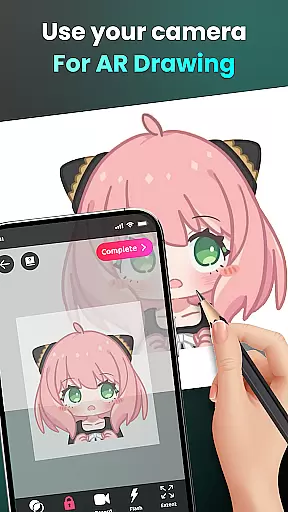
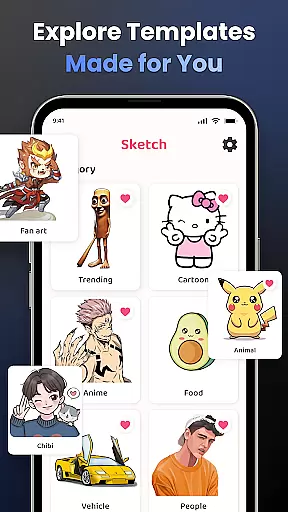
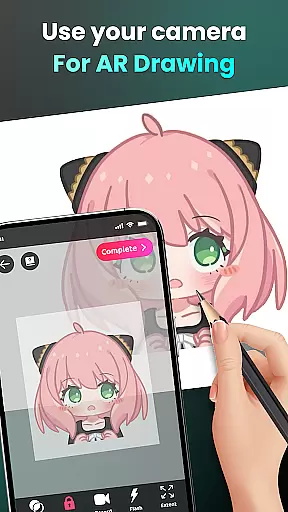
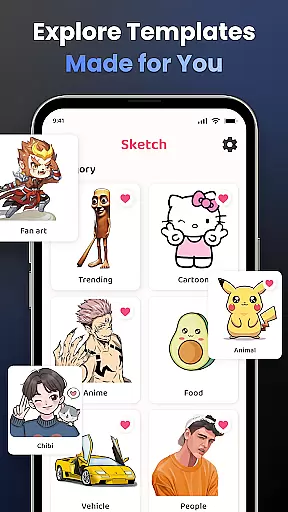
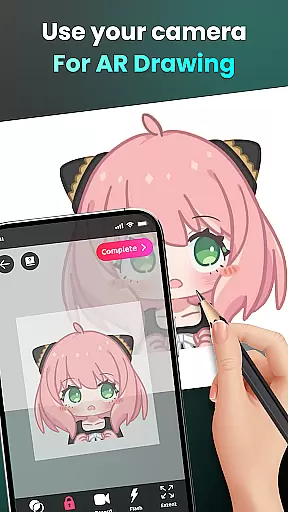
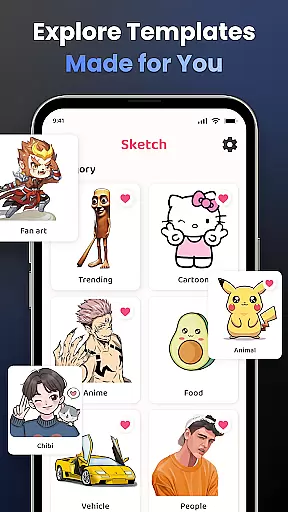
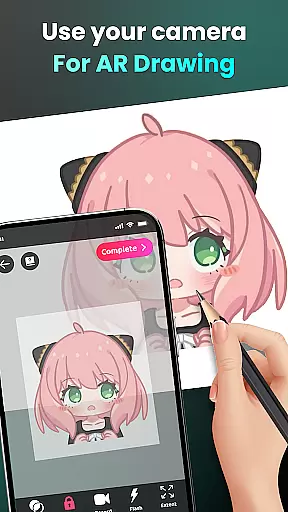
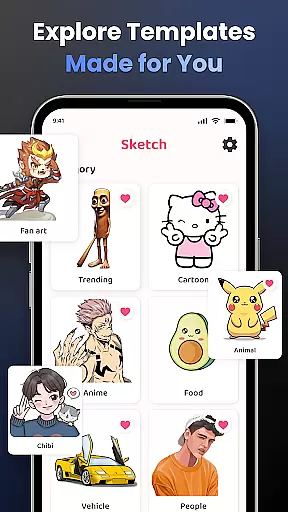
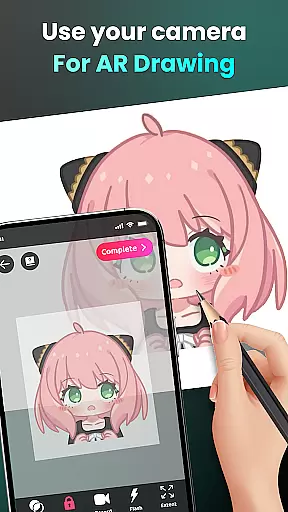
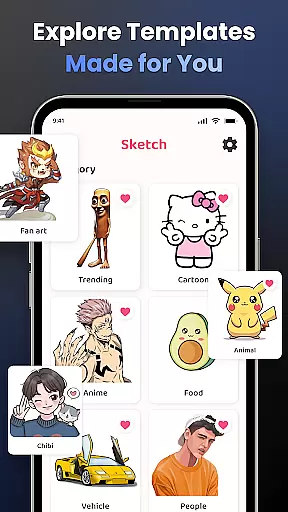
AR Drawing stands out with its diverse range of features designed to enhance the drawing experience. One of the key highlights is the ability to draw through the camera, enabling users to sketch anything they see, from sample photos to surrounding objects. This feature supports popular characters like Hello Kitty and Pikachu, as well as various themes such as Anime, Cartoon, and Nature.
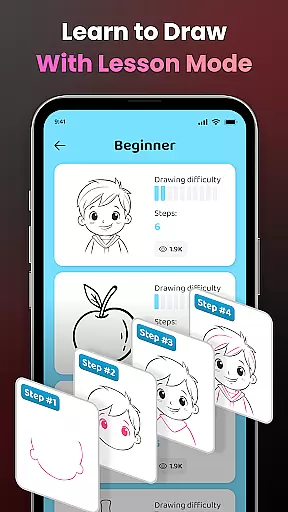
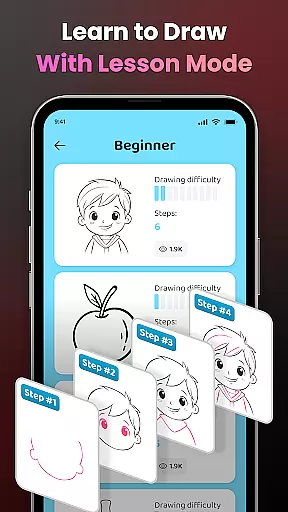
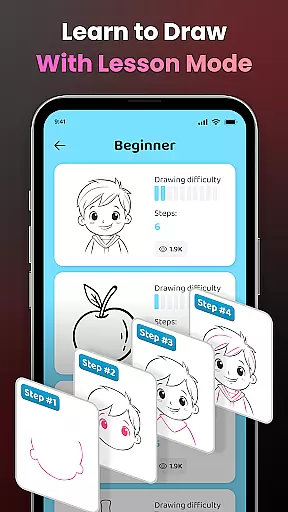
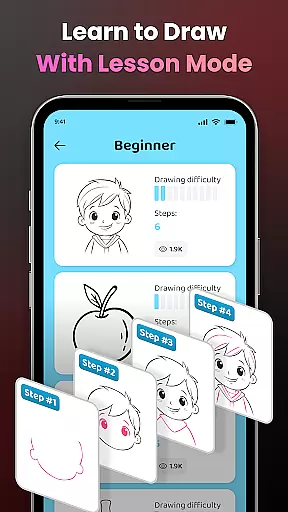
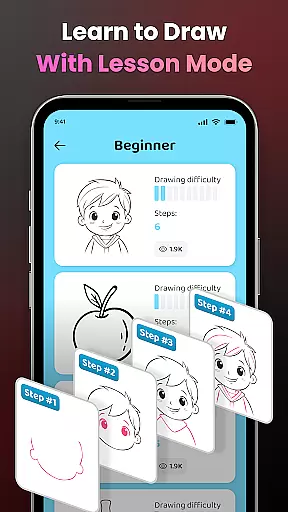
Another notable feature is the app's educational aspect, which simplifies complex photos into traceable outlines. This helps users practice and refine their skills with tailored lessons across three difficulty levels. Additionally, the app offers advanced customization options, including opacity adjustment, video recording, zoom controls, and flash settings.
Users can also personalize their content by tracking their progress, accessing customized sketch materials, and sharing their creations with a global community. These comprehensive features make AR Drawing a versatile tool for both learning and creating art.
AR Drawing - Sketchar App offers a comprehensive suite of creative tools that cater to both novice and experienced artists. The app leverages advanced Augmented Reality (AR) technology, allowing users to transform any real-world surface into a canvas for their artwork.
One of the standout features is the ability to draw through the camera. Users can place their phone on a stand and sketch anything they see, from sample photos to entire scenes. This feature supports an extensive range of subjects including popular characters like Hello Kitty and Pikachu, as well as various themes such as Anime, Cartoon, Animals, and more.
In addition to its drawing capabilities, AR Drawing provides robust learning tools. It simplifies complex photos into outlines for tracing, which helps users practice and improve their skills. With lessons available at three different difficulty levels, users can progressively challenge themselves and refine their artistic abilities.
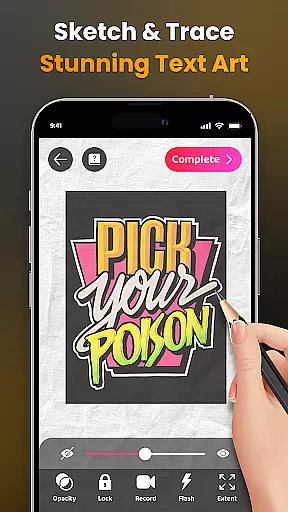
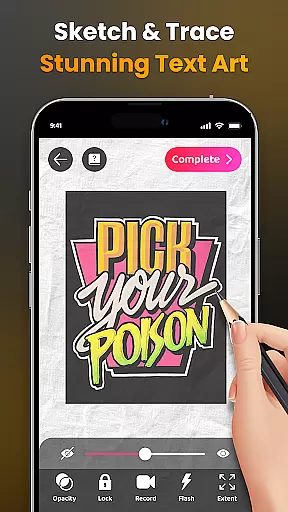
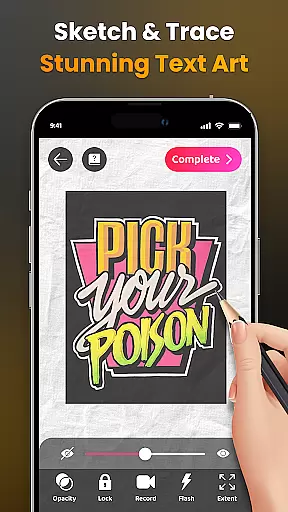
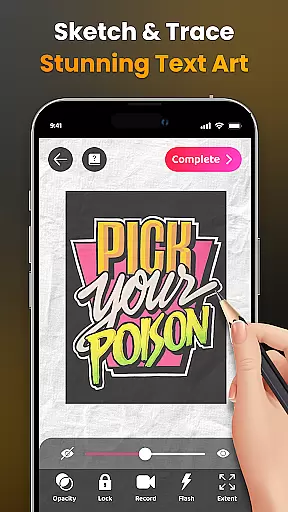
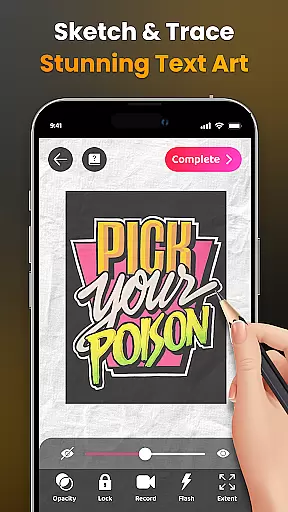
The app also includes options for personalizing the drawing experience. Users can adjust opacity, record videos of their drawing process, zoom in and out, toggle the flash, and extend images. These features ensure that artists have all the necessary tools to unleash their creativity and produce unique artworks.
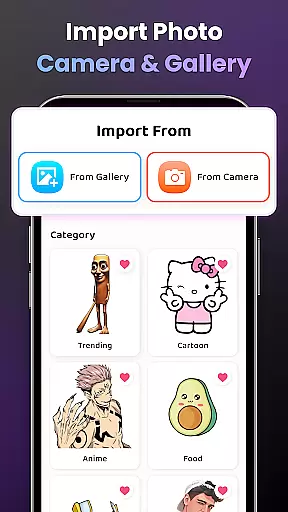
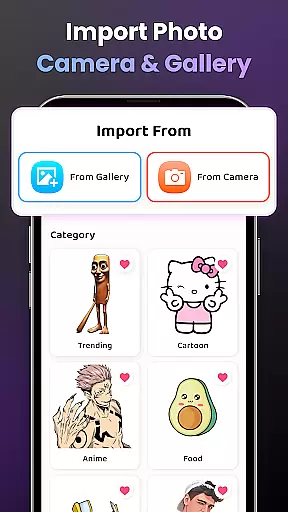
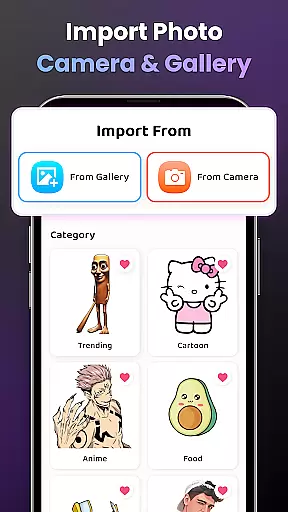
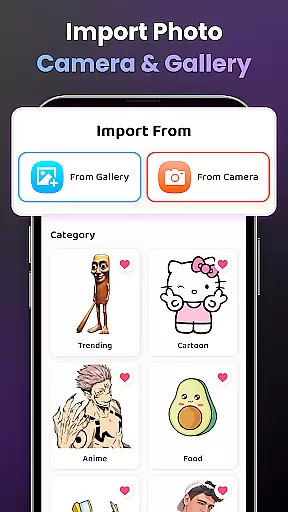
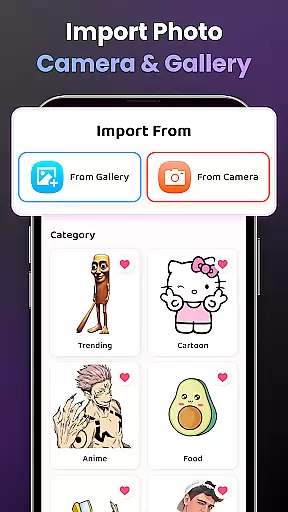
AR Drawing - Sketchar App excels in providing flexible canvas and format options, making it a versatile choice for artists who want to explore different mediums and styles. The app allows users to select from a diverse library of samples or import their own photos, giving them complete control over their creative process.
Users can enhance their drawings with advanced settings such as adjusting opacity for optimal display, easily recording the drawing process, and zooming in and out of images as needed. The ability to toggle the flash and extend images further adds to the flexibility, ensuring that artists can adapt the environment to suit their needs.
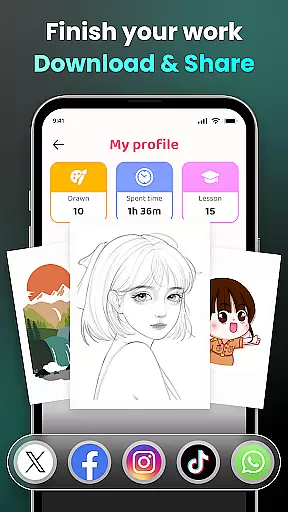
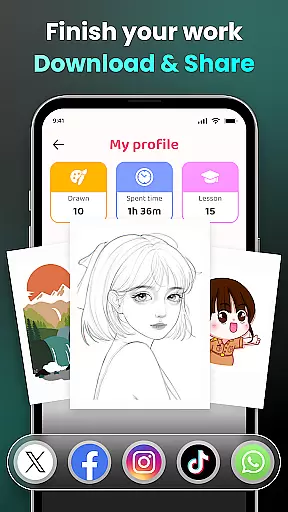
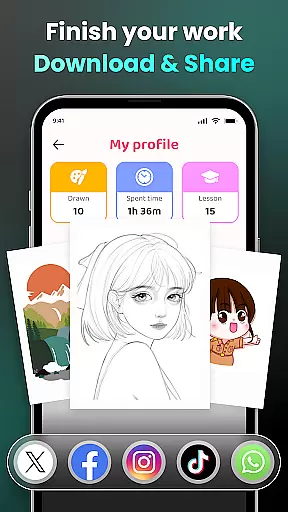
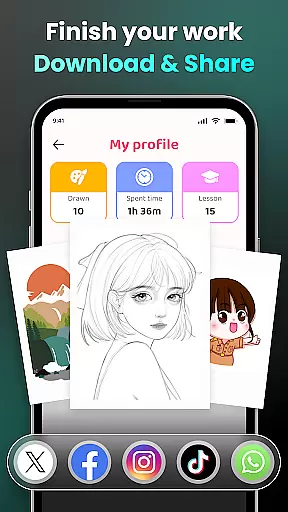
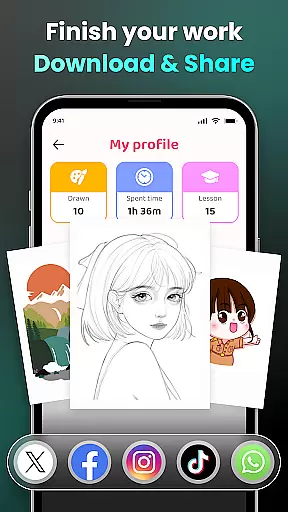
For those interested in sharing their work, AR Drawing makes it effortless to share finished pieces with the community and friends. Artists can download videos of their drawing processes, providing a dynamic way to showcase their skills and techniques.
Moreover, personalized content tailored to individual users enriches the drawing experience. By tracking improvements in drawing skills, including time spent and lessons completed, the app ensures that each user's journey is unique and fulfilling. This combination of flexible canvas options and personalized content makes AR Drawing a powerful tool for artists seeking to expand their creative horizons.
User-friendly interface
Versatile drawing tools
Comprehensive learning modules
Active global community
Augmented reality integration
Requires stable internet
Premium features locked
Steep learning curve
Limited free samples
Device compatibility issues

The ultimate tool for creating animations
 4.60
4.60
Customizable Outlined Fonts. Watch Face Format. Battery friendly Digital Clock.
4.20
Passport size photo maker, create ID photo and visa photo in seconds
4.80
The perfect place to start sketching! Use Sketchbook to draw and paint sketches.
4.50
Resize photos and print photos in exact size with our powerful photo printer!
3.80
Get an overview over all your embroidery threads, projects and more.
4.60
Create and Design Custom Logos in Seconds with AI-Powered Tools!
4.40
Turning simple sketches into captivating tales filled with life and motion
3.90
Explore future self face age filter & remove background image for a unique look.
3.50
Make your phone cooler and have a fantastic experience
4.80
Photo stitcher for automatically screenshot stitching into a long screenshot
4.70
Digital, Abstract, Classic - all types of color wheels in one app!
4.60
Draw, fidget, and spin glow art! Relax and express your creativity with a finger
4.60
AI generated images & photos, turn your words into drawing, painting & pictures.
4.30
Create Logos, Tattoos, AI Art & more with our AI Photo Generator & Design Editor
4.20
OneUI 8.5 icons ✨ Smooth, modern & based on the latest Play Store design ??
4.10
Get creative and make art with your Sesame Friends!
4.00
Art of Combination Wear OS Watch faces (for Wear OS 5+ devices)
3.90
AI Assistant, powered by ChatGPT GPT-4 & GPT-4o. Your intelligent companion.
3.50


User Reviews