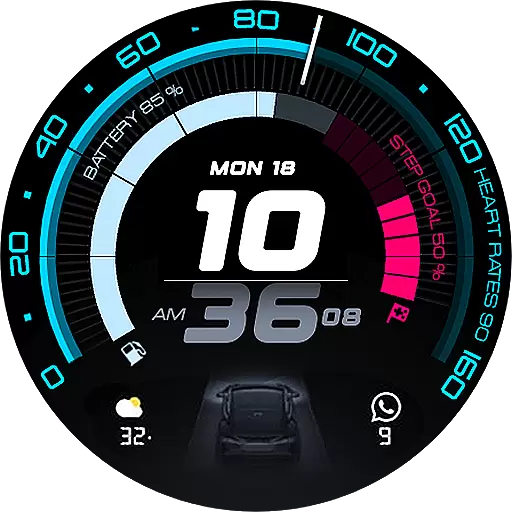
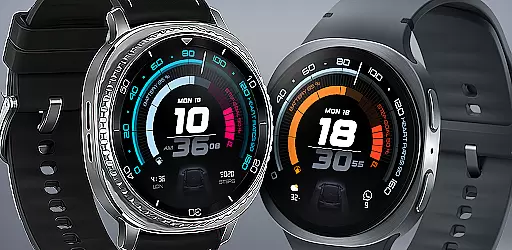
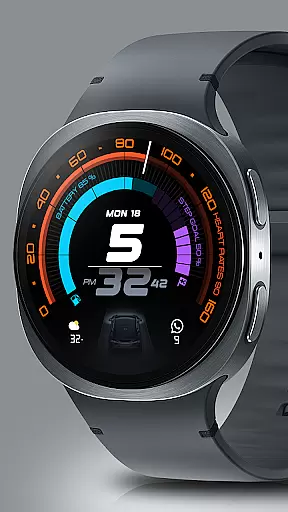
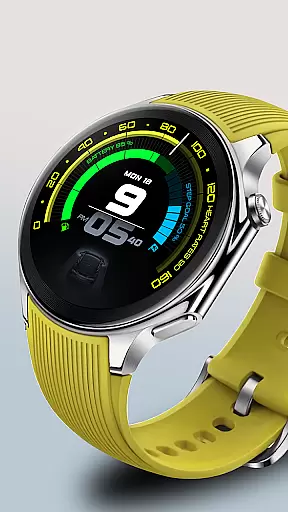
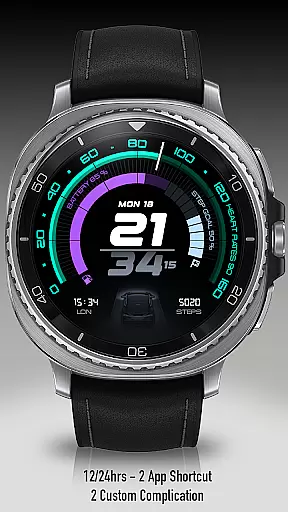
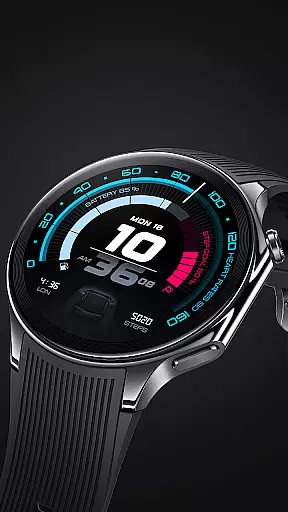
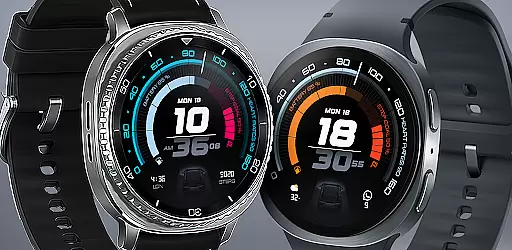
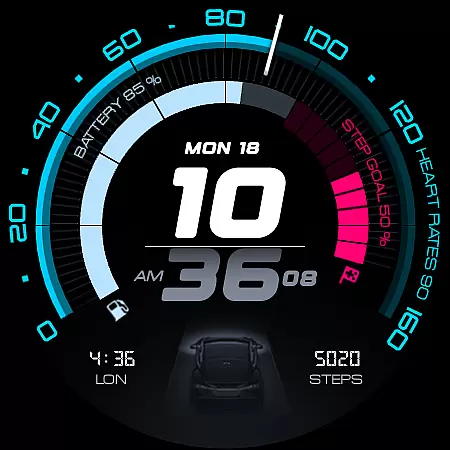
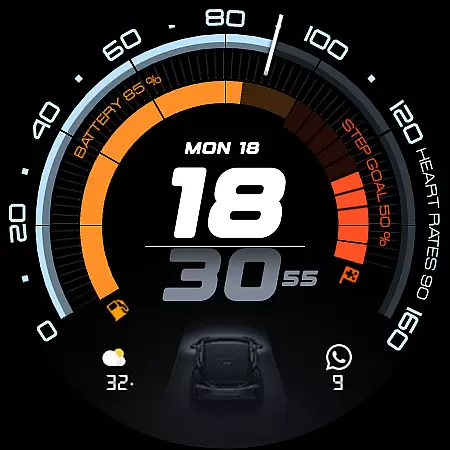
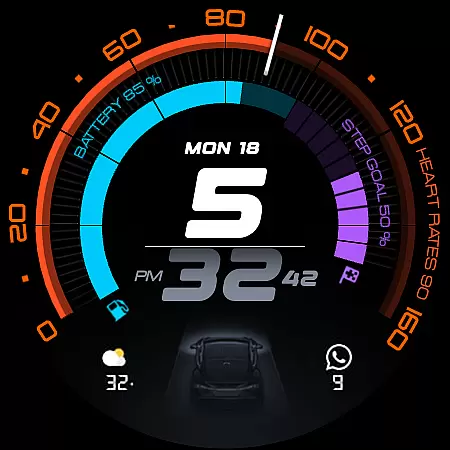
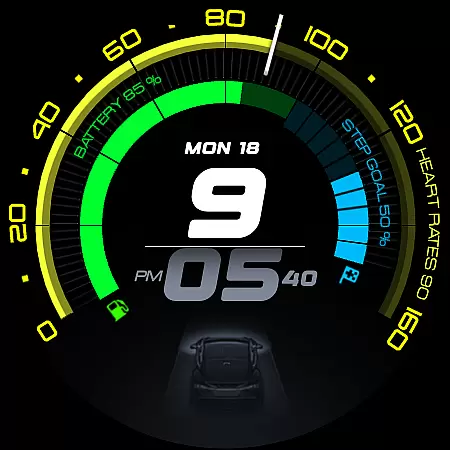
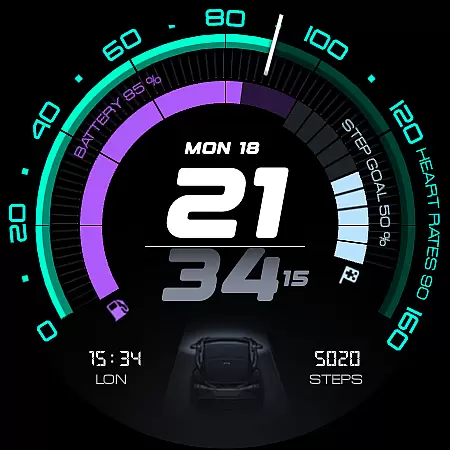
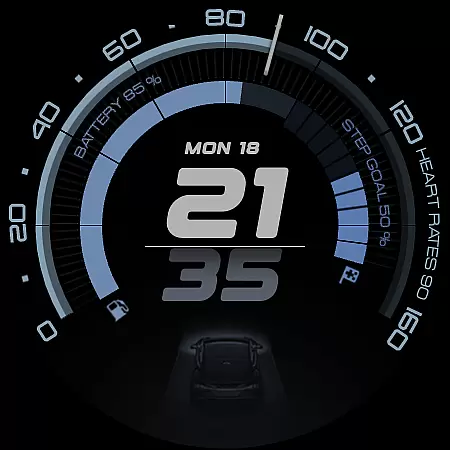
ARS Acceleration is a high-performance watch face designed for smartwatch users who value both style and functionality. It features a dynamic, automotive-inspired interface with bold digital time display, vibrant activity arcs, and essential health metrics like heart rate, step count, and battery level. The design ensures quick readability while offering customizable elements such as dual app shortcuts and 12/24-hour time formats.
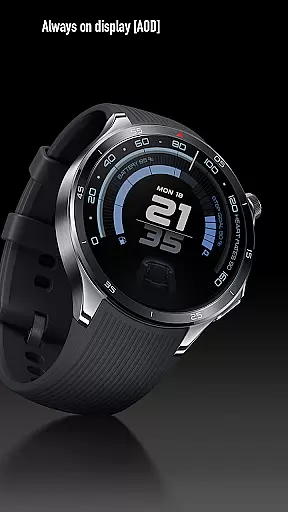
This watch face adapts to various lifestyles, providing a bold daytime look as well as a subtle Always-On Display. Whether you're tracking fitness goals or monitoring real-time weather updates, ARS Acceleration transforms your smartwatch into a precision instrument that combines performance with aesthetics.
ARS Acceleration stands out with its vibrant color-coded activity arcs and real-time health tracking features. Users can monitor their heart rate, track steps, and check the weather directly from their watch face. The inclusion of customizable complications allows for personalization, ensuring that each user can tailor the interface to their specific needs.
The watch face supports both 12 and 24-hour time formats, catering to global preferences. Its Always-On Display technology provides seamless transitions between active and standby modes, maintaining both functionality and battery efficiency. With dual app shortcuts, users can access their most-used applications instantly, making this watch face not only stylish but also highly practical.
Companion app integration is essential for Android Wear applications like ARS Acceleration. This feature ensures that the smartwatch face works seamlessly with its paired mobile application.
ARS Acceleration allows users to sync data such as health metrics, weather updates, and app notifications effortlessly between their smartphone and watch. This synchronization provides a unified experience across devices, ensuring all information displayed on the watch face is accurate and up-to-date.
Users benefit from real-time updates and can manage their preferences directly from the companion app. Whether it's adjusting the color-coded activity arcs or setting up dual app shortcuts, this integration enhances usability and personalization.
The ability to control these features from a single app simplifies the user experience, making ARS Acceleration not just a watch face but a comprehensive performance tool that adapts to individual needs.
Wear OS and device compatibility are crucial for Android Wear apps like ARS Acceleration. Ensuring the watch face functions optimally across various devices is key to delivering a reliable user experience.
ARS Acceleration is designed to be compatible with a wide range of Wear OS devices, providing consistent performance regardless of the smartwatch model. The app supports both 12-hour and 24-hour time formats, catering to global user preferences.
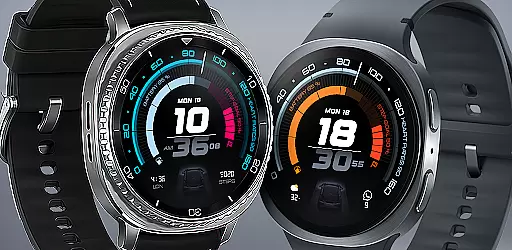
This compatibility extends to various screen sizes and resolutions, maintaining the sleek, automotive-inspired design without compromising functionality. Users can enjoy vibrant color-coded activity arcs and essential health tracking features on their preferred devices.
By prioritizing broad device support, ARS Acceleration ensures that more users can experience speed, precision, and style, transforming their smartwatches into powerful tools for everyday performance.
High-performance design
Vibrant activity arcs
Real-time health tracking
Customizable interface
Always-On Display
Limited to Android Wear
Battery consumption
Premium cost
Complex setup
Fewer features on older devices

an Analog Watch Face for winter season with freeze winter background for Wear OS
 4.4
4.4
Precision analog watch face with 7 complications and style options
4.3
Snowflake Rose Gold Watch Face - Digital, modern, & sleek with GYRO effect.
4.10
MyNISSAN® lets you remotely control your car from your phone.*
4.50
A watch face that fuses motorsport precision with contemporary smartwatch design
4.4
Elegant animated Christmas tree with multiple customization options
4.20
Watch face designed for Thanksgiving Day. 7 Background Styles included.
3.20
Ideal for surviving in the wasteland left after nuclear fallout
4.50
Get helpful reminders, take progress photos and find answers to your questions.
3.90
Beautiful, colorful and practical watch face. For Wear OS devices.
5.00
Kia Access makes getting your vehicle information easier than ever
4.60
Gym & home workout plans with strength training, exercise tracking, HIIT & more.
4.60
Find EV charging stations
4.30
Your music, your playlists, and more—offline and unlimited.
4.20
Daily Weather forecast with 15 weather images for Day & Night plus Big Bold time
4.10
Hyper-Realistic Airplane Dashboard Watch Face With 10 Skins and Custom AOD
4.00
Professional weather radar and more
3.90
Stay in touch with your friends and family using LINE!
3.40
Minimalistic design modern digital watch face.
4.1


User Reviews