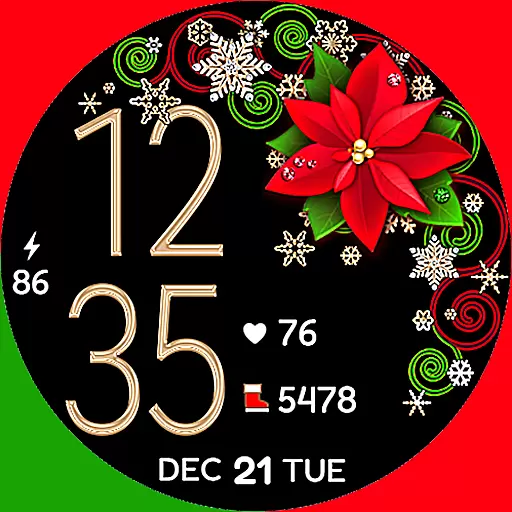
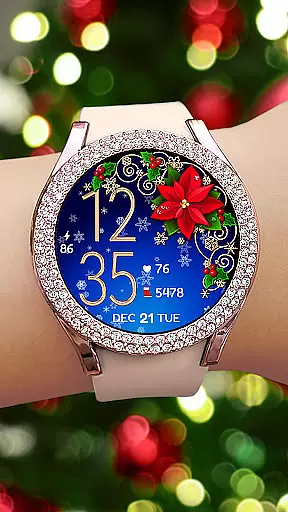
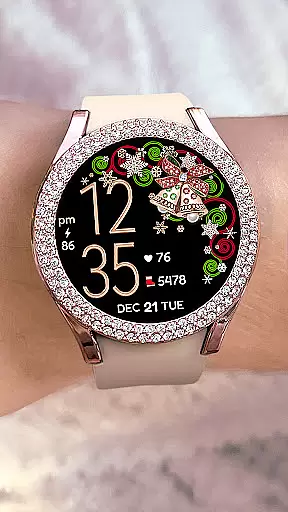
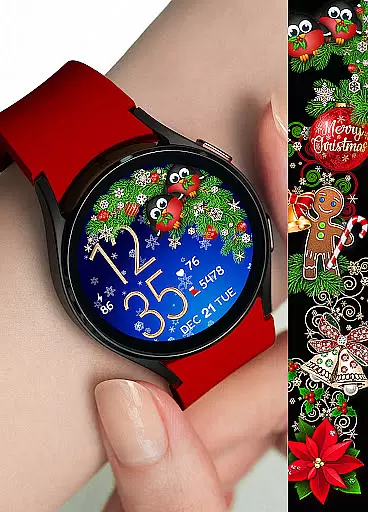
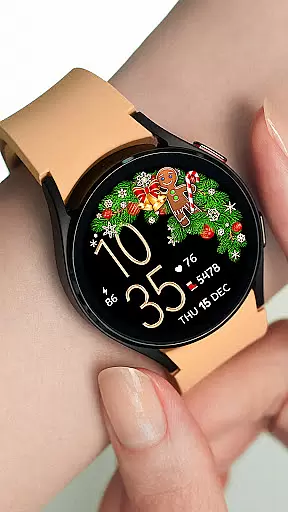

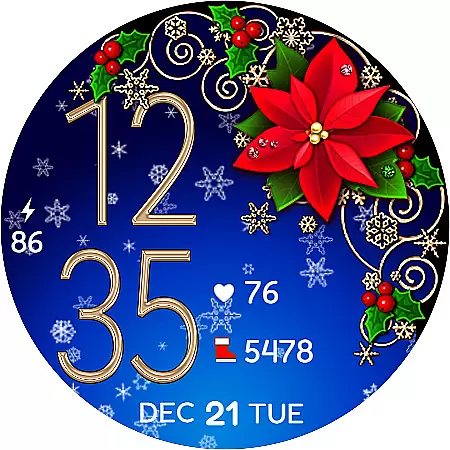
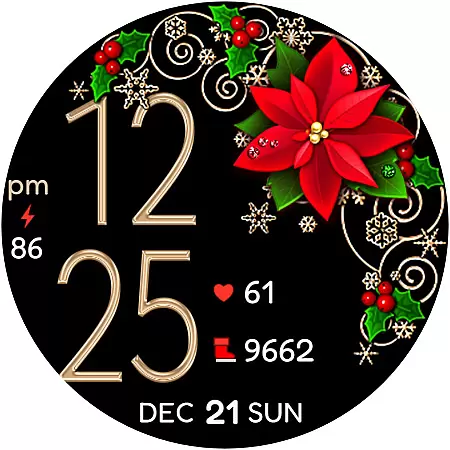
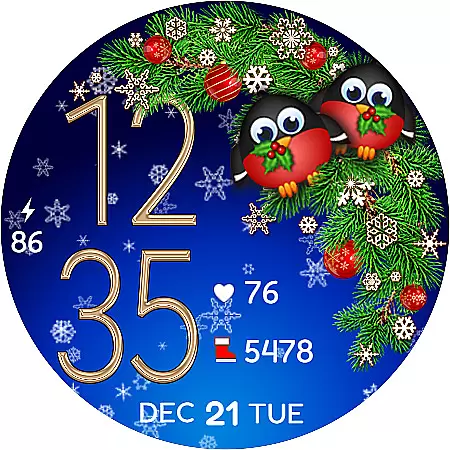
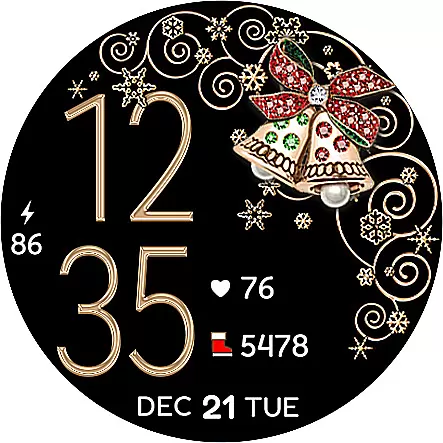
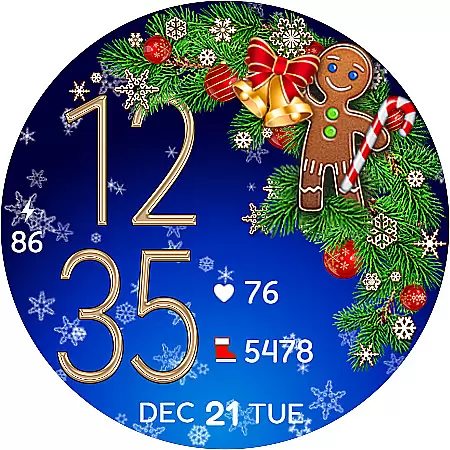
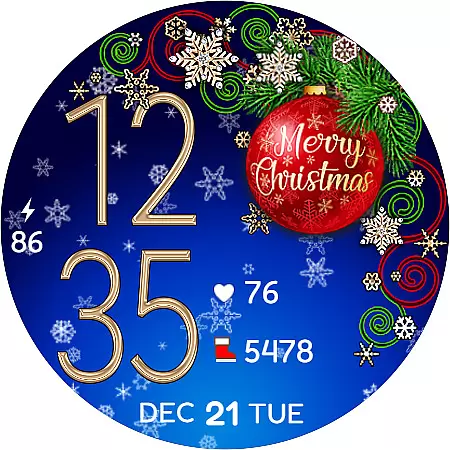
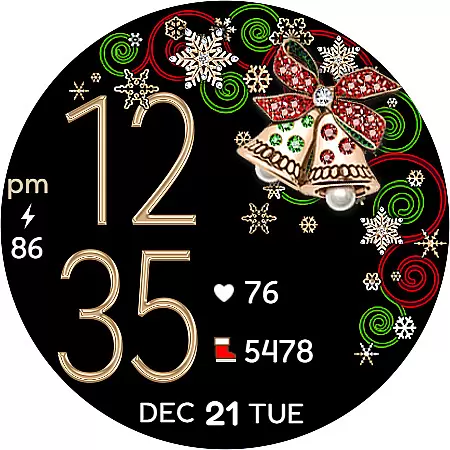
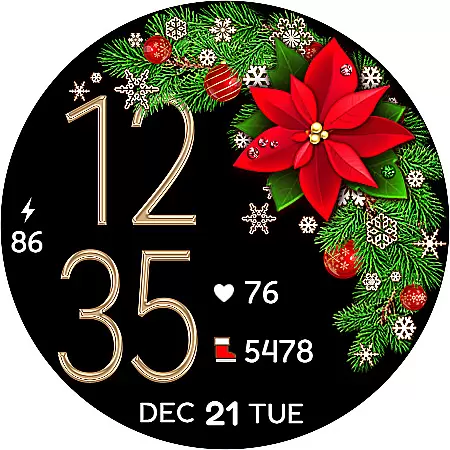
Christmas Snow On/Off Watch is a charming Wear OS watch face that brings festive cheer to your smartwatch. This digital timepiece features customizable 12/24-hour time display that automatically syncs with your phone's time settings, ensuring accurate timekeeping without unnecessary leading zeros in 12-hour mode.
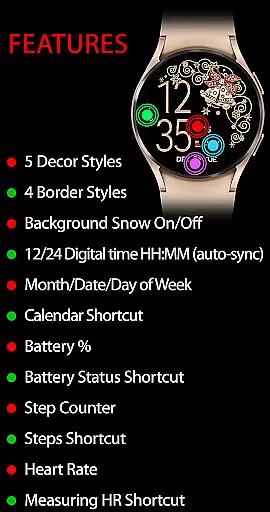
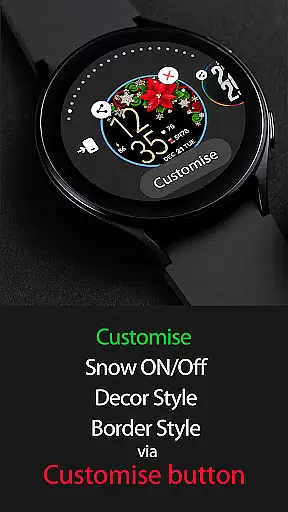
Users can personalize their watch experience through various customization options including background snow animation toggle, five decor styles, four border styles, and a choice between black or snowing backgrounds, offering over 30 unique combinations. The active mode provides comprehensive features such as calendar shortcut, battery percentage indicator, step counter, and heart rate monitoring with dedicated shortcuts for easy access.
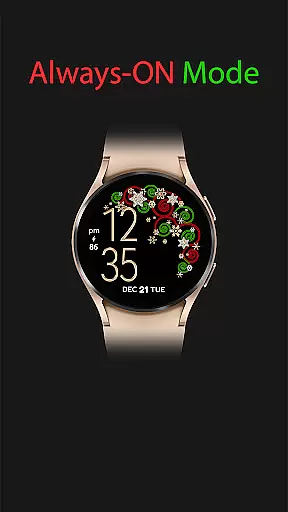
The always-on display maintains essential information visible at all times, showing digital time, day/date/month, and battery level. Designed with user convenience in mind, this watch face combines aesthetic appeal with practical functionality, making it an ideal choice for those seeking both style and utility during the holiday season.
This Christmas-themed watch face stands out with its versatile customization options. Users can toggle the battery-friendly background snow animation on or off, select from five distinct decor styles, choose among four border designs, and decide between a classic black or dynamic snowing background, resulting in numerous personalized combinations.
The active mode offers an impressive array of features designed to enhance daily convenience. These include automatic time synchronization with your phone, calendar and battery status shortcuts, step tracking through SHealth integration, and real-time heart rate monitoring with visual feedback during measurement. The heart rate function requires users to wear their watch and tap the heart icon, which blinks while measuring, ensuring accuracy through stillness.
In always-on mode, the watch maintains crucial information visibility, displaying digital time, date details, and battery percentage. This thoughtful design ensures users can quickly access important information without fully activating the watch screen. Additionally, the installation helper provides clear guidance for seamless setup, addressing potential synchronization issues and offering troubleshooting steps for optimal user experience.
For the Christmas Snow On/Off Watch, companion app integration is crucial for a seamless wearable experience. This feature ensures that your watch face settings are perfectly synced with your smartphone, allowing for effortless customization and control.
The application provides AUTO-sync functionality with your phone's time, ensuring that the digital clock on your Wear OS device is always accurate. Additionally, features like calendar shortcuts and battery status updates are kept in real-time across devices, enhancing usability.
Users benefit from an intuitive setup process where installation helpers guide them through syncing their new watch face purchase within minutes. By following simple steps, such as enabling synchronization or using the '+' function on their device, users can access their bought content easily.
This cohesive ecosystem not only simplifies management but also enriches user engagement by offering features like step counters and heart rate monitoring directly linked to health apps on their phones. Such deep integration makes daily tasks more efficient while enjoying festive-themed aesthetics.
The Christmas Snow On/Off Watch is designed specifically for Wear OS, ensuring broad compatibility with a range of Android devices. This compatibility allows users to enjoy an array of features tailored to enhance their smartwatch experience without worrying about technical limitations.
With support for both active mode and always-on display functionalities, this watch face offers versatility across different devices. Users can toggle background snow animations on or off, choose between various decor styles, and access essential information like time, date, battery percentage, and even health metrics regardless of their specific Wear OS device model.
Moreover, detailed installation instructions help streamline the setup process for optimal performance on any compatible gadget. Whether it's synchronizing after purchase or troubleshooting visibility issues by navigating through available watch faces, these guidelines ensure smooth operation.
By prioritizing extensive device compatibility alongside aesthetic customization options, this application guarantees that every user enjoys a personalized yet consistent wearable experience during the holiday season.
User-friendly interface
Customizable design options
Battery-efficient features
Comprehensive health tracking
Holiday-themed aesthetics
Limited to Wear OS
Requires manual sync
Premium purchase needed
Complex customization
Heart rate calibration

Highly customizable hybrid watch face for Wear OS, perfect for everyday use.
 4.60
4.60
Christmas - Festive - Christmas Village - Winter - Christmas lights
5.00
Wear Os Watch Face - Animated Snow Effect & Magic Spark - 6 Scenes
4.10
Locate your family members by GPS phone location tracker everywhere and anytime
4.30
Period, ovulation & pregnancy tracker. Fertility insights & menstrual calendar.
4.90
Get helpful reminders, take progress photos and find answers to your questions.
3.90
Funny animated watch face for Thanksgiving
4.0
Retro digital watch face with customizable colors and a unique lighting effect
4.60
A realistic hybrid watch face with many customization options.
4.60
Gym Log & Workout Tracker | Fitness Journal, Training & Weight Lifting Planner
4.90
Easy Voice Recorder is your everyday companion to record important moments.
4.70
Be an elegant and classy secret agent, with this carefully detailed watch face
4.70
Current temperature, weather hourly, weather radar by the weather forecast app
4.40
Bold weather Digital watchface with forecast & optional animated background
4.40
Watch face for Wear OS.
4.20
"PER27 Galaxy Digital" is a digital Wear OS watch face designed by PERSONA
4.10
Snowflake Rose Gold Watch Face - Digital, modern, & sleek with GYRO effect.
4.10
sleep, alarm, snoring, stress, healing, focus, sound therapy, circadian rhythm
4.10
A Wintery Snow Globe on Your Wrist; now celebrating Christmas!
4.3


User Reviews