
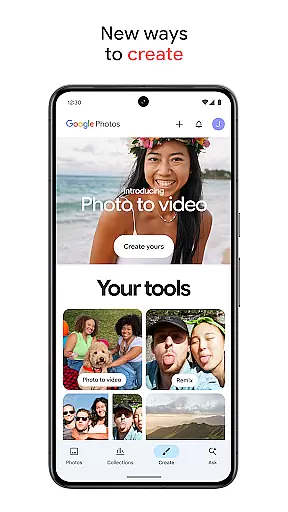
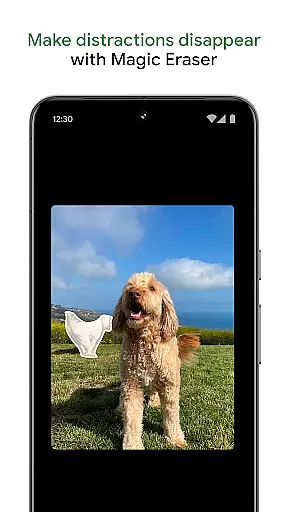
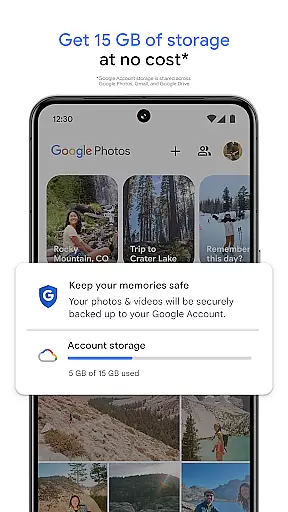
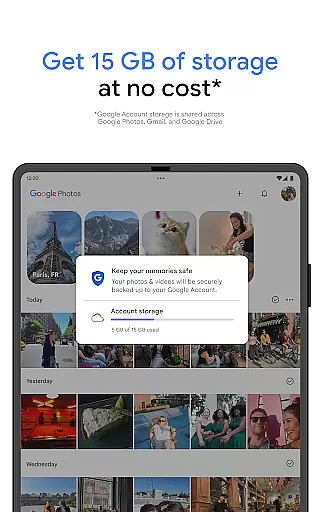
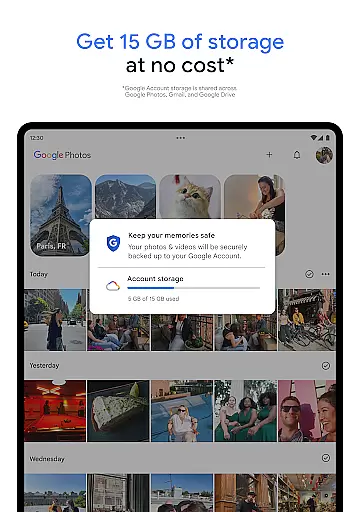
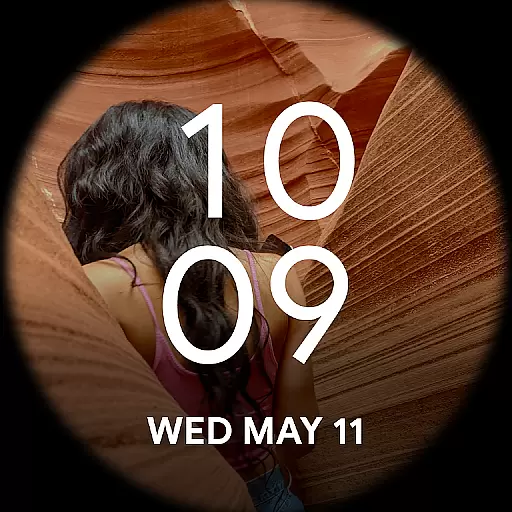
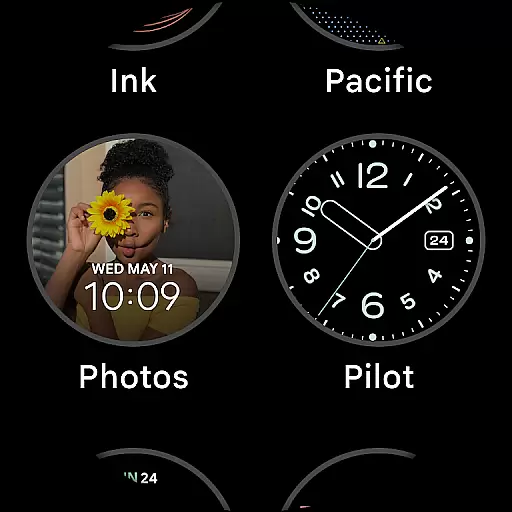
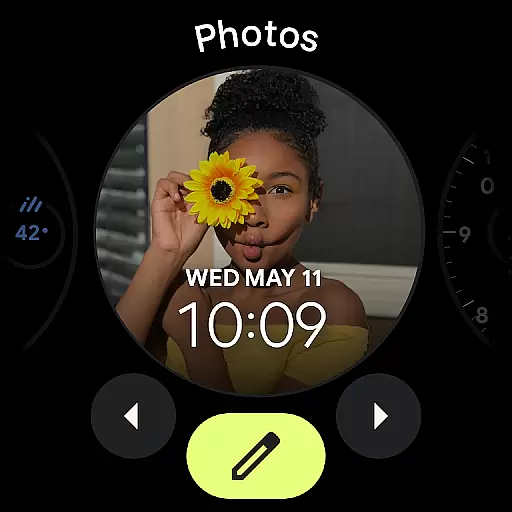
Google Photos is a comprehensive photo and video management application that leverages Google AI to help users back up, edit, organize, and search their memories. The app offers 15 GB of free cloud storage for every Google account, ensuring automatic backup across all devices. With advanced features like AI-powered editing tools, users can make complex edits easily, such as removing distractions with Magic Eraser or enhancing lighting with Portrait Light.
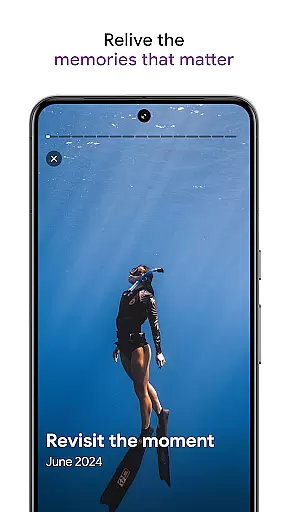
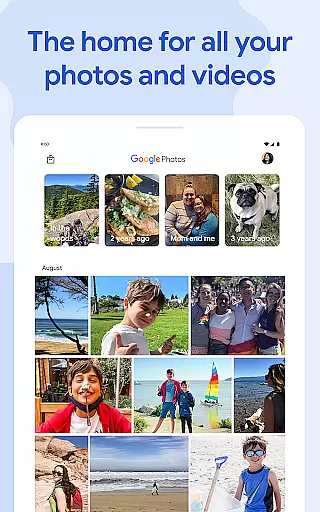
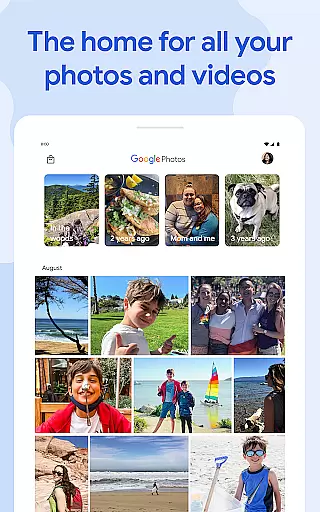
In addition to its powerful editing capabilities, Google Photos provides intuitive organization options. It automatically declutters galleries by organizing duplicates and similar photos into Photo Stacks. Smart folders for screenshots, documents, and daily camera rolls ensure an orderly gallery. Users can also relive and share favorite memories effortlessly, even with contacts who don't use Google Photos. The app's robust security infrastructure ensures that all photos and videos are safe and secure from the moment they are stored.
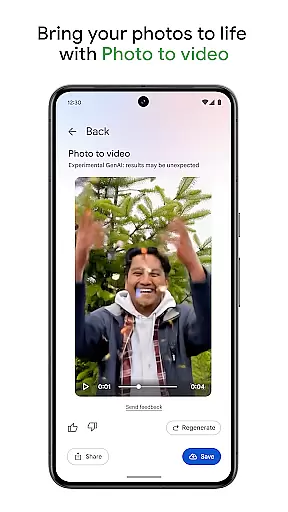
One of the standout features of Google Photos is its AI-powered editing tools. These tools allow users to perform complex edits with just a few taps. For instance, Magic Eraser can remove unwanted distractions from photos, while Unblur improves out-of-focus blurry images. Additionally, Portrait Light enhances the lighting and brightness of portraits, making them look more professional. The app also includes creative tools like Remix and Photo to video, which transform static images into dynamic content.
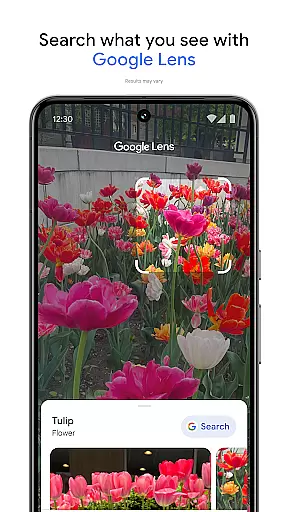
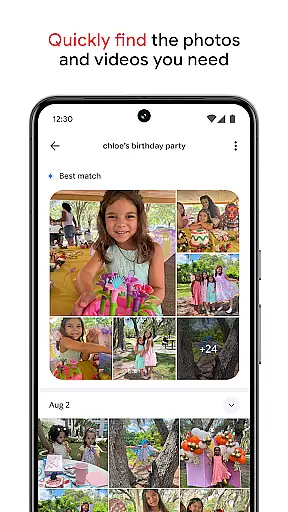
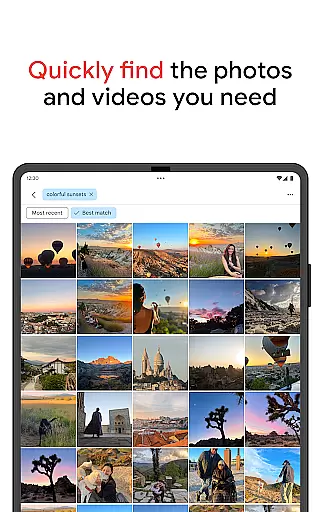
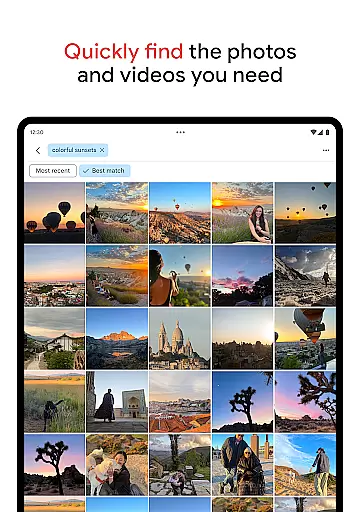
Google Photos excels in simplifying the search process. With the Ask Photos feature, users can quickly find specific items or themes within their library, from simple searches like 'dogs' to more complex queries such as 'what's my recipe for pine nut lemon rice?' This functionality saves time and enhances the user experience by eliminating endless scrolling. Furthermore, the app offers a locked folder feature, where sensitive photos and videos can be stored securely, protected by the device's screen lock.
Companion app integration is essential for users who want a seamless experience across multiple devices. Google Photos excels in this area by ensuring that all your photos and videos are automatically backed up and synchronized with your Google account.
This means you can access your memories from any device, whether it's your smartphone, tablet, or computer. The synchronization process is smooth and reliable, allowing you to start editing on one device and continue on another without missing a beat.
Additionally, the app provides features like Photo Stacks and smart organization tools that help declutter your gallery and make it easy to find what you're looking for. This level of integration ensures that your content is not only accessible but also well-organized and ready for you whenever you need it.
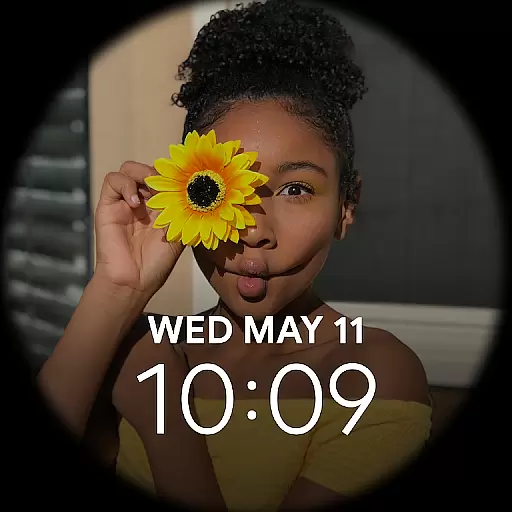
For those using Wear OS devices, Google Photos offers excellent compatibility and functionality. With automatic backups enabled, your photos and videos are instantly available on your wearable device, allowing you to view and share your favorite moments directly from your wrist.
The app takes advantage of the advanced capabilities of Wear OS, providing users with quick access to their memories without needing to take out their phone. You can easily browse through your albums, search for specific images, and even share them with friends and family right from your watch.
Moreover, Google Photos ensures that your data remains secure and private, protected by Google's robust security infrastructure. This gives you peace of mind knowing that your personal content is safe while being conveniently accessible on your Wear OS device.
User-friendly interface
Advanced AI editing tools
Secure cloud storage
Efficient organization features
Versatile sharing options
Limited free storage
Subscription required for full features
Occasional sync issues
Privacy concerns with AI
High battery consumption

Diet tracker for weight loss - track calories, food and macros. Simple and easy!
 4.70
4.70
Precision analog watch face with 7 complications and style options
4.0
MyNISSAN® lets you remotely control your car from your phone.*
4.50
Beautiful, colorful and practical watch face. For Wear OS devices.
5.00
Let's celebrate Thanksgiving - Wear Os watch face
4.20
Stylish digital watch face for Wear OS devices with customizable features
4.2
Structured watch face with seven complications and modular UI elements
3.90
Connect to your Bluelink equipped Hyundai vehicle from your smartphone.
4.50
Animated video-game inspired “secret agent” simulation, right on your wrist!
4.20
Rose gold watch face with festive lights & customizable features.
4.60
Fast and smart typing with Emojis, GIFs, and more
4.50
Digital watch face with big numbers and many customization for Wear OS devices
4.40
Elegant animated Christmas tree with multiple customization options
4.20
sleep, alarm, snoring, stress, healing, focus, sound therapy, circadian rhythm
4.10
Authentic military-tactical design with ZULU time! Realistic and functional!
3.80
Analog watch face with 8 complications and expedition styling
4.5
Stunning modern digital watch face with 7 complications and strong contrast
4.5
Simple Analog-Digital Watchface For Wear OS 3.0 and Up Smartwatches
4.3
Sleek, highly customizable watch face inspired by Galaxy Watch Circle Dashboard.
4.0


User Reviews