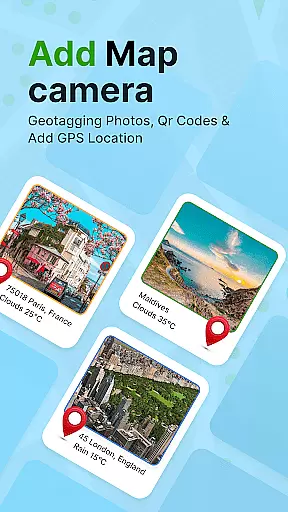
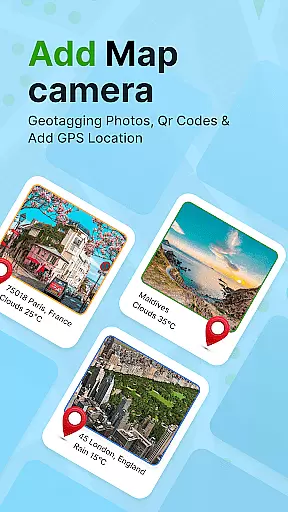
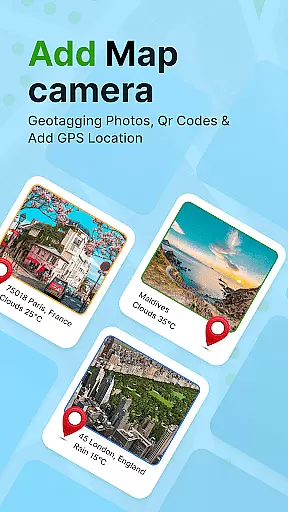
GPS Geotag Photos & Camera Map is a powerful photography app designed to enhance your photo-taking experience by embedding precise location data into your images. The app automatically adds GPS coordinates, altitude, and address information directly into the metadata of your photos, making it easy to track where and when each photo was taken.
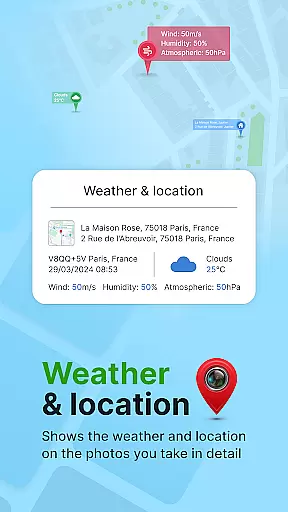
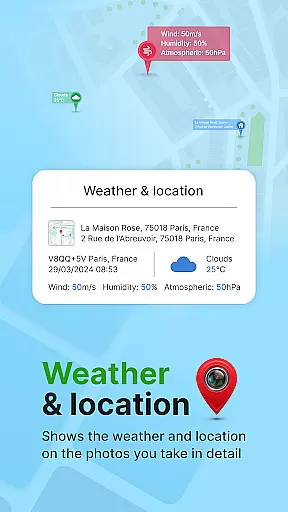
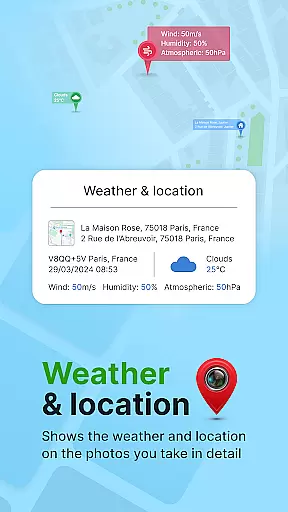
In addition to geotagging, the app offers advanced customization options such as adding timestamps, weather details, and live maps to your photos. Whether you're a traveler wanting to document your journey or a professional photographer needing accurate metadata, this app provides the tools you need to organize and share your photos effectively.
This app is particularly useful for users who frequently take photos in different locations and want an effortless way to manage their photo library with detailed location-based information.
One of the standout features of GPS Geotag Photos & Camera Map is its ability to automatically embed GPS data into your photos. This includes not only latitude and longitude but also altitude and address details, ensuring that every photo contains comprehensive location information.
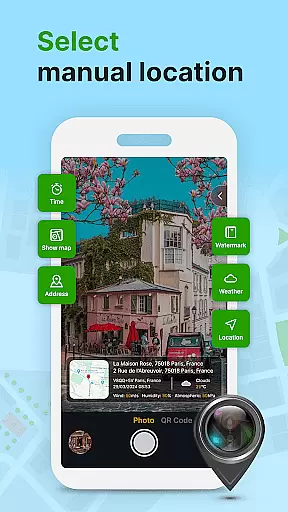
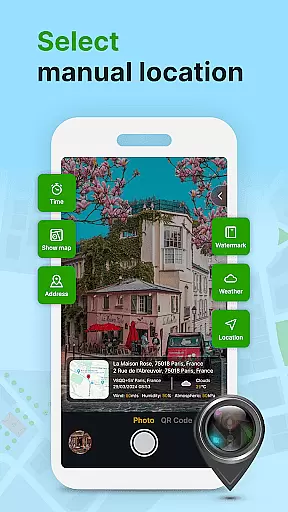
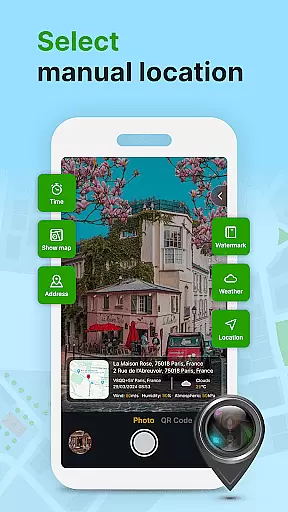
The app also supports extensive customization options. Users can modify the font, size, color, and position of timestamps on their photos. Additionally, the app includes a QR code scanner for quick access to extra functionalities and allows manual adjustments to GPS coordinates if needed.
With support for adding weather information and live maps, this app goes beyond basic geotagging to offer a complete suite of tools for photographers who want to enrich their photos with valuable metadata.
Real-time capture and preview functionality is essential for ensuring that every photo taken with GPS Geotag Photos & Camera Map app accurately reflects the desired composition and location. This feature allows users to see exactly what the camera sees, including live updates of GPS data such as latitude, longitude, and altitude.
The app embeds this critical information directly into the image metadata at the moment of capture. This ensures that each photo contains precise geotagging details, which are crucial for tracking and organizing photos based on location. The ability to view these details in real-time provides photographers with the confidence that their images will be correctly tagged.
Furthermore, the app supports customization options for the timestamp and location stamp, allowing users to adjust font, size, color, and position according to personal preference. This level of control enhances the user experience by enabling a personalized touch to each captured image.
Overall, the real-time capture and preview feature not only enriches the photography process but also simplifies the management of geotagged photos, making it easier for users to share their experiences with family and friends.
While primarily focused on geotagging, GPS Geotag Photos & Camera Map app also offers features related to AI beauty and enhancement, aiming to provide natural-looking improvements to photos. Although not its main function, the app includes options to enhance images subtly while maintaining authenticity.
Users can apply enhancements that automatically adjust lighting, contrast, and sharpness, ensuring that the final image appears balanced and visually appealing without appearing overly processed. These adjustments help highlight the natural beauty of the scene or subject, preserving the original context and mood captured in the photo.
In addition to basic enhancements, the app allows for manual fine-tuning of location details. Users can adjust latitude and longitude settings if needed, ensuring that the geotagged information remains accurate even after applying any aesthetic enhancements.
By combining practical geotagging features with thoughtful enhancement tools, GPS Geotag Photos & Camera Map app delivers a comprehensive solution for photographers who value both precision in location tagging and natural-looking photo improvements.
User-friendly interface
Comprehensive metadata tagging
Customizable timestamp options
QR code scanner included
Manual GPS adjustment
Occasional GPS inaccuracies
Heavy on battery usage
Limited free features
Requires constant internet
Interface could be more intuitive

A collection of tools and reference tables for DPs, ACs, DITs and Operators.
 4.70
4.70
Gallery show photo, video, slideshow, is perfect 3D effect private photo albums.
4.80
Search, tag and rate your way to an organized image gallery
4.40
All-in-One Editor & AI Photo Enhancer, Collage, Cartoonify, Funny Stickers & BGS
4.10
Light-weight Media Gallery app for Android made with Jetpack Compose
4.60
Create AI photos & videos with Enhancer; restore, fix, beautify, enhance photos
4.50
Astrophotography with your smartphone, photo live stacking and much more!
3.90
A light meter for true photographers.
4.20
Remote control the phone camera shutter from your smartwatch and take a picture
1.60
AI Photo Editor with 100+ Filters, Effects! Remove BG, Retouch & Photo Enhancer.
4.80
Transform photos into videos! Create realistic or anime-style images easily!
4.50
Photo editor & gallery. Crop pictures & edit photos offline, no wifi!
4.50
Trendy TikTok time warp scan funny filter app brings you unique photos & videos.
4.40
Edit like a pro with Hypic. Apply filters, AI effects, & magic touch.
4.40
Future baby face generator: AI kids generator, kid face! What my baby look like?
4.40
What celebrity do you look like? Celebs will find your celebrity match!
4.10
Turn photos into cartoons & avatars! - Photo Editor, Cartoon Face!
3.90
Be your best in every shot! Fix, edit and retouch your face in selfies & photos.
3.70
Snap photos remotely using your Garmin watch as the camera trigger
4.4


User Reviews