

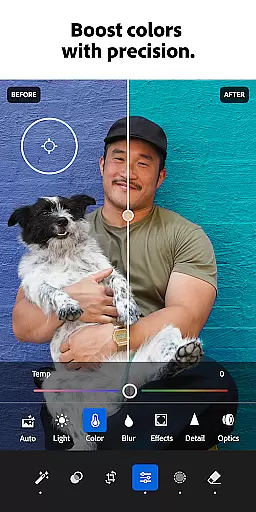


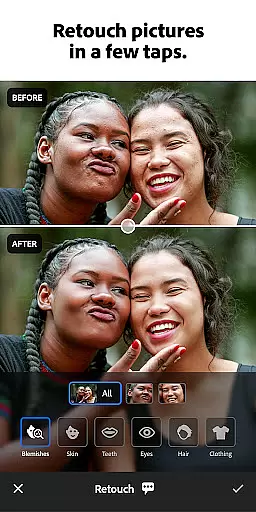



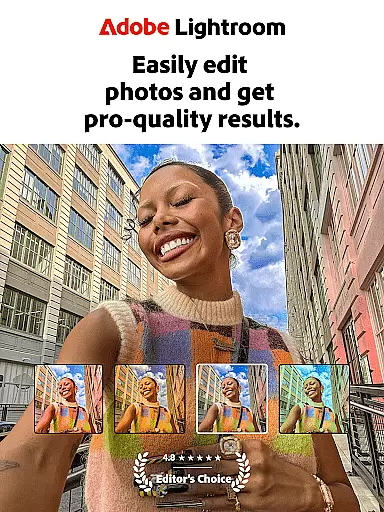
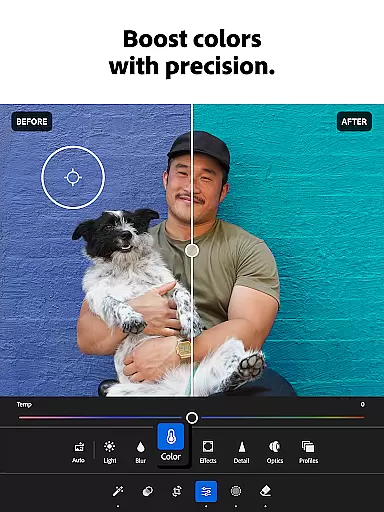
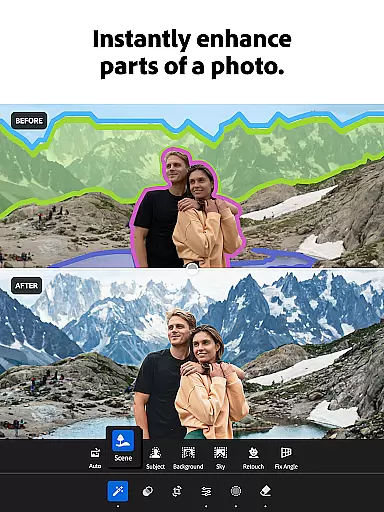

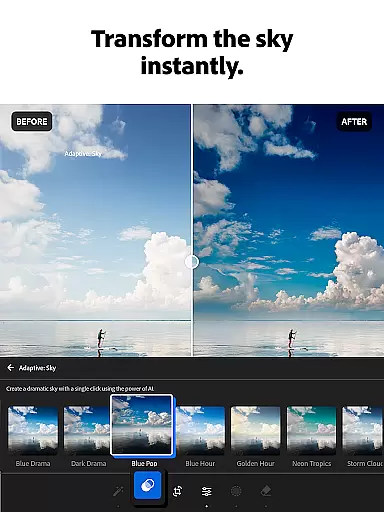
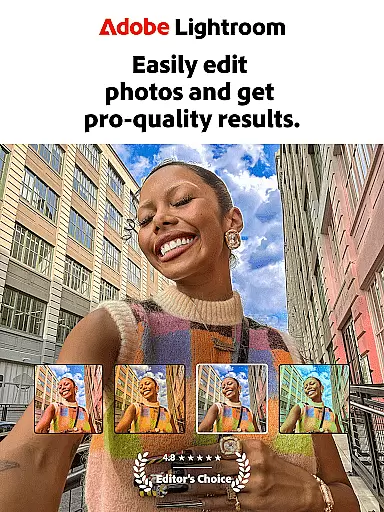
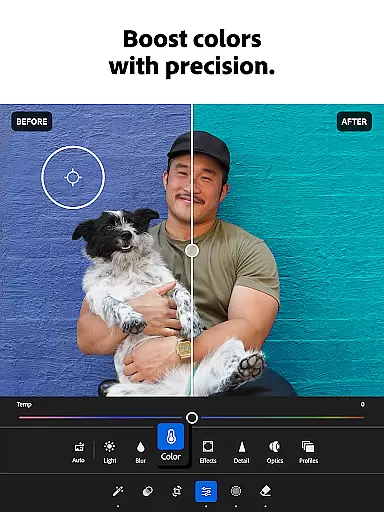
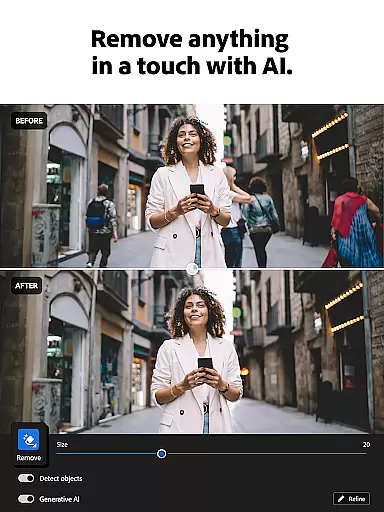

Adobe Lightroom is a comprehensive photo and video editing application designed to help users create professional-quality edits with ease. The app offers powerful retouching tools, including AI-powered suggestions for optimal image adjustments, making it simple to enhance photos and videos in just a few taps.
With features like Adaptive Presets, one-tap enhancements, and advanced options for light, color, and detail adjustments, Lightroom ensures that users can achieve their desired aesthetic effortlessly. Whether you're editing a single photo or applying consistent edits across multiple images, this app provides the tools necessary to produce shareworthy content.
Lightroom is ideal for photographers and social media enthusiasts who want to curate a polished online presence. Its intuitive interface and robust functionality make it accessible for beginners while offering advanced capabilities for seasoned editors.
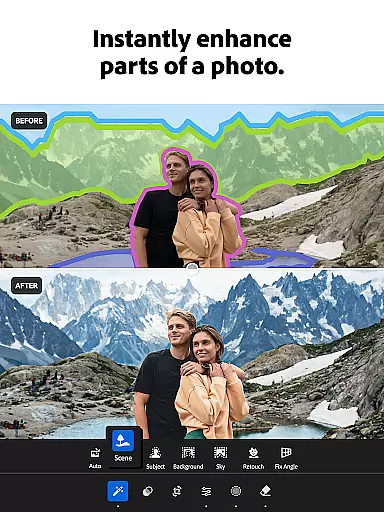
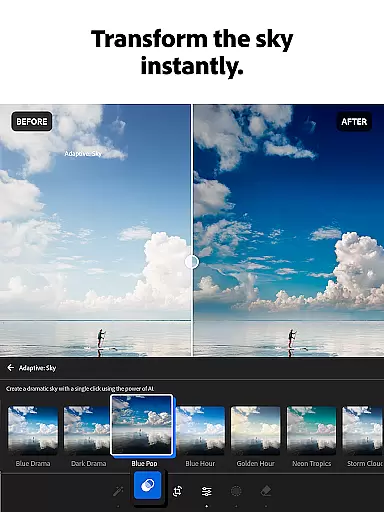
Lightroom stands out with its innovative features tailored for both photo and video editing. The app includes Quick Actions and Adaptive Presets, which allow users to instantly enhance photo quality with minimal effort. These presets can be customized, enabling users to develop a signature style.
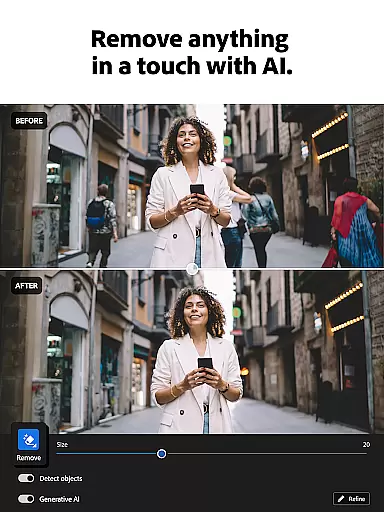
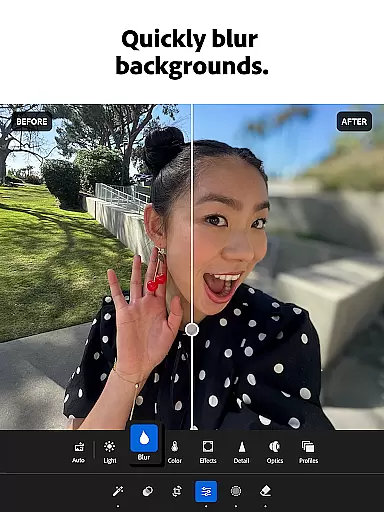
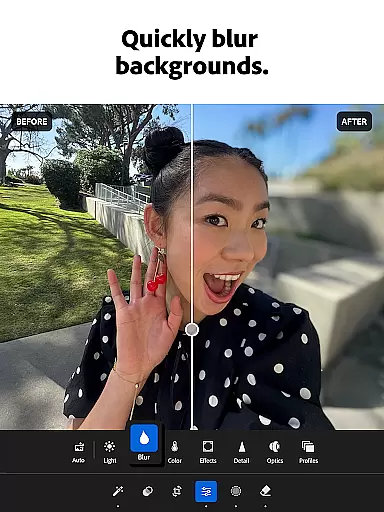
In addition to basic editing tools, Lightroom offers advanced functionalities such as object removal, background blurring, and detailed light adjustments. Users can tweak exposure, highlights, shadows, and apply creative effects like bokeh or color grading. The Generative Remove feature even allows users to erase unwanted elements from photos seamlessly.
The app fosters creativity by providing access to a global community of photo enthusiasts who share custom presets and filters. This collaborative environment inspires users to experiment with new styles and refine their editing techniques.
Real-time capture and preview functionality is essential for photographers who need to ensure their shots are perfect before they even take them. With Lightroom Photo & Video Editor, users can see exactly how different settings will affect their photos before capturing the moment. This feature allows for adjustments in exposure, white balance, and other critical parameters on-the-fly.
The application provides a live view of your scene with all edits applied instantly, which means you can tweak your settings until you achieve the desired effect. Whether you're shooting in challenging lighting conditions or aiming for a specific mood, this real-time feedback empowers you to make informed decisions about your photography.
For videographers, the ability to preview changes in lighting and color grading while recording ensures that every clip meets professional standards. By offering such precise control over video content creation, Lightroom enhances both the efficiency and quality of multimedia projects.
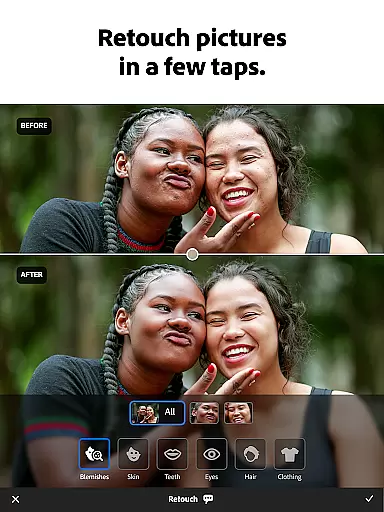
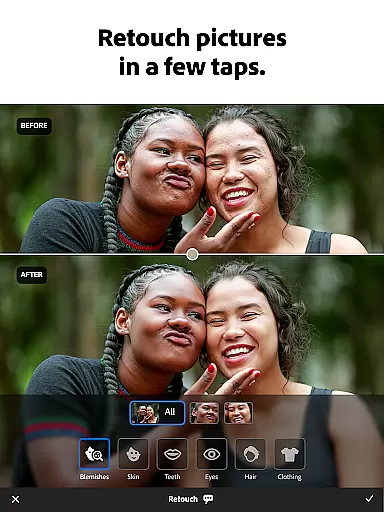
AI beauty and enhancement features have revolutionized photo editing by providing tools that not only improve image quality but do so with natural-looking results. Lightroom leverages advanced AI technology to offer retouching capabilities that preserve skin texture and facial expressions, ensuring subjects look like themselves, only better.
With one-tap enhancements and adaptive presets, users can quickly soften backgrounds, remove blemishes, and adjust facial features without losing authenticity. These intelligent adjustments adapt to each unique face, delivering personalized edits that enhance rather than distort.
Furthermore, Lightroomu2019s AI-driven suggestions guide users through the editing process, recommending optimal settings based on the content of their photos. This approach democratizes high-quality photo editing, making it accessible to everyone regardless of skill level, while maintaining the integrity and natural essence of the original images.
User-friendly interface
Powerful AI editing tools
Extensive preset library
Batch editing capabilities
Vibrant user community
Premium features require subscription
Steep learning curve for beginners
Limited free version functionality
High storage demands
Occasional performance lags

Cut and paste photo editor & eraser to customize photos easy and swap faces fun
 4.50
4.50
Android Native system HD camera app. Never been so simple and faster.
4.70
Create collages easily! Nice pic collage maker & background eraser for Instagram
4.50
The #1 app for B&W film developing featuring an advanced darkroom timer.
4.10
Movie camera, supports pro recording settings for filming. Try it and be amazed!
4.50
Add a dreamy vibe to your selfies and videos with soft style filters
4.5
Turn photos into cartoons & avatars! - Photo Editor, Cartoon Face!
3.90
A light meter for true photographers.
4.20
PhotoSync Bundle Add-On License. Enables all features and services in PhotoSync.
4.60
Photo editor: AI filters, photo enhancer, pic collage maker, AI art generator.
4.80
Take videos and pictures with the popular TikTok TIME WARP SCAN filter.
4.60
AI photo editor with hair editor, retouch tools, hair color changer & filters!
4.50
Natural Beauty, Selfie Retouch
4.30
Photobooth mini FULL app will allow you to add more fun to your parties
4.00
Gallery Slideshow is slideshow maker app for slideshow from your gallery photos.
3.90
USB Storage Access for Photos, Videos, Music and Documents
3.80
Hair color changer, AI haircut app, fun hair editor and buzz cut filter for all!
3.80
Remote control the phone camera shutter from your smartwatch and take a picture
1.60
HD Photo gallery and photo manager to edit, hide private photos, videos & albums
4.3


User Reviews