
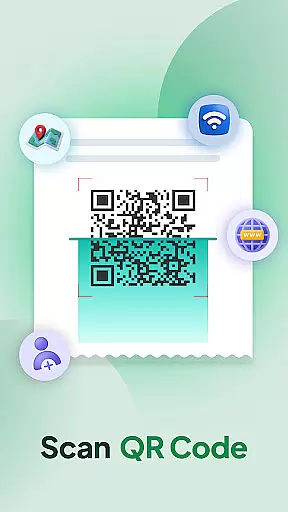
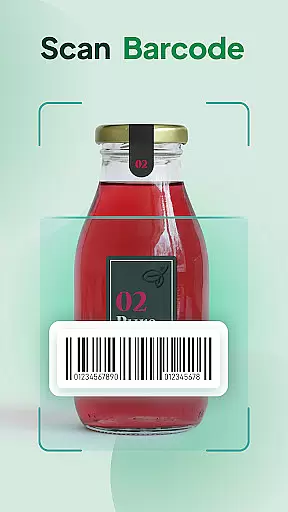
QR & Barcode Scanner Launcher is a powerful tool designed to simplify the scanning process of QR codes and barcodes. With its lightning-fast performance, users can effortlessly scan any code with just a swipe from their home screen. Whether you need to scan URLs, check product details, or access various information, this app ensures a quick, secure, and seamless experience.
Beyond its core scanning capabilities, the app offers additional features that enhance user convenience. These include one-swipe access, home screen widgets for time and weather, personalized wallpapers, and multi-touchpoint search functionalities. The app also maintains a scan history, supports auto-copy to clipboard, and provides customizable notifications through vibration or beeps.
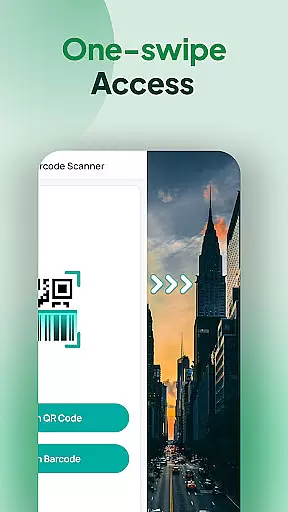
The QR & Barcode Scanner Launcher stands out due to its comprehensive feature set tailored for efficiency and ease of use. One of its key features is the ability to instantly scan QR codes and barcodes by simply swiping right from the home screen, making it incredibly accessible. The app also includes a home screen widget that displays useful information like time and weather, enhancing the overall user experience.
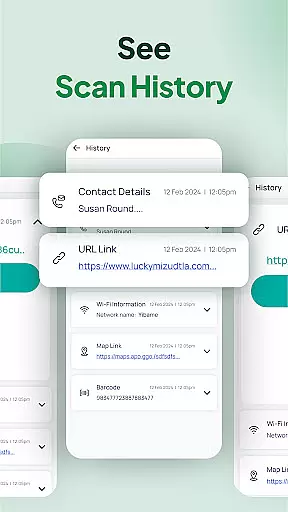
Another notable feature is the Scan History function, which automatically stores all previously scanned codes in one convenient location. This allows users to easily revisit important links and information. Additionally, the app supports auto-copy to clipboard, ensuring that scanned content can be quickly pasted wherever needed. Users can also choose between vibration or beep notifications to confirm successful scans, providing flexibility in how they interact with the app.
QR & Barcode Scanner Launcher is designed to provide users with an efficient and accurate scanning experience. The app leverages the smartphone's built-in camera to effortlessly scan both QR codes and barcodes, ensuring that users can access information quickly and securely. Whether it's for scanning URLs, product details, or other encoded data, the app guarantees reliable performance.
The app's core functionality includes a one-swipe access feature, allowing users to instantly scan codes right from their home screen. This seamless integration simplifies the user experience by eliminating unnecessary steps. Additionally, the auto-copy feature automatically transfers scanned content to the clipboard, making it easy to paste wherever needed. These features collectively enhance the app's effectiveness in daily use.
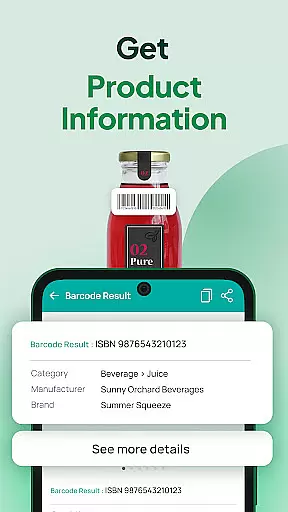
For users who require detailed product information, the barcode scanner delivers real-time data, aiding in informed purchasing decisions. The app also maintains a scan history, organizing all previously scanned codes in one convenient location. This ensures that users can revisit important links or product details whenever necessary, adding to the overall utility and precision of the scanning process.
The QR & Barcode Scanner Launcher app boasts an intuitive interface that prioritizes ease of use. Upon installation, users may notice changes to their home screen layout, but these adjustments are designed to enhance accessibility. A home screen widget provides quick access to essential features like time, weather, and the scanning function itself, ensuring that users can navigate the app effortlessly.
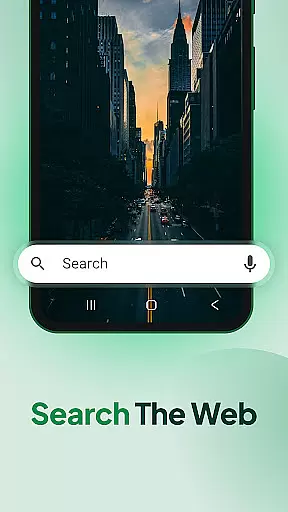
One of the standout features is the home screen shortcut, which offers immediate access to the QR code reader and barcode scanner. This design choice minimizes the steps required to perform scans, thus streamlining the user experience. Furthermore, the app supports multi-touchpoint searches, enabling users to search for installed apps or web content powered by Yahoo from various access points.
To further simplify interactions, the app provides vibration or beep notifications upon successful scans. Users can choose their preferred notification style, ensuring that they are always aware of completed actions. With these intuitive design elements, QR & Barcode Scanner Launcher delivers a straightforward and user-friendly experience, making it accessible even to those who are not tech-savvy.
Fast scanning
User-friendly interface
Comprehensive feature set
Customizable notifications
Convenient widget options
Home screen layout changes
Limited design customization
Requires permissions
No offline support
Potential ads

Extremely fast, secure, and protects your privacy
 4.80
4.80
Complete kernel toolbox with features to manage and tweak your rooted device
4.30
Use your phone as a webcam on your computer over WiFi or USB.
4.40
Universal TV remote control all TVs, Roku, LG, Samsung, Fire, Vizio, Sony, TCL.
4.40
An easy-to-use calculator designed to save time calculating and bending conduit
4.30
Bedrock Together: Join any bedrock server on Xbox/PS
4.80
Quickly check the frequency of the Earth
4.30
Screen Mirroring for Roku Sticks, Roku TCL TV and Roku Hisense TV
4.50
A clean app.
4.50
Change your GPS location instantly. Simulate routes anywhere in the world.
4.90
Unit and currency converter with easy and simple UI.
4.80
NFC Tools can read and write NFC tags.
4.70
FV File Manager Pro, Fast and powerful file manager for Android
4.60
Quickly switch to an encrypted DNS server on Android TV
4.50
Signal Strength, Mobile, Wifi, Speed Test, Bad Signals, Cellular, 5G, LTE, 4G
4.20
Screen Mirroring with sound for Samsung TV, LG TV, Sony TV, Smart TV and Browser
4.20 4.10
4.10
1-Click close all background apps on Android TV
3.90
This app unlocks the Pro features of the Central for DayZ app
3.60


User Reviews