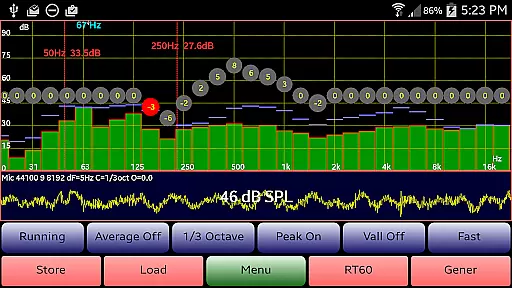
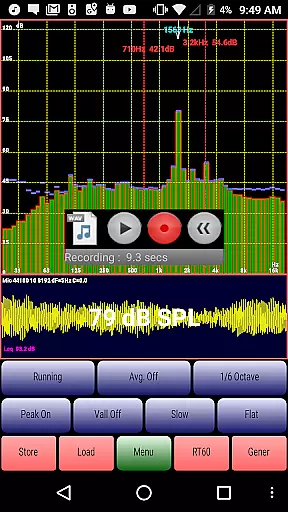
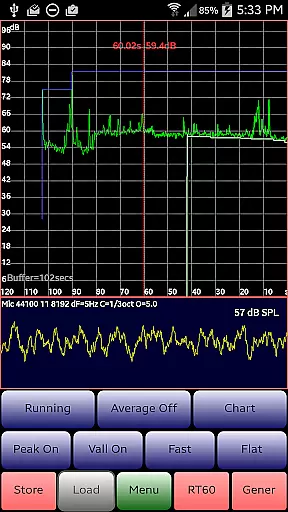
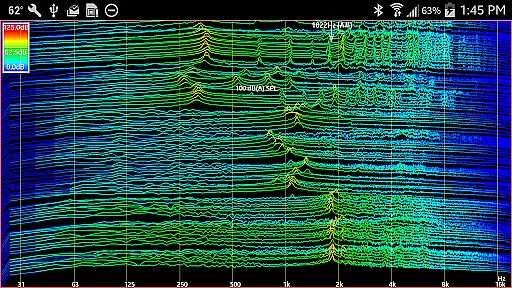
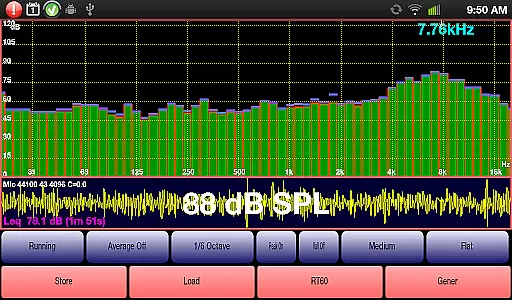
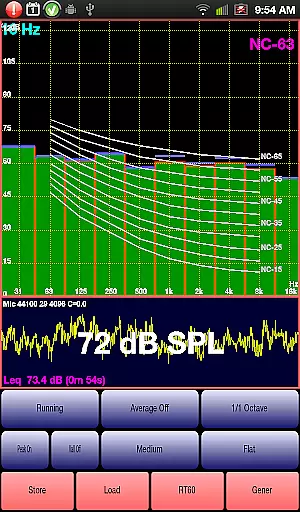
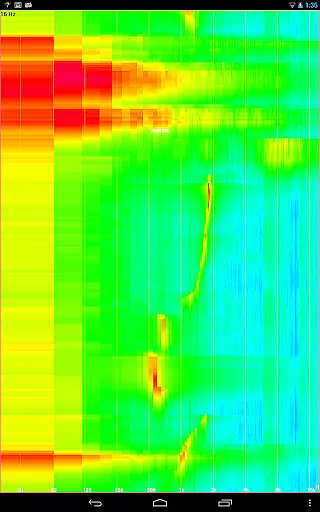
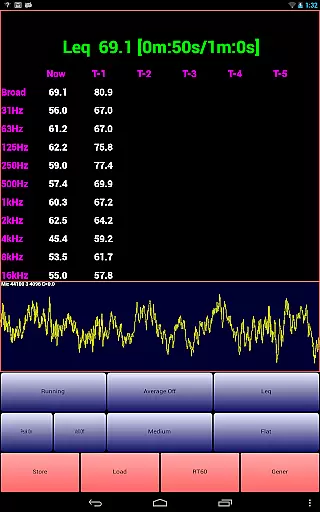
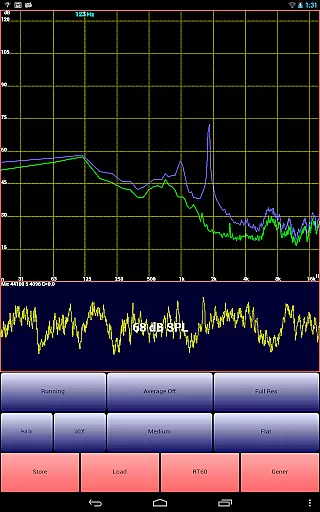
AudioTool is a comprehensive audio measurement application designed for audio engineers and enthusiasts. It offers professional-grade tools such as an SPL meter, RT60 measurement, Leq, Sone, Spectrum Analyzer, Spectrogram, Chart Recorder, Signal Generator, Polarity Checker, and Mic calibration.
This app is highly recommended by 'Sound and Vision' magazine and widely appreciated by audio professionals globally. With features like 1/1, 1/3, 1/6 & 1/12 octave RTA modes, various filters, and signal types, it caters to a broad range of audio testing needs.
Whether you're conducting gig measurements, setting up home theater systems, or performing acoustical analysis in different environments, AudioTool provides the necessary tools to ensure accurate sound assessments and adjustments.
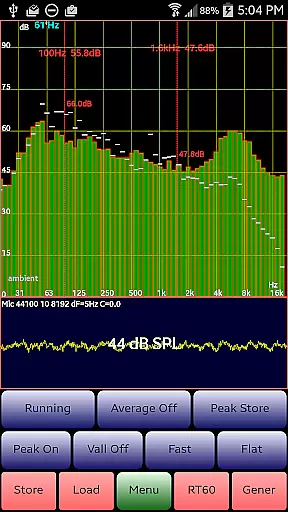
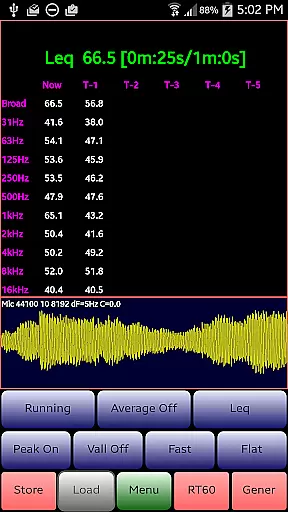
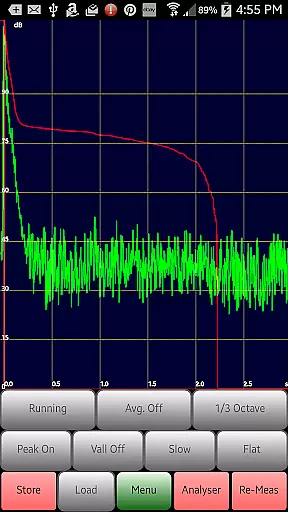
AudioTool stands out with its extensive array of features tailored for detailed audio analysis. The app includes multiple RTA modes (1/1, 1/3, 1/6 & 1/12 octave), Leq measurements, and loudness in Sones, alongside advanced functionalities like RT60 for reverberation analysis and a variety of filter options (Impulse, Fast, Medium & Slow).
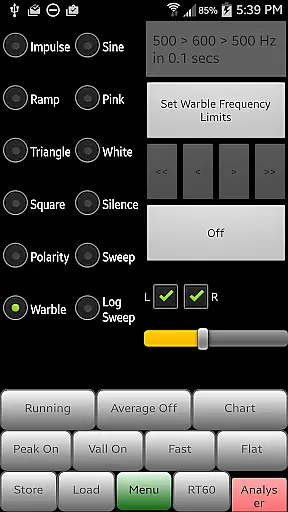
Additionally, AudioTool offers a Spectrum Analyzer, Spectrogram, Chart Recorder, and Signal Generator capable of producing White/Pink Noise, Sine, Square, Triangle, Sweep, Log Sweep, Warble, Ramp, and Impulse signals. The inclusion of a polarity checker and support for ISO 1/3 Octave Calibration further enhances its utility for professional use.
Exclusive features such as loading stored spectrum files for comparison with real-time data, phase swapping for stereo signals, customizable sample lengths, and compatibility with external microphones make AudioTool a versatile tool for both amateur and seasoned audio technicians.
AudioTool offers a comprehensive suite of audio measurement and analysis tools that go beyond the typical music library concept. However, it provides an extensive array of signal generation features including White and Pink Noise, Sine, Square, Triangle, and Ramp waves, as well as various types of sweeps and warbles. This diversity in generated signals can be considered akin to a specialized 'music library' tailored for audio engineers and acoustics professionals.
The application ensures copyright authenticity by generating these sounds algorithmically rather than sourcing them from potentially copyrighted material. This method guarantees that all produced audio is original and free from any legal encumbrances. The accuracy of the Signal Generator is typically around 1%, ensuring reliable and reproducible results across different devices.
Users benefit from this robust feature set by having at their disposal a versatile toolkit for a wide range of audio testing scenarios. Whether performing room acoustics evaluations or equipment testing, the variety and precision of AudioTool's generated signals offer unparalleled flexibility and reliability.
The value proposition lies in its ability to cater to niche requirements within the audio engineering community. By providing high-quality, non-copyrighted sound sources, AudioTool empowers users to conduct professional-grade measurements without concerns about licensing or copyright infringement.
AudioTool excels in delivering superior audio quality options through its sophisticated signal processing capabilities. The app supports multiple octave RTA modes (1/1, 1/3, 1/6 & 1/12), each offering distinct levels of frequency resolution and analysis depth. These options allow users to fine-tune their measurements according to specific project requirements or environmental conditions.
In addition to its RTA capabilities, AudioTool provides various weighting filters (Flat, A/C Weighting, and X Curve) that enable precise control over how audio signals are processed and displayed. This flexibility ensures that measurements can be tailored to match industry standards or personal preferences, enhancing both accuracy and relevance of the obtained data.
For audio professionals, these quality options translate into enhanced diagnostic capabilities. The ability to switch between different octave bands and apply appropriate weighting curves means that users can isolate and address specific acoustic issues with greater confidence and precision.
Ultimately, AudioTool's commitment to providing diverse audio quality options underscores its position as a premier tool for serious audio analysis work. By empowering users with such granular control over their measurements, the application facilitates more informed decision-making and superior outcomes in various audio engineering contexts.
Comprehensive audio tools
Wide range of RTA modes
Professional signal generation
ISO calibration support
Real-time spectrum analysis
Complex for beginners
Hardware-dependent performance
No iOS version available
Occasional interface glitches
Advanced features need learning

Formerly known as Spotistats! View your top tracks, artists, albums and more!
 4.40
4.40
Performance-Synthesizer & Multi-Track-Sequencer, polyphonic + multi timbral!
4.70
A synth that really lets you shape your sounds!
4.50
Background pads for your band
3.80
JBL PartyBox APP works with 110/310/710/120/320/520/Encore/Encore 2/Encore Ess 2
4.80
Powerful beat maker & DJ mixer to remix tracks, make music, & perform DJ mix
3.70
The official Sonos app
4.10
Versatile MP3 recorder with auto-backup to Dropbox and Google Drive
4.10
The iconic iOS metronome app is now on Android.
3.70
Tune in to the greatest hits on UK Radio | The home of Capital, Smooth & Heart.
4.90
Offline Music Player & MP3 Player.Powerful equalizer, Lyrics, Themes, Tag Editor
4.80
Walkout Song DJ is the most intuitive app to manage your sports music.
4.70
Simple & Intuitive Metronome
4.70
Learn the notes on the guitar fretboard fast with this easy and fun app
4.60
Your HD audio recorder on the go for music, meetings, ambience, animal sounds…
4.30
Time Guru will strengthen your internal sense of musical time via random muting.
4.30
Advanced 10-Band Audio Graphic Equalizer Sound Booster Pro
4.30
Smart piano keyboard, Classical to Pop, Real-time multiplayer connection!
4.20
Music Streaming suite for Ampache, Nextcloud Music and compatible backends.
4.5


User Reviews