
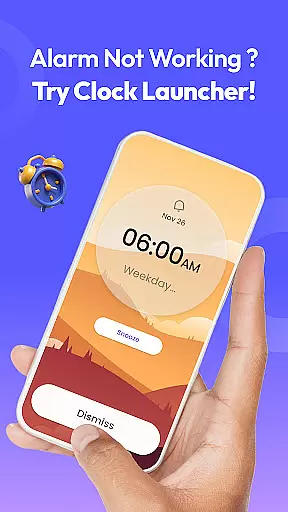
Clock Launcher is a productivity-focused app that combines an alarm clock with essential time management tools. The app offers instant access to alarms, timers, reminders, and world clocks through a simple swipe from the home screen. Its launcher functionality transforms your device's interface, providing one-touch shortcuts for managing daily tasks efficiently.
With features like customizable wallpapers, widgets displaying time and weather, and multi-touchpoint search capabilities, Clock Launcher enhances both utility and personalization. Whether you're scheduling meetings, tracking international time zones, or setting up workout timers, this app ensures you stay organized and on schedule without missing a beat.
The app is particularly useful for busy professionals, travelers, and fitness enthusiasts who need quick access to time-based tools. By integrating seamlessly into your daily routine, Clock Launcher helps streamline task management while offering a visually appealing and intuitive user experience.
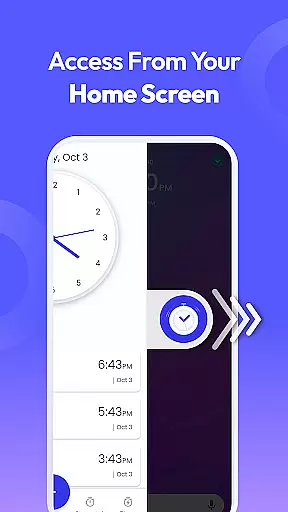
Clock Launcher stands out with its unique combination of a launcher app and advanced time management tools. One of its key features is the one-swipe access functionality, allowing users to set alarms, timers, and reminders directly from their home screen. This eliminates unnecessary navigation steps, making it faster to organize your day.
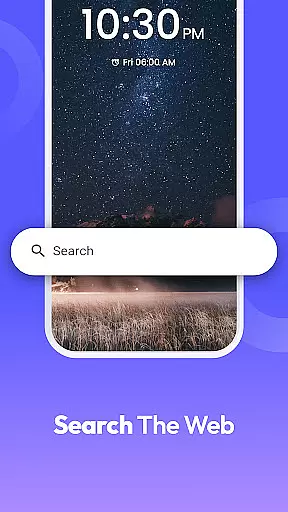
The app also includes a customizable home screen widget that displays not only the time but also weather updates, ensuring you're always informed about current conditions. Additionally, users can personalize their devices with clock-themed wallpapers, adding aesthetic value alongside practicality. Multi-touchpoint search further enhances usability by enabling quick searches for installed apps or web content powered by Yahoo.
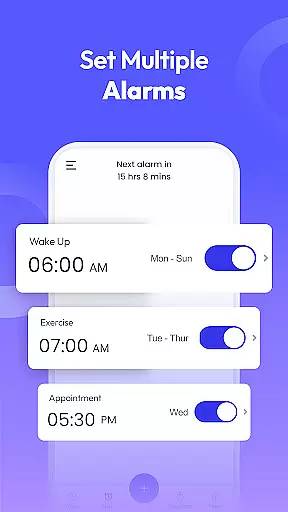
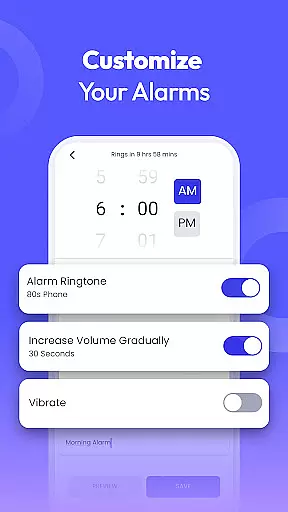
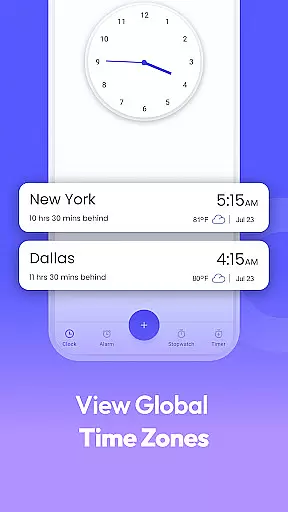
Other notable features include a world clock for tracking multiple time zones, a stopwatch for fitness tracking, and highly customizable alarm settings. These tools collectively empower users to manage their schedules effectively while enjoying a personalized and efficient mobile experience.
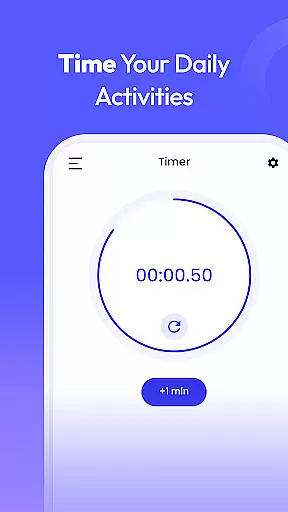
Task management is at the heart of productivity applications, and Clock Launcher excels in providing users with essential tools to manage their day effectively. The app offers instant access to alarms, reminders, timers, and stopwatches, all designed to keep users organized and on schedule.
Clock Launcher's implementation of task management features is intuitive and user-friendly. With just a single swipe from the home screen, users can effortlessly set alarms, check the time in any city, and create reminders or timers. This seamless integration ensures that users can quickly access the tools they need without navigating through multiple menus or screens.
The benefits of using Clock Launcher for task management are numerous. Users can customize alarms to fit their lifestyle, set travel reminders for flights, and track personal and business events with ease. The app also includes a world clock feature, perfect for frequent travelers or those with international meetings, allowing users to track time differences across cities.
By focusing on core task management features, Clock Launcher provides significant value to its users. It helps them maintain a consistent routine, ensuring they never miss an important appointment or deadline. Whether waking up on time, setting timers for cooking, or tracking workout durations, Clock Launcher supports users in efficiently managing their schedules.
In today's interconnected world, reliable cross-device synchronization is crucial for productivity apps. Clock Launcher addresses this need by ensuring that users can access their alarms, timers, and reminders across multiple devices seamlessly. This synchronization capability allows users to stay organized, regardless of the device they are using.
The app achieves reliable synchronization through its integration with cloud services. This means that whether a user sets an alarm on their phone or adjusts a timer on a tablet, the changes are instantly reflected across all linked devices. Such consistency ensures that users have the most up-to-date information at their fingertips, enhancing their ability to manage tasks efficiently.
For users, the advantages of Clock Launcher's synchronization features are clear. They can start a stopwatch on one device and continue tracking time on another, or receive reminders on all their devices, ensuring they never miss an important event. This flexibility is particularly beneficial for individuals who rely on multiple devices throughout their day.
Ultimately, Clock Launcher's focus on cross-device synchronization reliability underscores its commitment to user convenience and productivity. By providing a seamless experience across devices, the app empowers users to manage their time effectively, no matter where they are or which device they choose to use.
User-friendly interface
Customizable widgets
Multi-functional tools
Quick-access shortcuts
Visually appealing design
Home screen layout changes
Limited widget options
No 24-hour clock format
Ads in free version
Occasional bugs reported

AI Video AI Image Private LLM AI Browser Llama Gemma Ollama Connect LLM Studio
 4.3
4.3
Auto-shutoff Alarm with Sunrise, Sunset & Fixed Options.
3.50
Create study competitions, track your hours, and stay consistent with friends
4.2
Todo reminder
4.10
The AI assistant that thinks with you - write, code, and solve complex tasks
4.60
All document reader, all in one file viewer read PDF, DOCX, XLS, PPT, TXT files.
4.60
Docker, Kubernetes management over Portainer Mobile
4.40
AT&T Internet customers can use this app to personalize their Wi-Fi network.
4.40
Daily processing of PDF documents.
4.40
8 custom complications. Custom Time Fonts. Beautiful color schemes. A++ Design.
5.00
Best Tool for the professionals Electrician, Electrical contractors, etc.
4.90
We're working to become the best machining app on the market! www.cncdirt.com
4.80
Scan paperwork into PDF/JPG, generate your own e-signature and send fax or email
4.70
Tally and goal counter for Wear OS & mobile
4.50
A Pixel Art watchface inspired by other iconic 90s designs for Wear OS devices!
4.40
This small app MUST BE INSTALLED after purchase, else license won't work
4.40
Automates browsing any website and notifies you of important changes or events
4.30
Activate Two Factor Authentication (2FA or Multi OTP), Password manager and more
4.10
Experience real multitasking on your Android!
4.00


User Reviews