
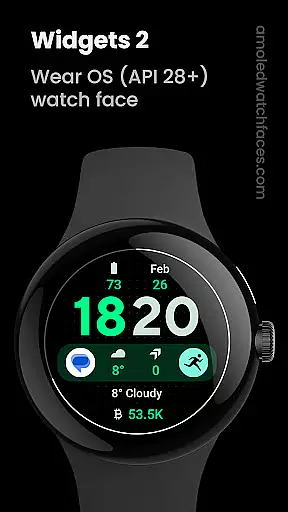
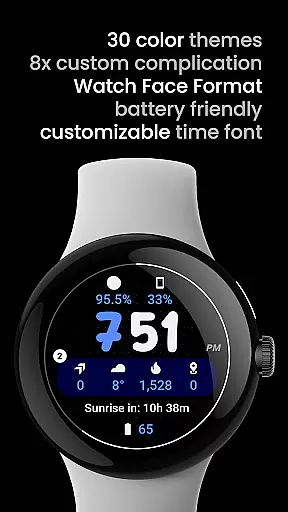
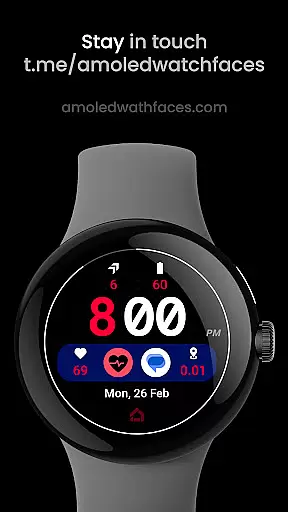
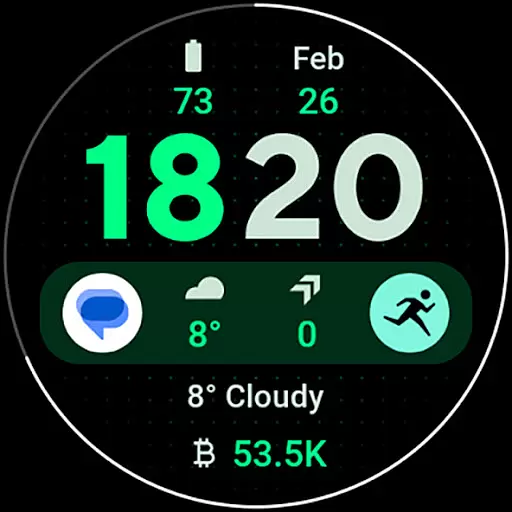
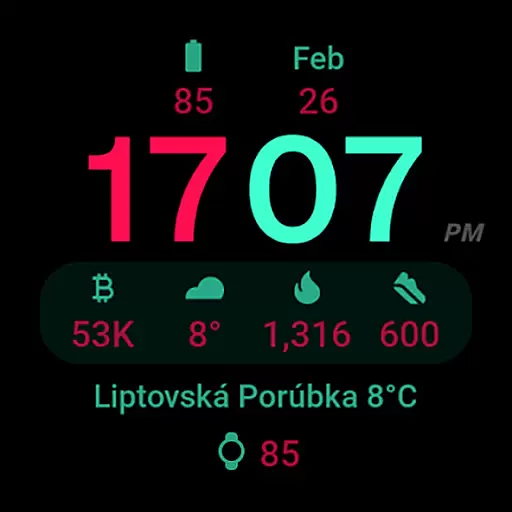
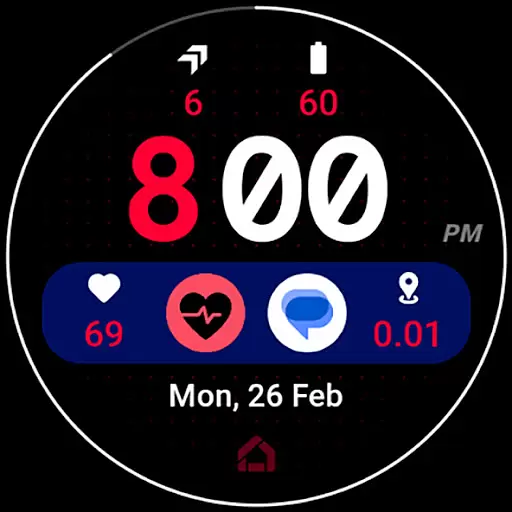
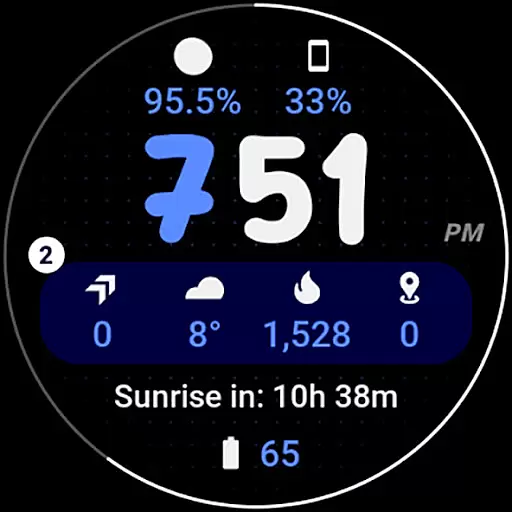
Widgets 2 is a feature-rich productivity app designed exclusively for Wear OS 4+ devices. This innovative application offers advanced watch face customization options, making it an ideal choice for users seeking to personalize their smartwatch experience. With support for true black backgrounds, high resolution displays, and unique color themes, Widgets 2 ensures optimal visual quality while maintaining battery efficiency.
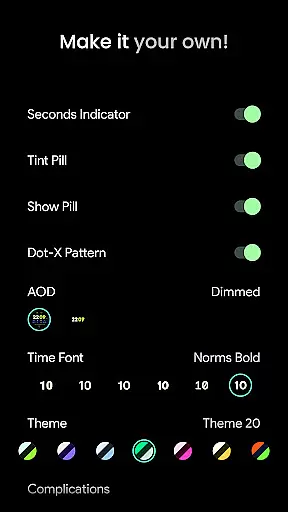
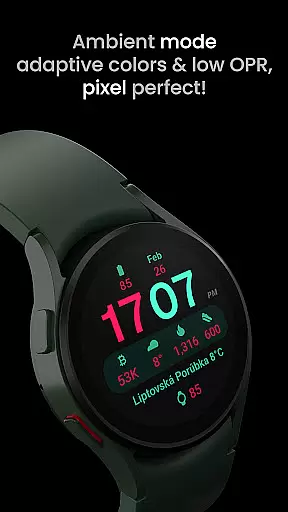
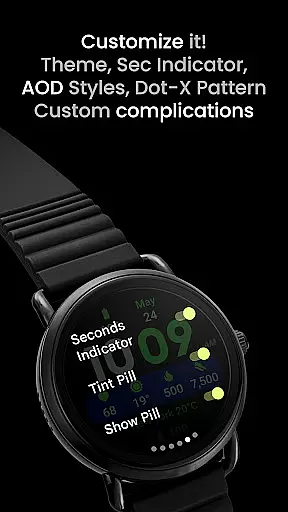
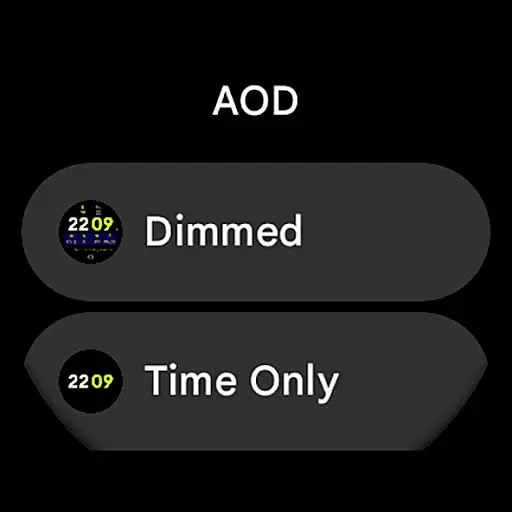
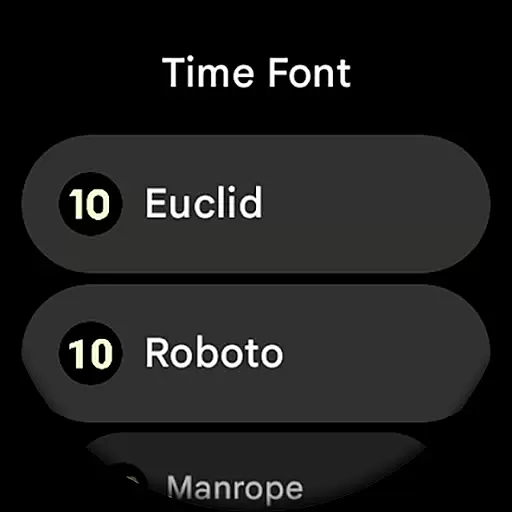
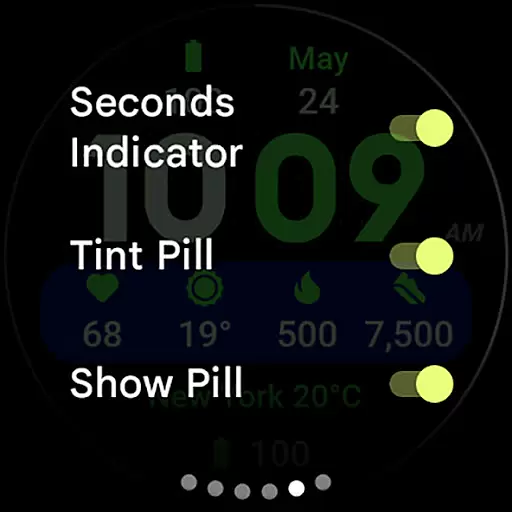
The app provides eight custom complication slots and supports phone notification complications through a separate companion app. Its unique ambient mode features low OPR and adaptive colors, while the burn-in protection and progress bar seconds indicator enhance usability. Users can choose from multiple time fonts, AOD styles, and various display toggles including seconds indicator and tint pill options. These comprehensive customization capabilities make Widgets 2 particularly valuable for power users who demand both functionality and aesthetic control over their wearable devices.
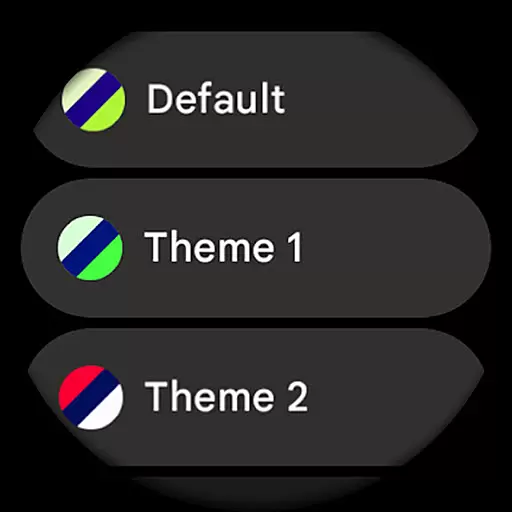
Widgets 2 distinguishes itself through its extensive feature set tailored for productivity enthusiasts. The application leverages Watch Face Format 1 technology, ensuring full compatibility with the latest Wear OS devices while delivering exceptional performance. Its most notable feature is the robust customization system, offering 29 unique color themes and 7 different time fonts, allowing users to create personalized watch faces that suit their preferences.
The app's technical implementation showcases several innovative solutions. Its unique ambient mode combines low OPR with adaptive colors, optimizing battery consumption without compromising readability. The inclusion of 8 custom complication slots enables users to access vital information at a glance, while the optional dot-X pattern and customizable AOD styles provide additional personalization options. Furthermore, the integration with Phone Battery Complication app demonstrates thoughtful design consideration for users who need to monitor their connected devices' status directly from their watch face.
Task management is a critical component of productivity applications, serving as the backbone for organizing and tracking work. Widgets 2 excels in this area by offering users a comprehensive suite of tools designed to streamline their daily tasks. The app provides eight customizable complication slots, allowing users to tailor their watch faces to display the most relevant information for their needs.
The application supports unique color themes and adaptive ambient modes, ensuring that task management remains visually intuitive even in low-power situations. With high-resolution displays and true black backgrounds optimized for Wear OS 4+ devices, users can easily distinguish between different tasks and priorities at a glance.
Widgets 2 also includes features like burn-in protection and progress bar seconds indicators, which enhance usability without compromising the core task management functionalities. These elements ensure that users can maintain focus on their tasks without being distracted by screen degradation or unclear time indicators.
Ultimately, the app's sophisticated task management system empowers users to stay organized and efficient. By integrating seamlessly with latest Wear OS devices and offering extensive customization options, Widgets 2 delivers a personalized and effective approach to managing daily responsibilities, making it an invaluable tool for productivity enthusiasts.
Cross-device synchronization is essential for maintaining consistency and accessibility across multiple platforms. Widgets 2 addresses this need by ensuring reliable data transfer between Wear OS devices and paired smartphones. This synchronization capability allows users to receive phone notifications directly on their smartwatches, keeping them informed and connected regardless of location.
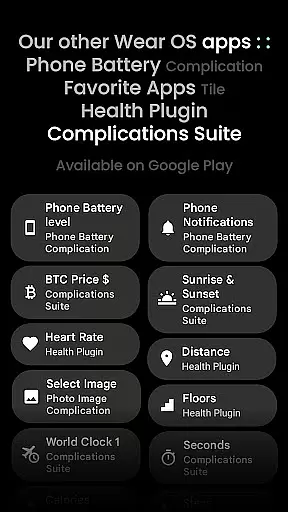
The app's compatibility with custom complication apps, such as Phone Battery Complication, enhances its synchronization reliability. Users can monitor their phone's battery status and other important notifications from their wrist, streamlining their digital experience. This integration demonstrates Widgets 2's commitment to providing accurate and timely information across devices.
Furthermore, Widgets 2 offers extensive user configurations, including theme selection, time font customization, and various toggles for personalizing the display. These options ensure that users can synchronize not only their data but also their preferred settings across devices, creating a cohesive and personalized user experience.
By prioritizing cross-device synchronization reliability, Widgets 2 enables users to transition smoothly between their smartwatch and smartphone. This seamless connectivity ensures that all critical information is always up-to-date and accessible, enhancing overall productivity and convenience for users who rely on multiple devices throughout their day.
User-friendly interface
Extensive customization
Battery efficient
High resolution support
Unique color themes
Wear OS 4+ only
Separate app required
No rectangular support
Complex setup process
Premium features locked

Create study competitions, track your hours, and stay consistent with friends
 4.4
4.4
The Pro Version of Android's tiniest Notepad app. Just 0.3MB but feature-packed!
4.60
aCalendar+ makes your day, week and month
4.70
Find and delete junk files & block unwanted notifications & manage files
3.70
All document reader, all in one file viewer read PDF, DOCX, XLS, PPT, TXT files.
4.60
Access your phone's notifications, calls, apps, photos & texts on your PC
3.90
Secure your apps with lock screens, use custom themes and different features.
4.40
AI Chatbot and AI writing assistant powered by ChatGPT.
4.60
2026 USPS Alpha/Color coded calendar Sunday/Rotating day off schedules
4.2
A lightweight JSON & XML files creator, editor and viewer (Premium Version)
4.40
Total remote control for your Android device, PC and cloud services (IFTTT)!
4.20
Easily read and manage all your PDF files
4.10
Intelligent AI Assistant
4.10
Experience real multitasking on your Android!
4.00
Wake up & get tasks done! Add alarms & reminders on the Clock Launcher.
4.00
Create and edit presentations with Google Slides, part of Google Workspace.
4.00
⏰ Finally a timer app which can run multiple timers simultaneously on your watch
3.90
Remotely view listen control and record cameras.
3.70
ID.me Authenticator is a simple and free Two Factor Authentication solution
3.50


User Reviews