
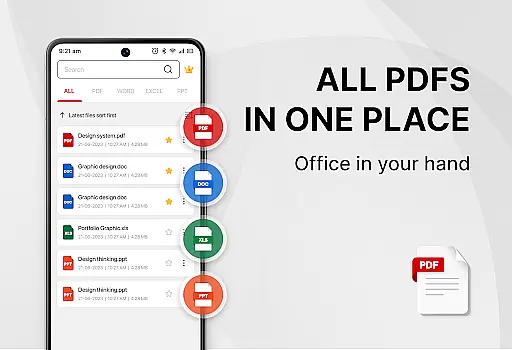
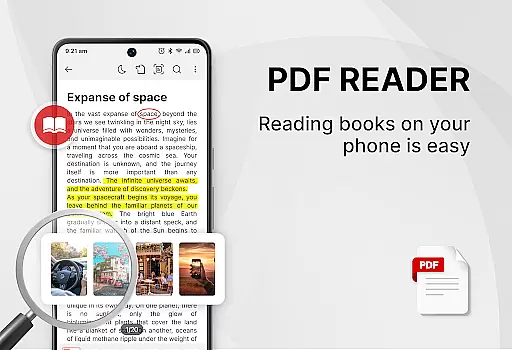
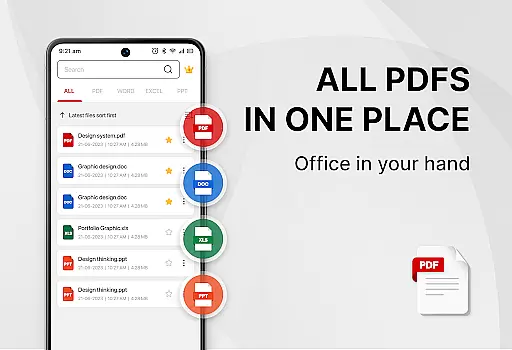
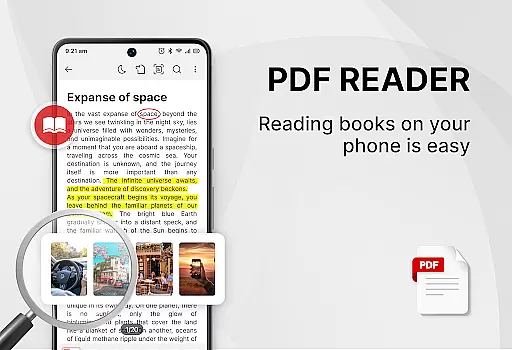
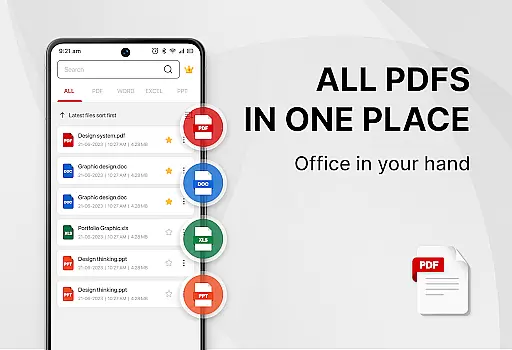
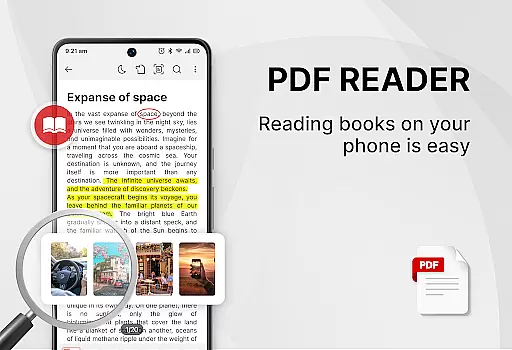
PDF Reader - Smart PDF Viewer is a comprehensive document management app designed for Android users. This free application allows you to read and manage all your PDF files with ease. The core functionality revolves around its ability to handle various document formats including PDFs, documents, receipts, and more.
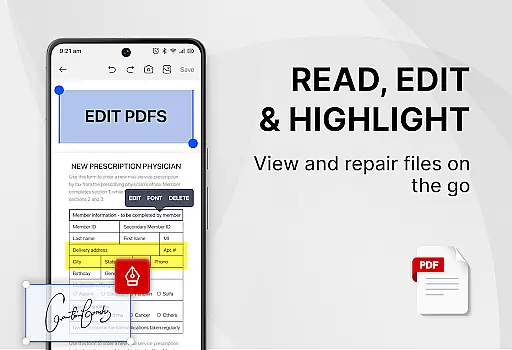
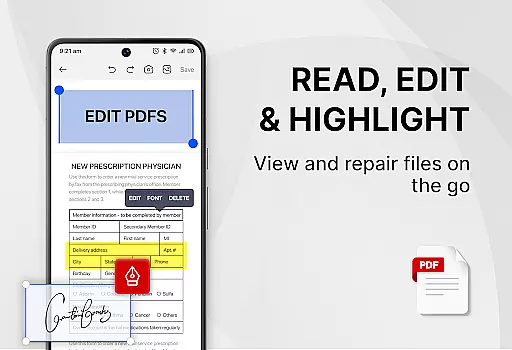
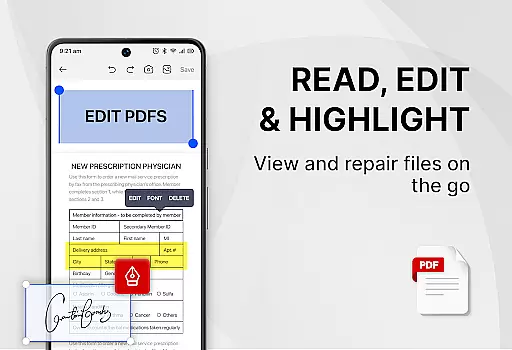
Beyond just viewing, the app offers advanced features such as adding e-signatures, converting PDFs to images, merging and splitting PDFs, and sharing documents with others. It also provides a powerful search function to quickly locate files and supports switching between light and dark modes for comfortable reading. Whether you need an all-in-one PDF reader, ebook viewer, or PDF editor, this app has got you covered.
This app is particularly useful for students and professionals who frequently deal with digital documents. By streamlining document management tasks, it significantly enhances productivity and efficiency in both work and study environments.
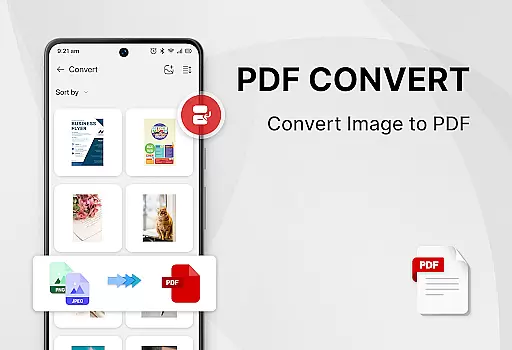
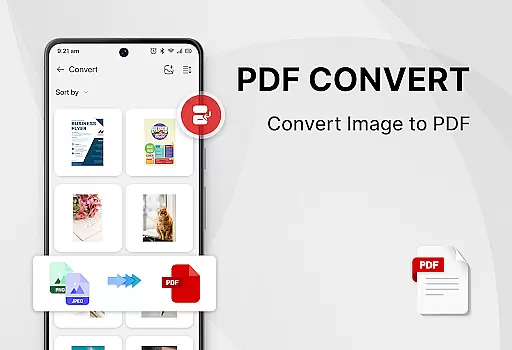
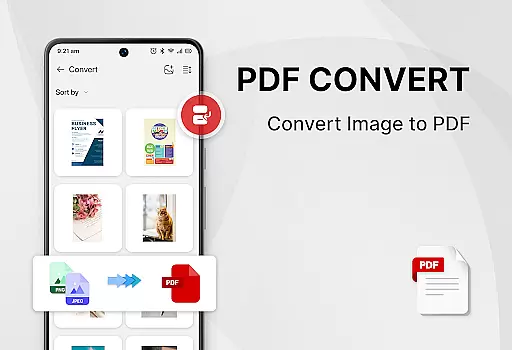
One of the standout features of PDF Reader - Smart PDF Viewer is its versatility. Not only does it support multiple document formats like PDF, Word, Excel, and PPT, but it also offers specialized tools for managing these files effectively. For instance, users can easily add e-signatures, convert images to PDFs, and scan paper documents directly into digital format.
The app includes several powerful PDF tools that enhance user experience. You can merge and split PDF files, set passwords to protect sensitive documents, and even convert Word files to PDF. Additionally, the app allows you to search and copy any text within PDF files effortlessly. These capabilities ensure that users have everything they need for efficient document handling at their fingertips.
Another notable feature is the recent files list, which displays recently opened files for quick access. The app's interface is intuitive, offering one-click switches between light and dark modes, making it suitable for use in different lighting conditions. With all these features available for free, PDF Reader - Smart PDF Viewer stands out as a robust solution for anyone needing reliable document management on their mobile device.
Task management is essential for productivity applications as it allows users to organize and prioritize their work efficiently. PDF Reader - Smart PDF Viewer offers a comprehensive suite of features that cater to document management, making it more than just a viewer.
This app enables users to search and manage PDF files with ease, ensuring that important documents are always at your fingertips. The smart search functionality supports various formats including PDF, Word, Excel, and PPT, which streamlines the process of finding specific files or information within them.
Additionally, the app provides powerful tools such as merging and splitting PDFs, setting passwords for document protection, and converting files between different formats. These capabilities ensure that users can handle all their document-related tasks in one place, enhancing both personal and professional workflows.
By integrating these core task management features, PDF Reader - Smart PDF Viewer not only simplifies daily activities but also boosts overall productivity by saving time and reducing clutter.
Cross-device synchronization is crucial for users who need consistent access to their documents across multiple platforms. While PDF Reader - Smart PDF Viewer does not explicitly advertise cloud-based syncing, its robust local file management ensures reliable access to documents on any Android device.
The app requires MANAGE_EXTERNAL_STORAGE permission to locate, access, and edit document files effectively. This permission guarantees that all your documents are stored securely and can be accessed without hassle whenever needed. Although this approach focuses on local storage, it provides a stable and dependable way to manage files.
Moreover, the app's recent files feature presents a simple list for quick viewing, mimicking the convenience of cross-device access by keeping frequently used documents readily available. This method ensures that users can pick up where they left off, regardless of which Android device they use.
While direct cloud integration may be absent, PDF Reader - Smart PDF Vieweru2019s focus on efficient local file handling offers a reliable alternative, maintaining high standards of accessibility and performance.
User-friendly interface
Comprehensive PDF tools
Free to use
Supports multiple formats
Efficient file management
Requires storage permission
Limited offline help
No cloud sync
Occasional bugs
Ads in free version

Professional calendar app for Google Calendar, MS Outlook & Exchange
 4.20
4.20
Direct Chat without saving contacts & Dual WA Account on Single Device
4.70
The Pro Version of Android's tiniest Notepad app. Just 0.3MB but feature-packed!
4.60
Secure, fast, open-source, Remote Desktop Client for Windows and Linux with SSH
4.60
Stay on top of your to-dos with Google Tasks, part of Google Workspace.
4.60
ID.me Authenticator is a simple and free Two Factor Authentication solution
3.50
Create and edit presentations with Google Slides, part of Google Workspace.
4.00
Use powerful, industry-leading AI tools to generate visual charts from any data
4.80
Simple notepad & memo. Take notes, to-do list, shopping list with reminders.
4.80
Understand anything with a personalized AI research assistant
4.80
The long-awaited modern gallery app for your Nextcloud server
4.70
Scan paperwork into PDF/JPG, generate your own e-signature and send fax or email
4.70
Subscribe to Webcal & .ics calendars and keep them up-to-date!
4.50
CalenGoo is a very flexible and feature-rich calendar app
4.40
Unlock AutoNotification
4.00
All in one sketching tool. Technical and General drawing. Online Maps support.
3.70
Easiest event planning, volunteer signups & parent teacher conference scheduling
2.20
Ads Free App! Editor, Hide File, Copy, Move, Delete and Rename.. all facility av
1.70
A simple, portable logger for POTA, SOTA, Field Day, and more
4.1


User Reviews