
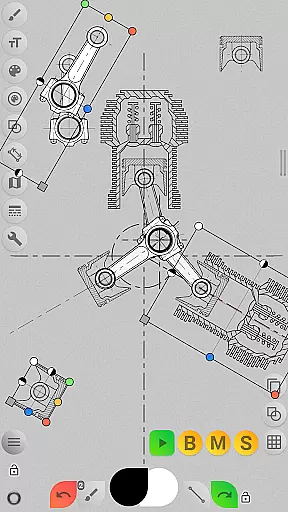
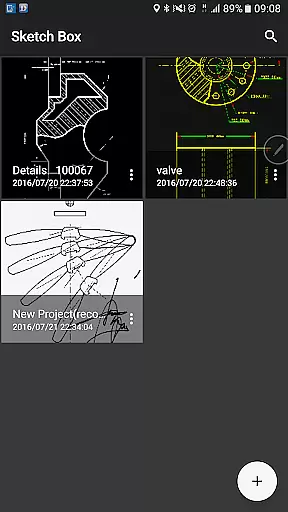
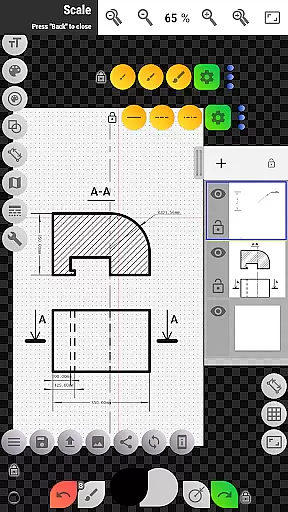
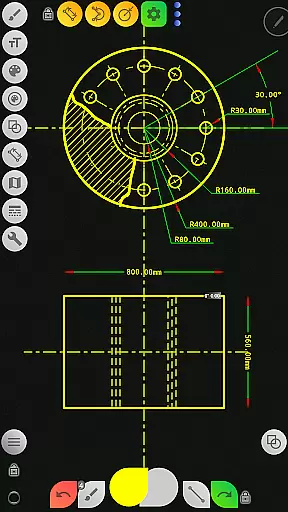
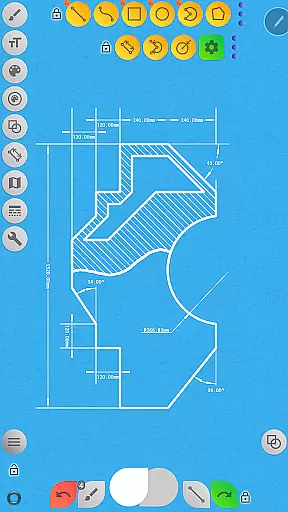
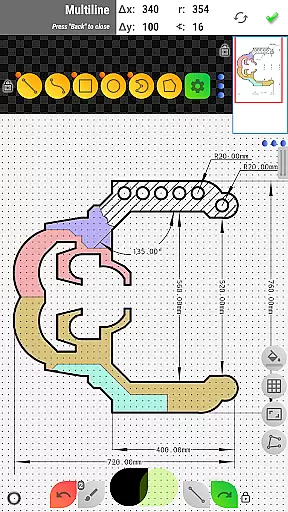

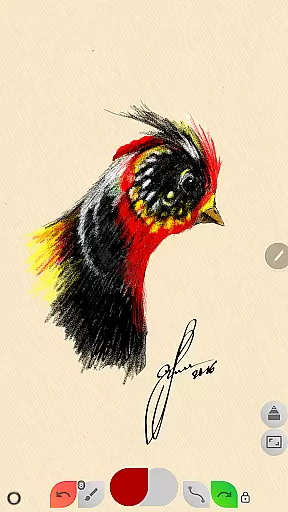
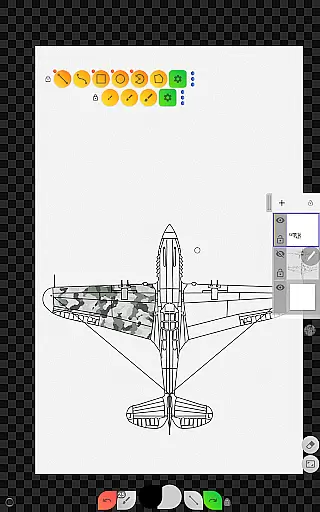
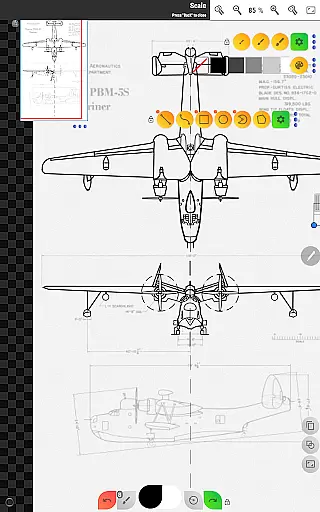
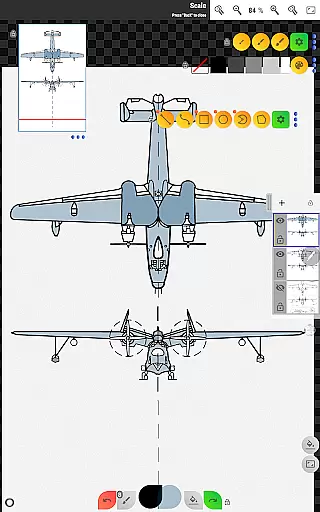
Sketch Box Pro is a versatile sketching and drawing application designed to meet various requirements, from technical drawings to general sketching. It serves as an alternative to vector CAD systems while maintaining the simplicity of traditional drawing tools. The app uniquely combines the precision of CAD systems with the flexibility of freehand drawing, making it suitable for both professional engineers and casual artists.
The application supports project-based workflows, allowing users to create projects from scratch, online map snapshots, or images from the device gallery. With features like layers support (up to 6 layers in the Pro version), lockable layers, opacity control, and layer merging, Sketch Box Pro provides advanced drawing capabilities. Users can work with a wide range of basic shapes, predefined brushes, grid tools, dimension tools, and more, ensuring precise and creative sketches every time.
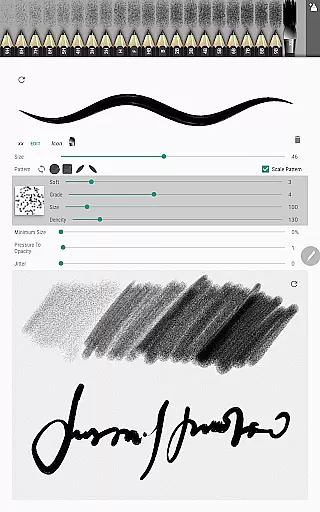
Sketch Box Pro also includes innovative tools such as the Pencil Redactor, input dimensions text, optimized multiline tool, and radial selection. These features make it easy to capture spontaneous ideas and develop detailed technical drawings on the go. Whether you're sketching engineering designs or creating artistic illustrations, Sketch Box Pro offers a comprehensive set of tools to enhance productivity and creativity.
Sketch Box Pro stands out with its extensive feature set tailored for both technical and artistic drawing needs. One of its key highlights is the project-based approach, enabling users to start new projects from scratch with predefined themes, import snapshots from online maps, or use images from the device gallery. This flexibility ensures that users can adapt the app to their specific workflow and preferences.
The app's layer support is another significant advantage, offering up to six layers in the Pro version. Each layer can be locked, its opacity adjusted, duplicated, cleared, deleted, or merged with others. This functionality allows for complex compositions and detailed editing. Additionally, Sketch Box Pro includes a variety of drawing tools such as basic shapes, predefined brushes, grid tools, dimension tools, and scale tools, catering to different sketching styles and technical requirements.
Other notable features include the Pencil Redactor for customizing pencil characteristics, the optimized multiline tool for continuous line creation, and the radial selection tool for precise selections. The app also supports online map integration, interactive compass tools, and vector tools for measuring distances and areas. These capabilities ensure that users have everything they need to create accurate and creative sketches efficiently.
Core task management in Sketch Box Pro refers to the app's ability to handle various drawing and sketching tasks efficiently. This feature is crucial for users who need a versatile tool that can adapt to different types of projects.
Sketch Box Pro offers a project-based approach, allowing users to create new projects from scratch, import snapshots from online maps, or use images from the device gallery. This flexibility ensures that users can start their work from any point they desire, making task initiation seamless and personalized.
The app supports layers, providing users with control over their drawings. With features like locking layers, adjusting opacity, duplicating, clearing, and merging layers, users have extensive options to manage complex drawings. These capabilities ensure that users can organize their work effectively, enhancing productivity and creativity.
By offering tools such as basic shapes, predefined brushes, grid tools, dimension tools, and more, Sketch Box Pro empowers users to complete a wide range of tasks within a single platform. This comprehensive suite of features makes task management intuitive and efficient, catering to both casual and professional artists' needs.
Cross-device synchronization reliability is vital for users who work across multiple devices and need consistent access to their projects. In Sketch Box Pro, this feature ensures that all user data is reliably synced, allowing for uninterrupted workflow regardless of the device being used.
Although Sketch Box Pro does not explicitly advertise cloud synchronization, its project-based system allows users to save, duplicate, and share their projects. This means that users can manually transfer their work between devices, ensuring that important sketches and drawings are never lost.
Users can export their current drawings to the gallery or share them directly. This functionality provides a manual yet reliable method of synchronizing work across devices, which is particularly useful when collaborating with others or when working in different locations.
While automatic cross-device syncing might not be a built-in feature, the robust project management and sharing capabilities of Sketch Box Pro offer users dependable methods to maintain consistency and reliability in their workflows across different platforms.
User-friendly interface
Extensive drawing tools
Project-based workflow
Layer management options
Online map integration
Limited free version
Steep learning curve
Occasional bugs
High system requirements
Subscription cost

AI Video AI Image Private LLM AI Browser Llama Gemma Ollama Connect LLM Studio
 4.0
4.0
QuickBooks Workforce lets teams view pay info and track time in one place.
4.70
The long-awaited modern gallery app for your Nextcloud server
4.70
Create study competitions, track your hours, and stay consistent with friends
4.0
Ads Free App! Editor, Hide File, Copy, Move, Delete and Rename.. all facility av
1.70
Wake up & get tasks done! Add alarms & reminders on the Clock Launcher.
4.00
CalenGoo is a very flexible and feature-rich calendar app
4.40
A simple Whisper AI keyboard for reliable speech transcription and rewording
4.60
AI Chatbot and AI writing assistant powered by ChatGPT.
4.60
Scan paperwork into PDF/JPG, generate your own e-signature and send fax or email
4.70
Okta MFA
4.70
Stay on top of your to-dos with Google Tasks, part of Google Workspace.
4.60
Calendar 2023 widget for Android. Appointment scheduler, planner, and reminder
4.60
A Pixel Art watchface inspired by other iconic 90s designs for Wear OS devices!
4.40
This small app MUST BE INSTALLED after purchase, else license won't work
4.40
All in One PDF Reader: Manage, Read and Edit your Documents
4.20
Font maker keyboard with your own handwriting
4.10
Cloud storage, automatic phone backup, and more.
4.10
A comprehensive suite of tools designed specifically for Lactation Consultants
4.5


User Reviews