
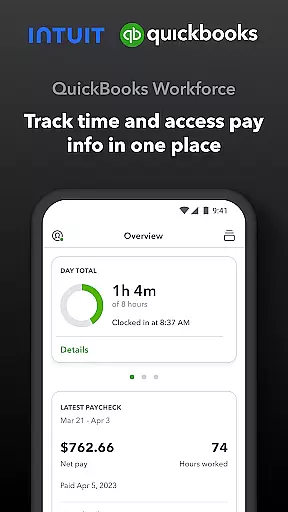
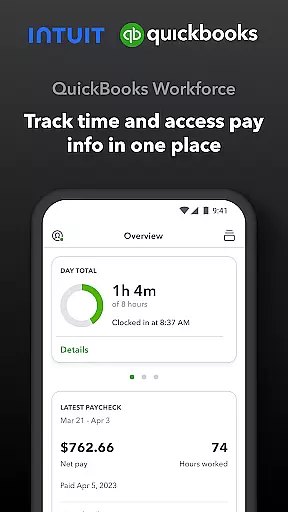
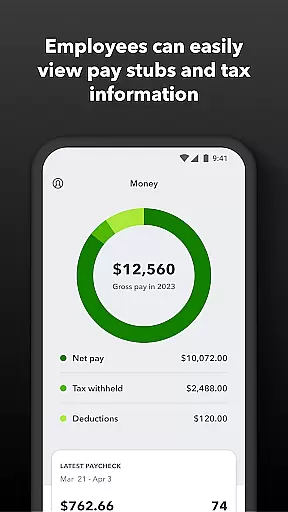
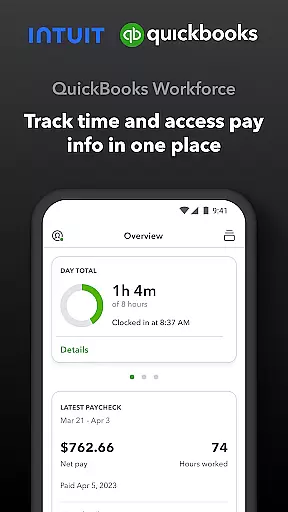
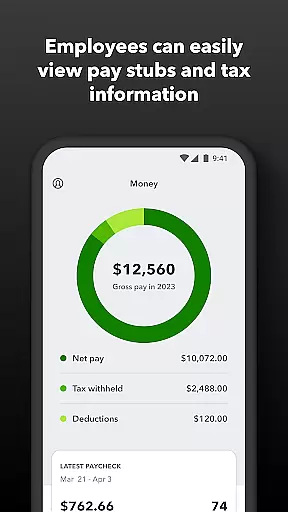
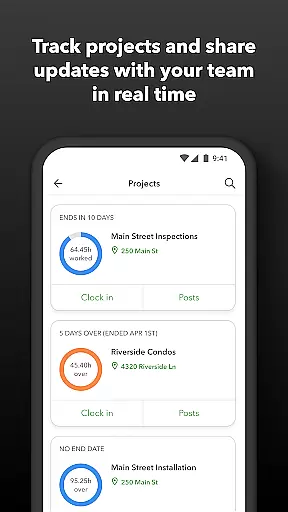
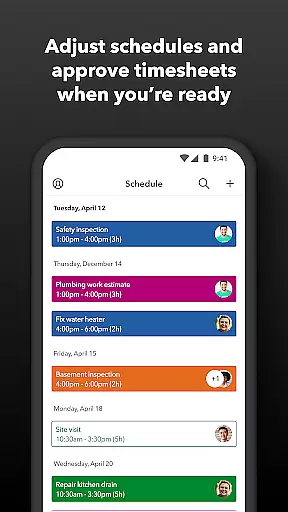
QuickBooks Workforce is a comprehensive productivity app designed for businesses using QuickBooks Payroll and QuickBooks Time. It allows teams to view pay information and track time seamlessly in one place. Employees can access pay stubs, W-2s, and other pay-related data anytime, anywhere, while also managing their timesheets and job schedules efficiently.
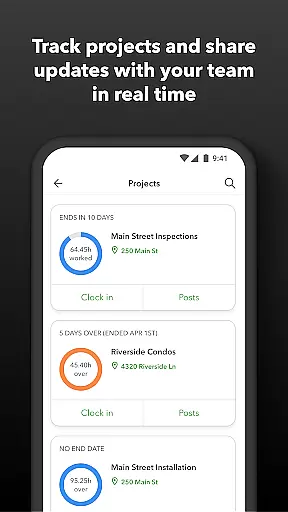
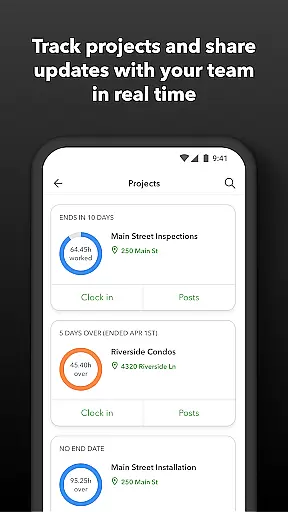
The app offers advanced features such as GPS location-based time tracking, geofencing, and real-time reporting, which are particularly beneficial for employers and admins. These tools help monitor team productivity, manage project status, and adjust budgets or deadlines as needed. Additionally, the app integrates with various payroll, accounting, and invoicing software, ensuring seamless data flow and reducing manual entry errors.
With its robust functionality, QuickBooks Workforce is ideal for businesses looking to enhance operational efficiency and streamline workforce management processes. The app not only saves on payroll costs but also provides detailed time logs that protect against labor disputes and audits, making it an essential tool for modern businesses.
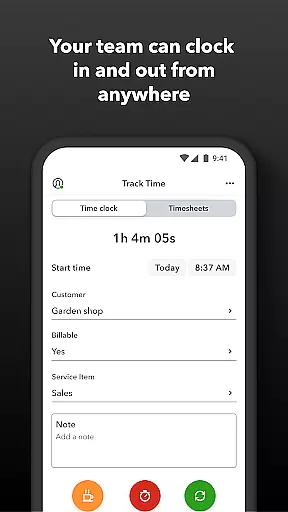
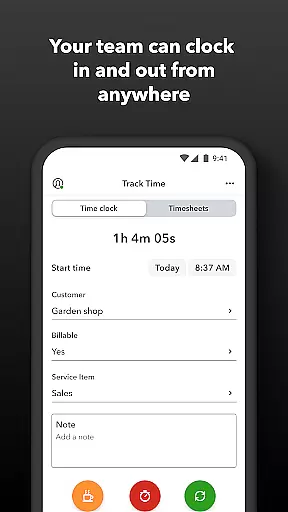
QuickBooks Workforce boasts a wide array of features tailored to improve productivity and streamline operations. One of its standout capabilities is the ability for employees to clock in and out even without Wi-Fi or service, ensuring uninterrupted time tracking. This feature is complemented by the option to submit and track paid time off, sick days, and holidays, providing a holistic view of workforce availability.
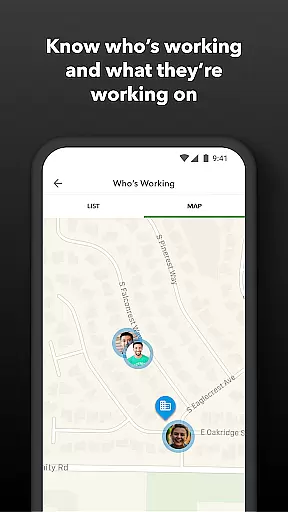
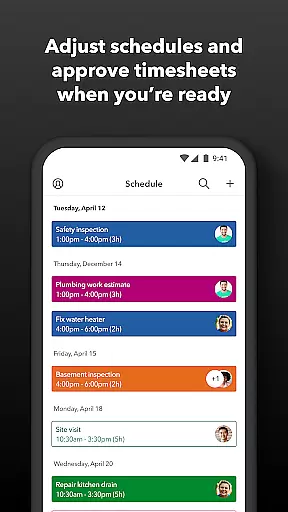
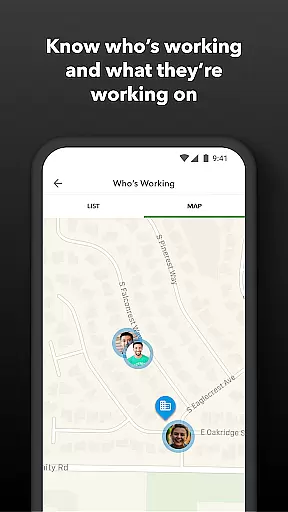
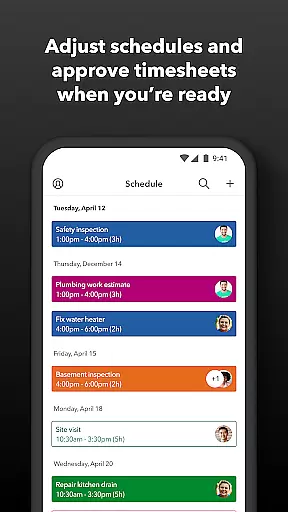
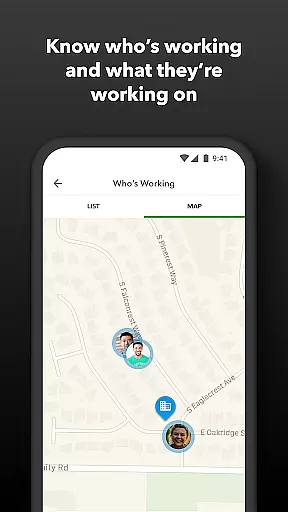
For employers and admins, the app offers powerful tools like real-time monitoring of who is working and where, setting up geofences to remind teams to clock in or out, and creating or modifying schedules. Alerts are triggered via push, text, and email if employees don't clock in as scheduled or approach overtime, ensuring timely interventions. Moreover, the app supports vacation, sick, and holiday accrual tracking, offering comprehensive oversight of employee benefits.
Integration with QuickBooks Online and QuickBooks for PC (Pro, Premier, & Enterprise) ensures that data flows seamlessly across platforms, eliminating manual data entry and enhancing accuracy. The developer open API further extends the app's capabilities, allowing for custom integrations with other payroll, accounting, and invoicing software. These features collectively make QuickBooks Workforce a versatile and indispensable tool for efficient workforce management.
Task management is a critical component of productivity applications like QuickBooks Workforce. This app provides an all-in-one solution for tracking time and managing pay information, which are essential tasks for any business.
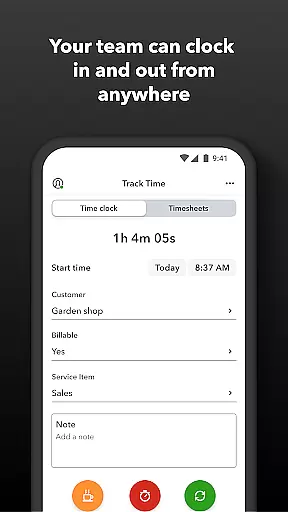
QuickBooks Workforce allows team members to clock in and out, even without Wi-Fi, submit and track paid time off, edit timesheets, and manage job schedules. These features ensure that businesses can keep an accurate record of work hours and manage employee time efficiently.
For employers or admins, the ability to approve, edit, or delete timesheets, schedule by job or shift, and oversee team productivity ensures optimal resource allocation and budget management. The real-time visibility into who is working and where adds another layer of control and responsiveness.
The integration with QuickBooks Online and other payroll, accounting, and invoicing software streamlines workflows, reduces manual data entry, and enhances accuracy. This comprehensive task management functionality ultimately leads to cost savings and improved operational efficiency.
Cross-device synchronization is vital for ensuring that all team members have access to the most up-to-date information regardless of the device they use. QuickBooks Workforce excels in providing reliable synchronization across multiple platforms.
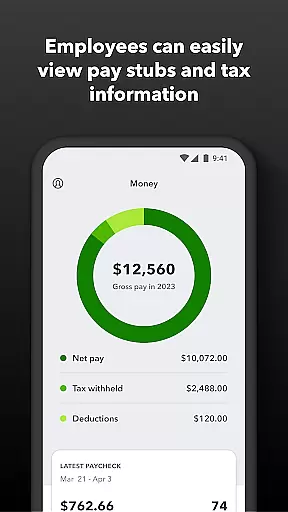
Employees can access their pay stubs, W-2s, and other pay information anytime, anywhere, which means they are not tied to a specific device or location. This flexibility is crucial for maintaining productivity and ensuring employees have the necessary information at their fingertips.
For employers, real-time reports and alerts triggered if employees don't clock in as scheduled or approach overtime provide peace of mind. The seamless integration with QuickBooks Online and other software ensures that data flows smoothly between systems, reducing errors and inconsistencies.
By offering cross-device synchronization, QuickBooks Workforce ensures that both employees and employers can rely on the accuracy and timeliness of the information, leading to better decision-making and more efficient business operations.
User-friendly interface
Real-time tracking
Seamless integration
Comprehensive reporting
Advanced geofencing
Limited free features
Subscription required
Occasional bugs
High cost for small businesses
Complex setup

Ads Free App! Editor, Hide File, Copy, Move, Delete and Rename.. all facility av
 1.70
1.70
Direct Chat without saving contacts & Dual WA Account on Single Device
4.70
Android Wallet Password Manager
4.80
Smart PDF reader & editor to view, organize and manage PDF documents easily.
3.70
⏰ Finally a timer app which can run multiple timers simultaneously on your watch
3.90
CalenGoo is a very flexible and feature-rich calendar app
4.40
Secure, open-source, SPICE and SSH Remote Desktop for QEMU KVM virtual machines
4.00
Scan paperwork into PDF/JPG, generate your own e-signature and send fax or email
4.70
Daily processing of PDF documents.
4.40
Scientific calculator for Android - looks and operates like the real thing!
4.90
Secure, fast, open-source, Remote Desktop Client for Windows and Linux with SSH
4.60
The AI assistant that thinks with you - write, code, and solve complex tasks
4.60
A simple Whisper AI keyboard for reliable speech transcription and rewording
4.60
Enjoy classic gameplay with customizable features and retro-style graphics.
4.30
Intelligent AI Assistant
4.10
Ultimate Virtual AI Character for immersive Roleplay Chat. Perfect Companion
3.90
Remotely view listen control and record cameras.
3.70
Simple and reliable communication between inmates, friends and family
3.20
AI Video AI Image Private LLM AI Browser Llama Gemma Ollama Connect LLM Studio
4.5


User Reviews