
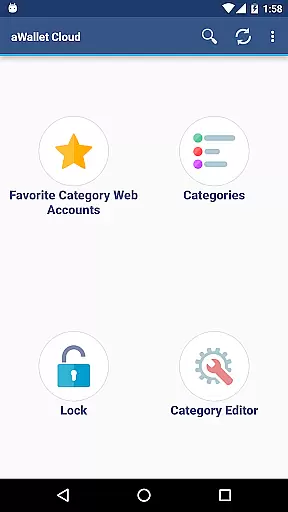
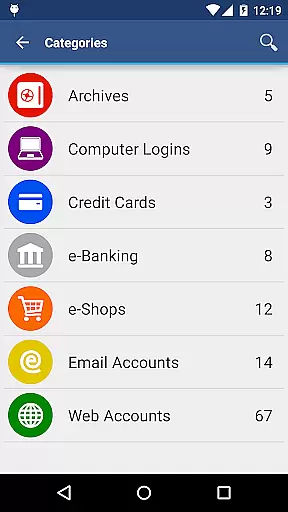
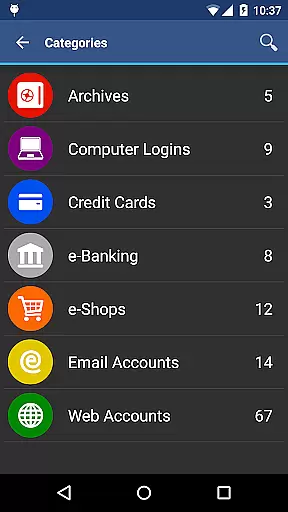
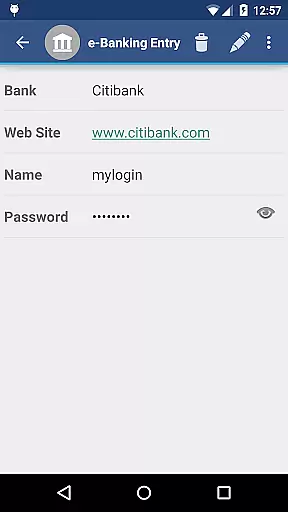
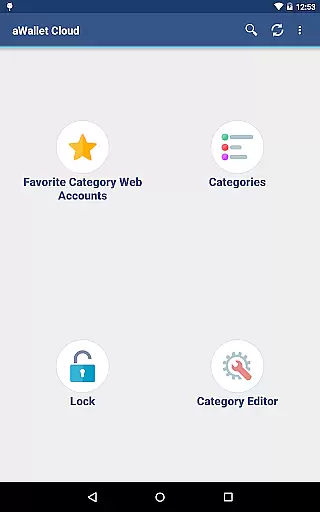
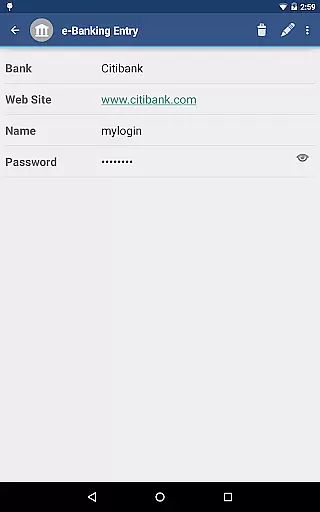
aWallet Cloud Password Manager is a robust productivity application designed to securely store and manage sensitive information such as passwords, credit card details, e-banking credentials, and web accounts. The app offers synchronization with cloud services like Dropbox or Google Drive, ensuring your data is accessible across devices while maintaining top-notch security protocols.
With features like an integrated editor for custom data categories, auto-lock, and support for backup and restore functions, aWallet provides both flexibility and peace of mind. Its advanced encryption algorithms protect your data from unauthorized access, making it an essential tool for anyone looking to keep their digital life organized and secure.
The app stands out with its comprehensive security features. It employs AES or Blowfish encryption algorithms with key sizes up to 256 bits, ensuring that all stored data including entry names and category definitions are encrypted. Additionally, the use of a randomly generated 'salt' combined with the master password thwarts off-line dictionary attacks.
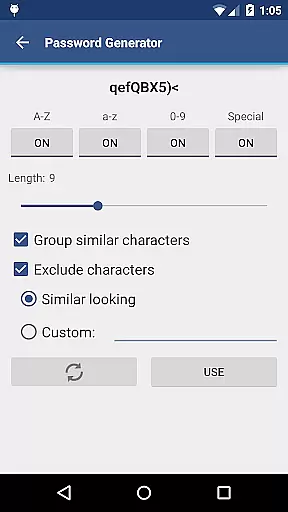
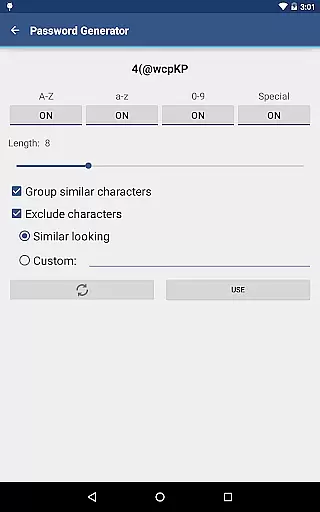
aWallet also includes pro features such as fingerprint and face unlock for compatible devices, a password generator, and CSV import capabilities. These functionalities not only enhance user convenience but also reinforce the app's commitment to providing a secure yet user-friendly experience for managing personal information efficiently.
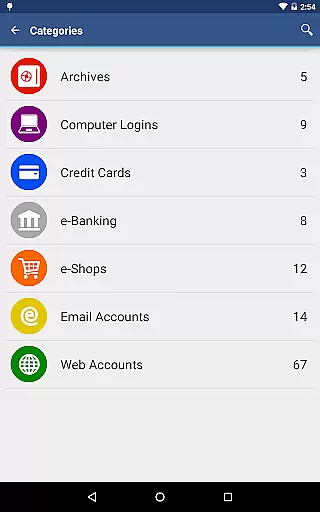
aWallet Cloud Password Manager excels in core task management by providing a comprehensive suite of features for securely handling sensitive information. The app allows users to store various types of data, including passwords, credit card details, and e-banking credentials, all within a structured and organized environment.
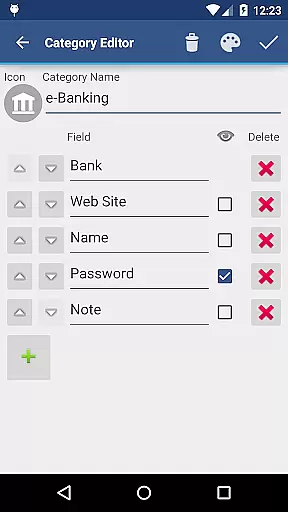
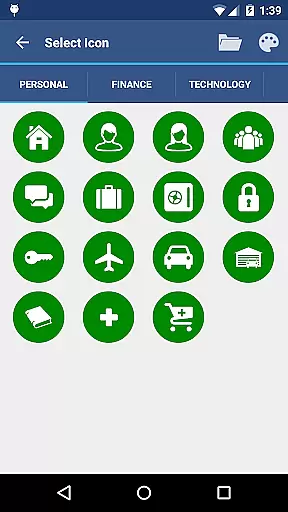
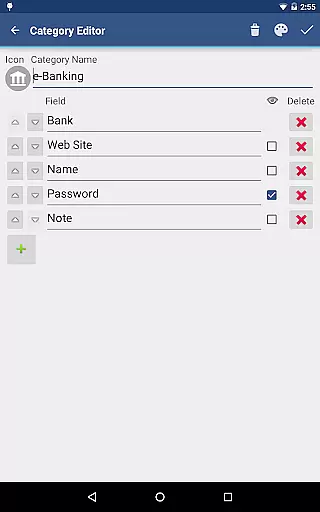
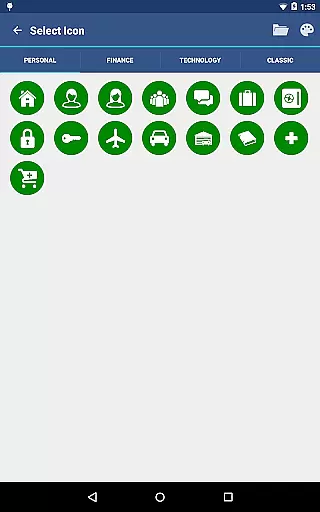
With its built-in Editor, users can customize data categories and icons, ensuring that all information is systematically categorized. This level of organization extends to the search functionality, which permits searching within fields, thus streamlining the process of retrieving specific entries.
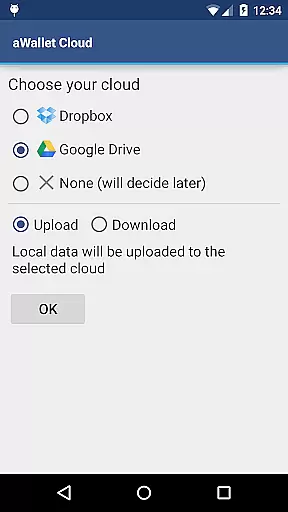
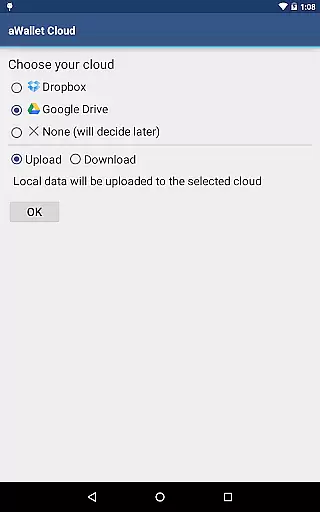
The true power of this app's task management capabilities lies in its synchronization feature. Users can sync their encrypted data with personal cloud accounts like Dropbox or Google Drive, ensuring that their information is accessible across multiple devices without compromising security.
Furthermore, the app supports backup and restore functions to an Android USB device, as well as exporting unencrypted data in CSV format. These features provide peace of mind through data redundancy and flexibility in data management, making aWallet Cloud Password Manager a reliable tool for managing digital credentials and other confidential data efficiently.
Cross-device synchronization is a pivotal feature of aWallet Cloud Password Manager, ensuring that users' critical data is consistently updated and available wherever they need it. By leveraging trusted cloud services such as Dropbox and Google Drive, the app provides a seamless experience for users who require access to their data on multiple devices.
This synchronization process is not only about convenience but also upholds the app's commitment to security. All data synchronized between devices remains encrypted, preserving the confidentiality of sensitive information during transit and at rest within the cloud storage.
In addition to secure synchronization, the app offers advanced features that enhance reliability. For instance, auto-lock functionality can be preconfigured to secure the app after a period of inactivity, safeguarding against unauthorized access on any synced device.
By supporting both backup and restore operations to an Android USB device and export options in CSV format, aWallet Cloud Password Manager ensures that users have versatile options for maintaining control over their data. This robust approach to synchronization and data management underlines the app's dedication to delivering a dependable cross-device experience while never compromising on security.
Advanced encryption
Cloud synchronization
Auto-lock feature
No advertisements
Pro features included
Complex for beginners
Limited free version
Requires cloud account
No multi-platform support
Premium features costly

Client for Nextcloud Deck
 4.60
4.60
Ads Free App! Editor, Hide File, Copy, Move, Delete and Rename.. all facility av
1.70
Mega cloud explorer plugin for Solid Explorer
3.80
8 custom complications. Custom Time Fonts. Beautiful color schemes. A++ Design.
5.00
Automates browsing any website and notifies you of important changes or events
4.30
aCalendar+ makes your day, week and month
4.70
CalenGoo is a very flexible and feature-rich calendar app
4.40
Quickly and easily keep track of your work shifts
4.70
Okta MFA
4.70
We're working to become the best machining app on the market! www.cncdirt.com
4.80
Simple notepad & memo. Take notes, to-do list, shopping list with reminders.
4.80
Calendar 2023 widget for Android. Appointment scheduler, planner, and reminder
4.60
A simple Whisper AI keyboard for reliable speech transcription and rewording
4.60
When you Focus, so will your Bean in this cozy focus timer
4.30
Access, manage and transfer files on Android, PC, Mac, NAS and cloud storages.
4.30
Cloud storage, automatic phone backup, and more.
4.10
Take control of your clipboard with Clipper!
3.90
The upgraded version of Name Wheel with AI and the power to add your own wheels.
4.5
A simple, portable logger for POTA, SOTA, Field Day, and more
4.3


User Reviews