
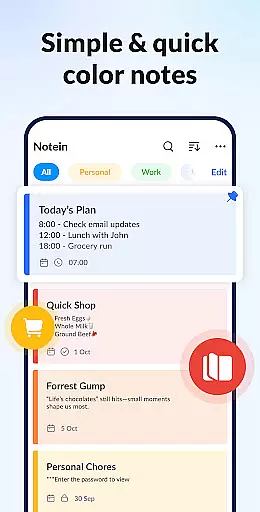

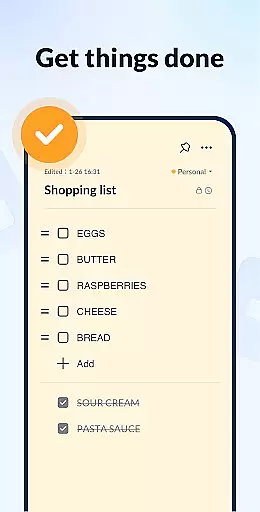
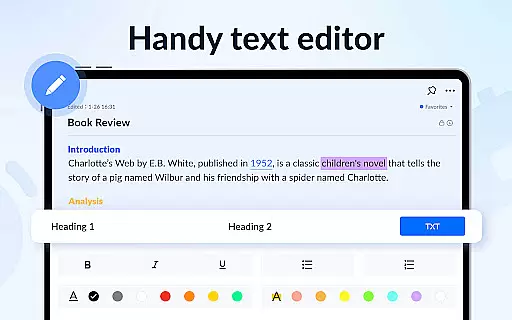
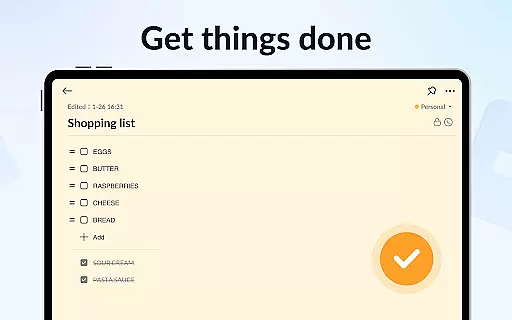
Notein - Notepad, Notes, Lists is a versatile productivity app designed to streamline note-taking and task management. This free notepad app offers multiple note-taking modes including text and checklist formats, automatic saving, and an intuitive interface for creating quick notes, to-do lists, and reminders.
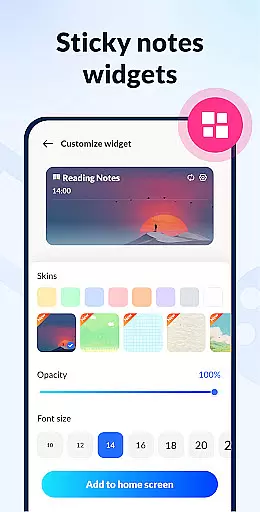
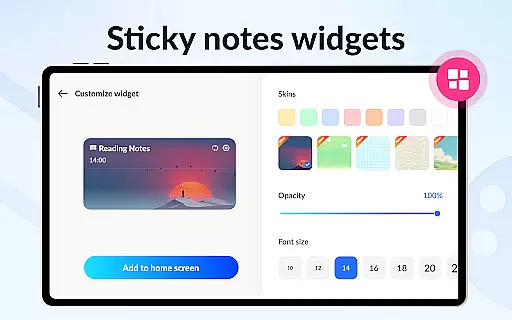
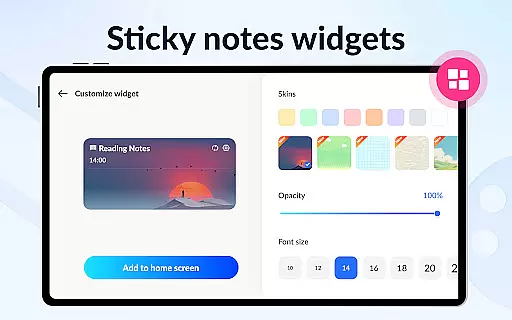
With features like calendar integration, color-coded organization, password protection, and cloud backup, the app ensures your notes are secure, organized, and accessible across devices. The sticky notes widget provides instant access to key notes directly from your home screen, making it ideal for busy professionals and students alike.
Whether you need to manage school notes, meeting agendas, or personal tasks, Notein combines functionality with simplicity to enhance your productivity workflow.
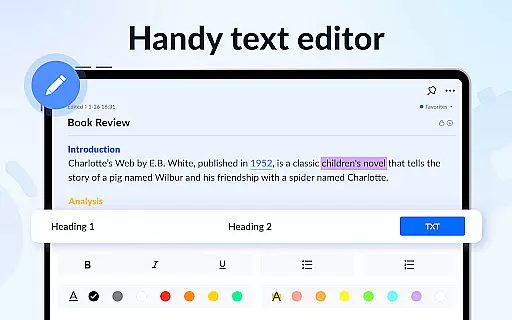
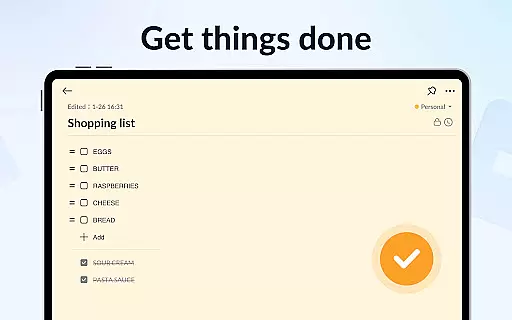
Notein stands out with its comprehensive feature set tailored for efficient note management. The app provides two primary note-taking modes: a lined-paper style text mode and a checklist mode, both of which automatically save your work to prevent data loss.
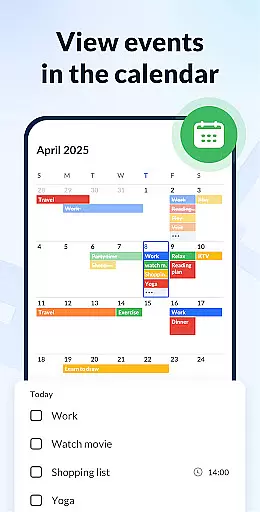
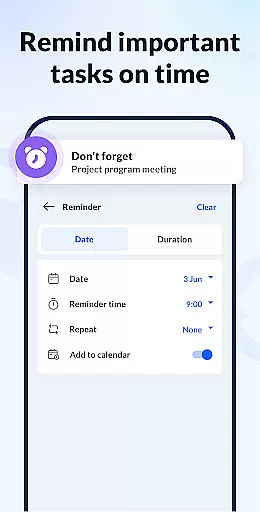
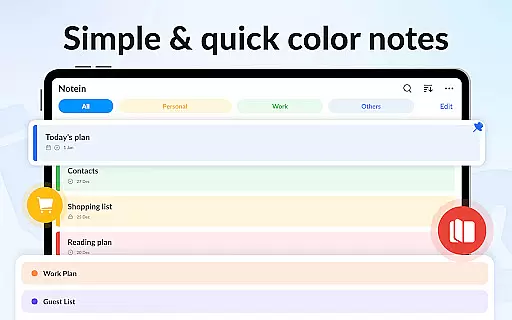
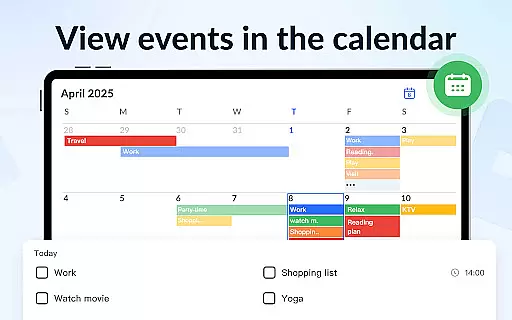
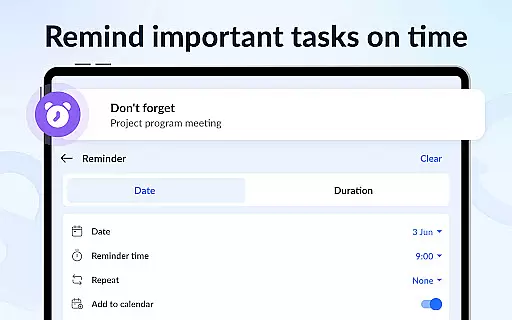
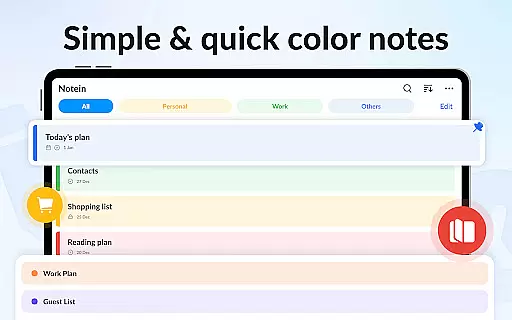
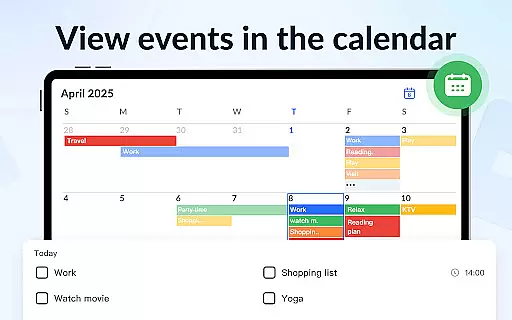
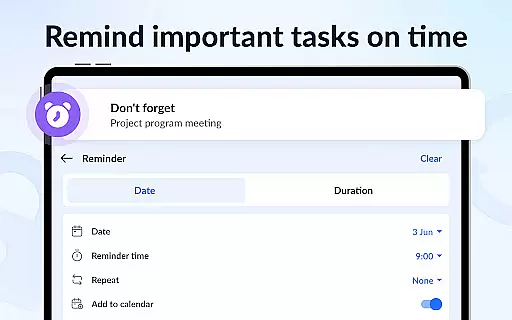
One of the app's core strengths is its organizational tools. Users can add notes to a calendar for better scheduling, set timely reminders for important tasks, and categorize notes by color for easy retrieval. The ability to pin crucial notes and view them through the sticky notes widget enhances accessibility.
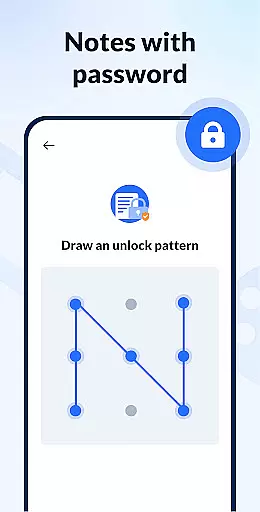
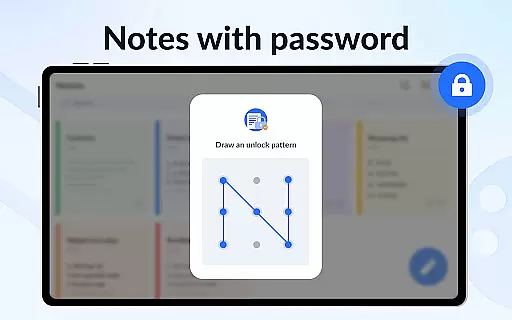
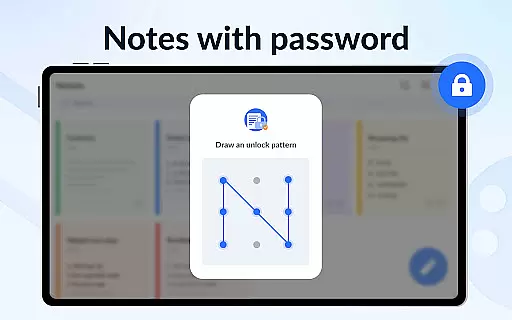
Security and convenience are prioritized with options like password-protected notes and cloud backup. Additionally, the app supports sharing notes via various platforms such as Twitter, SMS, and email, ensuring seamless collaboration and communication.
Effective task management is essential for productivity applications, serving as the backbone for organizing and executing tasks efficiently. Notein - Notepad, Notes, Lists excels in this area by offering versatile note-taking modes that cater to different user needs. The text mode allows for quick jotting down of thoughts or creating detailed notes, while the checklist mode is perfect for task management, enabling users to create actionable to-do lists.
The application automatically saves notes as they are typed, ensuring no information is lost and allowing users to focus on their tasks rather than manual saving. This feature streamlines the process of managing school notes, meeting notes, memos, and various lists, making it simpler to keep track of multiple responsibilities.
With functionalities such as setting reminders, pinning important notes, and viewing notes through widgets, users can maintain an organized workflow. These capabilities ensure that deadlines are met, priorities are highlighted, and accessibility to critical information is always at hand, thus enhancing overall productivity.
Furthermore, the ability to sort and filter notes by time and color adds another layer of efficiency. Users can quickly locate specific notes, manage their schedules better, and achieve a structured approach to their daily activities. This comprehensive task management system empowers users to stay on top of their commitments and accomplish more with less effort.
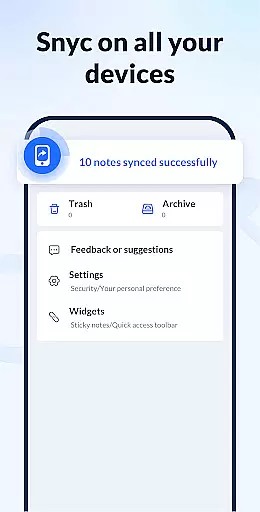
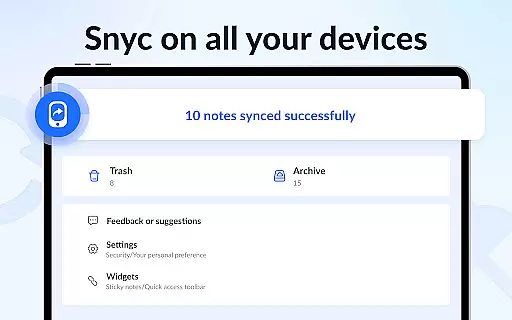
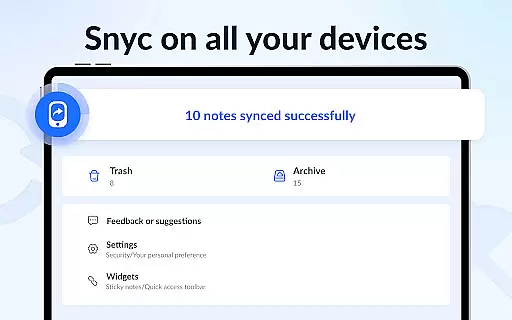
In today's interconnected world, reliable cross-device synchronization is crucial for maintaining continuity across multiple platforms. Notein - Notepad, Notes, Lists addresses this need by providing robust cloud backup and restore features. This ensures that all notes and lists are securely stored and can be accessed from any device, promoting seamless transitions between workspaces.
The application's support for adding sticky notes widgets to home screens on Android devices enhances accessibility and convenience. Whether using Samsung, Xiaomi, Huawei, or Redmi, users can interact with their notes directly from their deviceu2019s home screen, ensuring that vital information is always within reach.
Moreover, the capability to share notes via various channels like Twitter, SMS, WeChat, and Email fosters collaboration and communication. By facilitating easy sharing, Notein not only keeps individuals organized but also connects teams and communities, amplifying its utility beyond personal use.
Reliable synchronization extends to calendar integration, where users can add notes to specific dates and manage their schedules effectively. This holistic approach to synchronization ensures that whether at home, in the office, or on the go, users have consistent and up-to-date access to their notes, thereby maximizing their productivity and organization.
User-friendly interface
Automatic note saving
Color-coded organization
Calendar and reminder integration
Secure password protection
Limited advanced formatting
No real-time collaboration
Occasional sync delays
Basic free version
Few customization options

Take control of your clipboard with Clipper!
 3.90
3.90
Experience real multitasking on your Android!
4.00
Create study competitions, track your hours, and stay consistent with friends
4.5
Android Wallet Password Manager
4.80
Remotely view listen control and record cameras.
3.70
Customizable calendar widget for seamless event sync, planning & scheduling.
4.00
Stay on top of your to-dos with Google Tasks, part of Google Workspace.
4.60
Cloud storage, automatic phone backup, and more.
4.10
Best Tool for the professionals Electrician, Electrical contractors, etc.
4.90
Great calculator for Android named one of USA TODAY's "25 Essential Apps".
4.90
Seamlessly integrate data and reports to build your presentation to impress
4.80
App lock - lock apps with fingerprint, password, pin or pattern, protect privacy
4.70
A beautiful digital clock with autostart and many other functions
4.70
Secure your apps with lock screens, use custom themes and different features.
4.40
A customizable calendar for your Wear OS watch
4.20
Total remote control for your Android device, PC and cloud services (IFTTT)!
4.20
Create and edit presentations with Google Slides, part of Google Workspace.
4.00
Experience and share your SolidWorks designs on your Android® phone and tablet.
2.50
IP Camera Viewer - Android TV : RTSP Surveillance camera viewer for Android TV
4.3


User Reviews